

Browsing the web today often feels like dodging an obstacle course. Between auto-playing video banners, full-screen overlay popups, and invasive tracking scripts silently following every click, an everyday research session can quickly drain your system’s memory and test your patience. For Google Chrome users, a dependable ad blocker is no longer just an optional convenience, it is an essential layer of digital self-defense.
The numbers reflect this frustration. Global survey data shows that roughly 29.5% to 32% of internet users worldwide now deploy ad-blocking tools, representing an active global user base well north of 900 million people. In countries like the United States, desktop ad-blocking adoption sits around 37%, driven primarily by two concerns: over 63% of users want to eliminate screen clutter, while more than 42% run these tools specifically to shut down background tracking and data harvesting.
However, choosing the right blocker for Chrome has become more nuanced. With Google’s full rollout of the Manifest V3 extension standard, how extensions intercept web requests has fundamentally changed, altering how frequently filter rules can be updated and making several older extensions far less effective. To help you cut through the noise, we have evaluated and rounded up 15 of the best Ad Blocker Software for Chrome options and extensions that genuinely deliver clean, fast, and private browsing.
What Is Ad Blocker Solutioln for Chrome?
Ad blocker tool for Chrome is a program or browser extension engineered to identify, filter, and stop unwanted online advertisements from rendering on your screen. When you visit a website, the browser fetches markup, text, and images alongside third-party scripts that inject banner ads, popups, auto-playing video promotions, and tracking beacons. An ad blocker acts as an active firewall during this process, referencing continuously updated filter rules (such as EasyList or EasyPrivacy) to prevent those external commercial scripts from ever loading into your tab.
Beyond cleaning up visual clutter, these tools serve as critical performance and security enhancers. Unchecked digital advertising relies heavily on telemetry trackers and data-collecting cookies that quietly profile your browsing habits and slow down page load speeds. By cutting off these requests at the browser level, an ad blocker reduces data consumption, conserves memory and CPU cycles, and defends your device against “malvertising” malicious code embedded directly into rogue advertising networks.
Benefits of Using an Ad Blocker on Chrome
Equipping Google Chrome with an ad blocker transforms the overall web experience by addressing intrusive marketing at the source. It turns bloated, distracting pages into lean, focused reading spaces while quietly securing your connection.
- Dramatically Faster Page Loads: Halts data-heavy tracking scripts, animated banners, and high-resolution video embeds before they load, reducing tab rendering time by up to 50%.
- Shield Against Malvertising and Phishing: Blocks rogue ad servers and hidden iframe exploits designed to distribute malware, drive-by downloads, and fake system warnings through mainstream websites.
- Enhanced Online Privacy: Cuts off third-party telemetry, cross-site trackers, and fingerprinting scripts used by data brokers to build behavioral profiles without your active consent.
- Reduced Resource and Battery Drain: Lowers background CPU cycles and trims Google Chrome’s notorious RAM overhead, leading to longer laptop battery life and fewer frozen tabs.
- Distraction-Free Clean Layouts: Strips away sticky headers, intrusive cookie consent overlays, page-shifting native ads, and mid-roll video interruptions across platforms like YouTube.
Comparison of Best Ad Blocker Software for Chrome
The table below breaks down the top ad-blocking software and extensions across key criteria, helping you quickly identify the right solution for your setup and privacy preferences.
| Ad Blocker | Free Version | Chrome Extension | Privacy Protection | Customization | Best For |
| uBlock Origin Lite | Yes (100% Free) | Yes (Manifest V3) | High (Strict no-telemetry policy) | Moderate (Slider-based filtering) | Resource-conscious users wanting zero RAM drain |
| AdGuard | Yes (Extension) / Paid (Desktop) | Yes (Manifest V3) | High (Anti-tracking & phishing defense) | High (Cosmetic picker, custom user rules) | Versatile in-browser and OS-level traffic filtering |
| Total Adblock | Limited Free Trial | Yes (Manifest V3) | Moderate (Tracker & beacon suppression) | Low (Plug-and-play defaults) | Beginners wanting an automated set-and-forget setup |
| AdBlocker Ultimate | Yes (100% Free Extension) | Yes (Manifest V3) | High (Zero commercial exceptions) | Moderate (Domain allowlisting) | Strict blocking with no “acceptable ads” programs |
| Stands Adblocker | Yes (100% Free) | Yes (Manifest V3) | Moderate (Standard telemetry blocking) | Low to Moderate (Basic toggles & allowlists) | Clean everyday browsing paired with basic web controls |
| AdLock | Limited Trial (Desktop) / Free (Extension) | Yes (Manifest V3) | High (Network-level privacy shielding) | High (Custom filters & whitelist rules) | Bypassing stubborn anti-adblock detection prompts |
| Privacy Badger | Yes (100% Free) | Yes (Manifest V3) | Very High (EFF algorithmic tracker blocking) | Moderate (Per-domain heuristic sliders) | Eliminating invasive cross-site tracking scripts |
| NextDNS | Yes (Free tier: 300k queries/mo) | No (Native Secure DNS / DoH) | Very High (Zero-log policy, encrypted DNS) | Very High (Custom blocklist feeds & profiles) | Extension-free, zero-RAM blocking via Chrome DNS |
| Pi-hole | Yes (100% Free / Self-hosted) | No (Local Network DNS Sinkhole) | Very High (Self-hosted, absolute data sovereignty) | Very High (Full regex, custom black/whitelists) | Homelab users and network-wide coverage |
| Malwarebytes Browser Guard | Yes (100% Free) | Yes (Manifest V3) | High (Blocks tracking & cryptojacking) | Low (Simple category toggle switches) | Protection against scams, phishing, and malvertising |
| DuckDuckGo Privacy Essentials | Yes (100% Free) | Yes (Manifest V3) | Very High (Tracker Radar & fingerprint blocking) | Low (Automated background protection) | Lightweight, privacy-first tracker elimination |
| SponsorBlock | Yes (100% Free) | Yes (Manifest V3) | Moderate (Standard crowdsourced queries) | High (Granular skip segment categories) | Skipping baked-in sponsor segments inside YouTube |
| Control D | Yes (Free public resolvers) | No (Native Secure DNS / DoH) | Very High (Strict privacy, encrypted DoH) | High (Service-level rules on custom tiers) | Fast, extension-free filtering inside Chrome settings |
| Poper Blocker | Yes (Free basic tier) | Yes (Manifest V3) | Moderate (Script redirect suppression) | Moderate (Notification & domain settings) | Halting aggressive popups, pop-unders, and overlays |
Top 15 Best Ad Blocker Software for Chrome
1. uBlock Origin Lite
- Website: https://ublockorigin.com/
- Chrome compatibility: Manifest V3 extension (Available via Chrome Web Store)
- Best For: Users seeking a 100% free, open-source ad blocker that consumes virtually zero CPU or RAM while operating within Chrome’s modern extension architecture.
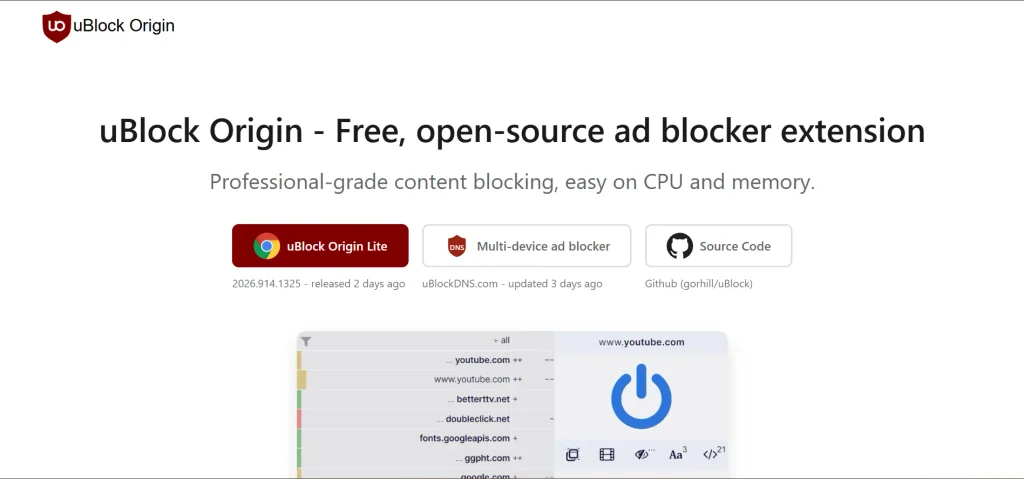
uBlock Origin Lite is the permission-conscious, Manifest V3-compliant successor engineered by Raymond Hill specifically for modern Chromium browsers. Unlike traditional content blockers that run heavy background scripts to parse web requests, this tool relies entirely on the browser’s native declarative filtering engine. It converts standard filter lists—including EasyList, EasyPrivacy, and Peter Lowe’s tracking server list—into precompiled browser rules. For users seeking Ad Blocker Solution for Chrome, the result is efficient ad blocking, minimal resource usage during active page rendering, and an interface that lets you toggle filtering intensity per domain without granting broad, invasive web-access permissions.
Key Features:
- Declarative rule engine using Chrome’s native filtering framework to eliminate background extension bloat.
- Pre-packaged default filter lists covering basic advertising, tracking domains, and crypto-miners.
- Multi-level filtering slider allowing users to switch between Basic, Optimal, and Complete protection per website.
- Granular permission management that does not require reading broad browsing activity until extra site filters are engaged.
Pros:
- Completely free, open-source, and does not accept paid corporate whitelisting.
- Lowest CPU and memory footprint among all active Chrome ad-blocking extensions.
- Respects user privacy with zero telemetry or commercial monetization.
Cons:
- Lacks custom dynamic URL filtering and advanced scriptlet injection found in the legacy Manifest V2 version.
- Updates to community filter lists are tied to extension version updates rather than dynamic real-time downloads.
Pricing:
- Free
2. AdGuard
- Website: https://adguard.com
- Chrome compatibility: Manifest V3 extension & standalone desktop application (Windows/macOS)
- Best For: Users who want versatile ad blocking, cookie banner suppression, and the choice between an in-browser tool or a system-wide desktop application.
AdGuard delivers a multi-tiered approach to ad elimination on Chrome through both its rebuilt Manifest V3 browser extension and its standalone desktop software. The extension efficiently neutralizes video advertisements, animated banners, and aggressive popups across the web while cutting off telemetry scripts. For users seeking protection that bypasses browser-level filtering constraints altogether, AdGuard’s desktop software filters network traffic at the operating-system level, stripping advertisements before they reach Chrome tabs while insulating the browser from third-party trackers, stealth tracking scripts, and malicious domains.
Key Features:
- Comprehensive suppression of video ads, interactive overlays, floating banners, and tracking beacons.
- Integrated annoyance filters that strip cookie consent notices, notification prompts, and social media widgets.
- Phishing and malware protection powered by an extensive database of verified malicious domain signatures.
- Dedicated standalone desktop client that filters all Chrome traffic without extension API limitations.
Pros:
- Highly polished user interface with detailed visual element-hiding tools.
- Capable of eliminating cookie consent walls and intrusive site banners reliably.
- Standalone desktop version completely bypasses Chrome’s internal extension rule caps.
Cons:
- Advanced desktop functionality requires a paid license after the initial trial period.
- Manifest V3 extension must operate under Chrome’s strict static rule limits.
Pricing:
- Free
3. Total Adblock
- Website: https://www.totaladblock.com
- Chrome compatibility: Manifest V3 extension
- Best For: Mainstream users looking for a straightforward, plug-and-play extension that stops video ads and popups without complicated manual configurations.
Total Adblock is an everyday, consumer-focused content-blocking extension built to make Chrome browsing fast and clean with minimal setup. The software focuses on high-impact interruptions, systematically targeting pre-roll and mid-roll advertisements on video-sharing platforms, disruptive overlay modals, and persistent banner arrays. Beyond visual sanitization, it restricts third-party tracking scripts and browser fingerprinting tools, which can reduce page weight and speed up layout rendering. As an option for Ad Blocker Software for Chrome, it prioritizes an automated, set-and-forget experience, making it accessible to users who prefer not to tinker with custom regex syntax or complex list configurations.
Key Features:
- Out-of-the-box suppression of pre-roll video promotions, interstitial ads, and floating page elements.
- Built-in tracker neutralizer that stops cross-site profiling scripts from monitoring navigation patterns.
- Automated blocking of unsolicited popup windows and hidden redirect scripts.
- Lightweight dashboard displaying real-time counters of blocked ads, trackers, and estimated data saved.
Pros:
- Extremely straightforward installation and immediate out-of-the-box operation.
- Highly effective at cleaning up major streaming and video-sharing platforms.
- Clean, uncluttered user interface suitable for non-technical users.
Cons:
- Free tier is heavily restricted to popular domains and acts largely as an introductory trial.
- Advanced custom filtering and individual cosmetic rule creation options are limited.
Pricing:
| Free | Plus |
| $0 | $99/year |
4. AdBlocker Ultimate

- Website: https://adblockultimate.net
- Chrome compatibility: Manifest V3 extension & standalone desktop application (Windows/macOS)
- Best For: Users who want strict, uncompromising ad removal with absolutely no pre-whitelisted commercial networks or “acceptable ads” compromises.
AdBlocker Ultimate is engineered around an explicit zero-compromise philosophy toward digital advertising. While several prominent ad blockers allow sponsored commercial networks through paid whitelisting or default “acceptable” criteria, this software eliminates all visual and hidden ad formats unconditionally. It dismantles pre-roll video ads, text banners, sidebar promotions, and aggressive popup redirects while deploying specialized privacy filters against data-harvesting trackers. By dropping these heavy tracking calls and ad assets prior to rendering, the extension drastically cuts tab memory consumption and keeps the Chrome interface running cleanly.
Key Features:
- Complete elimination of display ads, popups, and pre-roll video advertisements with zero commercial whitelisting.
- Integrated Ultimate Privacy Filter designed to suppress tracking scripts, telemetry calls, and analytical beacons.
- Malicious domain blocking to prevent drive-by malware infections, adware downloads, and scam landings.
- User-controlled whitelisting engine allowing manual domain exemptions strictly at the user’s discretion.
Pros:
- Enforces an absolute zero-whitelist policy, rejecting paid corporate advertiser exceptions.
- Open-source browser extension codebase that prioritizes transparency and data integrity.
- Offers both a free browser extension and a full-system desktop application for broader coverage.
Cons:
- Aggressive, blanket blocking rules can occasionally trigger anti-adblock detection walls on strict news sites.
- Extension updates are tied to browser store review cycles under modern Chrome packaging rules.
Pricing:
| Free | Yearly | Lifetime |
| $0 | $39.99/year | $99.99 |
5. Ghostery
- Website: https://www.ghostery.com
- Chrome compatibility: Manifest V3 extension
- Best For: Privacy-focused users who want deep visibility into who is tracking them, paired with automated ad removal and cookie-consent suppression.
Ghostery combines active ad blocking with an analytical privacy suite that breaks down the surveillance machinery operating behind websites. It prevents intrusive advertisements, video commercials, and sponsored overlays from loading in Chrome tabs, while concurrently identifying and disarming trackers, analytics beacons, and telemetry scripts. What sets Ghostery apart is its interactive telemetry dashboard, which itemizes every third-party tracking entity detected on a given domain, categorizing them by advertising, analytics, and social tracking. Its automated Never-Consent feature also detects and rejects invasive cookie dialog prompts, making it a useful option for users seeking Ad Blocker Software for Chrome and a more streamlined web-reading experience.
Key Features:
- Integrated ad-blocking module that suppresses banner ads, popups, and intrusive video promotions.
- Deep tracker detection engine that details every analytics, advertising, and data-broker script on the page.
- Never-Consent feature that automatically denies and dismisses cookie consent dialogs across domains.
- Web tracker database providing detailed profiles on who owns specific trackers and what data they gather.
Pros:
- Exceptional transparency regarding the trackers and data collection networks present on visited sites.
- Built-in cookie pop-up suppressor saves time and declutters navigation.
- Highly informative, modular user interface that balances deep technical data with simple toggles.
Cons:
- The level of detailed analytical reporting can feel overwhelming for non-technical users.
- High custom privacy settings can occasionally break layout-dependent site functions, requiring whitelisting.
Pricing:
- Free
6. Stands Adblocker
- Website: https://www.standsapp.org/
- Chrome compatibility: Manifest V3 extension (Available via Chrome Web Store)
- Best For: Everyday users who want lightweight, zero-configuration ad blocking combined with built-in parental controls and tracker suppression.
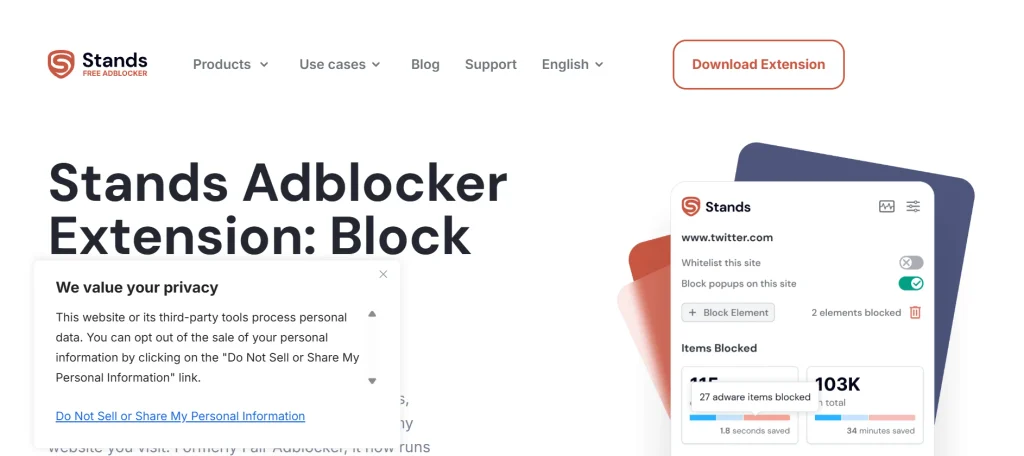
Stands Adblocker (formerly Fair Adblocker) provides a streamlined, balanced approach to cleaning up Chrome web pages. Operating as a fully compliant Manifest V3 extension, it actively detects and intercepts display ads, sponsored video rollouts, expanding overlays, and sticky banners across major media platforms. The software focuses heavily on reducing memory bloat and stopping cross-site tracking scripts that slow down tab execution. A distinct feature of Stands is its integrated content control module, which allows users to filter out adult material and deceptive pop-unders directly within the extension’s clean, minimalist dashboard.
Key Features:
- Suppression of auto-playing video promotions, expandable banners, and interstitial ads.
- Background tracker and analytical telemetry blocking to defend online browsing habits.
- Integrated basic web-filtering toggles for blocking explicit or adult web content.
- Simple domain-allowlisting slider to quickly enable ads on trusted creator channels.
Pros:
- Clean, easy-to-navigate dashboard that requires practically no manual setup.
- Fully adapted to Chrome’s declarativeNetRequest framework without loss of core performance.
- Effectively eliminates distracting mid-roll and pre-roll interruptions on video platforms.
Cons:
- Advanced users cannot create granular, regex-based custom cosmetic filtering rules.
- Element-hiding picker is basic compared to dedicated developer-oriented tools.
Pricing:
- Free
7. AdLock
- Website: https://adlock.com/
- Chrome compatibility: Manifest V3 extension & standalone desktop application (Windows/macOS)
- Best For: Users facing stubborn anti-adblock detection walls or looking for system-wide software that filters browser and app traffic simultaneously.
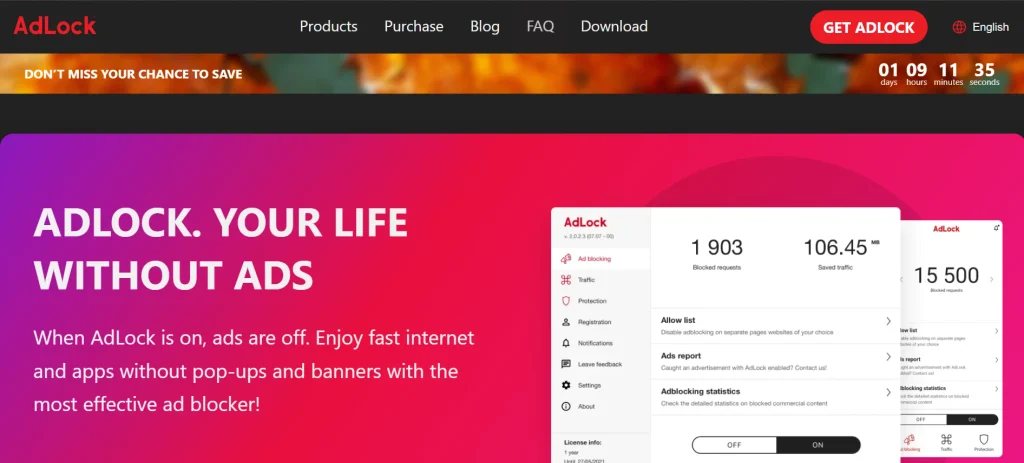
AdLock takes an aggressive stance against online marketing networks by deploying multi-platform filtering mechanisms. While its Chrome extension functions within browser tabs to hide banners, video ads, and pop-unders, AdLock’s true strength lies in its standalone desktop application. By operating at the local network protocol layer, the standalone software filters ad calls and tracking scripts before they reach Chrome, offering an alternative to extension-based restrictions. It also includes specialized anti-adblock bypass scripts designed to address common publisher detection screens, making it a notable option for users considering Ad Blocker Software for Chrome alongside other AI Chrome Extensions.
Key Features:
- Comprehensive ad removal covering video stream commercials, banners, and floating overlays.
- Anti-adblock detection circumvention scripts that keep content accessible without nagging popups.
- Standalone desktop application that protects Chrome, secondary browsers, and third-party software.
- Malicious domain blocking that alerts users to phishing hazards and spyware redirects.
Pros:
- Standalone desktop app operates outside Chrome extension API constraints.
- Powerful anti-adblock bypass capabilities that preserve page readability.
- Blocks ads seamlessly inside streaming platforms and social media feeds.
Cons:
- Desktop software requires a paid subscription following a short trial run.
- Aggressive network-level filtering can occasionally require manual domain whitelisting.
Pricing:
| 1 Month | 1 Year | 5 Years |
| $9.95/mo | $3.29/mo | $1.33/mo |
8. Privacy Badger
- Website: https://privacybadger.org/
- Chrome compatibility: Manifest V3 extension (Available via Chrome Web Store)
- Best For: Privacy purists who want to eliminate invasive behavioral tracking algorithms and data brokers without relying on static human-curated blocklists.
Developed by the Electronic Frontier Foundation (EFF), Privacy Badger takes a fundamentally distinct path to cleaning up web pages. Rather than matching domains against human-curated blacklists like EasyList, Privacy Badger utilizes an algorithmic heuristic model to analyze third-party behavior in real time. If a third-party server appears to follow your browsing activity across multiple distinct domains without explicit consent, the extension automatically restricts or terminates its ability to load. Because modern intrusive advertisements rely almost entirely on tracking scripts to function, Privacy Badger collapses most commercial banners and tracking payloads by cutting off their data feed.
Key Features:
- Heuristic tracking detection that isolates and blocks snooping domains based on observable behavior.
- Automated enforcement of the Global Privacy Control (GPC) and Do Not Track (DNT) standards.
- Click-to-activate placeholders that replace social widgets and video embeds until explicitly clicked.
- Fully open-source codebase backed by a leading non-profit digital civil liberties foundation.
Pros:
- Backed by the non-profit Electronic Frontier Foundation with zero commercial motives.
- Blocks invasive third-party telemetry that traditional ad blockers sometimes overlook.
- Automatically cleans outgoing click-tracking links on major platforms like Google.
Cons:
- Does not actively block privacy-respecting or direct first-party display ads.
- Lacks cosmetic element-hiding tools to collapse empty whitespace left by blocked scripts.
Pricing:
- Free
9. NextDNS
- Website: https://nextdns.io/
- Chrome compatibility: Native Chrome Secure DNS (DoH) / Standalone Desktop App (No extension required)
- Best For: Users wanting zero browser extensions, near-zero device overhead, and network-wide ad, tracker, and malware blocking directly inside Chrome’s native settings.
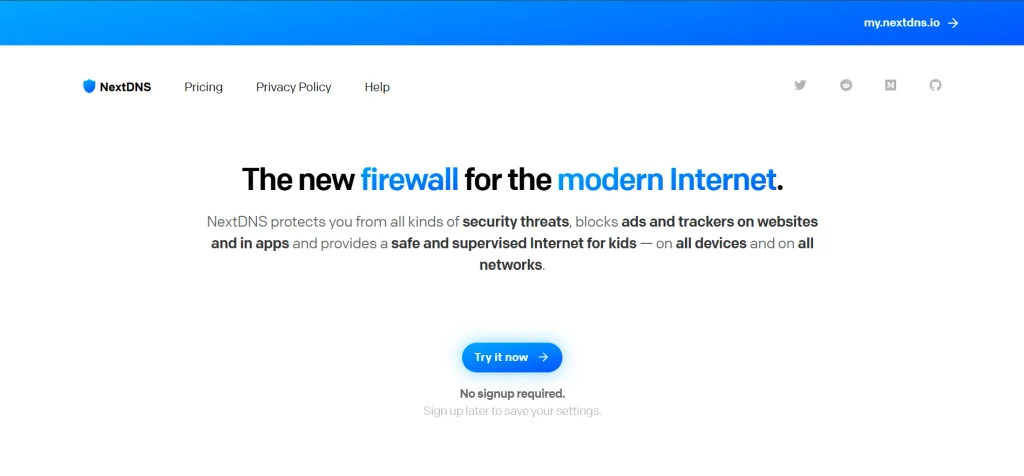
NextDNS functions as a modern, cloud-based personal firewall that neutralizes advertisements and analytics beacons at the domain resolution level. Instead of running heavy background extension scripts in Google Chrome, you configure Chrome’s native “Secure DNS” feature to route queries through your private NextDNS profile over DNS-over-HTTPS (DoH). When a webpage attempts to call an ad exchange, tracking pixel, or malicious domain, NextDNS blocks the request before it reaches your browser. For users exploring Ad Blocker Software for Chrome, this approach consumes no browser RAM for an extension and operates independently of Manifest V3 extension limitations.
Key Features:
- Cloud-based DNS sinkhole filtering covering millions of advertising, tracking, and malware domains.
- Native integration with Chrome’s built-in DoH settings without installing browser plugins.
- Customizable blocklist repository supporting popular lists like EasyList, AdGuard Base, and Steven Black.
- Granular privacy logs and analytics dashboard with strict controls over geographic data storage.
Pros:
- Zero impact on Chrome CPU or RAM performance.
- Immune to browser extension changes, API rule caps, and Chrome store policies.
- One configuration protects Chrome alongside your entire operating system or home network.
Cons:
- Cannot perform cosmetic filtering, meaning blank white placeholders may remain where ads once sat.
- Does not block complex video ads served directly from first-party content delivery streams (like YouTube video rollouts).
Pricing:
- FRee
10. Pi-hole
- Website: https://pi-hole.net/
- Chrome compatibility: Network / Router level (Universal Chrome desktop compatibility without extensions)
- Best For: Tech-savvy users, homelab enthusiasts, and self-hosters looking for complete, local network-wide ad blocking for Chrome with maximum data sovereignty.
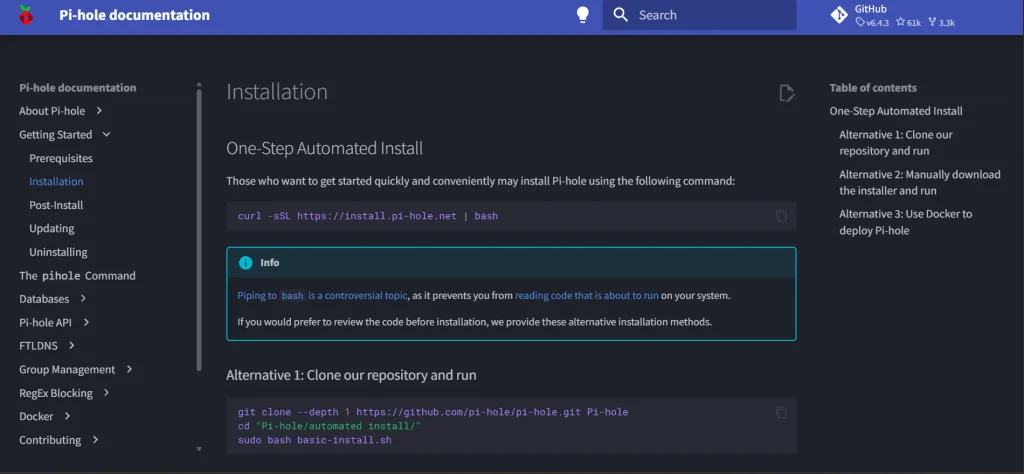
Pi-hole is a self-hosted, Linux-based network sinkhole designed to intercept and terminate advertising and tracking domains before they ever reach your devices. Typically deployed on a low-power single-board computer (such as a Raspberry Pi) or a home server, Pi-hole acts as the internal DNS server for your local network. When Chrome requests assets from recognized ad servers, Pi-hole returns an empty response immediately. This network-level approach shields every Chrome browser in your household from invasive banners and tracking pixels without requiring a single browser extension or exposing your browsing metadata to third-party cloud resolvers.
Key Features:
- Network-level DNS sinkholing that filters unwanted domains before data transfer occurs.
- Self-hosted FTLDNS engine providing ultra-fast local query resolution and minimal latency.
- Comprehensive AdminLTE web interface displaying real-time query counts, blocked domains, and client breakdowns.
- Support for custom blocklist feeds, local regex filtering, and domain-level allowlisting.
Pros:
- 100% self-hosted, open-source, and keeps your DNS queries entirely private.
- Protects every Chrome installation on your local network simultaneously.
- Adds zero overhead to Chrome’s process manager or system RAM.
Cons:
- Requires technical setup, dedicated hardware (or Docker environment), and basic Linux maintenance.
- Cannot perform cosmetic DOM element hiding, leaving empty page placeholders where ads were blocked.
Pricing:
- Free
11. Malwarebytes Browser Guard
- Website: https://www.malwarebytes.com/browserguard
- Chrome compatibility: Manifest V3 extension (Available via Chrome Web Store)
- Best For: Users seeking a free security-focused ad blocker that shuts down malicious advertisements, phishing attempts, tech support scams, and browser hijackers.
Malwarebytes Browser Guard bridges the gap between traditional ad blocking and dedicated endpoint security within Google Chrome. Fully updated for Manifest V3, the extension uses a hybrid filtering engine that removes sponsored search ads, popups, banner networks, and intrusive autoplay media while shielding users from high-risk web threats. It identifies fake software update prompts, malicious redirects, and unauthorized cryptocurrency miners that hijack hardware resources. For users considering Ad Blocker Software for Chrome, Browser Guard offers a combination of ad filtering and protection against dangerous web domains, helping create a cleaner and more secure browsing experience.
Key Features:
- Automated filtering helps block banners, video commercials, and intrusive overlay advertisements, while video marketing tools can help businesses create and promote engaging video content.
- Specialized heuristic defense against tech-support scams, fake utility warnings, and phishing pages.
- In-browser cryptojacking blocker that stops background mining scripts from consuming CPU power.
- Integrated cookie-consent dismissal that automatically declines tracking requests on GDPR-compliant websites.
Pros:
- Backed by Malwarebytes’ threat intelligence database for superior malware protection.
- Zero cost with no paid tier required for complete in-browser protection.
- Very low setup required, functioning autonomously right after installation.
Cons:
- Lacks complex custom cosmetic filtering rules for users wanting deep element tweaking.
- Occasionally flags newly registered legitimate domains as suspicious false positives.
Pricing:
- Free
12. DuckDuckGo Privacy Essentials
- Website: https://duckduckgo.com/
- Chrome compatibility: Manifest V3 extension (Available via Chrome Web Store)
- Best For: Users looking for a 100% free, lightweight privacy extension that eliminates third-party tracking networks and cleans up invasive web ads.
DuckDuckGo Privacy Essentials provides automated protection against third-party tracking and intrusive marketing scripts across the web. The extension intercepts hidden trackers before they can share your browsing activity with data brokers and advertising networks, helping reduce the number of targeted ads you encounter. For users looking to strengthen their online security, combining tracker blocking with reliable data privacy tools can offer an additional layer of protection. It also upgrades connections to HTTPS wherever possible and blocks certain tracking technologies, helping keep your browsing activity more private in Chrome.
Key Features:
- Tracker Radar technology that continuously detects and blocks third-party trackers across sites.
- Smarter encryption routing that automatically upgrades unsecured HTTP connections to encrypted HTTPS.
- Built-in defense against browser fingerprinting, tracking parameters, and Google ad tech.
- Privacy Grade metric that rates the privacy health of every website you visit from A to F.
Pros:
- 100% free, open-source, and backed by a privacy-focused company with zero data collection.
- Extremely lightweight with minimal memory impact on Chrome’s process manager.
- Cuts off modern browser fingerprinting vectors without breaking website functionality.
Cons:
- Does not filter out direct, first-party non-tracking advertisements.
- Does not feature a manual cosmetic element picker to hide remaining empty page margins.
Pricing:
- Free
13. SponsorBlock
- Website: https://sponsor.ajay.app/
- Chrome compatibility: Manifest V3 extension (Available via Chrome Web Store)
- Best For: Video streaming enthusiasts who want to automatically skip creator-sponsored ad segments, embedded endorsements, and self-promotions inside YouTube videos.
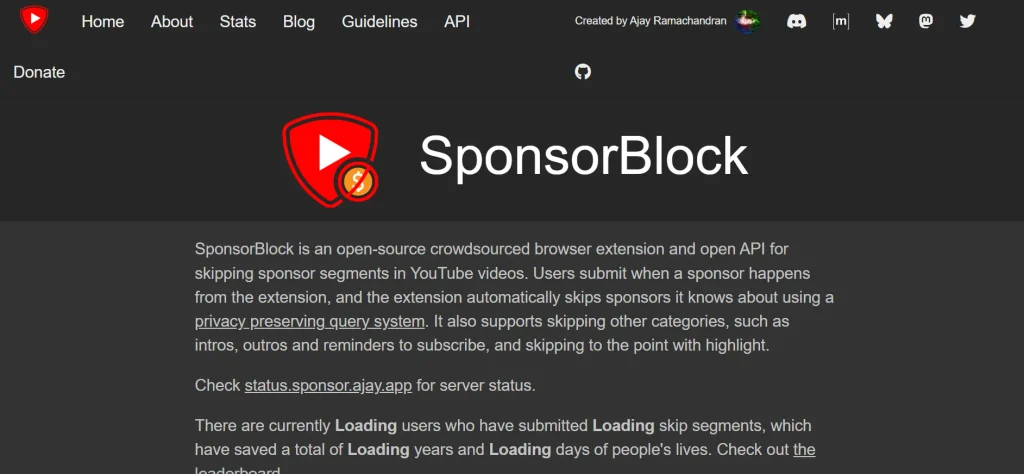
SponsorBlock is an open-source, crowdsourced extension specifically engineered to eliminate the ads that traditional ad blockers cannot touch: embedded video sponsorships. While standard ad blockers stop pre-roll and mid-roll advertisements, content creators frequently incorporate paid promotion segments directly into their video footage. SponsorBlock relies on an active global community that submits the exact timestamps of sponsored reads, channel intros, subscribe reminders, and filler cards. For users exploring Ad Blocker Software for Chrome, this extension offers a complementary solution by checking its database and automatically skipping marked commercial segments during video playback.
Key Features:
- Crowdsourced timestamp database that automatically skips embedded creator sponsor reads.
- Granular category controls allow users to skip or keep intros, outros, reminders, and non-music segments.
- Manual keybinds for submitting new sponsor timestamps to support the open community database.
- Integrated counter displaying exact time and hours saved from skipping sponsored segments.
Pros:
- Completely free, fully open-source, and supported entirely by community volunteers.
- Blocks baked-in video sponsorships that traditional network-based ad blockers cannot detect.
- Highly customizable, offering options to auto-skip, show a skip button, or mute segments.
Cons:
- Limited exclusively to YouTube rather than functioning as a general web ad blocker.
- Brand-new or low-view videos may not have timestamps submitted yet until community members log them.
Pricing:
- Free
14. Control D
- Website: https://controld.com/
- Chrome compatibility: Native Chrome Secure DNS (DoH) / Web-managed (No extension required)
- Best For: Users who want customizable, extension-free ad and tracker blocking directly inside Chrome’s native security settings with zero memory overhead.
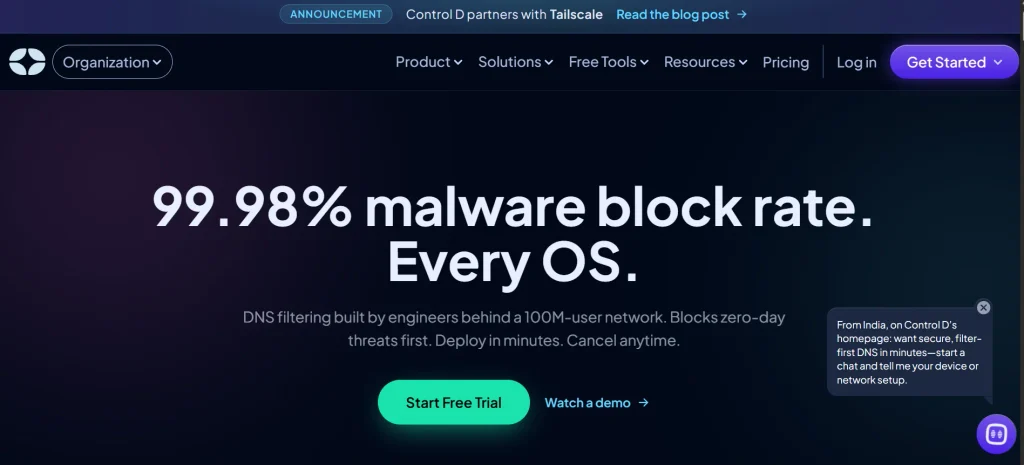
Control D is a modern, high-performance DNS service designed to eliminate advertisements, tracking beacons, and deceptive web traffic before data enters Chrome. By adding a secure DNS-over-HTTPS (DoH) address directly into Chrome’s connection settings, requests to ad exchanges and telemetry endpoints are resolved to null IP addresses instantly. Because this mechanism operates natively through Chrome’s networking stack, it bypasses extension engine limitations and adds zero burden to system memory. In addition to its paid customizable tiers, Control D provides completely free pre-configured filtering resolvers that block ads, trackers, and malware right out of the box.
Key Features:
- Native integration via Chrome’s Secure DNS (DNS-over-HTTPS) setting without installing plugins.
- Free pre-configured resolver profiles targeting advertising networks, telemetry, and adult domains.
- Advanced web console on premium tiers for creating custom blocklists, schedules, and service-level rules.
- Anycast routing network providing ultra-low DNS lookup latency across global server hubs.
Pros:
- Free tier offers effective ad, tracker, and malware blocking without registration.
- Imposes zero RAM or CPU load on Google Chrome.
- Operates entirely outside Chrome’s Manifest V3 extension limitations.
Cons:
- Cannot hide HTML/CSS layout elements, which may leave blank gaps where ads were blocked.
- Does not block first-party stream ads served from identical media servers (such as YouTube video ads).
Pricing:
- Free (Optional paid tiers available for advanced custom routing)
15. Poper Blocker

- Website: https://poperblocker.com/
- Chrome compatibility: Manifest V3 extension (Available via Chrome Web Store)
- Best For: Users frustrated by stubborn popup windows, new-tab redirects, full-page screen overlays, and intrusive cookie-consent banners.
Poper Blocker focuses heavily on eradicating the web’s most aggressive visual interruptions: popups, pop-unders, and modal overlays. While general-purpose ad blockers target standard banner placements, websites often circumvent them using complex JavaScript triggers that spawn background tabs or lock the entire page behind a dark overlay. Poper Blocker is designed to detect these execution patterns and suppress them instantly. As a complementary option for Ad Blocker Software for Chrome, it works alongside traditional content blockers to remove persistent cookie permission prompts, newsletter subscription modals, and forced interaction barriers that clutter the browsing experience.
Key Features:
- Algorithmic suppression of stealth popups, background pop-unders, and forced tab redirects.
- Overlay zapper that removes newsletter registration walls and full-page backdrop screens.
- Automated detection and suppression of intrusive cookie consent prompts across web domains.
- On-screen notification badge that shows which popups were caught with an option to allow them if needed.
Pros:
- Excellent at catching complex script-driven popups that standard filter lists miss.
- Serves as an effective companion to lightweight ad blockers to eliminate visual interruptions.
- Free basic version handles everyday popup and overlay blocking smoothly.
Cons:
- Not intended to be a standalone ad blocker for regular inline display banners.
- Advanced features like social media ad filtering are restricted to its paid plan.
Pricing:
- Free
Are Ad Blockers Safe To Use On Chrome?
Yes, reputable ad blockers are completely safe to use on Google Chrome and actively improve your overall security posture. By dismantling malicious ad networks before they render, these tools defend against “malvertising,” drive-by downloads, rogue redirection scripts, and credential-harvesting phishing domains. Furthermore, Chrome’s transition to Manifest V3 has established stronger permission boundaries, drastically reducing an extension’s ability to execute arbitrary, unvetted remote scripts or intercept sensitive network traffic outside the browser’s native rules. For broader protection beyond the browser, integrating reliable network security solutions can provide an additional layer of defense against online threats.
However, safety hinges entirely on source integrity and developer credibility. Because ad-blocking extensions inherently interact with the content inside your tabs, bad actors routinely publish cloned or counterfeit blockers on third-party sites and store listings to inject spyware, hijack affiliate links, or log personal browsing activity. To stay protected, always download open-source or established security solutions directly from their official vendor domains or verified Chrome Web Store publisher pages, steer clear of unvetted generic clones, and regularly audit your installed browser permissions.
How To Choose The Best Ad Blocker For Chrome
Selecting the right ad blocker depends on how much control you want over your web traffic, system resources, and privacy. Evaluating these core factors will help you find the ideal match for your daily workflow:
- Manifest V3 Compliance and Chrome Integration: Ensure the extension is actively maintained under Chrome’s declarativeNetRequest standard so rules run natively without being throttled or flagged as deprecated.
- Resource and Memory Footprint: Pick lightweight options that compile rules into native browser logic (like uBlock Origin Lite) or route via DNS if you want to avoid high CPU spikes and Chrome RAM bloat.
- No-Compromise Whitelisting Policies: Verify whether the software participates in commercial “acceptable ads” schemes that allow paid advertiser banners by default, or enforces strict zero-whitelisting.
- Cosmetic Element-Hiding Capability: If you dislike broken layouts, look for an in-browser tool that actively collapses the blank white margins and gray boxes left behind by intercepted ad scripts.
- Comprehensive Tracker and Malvertising Defense: Look beyond banner suppression to confirm the software blocks cross-site telemetry, third-party cookies, cryptominers, and deceptive phishing landing pages. For additional online security, consider using DDoS protection software to help safeguard websites against distributed denial-of-service attacks.
Conclusion
In conclusion, digital advertising has shifted from a minor visual annoyance into a serious privacy and hardware performance drain. Unchecked marketing scripts, tracking beacons, and heavy video overlays continue to eat up bandwidth and slow down Chrome tabs. Adopting a reliable ad blocker is the fastest way to reclaim a lean, distraction-free reading experience while shielding your browser from malvertising and covert tracking.
There is no one-size-fits-all blocker, because different users prioritize different browsing needs. Lightweight extensions like uBlock Origin Lite deliver top-tier speed with virtually zero resource overhead, standalone tools like AdGuard offer complete system-wide insulation, and native DNS solutions like NextDNS filter traffic without loading down your browser with plugins. When choosing Ad Blocker Software for Chrome, review your workflow, install a verified tool from an established developer, and enjoy a safer, snappier browsing experience.
FAQs
Will Ad Blockers Stop Working On Google Chrome With Manifest V3?
No, ad blockers are not stopped entirely, but how they function has evolved. Chrome’s Manifest V3 replaces the older background-interception model with a native declarative filtering engine (declarativeNetRequest). Modern blockers like uBlock Origin Lite, AdGuard MV3, and AdBlocker Ultimate work reliably under this architecture, though dynamic in-memory scriptlet filtering and real-time community filter updates operate under tighter rule constraints than before.
Do Ad Blockers Slow Down Google Chrome?
No, reputable ad blockers actually speed Chrome up. While the extension itself uses a small amount of memory, this is heavily offset by the sheer volume of data it prevents from loading. By dropping high-resolution video banners, third-party analytical telemetry, and tracking scripts before they render, ad blockers regularly cut page weight in half and speed up tab loading times.
Can An Ad blocker Bypass Anti-Adblock Detection Walls On news Sites?
Certain ad blockers and scripts can bypass basic anti-adblock prompts, but success varies by site. Advanced tools like AdGuard and dedicated script filters routinely update their cosmetic rules to mask blocker presence and dismiss forced overlay walls. However, websites that enforce strict server-side paywalls or dynamic detection scripts may still require you to temporarily pause the blocker or whitelist the domain.
What Is The Difference Between A DNS Ad Blocker And A Chrome Extension?
A DNS ad blocker (such as NextDNS or Control D) works at the domain resolution level, blocking requests to ad and tracking servers before an IP address is returned. It runs with zero browser RAM overhead and protects the entire device, but it cannot hide empty whitespace on a page. A Chrome extension operates inside the tab’s Document Object Model (DOM), allowing it to dynamically block ads, run custom scriptlets, and cosmetically hide blank ad containers for a seamless layout.
Is It Safe To Use Two Ad Blockers Simultaneously In Chrome?
Running two general-purpose ad blockers at the same time is generally not recommended. Layering duplicate extensions rarely blocks additional banner ads; instead, it causes list rule conflicts, breaks regular website features, and doubles your browser’s memory consumption. It is best to stick to one primary content blocker, optionally pairing it with a specialized single-purpose tool like SponsorBlock.