Remote work is growing, online support is everywhere, and sometimes you just need to fix your friend’s laptop from miles away. That’s when remote-desktop tools save the day! Most people know AnyDesk, but here’s the truth—there are many powerful tools out there that are faster, safer, and packed with smarter features. And honestly, some of them can make your remote experience so smooth that you’ll wonder why you didn’t switch earlier.
In this guide, we’re exploring 15 amazing AnyDesk alternatives that can upgrade the way you work, collaborate, or offer tech support. Whether you want something super simple, extremely secure, free forever, or perfect for your business, there’s a tool in this list waiting to become your new favorite. So let’s jump in and discover which remote-access hero fits your needs the best!
Why Look for an AnyDesk Alternative?
- Some users need stronger security options such as multi-factor authentication, detailed access logs, and better control over who can connect to their devices.
- Many alternatives offer smoother performance, especially with high-resolution displays, large file transfers, or multiple active monitors.
- Businesses may require tools with clearer pricing, flexible plans, or long-term cost savings compared to subscription-only models.
- Certain alternatives provide advanced support features like session recordings, remote diagnostics, and automated troubleshooting workflows.
- Users might need better compatibility with different platforms, including Linux systems, older hardware, or browser-based remote access.
How to Choose the Right AnyDesk Alternative
- Check if the software works across all the devices you use, such as Windows, macOS, Linux, iOS, Android, or even Raspberry Pi.
- Look into the security framework of the tool, including its encryption standards, login protection features, and compliance with industry regulations.
- Evaluate how well the tool performs on slow or unstable networks, especially if you work remotely from different locations.
- Review the complete feature list, including file transfer capabilities, multi-user sessions, clipboard sync, remote printing, and mobile access.
- Make sure the tool is easy to set up and operate, especially if you or your team members are not familiar with technical configurations.
List of Top 15 Best AnyDesk Alternatives
1. TeamViewer
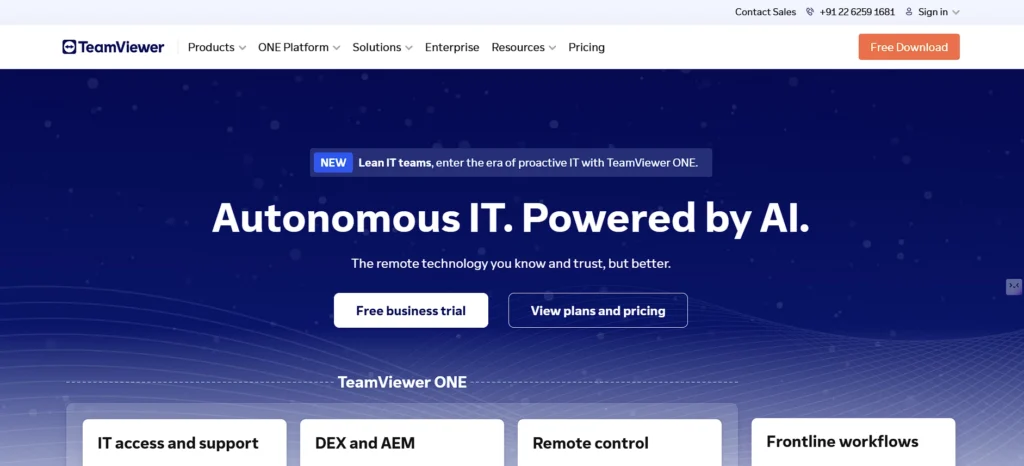
TeamViewer is one of the oldest and most trusted remote access solutions and a popular choice among AnyDesk alternatives, widely used by IT professionals, enterprises, and support teams worldwide as one of the most reliable tools for IT professionals. It provides seamless remote control, screen sharing, file transfer, and cross-platform compatibility, making it extremely versatile. Its cloud-based infrastructure ensures stable and fast connections even when bandwidth is limited, and its user interface is friendly enough for beginners to navigate without confusion.
What sets TeamViewer apart is its strong focus on security. All connections are protected with powerful encryption, two-factor authentication, and allowlisting of trusted devices. Businesses benefit from advanced features like unattended access, remote printing, session recording, and integration with service desk tools. Whether you are working from home or managing a large IT environment, TeamViewer offers reliable and secure remote access capabilities.
Top Features:
- Enterprise-level security & encryption
- Multi-platform compatibility
- Remote printing & file transfer
- Session recording
- Unattended access
Website: https://www.teamviewer.com/
Pricing:
| Access | Business |
| $7.99/mo | $16.67/mo |
2. Chrome Remote Desktop
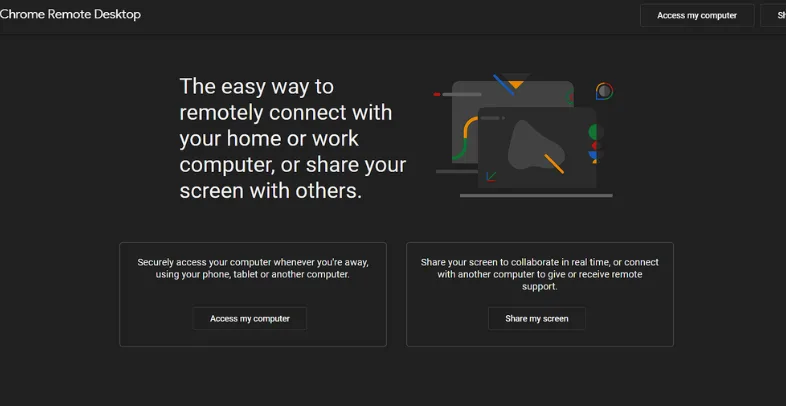
Chrome Remote Desktop is a free, lightweight, and super simple remote access tool created by Google. It works entirely through the Chrome browser, making setup extremely fast. You just sign in with your Google account, install the extension, and your device becomes remotely accessible. The tool is ideal for those who need quick remote access without installing heavy software.
While it does not offer advanced IT-management capabilities, it excels in reliability and ease of use. The connections are protected by Google’s security infrastructure, making it safe for both personal and professional usage. For students, freelancers, and general users who want free remote control with minimal complexity, Chrome Remote Desktop is one of the best alternatives.
Top Features:
- 100% free to use
- Browser-based remote access
- Very easy setup
- Supports all major operating systems
- Backed by Google security
Website: https://remotedesktop.google.com/
Pricing:
- Free
3. Microsoft Remote Desktop (RDP)
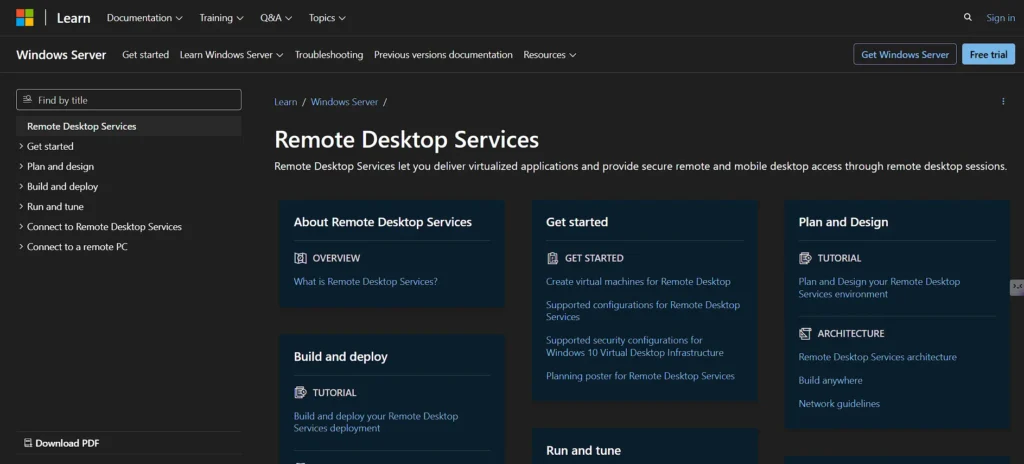
Microsoft Remote Desktop is a built-in remote access technology for Windows users and a reliable option among AnyDesk Alternatives, widely used by IT departments and system administrators. It allows you to connect to remote PCs and servers as if you were using them locally. Since it runs natively inside the Windows environment, it offers deeper system-level control and excellent performance for business tasks.
RDP is especially powerful in corporate networks, where security policies, Active Directory, and centralized management play a major role. Although setup can be tricky for beginners, professionals value it for its stability and enterprise-grade security. For organizations already relying heavily on the Windows ecosystem, Microsoft Remote Desktop is a robust and reliable solution.
Top Features:
- Native Windows compatibility
- Highly secure remote connections
- Multi-session server support
- Free for Windows users
- Ideal for IT & system admins
Website: https://learn.microsoft.com/en-us/windows-server/remote/remote-desktop-services/
Pricing:
- Free
4. Splashtop
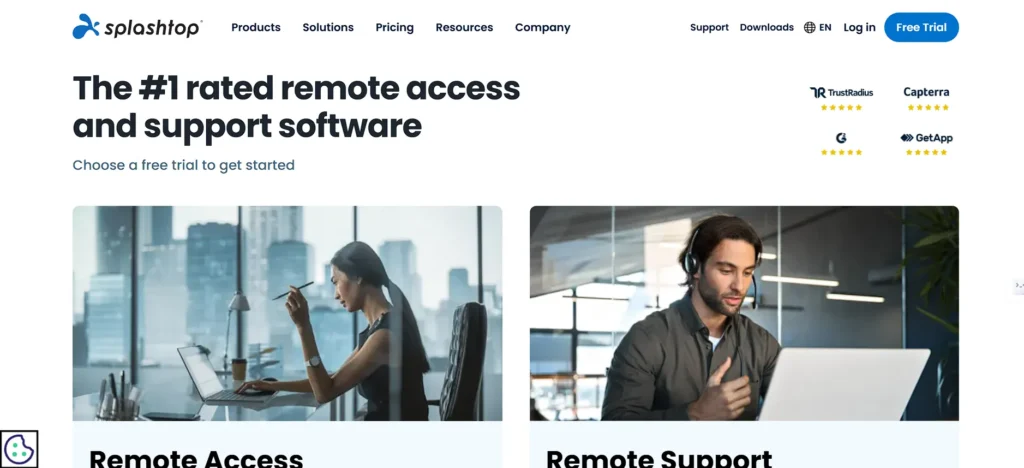
Splashtop is known for delivering fast, high-quality remote access with extremely low latency, making it perfect for both productivity tasks and creative workflows. Users can remotely control computers, access files, and even stream HD video or design tools with smooth performance. Splashtop offers dedicated solutions for individuals, IT support teams, schools, and enterprises.
Another major strength is its security framework, which includes device authentication, two-step verification, and encrypted sessions. Splashtop is trusted by educational institutions and large companies because it balances affordability with strong features. Whether you need to support clients or work remotely with high responsiveness, Splashtop is a top-tier choice.
Top Features:
- Very fast and smooth streaming
- Affordable pricing plans
- Strong device authentication
- Easy remote deployment for teams
- Supports remote access to mobile devices
Website: https://www.splashtop.com/
Pricing:
| Solo | Pro | Business |
| $3/mo | $8.25/mo | $13/mo |
5. LogMeIn Pro
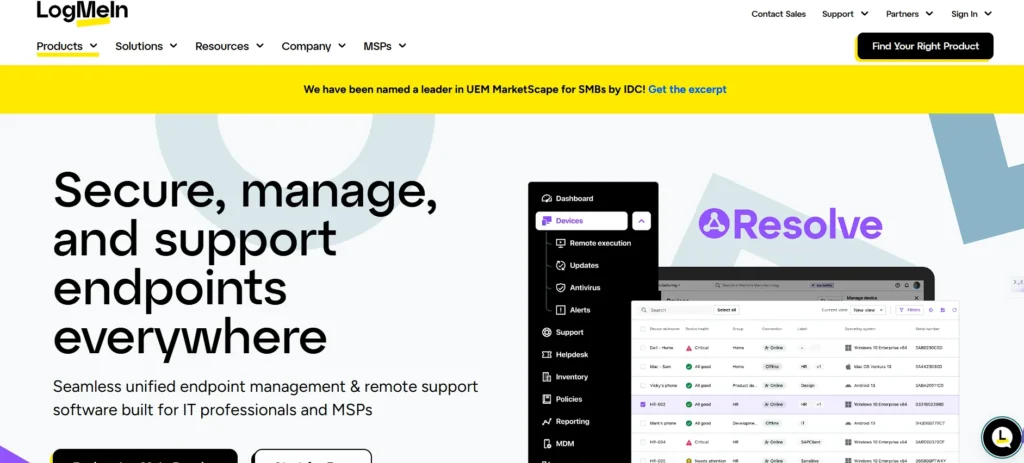
LogMeIn Pro is a powerful remote desktop solution and a premium option among AnyDesk Alternatives, designed for businesses that need full control over remote work environments. It allows users to remotely access multiple computers, manage workflows, transfer files, and collaborate with team members easily. One standout feature is its built-in 1TB cloud storage, which simplifies file sharing and document management.
The tool also supports features like remote printing, unlimited user access, and multi-monitor display support. While it is priced higher than some alternatives, its stability and enterprise-level features make it well-suited for professional users. For teams that require continuous access to business systems, LogMeIn Pro delivers reliability and performance.
Top Features:
- Comes with 1TB cloud storage
- Multi-device remote access
- Remote printing
- Secure and encrypted connections
- Supports multiple users
Website: https://www.logmein.com/
Pricing:
- Available on request
6. UltraViewer
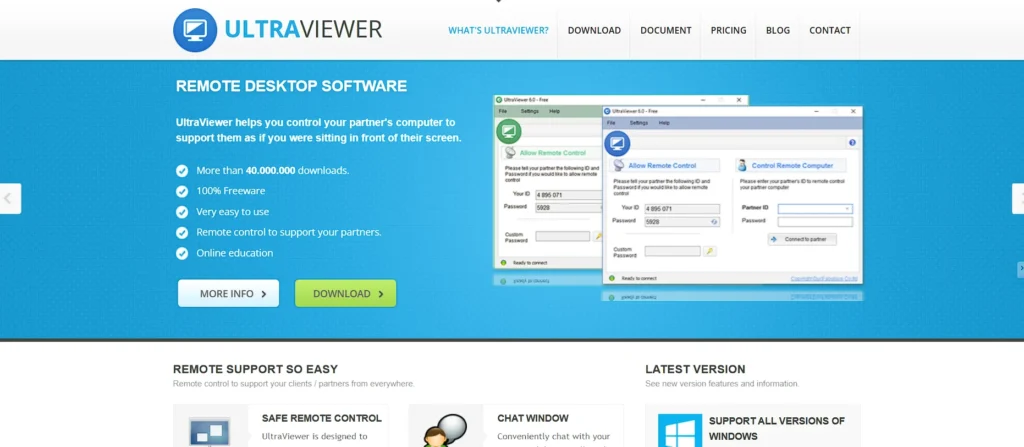
UltraViewer is a lightweight remote desktop tool designed primarily for quick technical support and remote assistance. It’s extremely easy to install, and its interface is clean and beginner-friendly. Users can instantly connect by sharing their ID and password, making it ideal for individuals who need to help clients or friends with troubleshooting tasks. Because it consumes minimal system resources, even older PCs can run it smoothly.
Despite being lightweight, UltraViewer includes useful features like chat support, file transfer, and permission control, ensuring a safe remote session. It is popular among small businesses and personal users who want a free, simple alternative without complex setup. If you need a tool that offers essential remote access with good performance and a straightforward workflow, UltraViewer is a strong option.
Top Features:
- Very lightweight and fast
- Built-in chat box during sessions
- Easy file transfer
- Simple user interface
- Ideal for personal tech support
Website: https://www.ultraviewer.net/
Pricing:
| Lite | Professional | Premium |
| $3.99/mo | $5.99/mo | $7.99/mo |
7. Zoho Assist
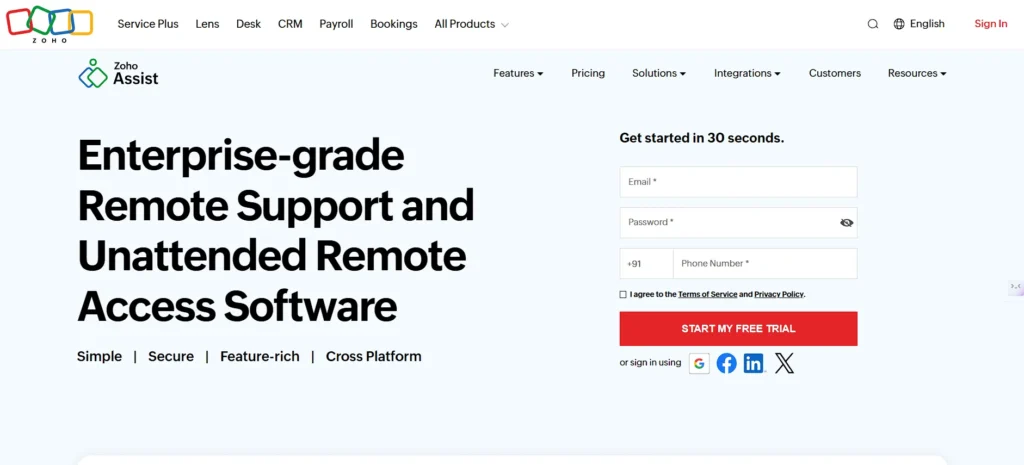
Zoho Assist is a cloud-based remote support and access solution and a popular choice among AnyDesk Alternatives, designed for IT teams, customer support agents, and service providers. It allows technicians to control devices remotely, troubleshoot issues, transfer files, and run diagnostics. It is fully web-based, so users don’t need to install heavy clients, which makes onboarding faster and more efficient.
Zoho Assist also provides unattended access for managing remote desktops and servers. With features like multi-monitor navigation, session recording, voice/video chat, and integrations with the Zoho ecosystem, it becomes a complete IT support platform. Its strong security compliance and flexible pricing make it suitable for both growing startups and enterprise-level teams
Top Features:
- Browser-based remote access
- Unattended device management
- Session recording
- Multi-monitor support
- Integrates with Zoho tools
Website: https://www.zoho.com/assist/
Pricing:
| Standard | Professional | Enterprise |
| $4.45/mo | $6.67/mo | $10.67/mo |
8. AnyViewer
AnyViewer is a modern remote desktop tool known for its fast connection speeds and secure infrastructure. It’s designed for remote work, online collaboration, and IT support. The tool offers a clean UI, quick setup, and smooth remote control, even on weaker internet connections. Users can manage multiple devices remotely, making it practical for people who work across several systems.
One major advantage of AnyViewer is that it allows free access for personal use while offering advanced premium plans for businesses. With features like one-click remote control, file transfer, screen sharing, and multi-session support, the tool offers a solid balance between functionality and affordability. It is also highly secure, making it suitable for professional remote operations.
Top Features:
- Fast and stable connections
- One-click remote control
- Secure end-to-end encryption
- Multi-session support
- Free plan available
Website: https://www.anyviewer.com/
Pricing:
- Available on request
9. RemotePC
RemotePC is a popular remote access solution and a practical option among AnyDesk Alternatives, used by individuals, freelancers, and IT teams for secure and long-term remote work. It allows you to connect to your devices from anywhere, access files, collaborate, and even attend remote meetings using built-in voice and video chat. The setup is simple, and the tool works efficiently without consuming heavy bandwidth.
Businesses prefer RemotePC for its powerful security features, low pricing, and ability to manage a large number of devices. It supports Always-On remote access, multi-monitor display, remote printing, and seamless file transfers. The tool is suitable for remote teams, customer support, and enterprises that need reliable system management.
Top Features:
- Always-On remote access
- Multi-monitor support
- Remote printing
- Affordable yearly plans
- Voice and video chat built in
Website: https://www.remotepc.com/
Pricing:
| Consumer | SOHO | Team | Enterprise |
| $29.50/yr | $99.50/yr | $299.50/yr | $599.50/yr |
10. VNC Connect (RealVNC)
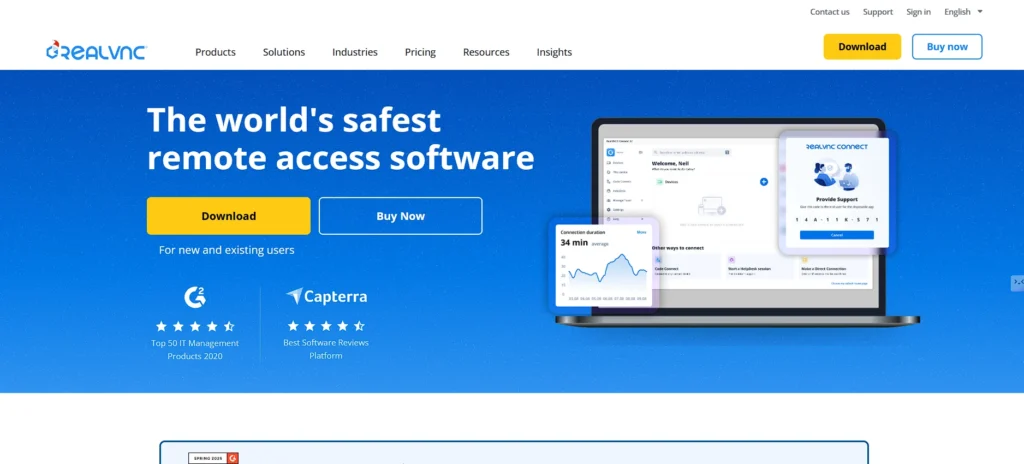
VNC Connect, developed by RealVNC, is one of the most secure remote desktop protocols in the world, trusted by millions globally. It uses a peer-to-peer architecture that makes connectivity stable and safe, with strong encryption and device authentication. VNC Connect allows users to remotely access devices from any location while maintaining complete control over privacy.
Another highlight is its flexibility—VNC works across platforms like Windows, macOS, Linux, and Raspberry Pi. It is highly customizable, making it ideal for developers, IT professionals, and companies that require tight security and control over remote sessions. For organizations where data protection and access governance matter the most, VNC Connect is a top-tier alternative.
Top Features:
- Highly secure with strong encryption
- Works across all major platforms
- Peer-to-peer connectivity
- Customizable access permissions
- Ideal for enterprises & developers
Website: https://www.realvnc.com/
Pricing:
| Essential | Plus | Premium |
| $8.25/mo | $16.50/mo | $29.75/mo |
11. Parallels Access

Parallels Access is designed for individuals and professionals and stands out among AnyDesk Alternatives for users who need to access their desktop apps from mobile devices seamlessly. Its standout feature is “Applification,” which transforms desktop applications into touch-friendly mobile experiences. This makes it extremely easy to use software like Excel, Photoshop, or coding tools on a phone or tablet without struggling with tiny controls.
Beyond its excellent mobile usability, Parallels Access provides reliable remote access from anywhere, with smooth performance even over average internet connections. It supports file sharing, remote browsing, and secure login methods. For users who frequently work on the go using tablets or smartphones, Parallels Access offers one of the best mobile-first remote computing experiences available today.
Top Features:
- Touch-friendly remote app interface
- Mobile-optimized performance
- Easy file access and sharing
- Reliable remote connections
- Secure authentication
Website: https://www.parallels.com/products/access/
Pricing:
| Standard | Pro | Business |
| $41.70/yr | $50.04/yr | $81.30/yr |
12. TightVNC
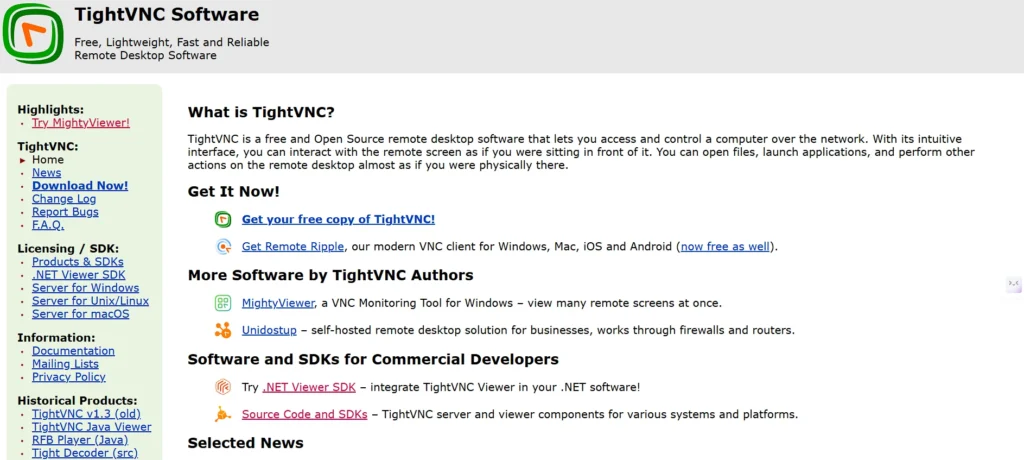
TightVNC is a free, open-source remote desktop tool widely used by developers, system administrators, and technical teams. It is based on the VNC protocol and focuses on performance optimization, ensuring fast and responsive remote control even on slow connections. The tool is lightweight, easy to install, and customizable, making it a great choice for technical users who want full control over their remote sessions.
Although TightVNC doesn’t come with fancy modern UI features, it shines in flexibility and reliability. Many IT professionals use it for managing servers and networks remotely due to its solid performance and zero licensing cost. If you need a powerful, free, and customizable remote desktop solution, TightVNC remains one of the top picks.
Top Features:
- Free and open-source
- Lightweight and fast
- Supports remote server management
- Highly customizable
- Runs well on low-bandwidth networks
Website: https://www.tightvnc.com/
Pricing:
- Free
13. GoToMyPC
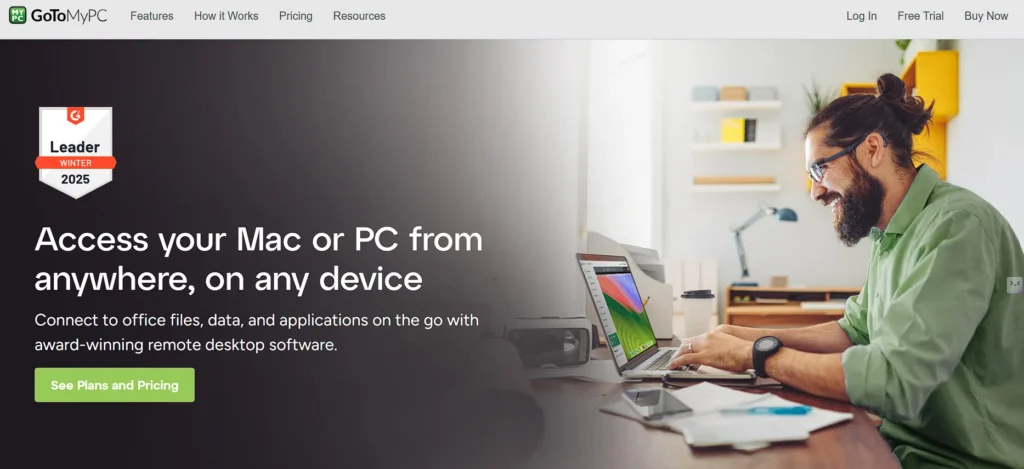
GoToMyPC is a premium remote desktop tool and a dependable option among AnyDesk Alternatives, built for professionals who need fast, secure, and uninterrupted access to their office or home computers. Its connections are highly optimized for speed, making remote work feel almost like using the device in person. The interface is easy to use, and setup only takes a few minutes, making it suitable even for non-technical users.
The platform also offers strong security, including multi-factor authentication and end-to-end encryption. Features like drag-and-drop file transfer, remote printing, and real-time collaboration tools enhance productivity for remote workers and business teams. If you want a professional-grade remote access tool with excellent performance and minimal lag, GoToMyPC is a dependable choice.
Top Features:
- High-speed remote access
- Advanced security protection
- Drag-and-drop file sharing
- Remote printing support
- Easy setup and user-friendly interface
Website: https://www.gotomypc.com/
Pricing:
| Corporate | Pro | Personal |
| $28/mo | $33/mo | $35/mo |
14. DWService
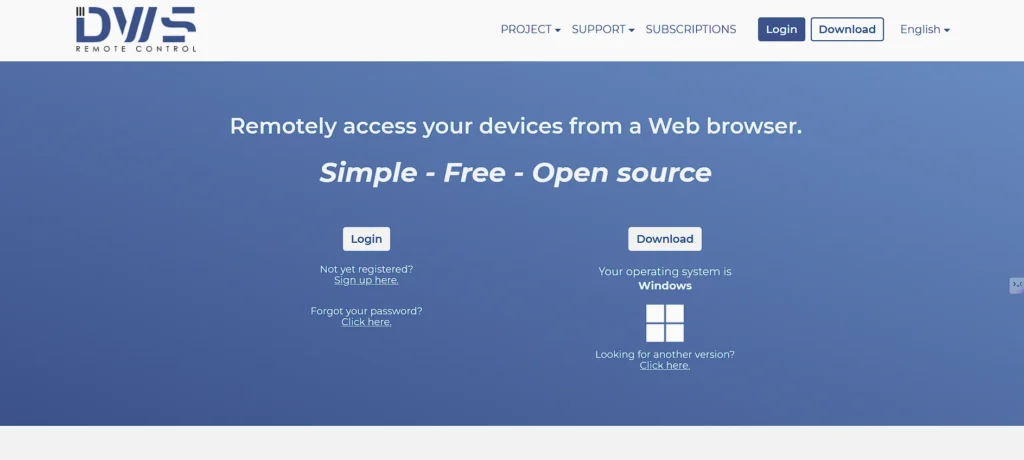
DWService is a cloud-based, open-source remote access platform that stands out for its simplicity and accessibility. You can access your computers from any browser without installing heavy software, making it incredibly convenient for remote troubleshooting and everyday use. Since it’s open-source, DWService is completely free, yet it still offers features found in paid solutions.
The tool is popular among developers, hobbyists, and small teams because it runs smoothly on all major operating systems and requires minimal configuration. It also includes modules for file transfers, monitoring, and command execution. DWService is an excellent choice if you want a free, lightweight, browser-based alternative to AnyDesk with strong functionality.
Top Features:
- Fully browser-based remote access
- Cross-platform support
- Minimal setup required
- Includes file transfer and command modules
Website: https://www.dwservice.net/
Pricing:
| Entry | Lite | Basic |
| $4/mo | $6/mo | $12/mo |
15. Remmina
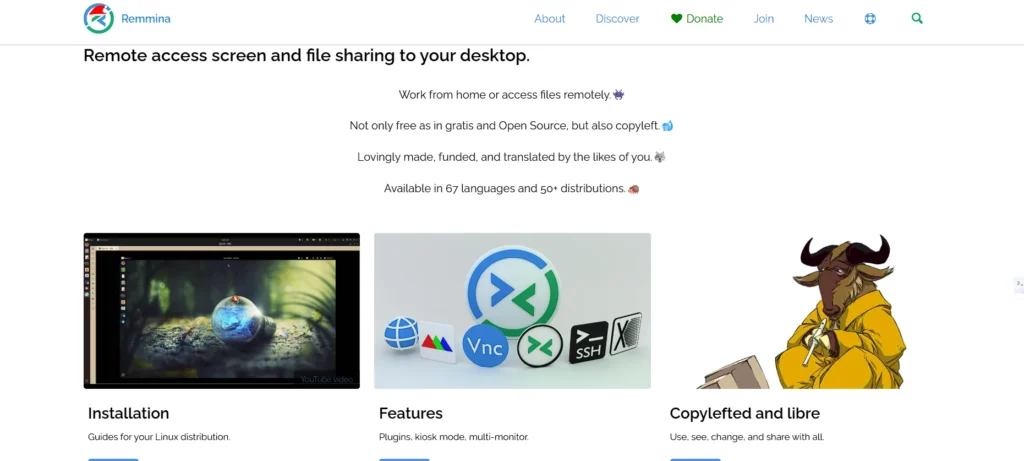
Remmina is a powerful open-source remote desktop client and a strong contender among AnyDesk Alternatives, built specifically for Linux users. It supports multiple protocols such as RDP, VNC, SSH, and SFTP, making it one of the most versatile connection managers in the open-source community. The interface is clean, modern, and designed for both beginners and advanced Linux professionals.
Remmina is especially popular among developers, network engineers, and IT administrators who need a centralized tool to access many machines and servers. Its plugin-based architecture allows users to customize capabilities as needed. If you’re a Linux user searching for a strong, feature-rich remote access solution, Remmina is one of the best options available.
Top Features:
- Supports RDP, VNC, SSH, SFTP & more
- Free and open-source
- Ideal for Linux environments
- Modern and customizable interface
- Great for managing multiple remote devices
Website: https://remmina.org/
Pricing:
- Free
Conclusion
In conclusion, choosing the right remote desktop tool doesn’t have to be confusing. There is a solution out there that is ideal for your needs, whether they are quick, safe, simple to use, or affordable. Although AnyDesk is fantastic, exploring AnyDesk Alternatives can help you find tools with features better suited to your workflow. The options discussed in this post offer strong capabilities that can enhance your ability to work remotely, assist clients, or access your devices while on the road.
Consider your top priorities, such as speed, cost, security, or cutting-edge capabilities, and select the tool that best suits your working style. Your productivity rises, your workflow becomes more efficient, and managing devices from any location becomes simple with the correct remote access software.
FAQs
Are AnyDesk Alternatives Safe to Use?
Yes, most alternatives use strong encryption and access control to protect your data. Tools like TeamViewer, Splashtop, and VNC Connect offer high-level security suitable for both personal and business use.
Which Remote Desktop Tool is Best for Slow Internet?
Splashtop and AnyViewer perform very well on low bandwidth. They optimize video quality and connection speed so you can work smoothly even with a weaker internet.
Is there a Completely Free Alternatives?
Yes. Chrome Remote Desktop, DWService, TightVNC, and UltraViewer offer free versions that provide essential remote access features without any cost.
What is the Best Option for Business or IT Teams?
Zoho Assist, RemotePC, and TeamViewer are popular among businesses because they offer admin controls, device management, session reports, and strong security features.
Can I Access my Computer from a Phone?
Yes, many tools like Parallels Access, TeamViewer, Splashtop, and RemotePC have mobile apps that let you control your PC from your smartphone or tablet.