
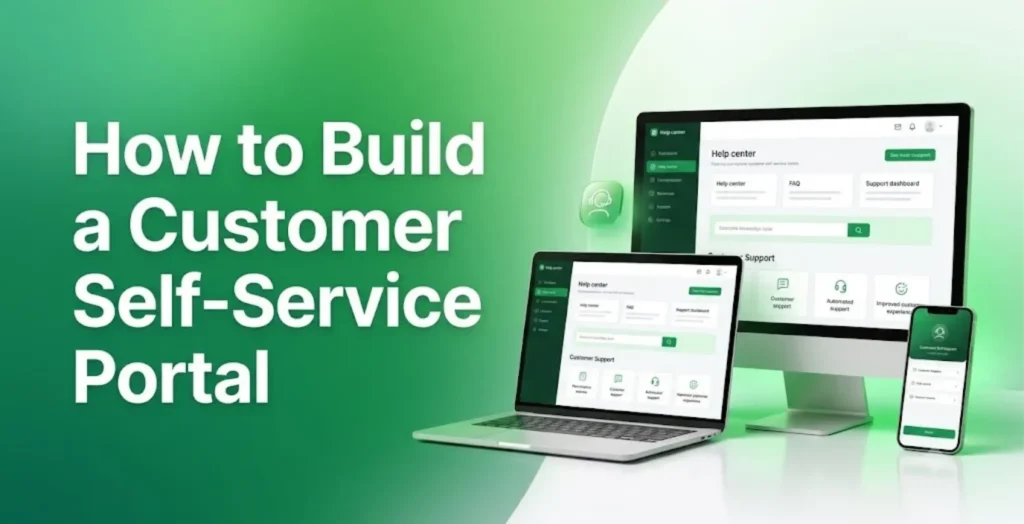
Many businesses today are losing their customers to competitors because of inefficient customer support. Imagine a customer who needs to check the status of an order or find an answer to a burning question. Instead of simply getting the information they need all by themselves, they have to wait in line to speak with your support team.
But with a customer self-service portal, things can be a lot different, and easier too. It provides customers a place where they can easily find information, manage their accounts, and handle common requests without having to speak with a support agent.
However, just having a portal doesn’t mean people will actually use it. If a portal is confusing or doesn’t provide the information customers need, customers will likely skip it and contact the support team directly.
So, how do you build a customer self-service portal you can be sure will be useful to your customers? This article will show you all the steps you need to follow.
First, What is a Customer Self-Service Portal?
Perhaps you’re not already familiar with what a customer self-service portal is. It is an online platform that provides customers with information they might need. It allows them to easily manage their accounts and complete tasks without having to contact your support team.
For some businesses, their self-service portals help customers to track their orders, update personal details, download invoices, and find answers to their questions.
That means instead of customers calling the support team and waiting in line to lodge a complaint about a delayed order, they can simply log into the portal to see the current status of their order.
This benefits not only customers, who can get what they need even outside regular business hours, but also the business. It reduces routine support enquiries, which gives employees more time to attend to more pressing issues.
How to Build a Customer Self-Service Portal
When it comes to building a customer self-service portal, you will need more than a platform with impressive features. You need to have a good understanding of what your customers need and how you can help them to get it without stress. Here are six steps to guide you.
Step 1: Identify what your customers need help with
As we said, if you’re going to build a self-service portal that your customers will actually use, you need to first know the common reasons your customers contact your support team. Do they call in to ask about order updates? Are they having trouble with their accounts, or do they want to request invoices?
Your support team is the best source of this information since they deal with customer enquiries every day. They can tell you which questions come up most often. Once you’re able to figure out your customers’ needs, you will know which tasks the portal should help them handle without contacting your team.
Step 2: Choose the right platform for your portal
Not all customer portals are the same. Different portals are designed with different purposes in mind. So ensure you choose a platform that suits your business and what you’re trying to achieve.
And when choosing a platform, some factors you may need to bear in mind are: your budget, the number of customers it will be serving, the features you need, and how easily the platform integrates with your existing software.
For example, Salesforce Experience Cloud allows businesses to create customer portals connected to their Salesforce CRM. If your company already uses Salesforce, working with an Experience Cloud implementation partner can help you plan and configure a portal around your business requirements.
However, whatever platform you choose, make sure it can support your current needs and accommodate changes as your business grows.
Step 3: Keep the design simple and easy to navigate
If there’s any reason customers visit a self-service portal, it is because they want something done quickly. If they have to comb through several menus and pages just to find the update about their order, you can bet they will abandon it and contact the support team instead.
So, when designing your portal, keep it very simple, with clear labels and navigation. You can also include a visible search bar to help them quickly locate the information they need without browsing through multiple pages.
Since most of your customers are likely to access the portal on their phones, remember to make it responsive. It should work well on small screens. Make the text readable and keep instructions clear and accessible.
Step 4: Include useful self-service features
You want to help your customers handle tasks they would otherwise have to contact your support team about. That’s one of the reasons for building the self-service portal.
So, include useful features like a searchable knowledge base, invoice downloads, order tracking, account management, and the ability to submit and monitor support requests.
Does that mean including every possible feature you can find? No. Just think about what features your customers would actually use, and prioritize those.
Step 5: Connect the portal with your existing business systems
Once your portal is designed, the next thing is to connect it to your existing systems. This lets the portal pull accurate, up-to-date information from those systems.
For example, a customer who submits a support request should be able to check its progress through the portal. In the same way, if an order has been shipped, your customer should be able to access that information on the portal.
That may mean connecting your portal to your CRM, order management, billing, or customer support software.
Step 6: Test the portal with real users before launch
Remember it’s not your development team that will be using this platform. It’s your customers. So, before you launch your portal, ask a small group of customers or employees to try it out. Something that looks straightforward to the development team may be confusing to a customer.
So, give these people common tasks like updating account details, finding an invoice, or submitting a support request so you can know how the platform actually performs.
Observe where they seem to struggle and ask for feedback. Remember to test the platform on different devices too, so you get a complete picture before releasing it to your customers.
Final Thoughts
With a customer self-service portal, you will not only make life easier for your customers but also save your support team time. But this portal will not help you achieve much if nobody uses it.
In this guide, we have shown you the steps you need to build a useful portal for your business. Follow them, and you will be able to make the most of the system.