Automation has become a core part of how teams work today. Whether you’re managing data between apps, building internal workflows, or streamlining business processes, tools like n8n make automation accessible without deep coding knowledge. But every team has different needs, some want deeper enterprise features, others prefer code-first flexibility, and many simply want a more user-friendly interface.
If you’re exploring n8n alternatives, you’re likely trying to find a tool that better matches your workflow style, integration requirements, or scalability expectations. This blog breaks down the best n8n Alternatives & Competitors to help you choose the right fit.
What Makes a Good n8n Alternative?
Choosing the right automation tool depends on what matters most for your team. Some tools offer thousands of app connections, while others focus on developer flexibility or enterprise-level governance. A solid n8n alternative should offer:
- Easy workflow building with a clean, intuitive editor
- Flexible integrations across many apps and APIs
- Reliable automation that works at scale
- Clear error handling and diagnostics
- Affordable pricing or open-source options
- Good community support for troubleshooting and extending workflows
With this framework in mind, let’s explore the top alternatives one by one.
List of 15 Best n8n Alternatives & Competitors
Below are the top n8n competitors explained clearly so you can compare them easily.
1. Zapier
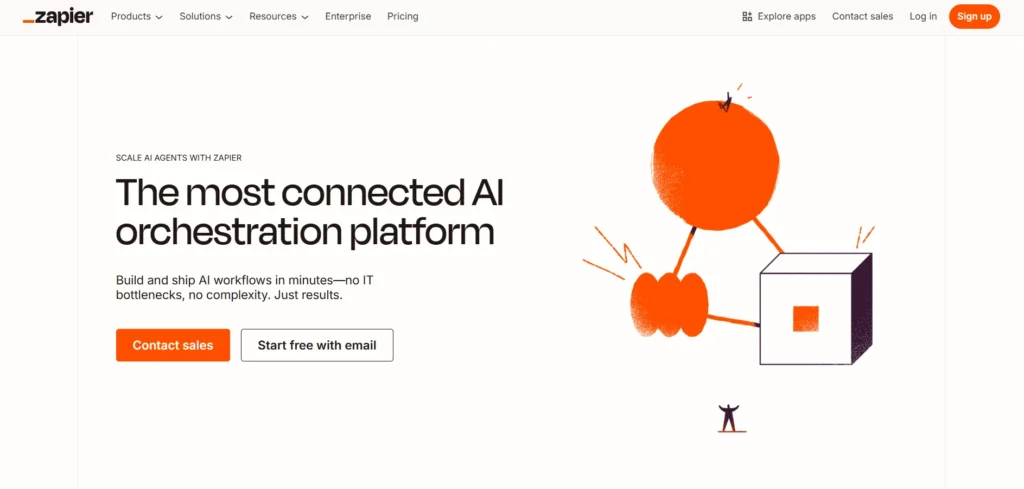
Website: https://zapier.com
Zapier is one of the most widely used no-code automation platforms, designed to help individuals and teams automate routine tasks without technical skills. It connects thousands of apps and lets you build workflows known as “Zaps,” which work on simple trigger–action logic. The platform is especially popular among marketing, operations, and small businesses that need fast, reliable automation.
Zapier focuses heavily on ease of use, offering pre-made templates so users can create workflows in minutes. While it doesn’t offer deep programming features like n8n, its simplicity makes it appealing for users who want quick results. The platform is stable, user-friendly, and ideal for everyday business automations (business automation tools) that don’t require complex data transformation logic.
Key Features:
- 6,000+ app integrations
- Easy drag-and-drop workflow builder
- Scheduled, instant, and multi-step automation
- Large library of workflow templates
Why It’s a Good n8n Alternative:
- Simplest tool for beginners
- Requires no coding at all
- Great for fast, everyday automation needs
2. Microsoft Power Automate
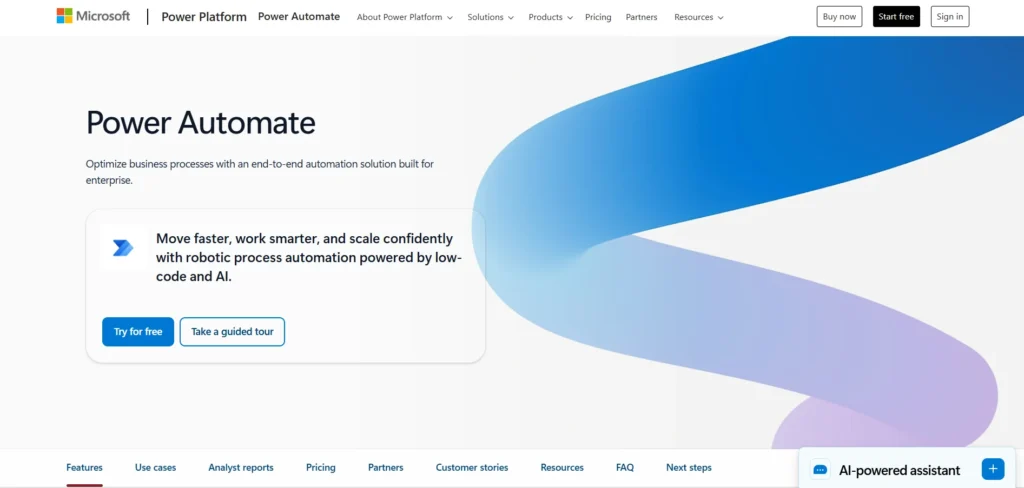
Website: https://powerautomate.microsoft.com
Microsoft Power Automate is a powerful automation platform made for teams working within the Microsoft ecosystem. It connects seamlessly with tools such as Office 365, SharePoint, Teams, Dynamics, and Azure. Users can automate approvals, notifications, document processing, and data flows using a low-code visual builder. Power Automate also includes robotic process automation (RPA), allowing teams to automate desktop applications and legacy systems.
Its enterprise-grade governance, compliance, and security features make it particularly attractive to large organizations. Although it requires some learning for beginners, it offers deep capabilities for IT teams, analysts, and business users. If your company depends heavily on Microsoft products, Power Automate provides a unified and scalable automation experience, making it one of the strong options to consider among (n8n Alternatives & Competitors).
Key Features:
- Deep integration with Microsoft 365 and Azure
- Cloud, desktop, and robotic process automation
- Enterprise-grade security and governance
- Visual builder with dynamic connectors
Why It’s a Good n8n Alternative:
- Perfect for Microsoft-centric organizations
- Supports complex enterprise workflows
- Offers strong compliance and monitoring tools
3. Make (formerly Integromat)
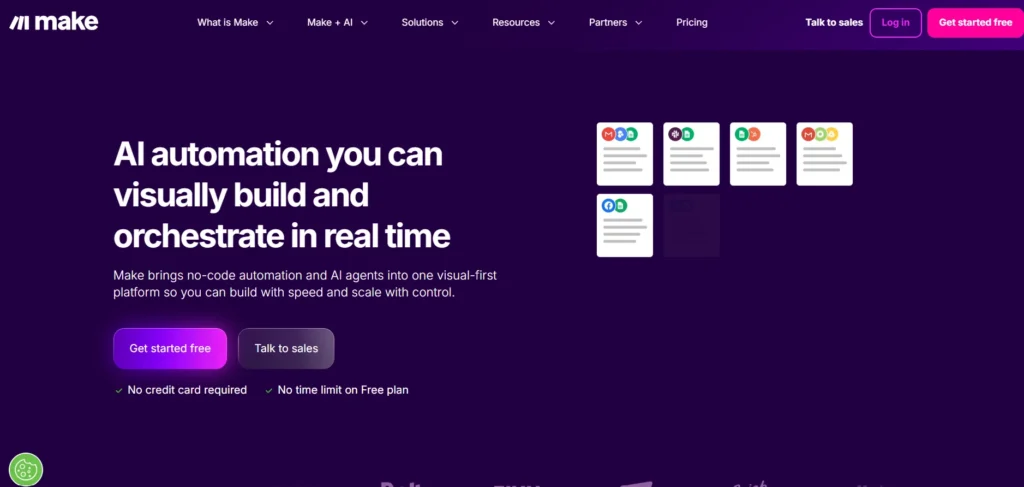
Website: https://www.make.com
Make is known for its visually rich, drag-and-drop automation canvas. It provides a modular way to build workflows using clear visual mapping, which helps users understand how data moves from one step to another. Make supports advanced operations like routers, iterators, branching, and complex data transformation, making it ideal for technical users who want flexibility without full coding.
The platform displays real-time data flowing through modules, which helps with transparency and troubleshooting. Make is suitable for both beginners and power users, although it shines most when building multi-step, logic-heavy workflows. For users who want a sophisticated visual builder with strong data handling, Make is a compelling alternative to n8n.
Key Features:
- Visual data mapping with real-time previews
- Routers, iterators, and branching
- Thousands of app modules
- Execution logs for detailed debugging
Why It’s a Good n8n Alternative:
- Great for complex workflows
- Offers deeper data control
- Visual interface is extremely intuitive
4. Pipedream
Website: https://pipedream.com
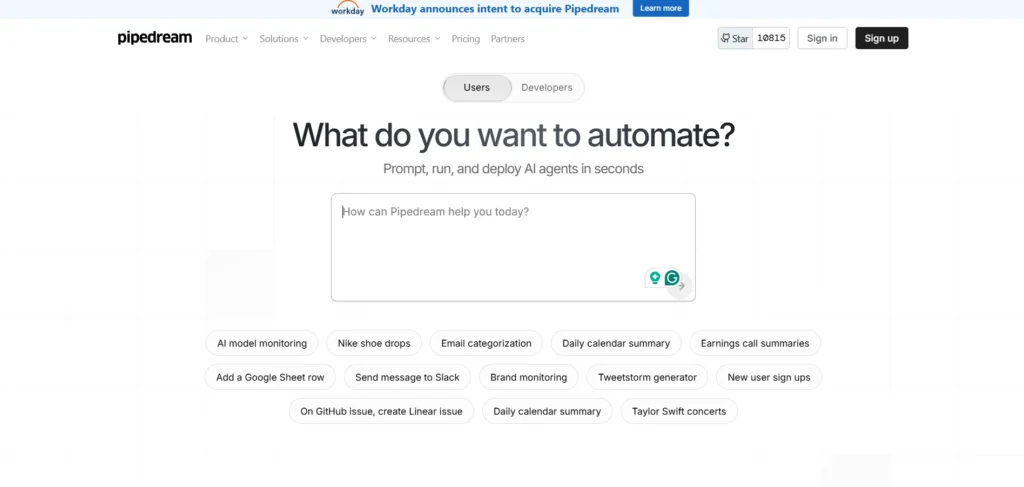
Pipedream is a code-friendly automation and integration platform that allows users to write custom JavaScript, Python, and other languages directly inside workflows. It merges serverless technology with automation, making it ideal for developers who want complete control over workflow logic. Pipedream supports npm packages, API calls, and powerful event-driven triggers, enabling teams to build custom integrations rapidly.
The platform handles scaling, execution, security, and background jobs automatically. Its flexibility makes it a favorite among engineering teams building internal tools or API-based workflows. As one of the strong n8n Alternatives & Competitors, it’s ideal for users who prefer a coding-first experience without infrastructure hassles. Pipedream offers a fast and modern approach to automation.
Key Features:
- Code steps with JavaScript, Python, and more
- Full access to npm packages
- Event-driven workflows
- Built-in secrets and environment management
Why It’s a Good n8n Alternative:
- Ideal for developer teams
- Supports very flexible integrations
- Offers powerful serverless execution
5. Workato
Website: https://www.workato.com
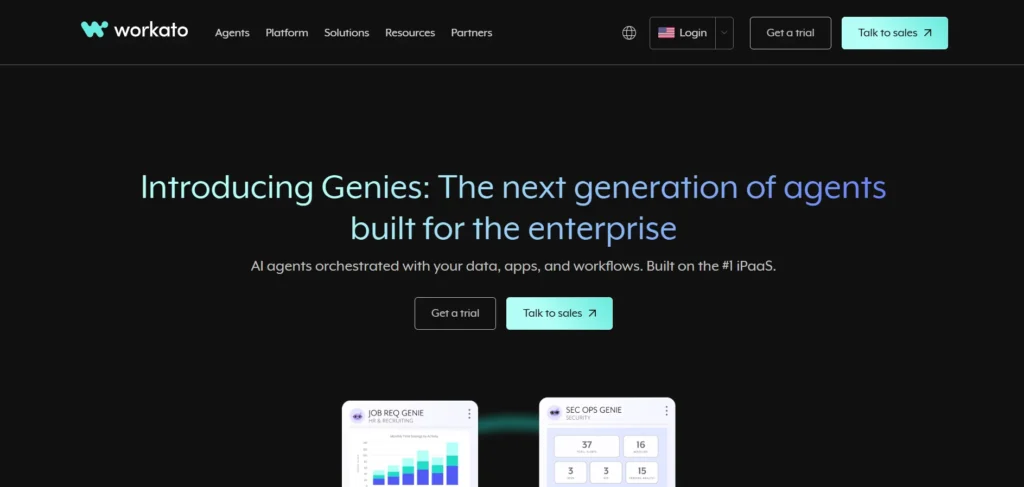
Workato is an enterprise automation platform used by large organizations that require secure, scalable, and complex automation. It provides “Recipes” that automate multi-step business processes across CRM, ERP, HR, Finance, and other systems. Workato blends ease of use with enterprise governance, audit controls, access rules, and advanced logic capabilities.
The platform supports transactional operations, which is important for sensitive workflows like billing or inventory management. Workato also allows collaboration between business teams and IT departments, minimizing bottlenecks while maintaining proper controls. It’s built for organizations that need high stability and compliance, making it a more enterprise-focused alternative to n8n.
Key Features:
- 1,000+ enterprise-grade connectors
- Advanced logic, transactions, and error handling
- Strong compliance, audit logs, and governance
- Built-in collaboration tools for IT + business teams
Why It’s a Good n8n Alternative:
- Powerful automation for enterprises
- High security and reliability
- Supports mission-critical workflows
6. Tray.io
Website: https://tray.io
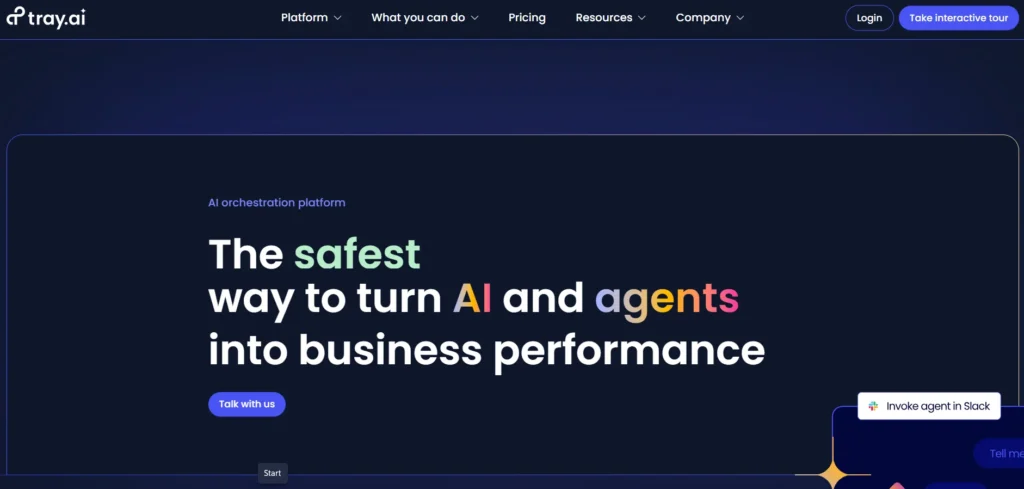
Tray.io provides a flexible automation platform with a balance of no-code usability and technical depth. Its visual builder supports branching, loops, custom API calls, and reusable components, making it suitable for both business users and developers. Tray.io focuses on API-first integrations, allowing teams to build workflows that connect modern SaaS tools at scale.
Monitoring tools, log views, and debugging features help maintain workflow stability, while flexible connectors allow complex data transformation. It’s commonly used by operations, growth, and product teams who want more power than simple tools offer without moving to completely code-driven environments. As one of the strong options in the n8n Alternatives & Competitors category, it’s ideal for teams needing a scalable, mid-to-enterprise level automation solution—making Tray.io a strong fit.
Key Features:
- Strong API-first integration capabilities
- Custom scripting inside flows
- Visual logic builder with reusable components
- Scalable architecture for enterprises
Why It’s a Good n8n Alternative:
- Ideal middle ground between no-code & code
- Supports complex SaaS connections
- Good for fast-growing teams
7. Activepieces
Website: https://www.activepieces.com
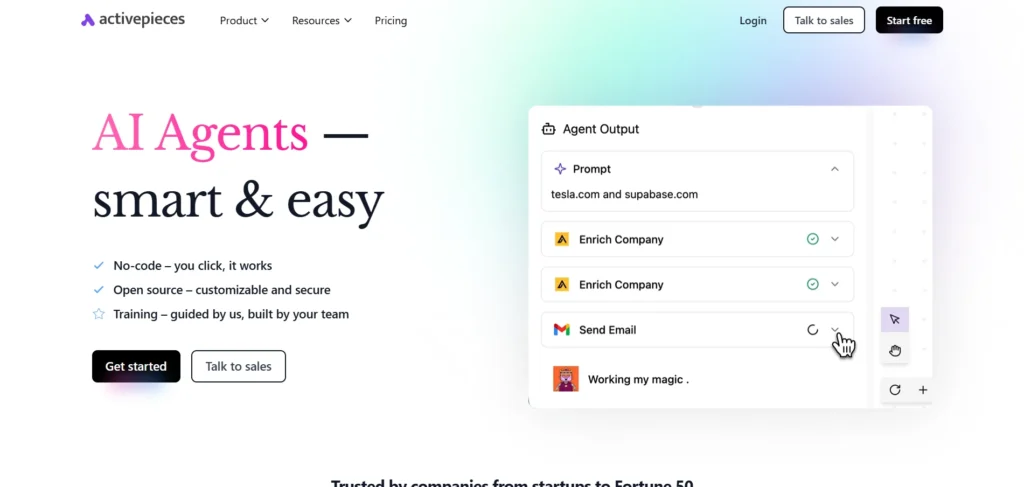
Activepieces is an open-source automation platform focused on transparency, simplicity, and control. It offers a clean visual editor along with a set of built-in connectors for common tools. Because it’s open source, teams can self-host the platform and customize connectors or extend the software according to their needs.
This makes Activepieces especially appealing for organizations with specific security or data ownership requirements. The platform blends ease of use with developer extensibility, serving both beginners and technical users. While its app ecosystem is growing, it’s supported by an active community. For users seeking an n8n alternative with modern design and flexible hosting, Activepieces is one of the most promising new entrants in the space of (n8n Alternatives & Competitors).
Key Features:
- Fully open-source platform
- Self-hosting option
- Extensible connectors and custom steps
- Clean and simple visual builder
Why It’s a Good n8n Alternative:
- Great for privacy-conscious teams
- Highly customizable
- No reliance on third-party servers
8. Node-RED
Website: https://nodered.org
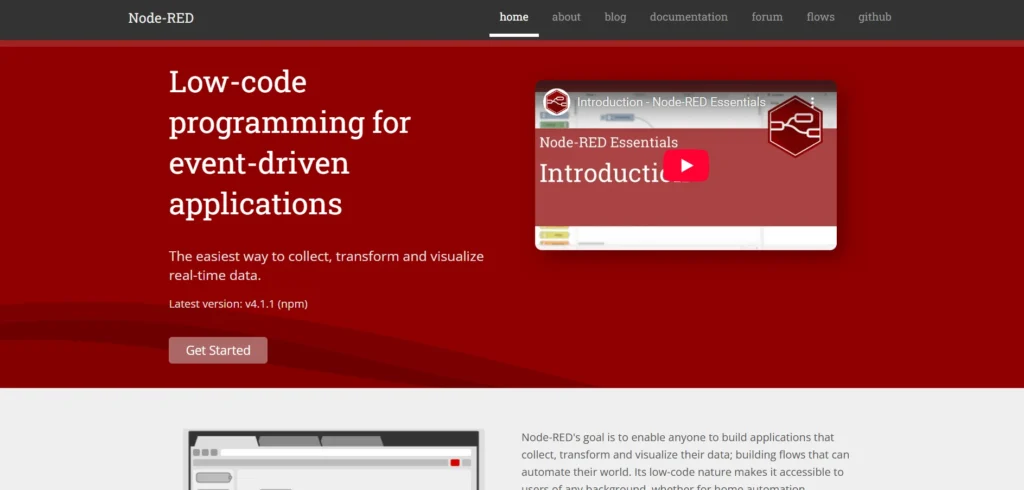
Node-RED is an open-source, flow-based programming tool originally developed by IBM and widely used in IoT and hardware-based environments. It allows users to wire together devices, APIs, and online services using a visual editor. Node-RED runs easily on low-cost hardware such as Raspberry Pi, making it perfect for home automation, robotics, and industrial systems.
With thousands of community-contributed nodes, users can extend functionality without writing heavy code. For developers working on IoT and real-time data systems, Node-RED offers a flexible environment for connecting sensors, devices, and cloud platforms. It’s ideal for teams that want complete control over their automation setup and prefer open-source tools.
Key Features:
- Visual programming interface
- Thousands of open-source nodes
- Runs on edge devices (Raspberry Pi, Docker, etc.)
- Perfect for IoT + hardware automation
Why It’s a Good n8n Alternative:
- Ideal for IoT and technical workflows
- Fully open-source
- Highly customizable and lightweight
9. Apache Airflow
Website: https://airflow.apache.org
Apache Airflow is a workflow orchestration platform built for data engineering teams handling large-scale data pipelines. Workflows, known as DAGs, are defined in Python, giving full control over scheduling, dependencies, and execution. Airflow excels in managing ETL jobs, machine learning pipelines, and batch processing tasks across cloud and on-prem systems.
It provides extensive logging, retry logic, and dependency management, making it a reliable tool for production-grade data workloads. Airflow is not a no-code tool, but for technical teams that need precision and visibility in data operations, it is one of the most powerful orchestration platforms available among the leading n8n Alternatives & Competitors.
Key Features:
- Python-based DAG creation
- Strong scheduling and dependency management
- Integrations with cloud and data platforms
- Rich UI for monitoring pipelines
Why It’s a Good n8n Alternative:
- Excellent for data engineering workflows
- Highly scalable and reliable
- Perfect for code-led automation
10. Gumloop
Website: https://www.gumloop.com
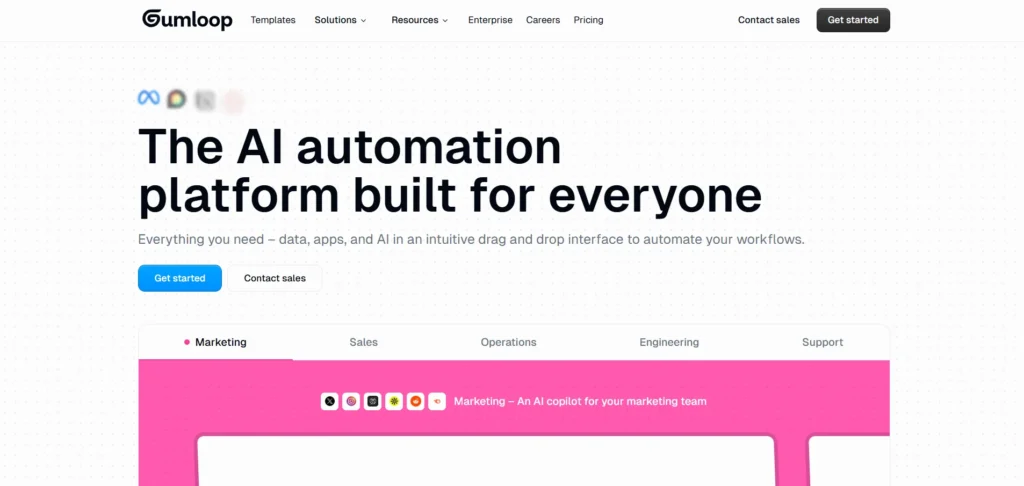
Gumloop specializes in automating communication-driven workflows, particularly for teams that manage large volumes of alerts, support tickets, or notifications. It helps route messages, enrich incoming information, trigger actions, and reduce manual triage work. Gumloop is designed with simplicity in mind—most workflows revolve around email, Slack, SMS, and ticketing tools.
Its focus on fast, message-based automation makes it ideal for incident response, customer support, and operations teams. While it’s not meant to replace complex automation platforms, Gumloop shines when handling communication-heavy processes where real-time response matters.
Key Features:
- Communication-triggered workflows
- Integrations with email, Slack, SMS, and ticketing systems
- Message enrichment and routing
- Fast setup and easy-to-use design
Why It’s a Good n8n Alternative:
- Best for message/alert workflows
- Reduces manual triage
- Simple and focused automation
11. IFTTT
Website: https://ifttt.com
IFTTT (If This Then That) is known for its simple applet-based automation, used heavily in personal productivity and smart home setups. It connects devices, apps, and online services using easy one-step triggers, making automation accessible for users with no technical experience. IFTTT excels at routine tasks like controlling smart devices, syncing social media, or receiving alerts.
The mobile app is user-friendly, and applets can be enabled with a single tap. While not designed for complex business workflows, IFTTT is perfect for lightweight tasks and daily convenience. It’s ideal for users who want plug-and-play automation without building complex logic, making it a simple go-to option among many n8n Alternatives & Competitors.
Key Features:
- Extremely simple applet creation
- Strong smart-home ecosystem
- Mobile-first interface
- Hundreds of consumer-friendly integrations
Why It’s a Good n8n Alternative:
- Best for beginners
- Great for personal automation
- Zero learning curve
12. Monday.com
Website: https://monday.com
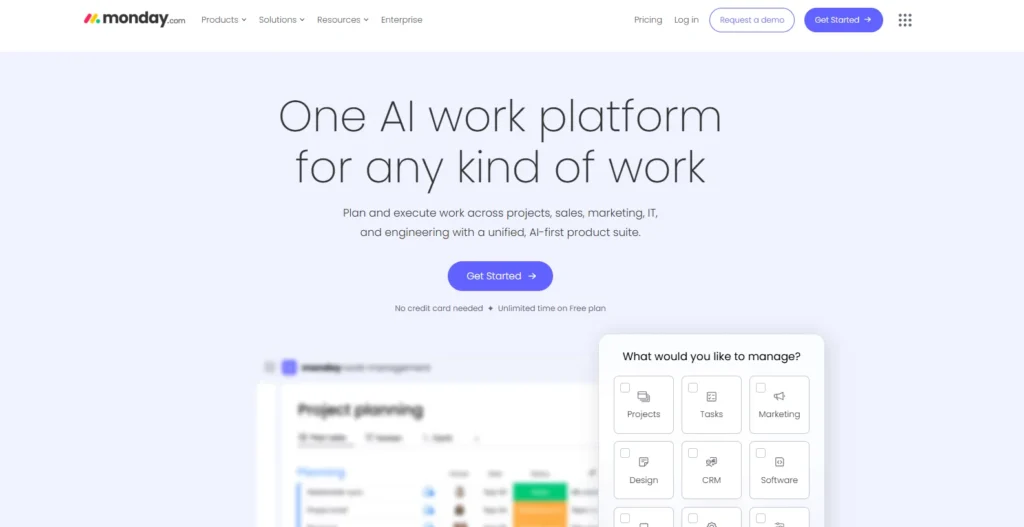
Monday.com is primarily a work management platform but includes powerful automation capabilities within its boards. Users can automate task assignments, status updates, notifications, and item movements using simple rule-based automation. Integrations with tools like Gmail, Slack, Teams, Jira, and HubSpot expand Monday’s reach beyond project tracking.
The real value comes from having automation living directly inside the workspace your team already uses. This reduces context switching and streamlines workflows across operations, marketing, HR, and project management. Monday.com is best for teams looking to automate internal processes without adopting a separate integration tool.
Key Features:
- Rule-based automated workflows
- Built-in project and task management
- Integrations with major business apps
- Automation inside visual boards
Why It’s a Good n8n Alternative:
- Perfect for operations & team workflows
- Very easy to set up
- Reduces manual work inside project boards
13. Relay.app
Website: https://relay.app
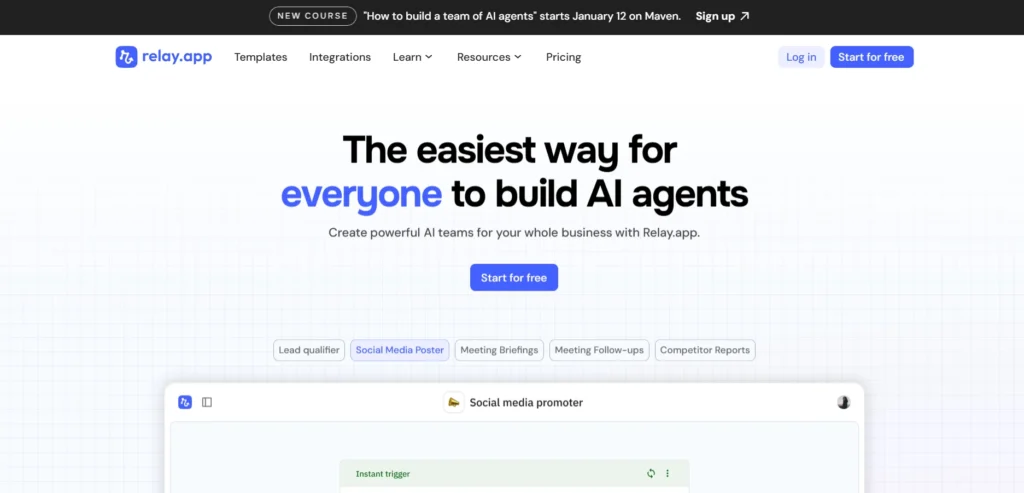
Relay.app takes a developer-friendly approach to automation, allowing users to build event-driven workflows with simple scripts. It provides predictable, stable runtime behavior and supports code-based logic without requiring server management. Relay focuses on performance, reliability, and speed—making it suitable for engineering teams and technical product users.
Developers can test workflows locally, write clean scripts, and push them to production with confidence. This makes Relay especially appealing to teams who prefer coding over visual builders but still want the convenience of a managed automation environment.
Key Features:
- Script-based automation
- Event-driven workflows
- Local testing and predictable runtime
- Managed environment with no servers to maintain
Why It’s a Good n8n Alternative:
- Great for developer workflows
- Clean, code-first automation
- Faster iteration for custom integrations
14. Huginn
Website: https://github.com/huginn/huginn
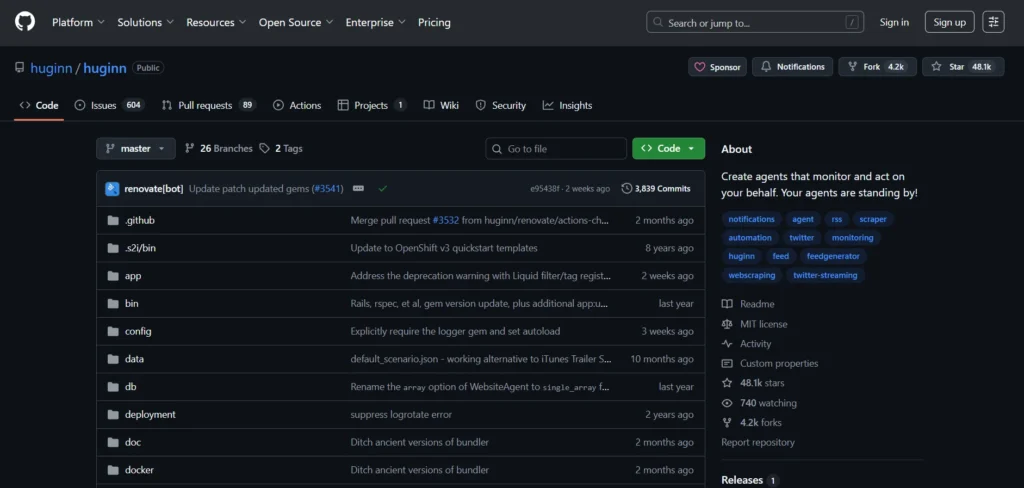
Huginn is a fully open-source automation system that lets users create agents to monitor the web and take actions based on custom rules. It’s popular among privacy-focused users because it can be self-hosted entirely on your own server. Huginn agents can watch APIs, scrape websites, track RSS feeds, and trigger sequences of actions.
This makes it useful for research, monitoring, data collection, notifications, and custom event processing. Although it requires more technical involvement than no-code tools, it offers unparalleled autonomy and transparency. Huginn is ideal for users who want maximum control and do not want to rely on any third-party service, making it a strong fit when exploring (n8n Alternatives & Competitors).
Key Features:
- Fully open-source automation agent system
- Self-hosted with complete data control
- Web monitoring and scraping capabilities
- Highly customizable workflows
Why It’s a Good n8n Alternative:
- Great for privacy and data ownership
- Perfect for technical users
- Highly flexible and extensible
15. Smartsheet
Website: https://www.smartsheet.com
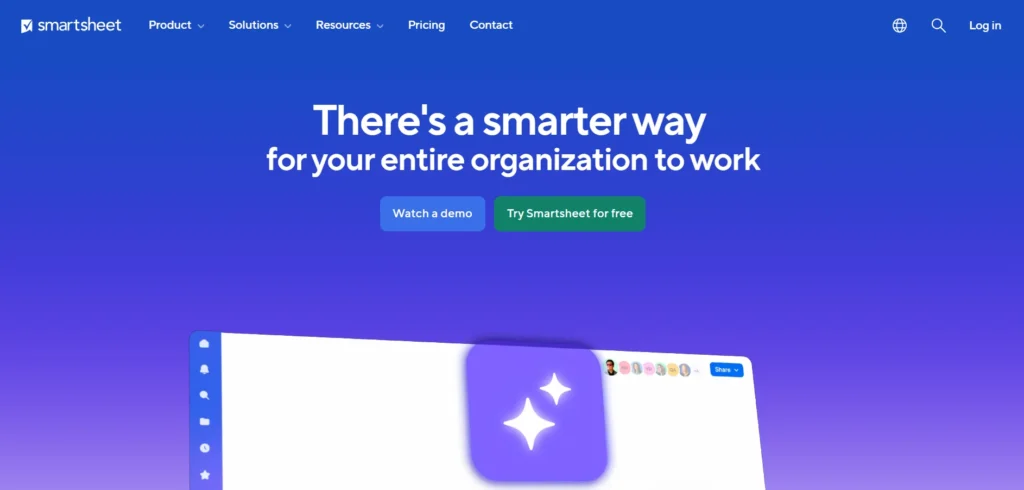
Smartsheet blends spreadsheet-style work management with flexible automation tools. It allows users to set up approval workflows, reminders, notifications, and automated row actions directly from sheets. The platform integrates with apps like Salesforce, Slack, Jira, Google Workspace, and Microsoft 365, making it suitable for cross-department processes.
Smartsheet is widely used in operations, project management, and enterprise PMO teams that require structured data-driven workflows. Its dashboards, reporting tools, and governance features make it scalable for large organizations. Smartsheet isn’t a traditional integration tool, but its automation capabilities are powerful for workflow-heavy teams.
Key Features:
- Spreadsheet-style automation
- Custom approval workflows
- Integrations with major business platforms
- Enterprise dashboards and reporting
Why It’s a Good n8n Alternative:
- Ideal for operations and project teams
- Strong automation inside sheets
- Great for structured, data-driven workflows
How to Choose the Right Automation Platform
Selecting the right automation tool becomes easier when you break it down into a few simple steps. Begin by understanding the types of workflows you want to automate, whether they involve marketing processes, internal operations, Data Pipeline Tools, or customer communication.
Once you know your use cases, think about the level of complexity you can handle. Some teams prefer a no-code drag-and-drop builder, while others benefit from developer-friendly scripting or enterprise-level automation features. It’s also important to check whether the platform offers enough integrations and provides reliable execution with clear monitoring tools.
If data privacy matters, open-source or self-hosted options may be safer. Start by testing small automations or linking them with automation testing tools to see how the platform fits your workflow style before scaling. The best tool is the one that reduces effort, supports your team’s skills, and grows with your future needs.
Conclusion
Choosing the right n8n alternatives from the available (n8n Alternatives & Competitors) depends on how your team works, your technical comfort level, and the complexity of your workflows. If you want simplicity and ease of use, Zapier or IFTTT might be ideal. For more technical or customizable automation, tools like Pipedream, Airflow, or Huginn offer deeper flexibility.
Teams needing strong enterprise controls can explore Workato, Tray.io, or Power Automate. And if you prefer open-source tools with full ownership, Activepieces and Node-RED are excellent options. Whatever your needs, this list gives you a clear and friendly guide to finding the right automation platform for your workflows.
FAQs
1. What is the Best n8n Alternative for Beginners?
Zapier and IFTTT are the easiest tools for beginners because they require no coding and offer simple, guided workflow builders.
2. Which n8n Alternative is Best for Developers?
Pipedream and Relay.app are ideal for developers who prefer code-first automation and custom API integrations.
3. Is there an Open-Source Alternative to n8n?
Yes, tools like Activepieces, Node-RED, and Huginn are fully open-source and can be self-hosted.
4. Which Tool is Best for Enterprise Automation?
Workato, Tray.io, and Microsoft Power Automate are strong enterprise-level alternatives with advanced governance features.
5. What is the Best Free n8n Alternative?
Activepieces, Node-RED, and Huginn are excellent free options, especially for users who want complete data control.