You set up a Google Ads campaign, set a budget, select keywords, and think, what are my competitors doing? Do they have different keywords, copy, and budgets? Well, this is where the fun begins. But instead of guessing, why not be able to peek behind the curtain and see what they’re doing, and use it to improve your own strategy?
That’s where competitor analysis tools help – they put your searches to rest. Here are 12 amazing (free and paid) Google Ads Competitor Analysis Tools, which can help you discover new opportunities, optimise your strategy, and even gain a competitive edge. In fact, some of these may even change your entire game plan.
What Is Google Ads Competitor Analysis?
Google Ads competitor analysis is a methodical approach to investigating other advertisers’ campaigns to determine what keywords they target, what ad copies they use, how much they spend, and what landing pages they use to drive conversions. This analysis enables you to compare your results against competitors, identify what’s working in your industry, and find opportunities where you can steal traffic they are overlooking.
Why does It matter ?
In today’s digital environment, you can’t afford to go with your gut; you need data to inform your strategy and competitor analysis offers this insight.
- Strategic Optimization: You can identify what headlines, descriptions, and calls-to-action work, so you can optimise your own assets without spending your precious budget on trial and error.
- Discovering Hidden Gems: With insights into keywords competitors are overlooking, or where they have a low share of impressions, you can find new, less expensive, highly targeted sources of traffic to drive growth.
- Budget Benchmarking: Competitor analysis allows you to benchmark your budget and determine how much you need to invest to compete for particular keywords, including evaluating Google Ads vs other platform performance to make better budget allocation decisions.
- Adaptive Strategy: With changing search trends and automation, monitoring competitors keeps you from being left behind in adopting new headline or landing page tactics that lead to conversions.
Why Should You Analyze Competitors’ Google Ads?
Competitor Google Ad analysis provides valuable insights to improve your ad strategy and increase return on investment. It reveals opportunities and trends you can leverage for improved results.
Discover Untapped Keywords
Competitor analysis allows you to spot keywords they rank for but do not specifically target, allowing you to get ahead of the curve on low-competition, high-value keywords. Software like SEMrush or Ahrefs highlights these opportunities in keyword overlap reports, so you can bid on these phrases before your competitors. This strategy results in lower-cost traffic and increased conversions by targeting market gaps.
Reverse-Engineer High-Converting Ad Copy
Analysing successful ads allows you to see what works in headlines, CTAs, and value propositions that appeal to your common audience. Observe their message shifts, like holiday promotions or problem-solving, and ethically apply them to outperform. This eliminates copywriting trial-and-error and boosts your click-through rates.
Maximise Ad Spend By Steering Clear Of Bidding Wars
Monitoring rivals’ bids and impression shares reveals their wasted spending, allowing you to reallocate spend to less competitive keywords and times. Bid management avoids unnecessary bidding wars, directing the budget where it will have the best return. Live tracking allows effective spending without overreacting to competitors.
Compare To Industry Benchmarks
Benchmark your metrics like CTR, CPC, and conversion rates against competitors to identify areas to improve and set achievable goals. This provides an important perspective to see if your campaigns fall behind or outperforms others, informing improvements. Benchmarking helps stay competitive with industry standards for continuous improvement.
Quick Comparison: Best Google Ads Competitor Analysis Tools At A Glance
| Tool | Pricing (starting/mo) | Key Strengths | Best For | Rating | Free Tier? |
| SEMrush | $117 | PPC keywords, ad copy, benchmarking | Overall Google Ads competitor analysis | 4.5/5 | Trial |
| Ahrefs | $129 | Keyword traffic, backlinks | SEO agencies & keyword insights | 4.5/5 | Limited |
| SpyFu | $39 | 18+ yrs ad history, PPC spying | Historical ad data & SMBs | 4.65/5 | No |
| SimilarWeb | $125 | Traffic sources, audience overlap | Traffic benchmarking & audience | 4.4/5 | No |
| SE Ranking | $103 | Competitive research, audits | Budget-conscious agencies | N/A | No |
| Serpstat | $50 | PPC keywords, ad spend estimates | Affordable PPC tracking | 4.2/5 | No |
| Benly | $99 | AI ad analysis, creatives | Paid social AI insights | 4.85/5 | No |
| Kompyte | Quote-based | Real-time alerts, multi-channel | Enterprise real-time monitoring | 4.55/5 | No |
| Google Ads Transparency | Free | Live ads, targeting filters | Viewing live competitor ads | 9/10 | Yes |
| Google Ads Auction Insights | Free | Impression share, auction metrics | Auction performance benchmarking | 5/5 | Yes |
| Google Keyword Planner | Free | Keyword volumes, CPC estimates | PPC keyword research starters | 4.5/5 | Yes |
| Google Trends | Free | Trend comparisons, seasonality | Keyword demand trends | 4.5/5 | Yes |
List Of 12 Best Google Ads Competitor Analysis Tools
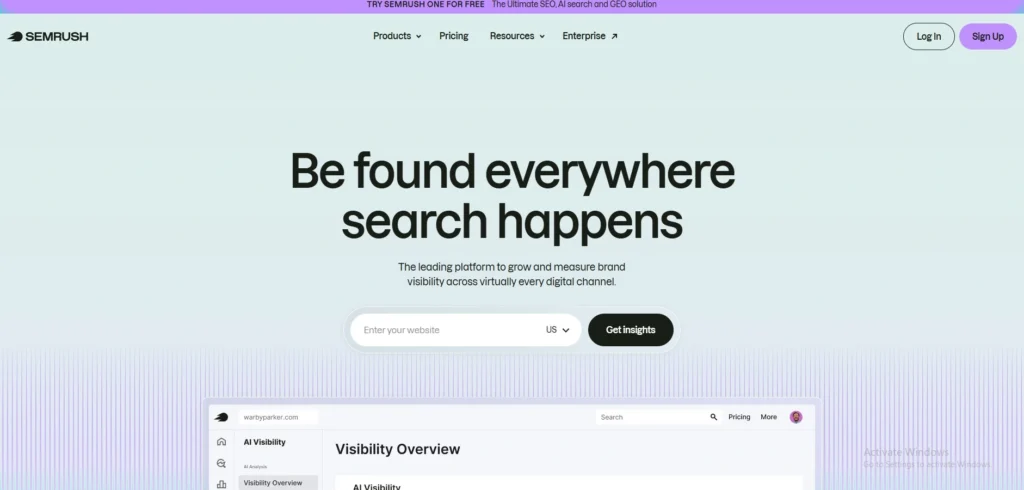
1. SEMrush – best overall for Google Ads competitors
Website: https://www.semrush.com/
SEMrush is a top all-in-one digital marketing tool with strong SEO and PPC analytics, perfect for marketers looking to gain insight into both organic and paid search using google ads competitor analysis platform. It includes competitor-research features, keyword-data sets, and campaign ideas dashboards for Google Ads and Google Shopping.
Key Features:
- Organic search audit, research, and rank tracking.
- In‑depth PPC analysis (competitive or paid keywords, ad copy, landing page, and cost-per-click trends).
- Website analytics and competitor benchmarking.
- Content‑optimization and AI‑based content‑generation.
- Local search engine optimization (SEO) and multi‑channel attribution for geo-targeting.
Pricing
- Pro:$117.33/mo
- Guru:$208.33/mo
- Business:$416.66/mo
Who Should Use It
- SEO and Google Ads agencies and in‑house marketers.,SEO and content-marketing teams, Online retailers and growth‑minded businesses that use competitive data.
Pros
- Good integrated SEO + PPC research tool.
- Large keyword and competitor data sets.
- High report caps and good AI‑visibility monitoring.
- White‑label reports and a multi-campaign view for agencies.
- Free trial and other small‑team options.
Cons
- A little confusing with pricing and plans.
- Data is mainly from Google (not Bing, YouTube, etc.).
- Only one user account for many plans, making sharing difficult.
- Traffic analytics figures are not 100% precise.
- Add‑ons and more advanced plans are costly for small businesses.
Rating: 4.5+/5
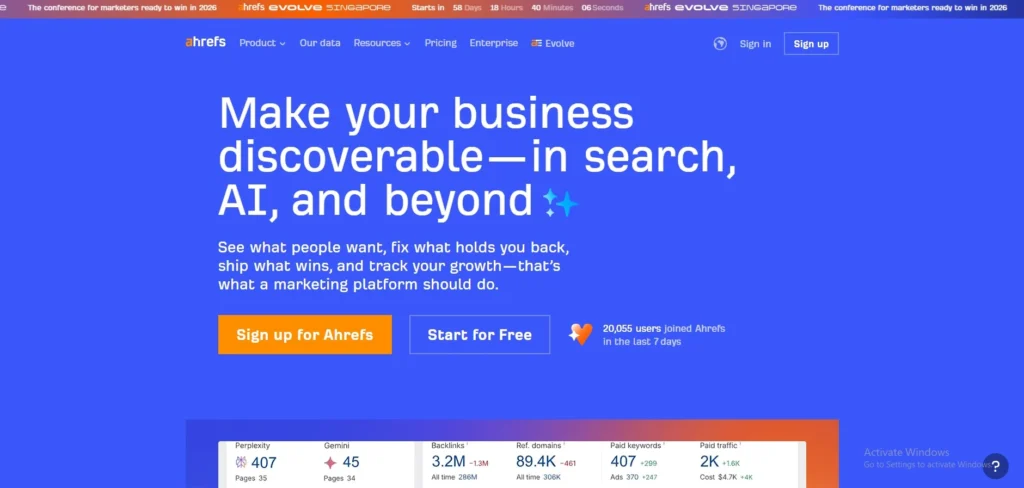
2. Ahrefs-– Strong keyword + competitor traffic insights
Website: https://ahrefs.com
Ahrefs provides detailed ranking, backlink, and competitive analysis with Site Explorer and Keywords Explorer for google ads competitor analysis tools. It has a large index for accurate difficulty, search volume, and content gap. Ideal for agencies and marketers working on organic search.
Key Features:
- Site Explorer to search and compare domains, to show organic traffic and keywords.
- Keywords Explorer with difficulty, search volume and trends.
- Content Gap and Link Intersect for opportunities.
- Rank Tracker and backlink tracker with unlimited verified domains (premium plans).
Pricing:
- Lite: $129/month
- Standard:$249/month
- Advanced:$449 /mo
Who Should Use It
- SEO Agencies, Growing Teams, and Digital Marketers in India who require competitor information for clients. Ideal for data-driven users who spend more than $100/month.
Pros:
- Accurate estimates of traffic and keywords.
- Excellent competitive intelligence.
- Unlimited verified sites on mid-tier+.
- Excellent historical tracking.
Cons:
- Costly for small teams/individuals.
- Complexity in advanced functions.
- Per-seat pricing.
- Limited free tier.
Rating: 4.5/5
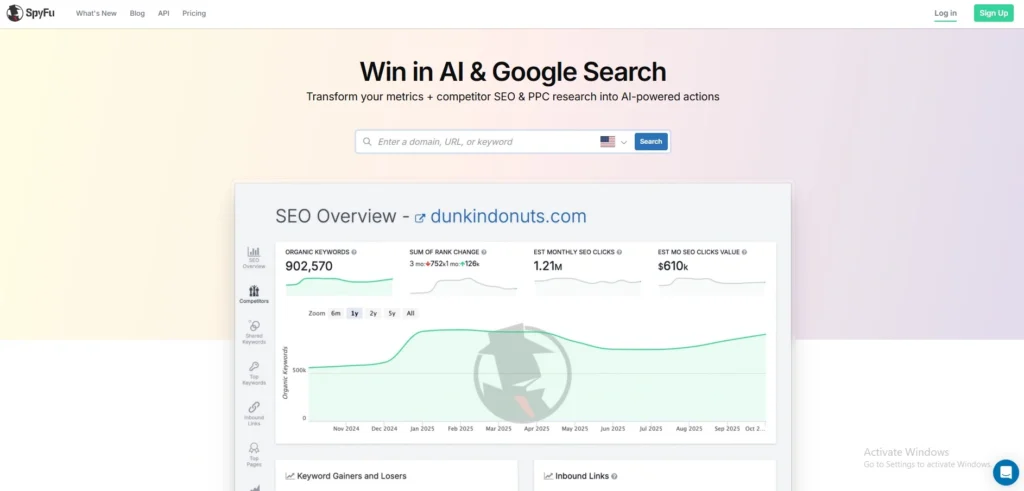
3. SpyFu – Excellent for historical Google Ads data
Website: https://www.spyfu.com/
SpyFu is a competitor research software for SEO and PPC, offering unrivaled historical Google Ad data (18+ years) using google ads competitor analysis platform, making it a popular choice among PPC Tools for ad history analysis.It uncovers ad history, keyword rankings, backlinks, and advertising spending to inform your campaigns. It’s lauded for its ease of use by small agencies and SMBs for organic/paid performance.
Key Features:
- Unlimited searches and ad history (18+ years).
- Domain and keyword spying, competitor overview, PPC ad tests.
- AI features such as SpyFu GPT, RivalFlow for content, and Kombat.
- Backlink analysis, ranking (up to 50k keywords on higher plans), and reports.
- Real-time site tracking and white-label exports.
Pricing
- Basic:$39/month
- Pro + AI is $59/month
- Team/Agency:$249/month
Who Should Use It
- Cost-effective for cash-strapped PPC managers, agencies are reverse-engineering Google Ads. Ideal for US/UK; ideal for SMBs seeking competitor insights, not extensive audits.
Pros
- Low price at $39/month.
- 18+ year historical ad archives at a low price.
- Easy set-up, reliable exports.
- Great for PPC and keyword overlap.
Cons
- Country data 19-28 countries (not great for the US).
- Weaker for backlinks/SEMrush audits.
- Data assumptions on exact search queries.
Rating:4.6/5
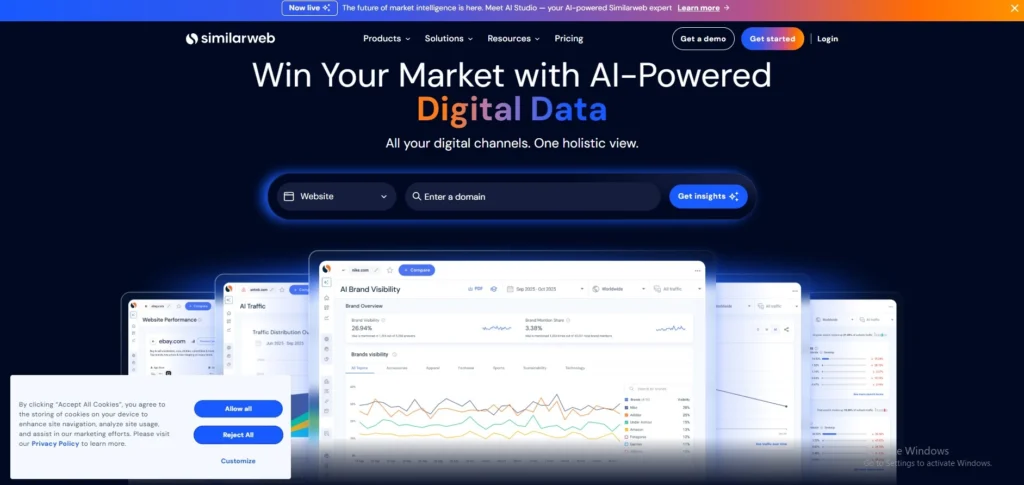
4. SimilarWeb – Deep competitor traffic & audience insights
website: https://www.similarweb.com/
SimilarWeb is an AI-driven digital-intelligence tool that provides estimates of competitors’ web and mobile traffic, such as traffic sources, user engagement, and market-share growth for google ads competitor analysis tools. It helps marketers, product managers, and analysts compare sites and identify opportunities for improvement by comparing up to multiple sites.
Key Features:
- Traffic sources (organic, direct, paid, social, referrals, email).
- Traffic estimates, activity metrics (session duration, pages per session, bounce rate), and traffic growth.
- “Also visited” and audience‑interest insights to identify content overlap and overlap between users.
- Keyword and search‑engine-optimisation insights (rankings, search‑visibility scores, backlinks).
- Cross‑site competitor comparison and mobile‑app and social‑media referrals.
Pricing:
- Competitive Intelligence: $125 per month, billed annually
- Competitive Intel & SEO & AEO:$333Per month, billed annually
- Competitive Intel, SEO & AEO & Ads
- Best for performance marketers:$542 Per month, billed annually
Who Should Use It:
- SEO and digital marketing teams, Product and growth teams who want to look at market‑share trends and user-behaviour patterns. Agencies or consultants for clients on traffic and competitive strategy.
Pros:
- Large worldwide reach for millions of websites and apps.
- In-depth traffic‑source and audience‑interest reports.
- Good search engine optimization (SEO) and keyword‑intelligence tools.
- Easy-to-read data and multi‑site comparisons.
- Great for site and app‑level competitive analysis.
Cons:
- Estimates are approximate, particularly for low‑volume sites.
- Costly for smaller companies or individuals.
- Certain features only available with higher plans.
- May be complex with multiple sections and data points.
Rating: 4.3-4.5 stars
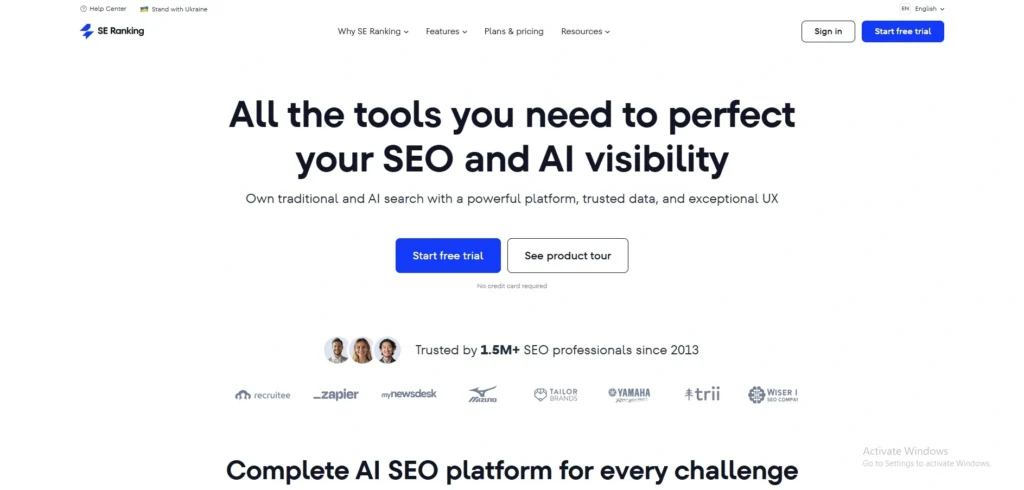
5. SE Ranking – Budget-friendly alternative with competitive research
website: https://seranking.com/
SE Ranking is a cost-effective, all-in-one SEO solution offering a suite of professional tools that can be used as an effective alternative to high-end enterprise tools such as Semrush or Ahrefs. It is especially known for offering high-end tools like rank tracking, competitor analysis using google ads competitor analysis platform, and website auditing at an affordable price.
Key Features:
- Competitive Research: Examining competitor keywords targeting, backlinking, and traffic sources.
- Keyword Rank Monitoring: Monitor rankings for search engines, countries, and even cities.
- Website Auditing: Conduct in-depth technical SEO audits to troubleshoot website problems.
- Agency Tools: Features with-label reporting, lead generation tools, and user set allocation.
Pricing:
- Core:$103.20/mo
- Growth:$223.20/mo
Who Should Use It
- Small to Medium-sized Enterprises,Marketing Agencies: Agencies needing white-label reporting and client management platforms,Bloggers and Freelancers
Pros
- Great value for money.
- No setup fees.
- Feature-rich rank tracker.
- Responsive customer support.
- Flexible subscription options.
Cons
- Limited keyword research.
- AI features are usually in higher plans.
- Restricted number of projects/keywords in basic plans.
Rating:4.7/5
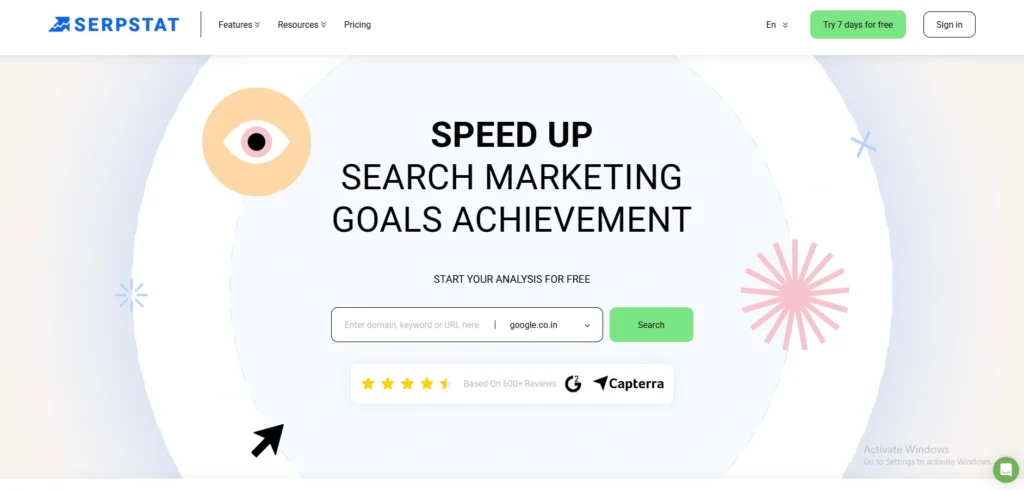
6. Serpstat – Keyword + PPC competitor tracking
website: https://serpstat.com/
Serpstat is an all-in-one marketing and SEO tool that allows you to do keyword research for organic and paid search, as well as track your competitors’ rankings, backlinks, and paid-search campaigns using google ads competitor analysis tools. It supports 230+ countries and is used by SEOs, agencies, and small-to-medium-sized companies to research keywords, audit sites, track rankings and competitors’ PPC campaigns all in a single platform.
Key Features:
- Key word research: search volume, cost-per-click, keyword difficulty, related keywords, and search‑suggestions.
- Competitor analysis (organic and PPC): view which keywords competitors rank for, and which they pay for.
- PPC keyword analysis: see competitors’ ad copy, landing pages, and predicted ad spend.
- Backlink analysis, rank tracking, and site audit for several keywords and websites.
- Keyword clustering and workspaces for campaign planning and tracking.
Pricing:
- Individual$50/month
- Team:$100month
- Agency:$410/month
Who Should Use It:
- SEO freelancers and small agencies , On-site marketers,SEO and content teams looking for easy keyword research, site analysis, and simple backlink tracking.
Pros:
- Includes keyword research and PPC competitor analysis, audits, and rank tracking.
- Up to 50-70% more affordable than rivals such as Ahrefs or Semrush for similar functionality.
- Useful PPC keyword insights to inform Google AdWords campaigns.
- Easy API and data re‑selling, helping agencies and SaaS products.
Cons:
- Limited keyword & backlink databases compared to premium tools; less in‑depth data.
- User interface is dated, clumsy, or slow, particularly with large audits or reports.
- Inconsistent data compared to other tools, according to some users.
- Lack of extensive on‑page SEO and content‑optimisation capabilities compared to new‑generation SEO tools.
Rating: 4.0-4.4/5
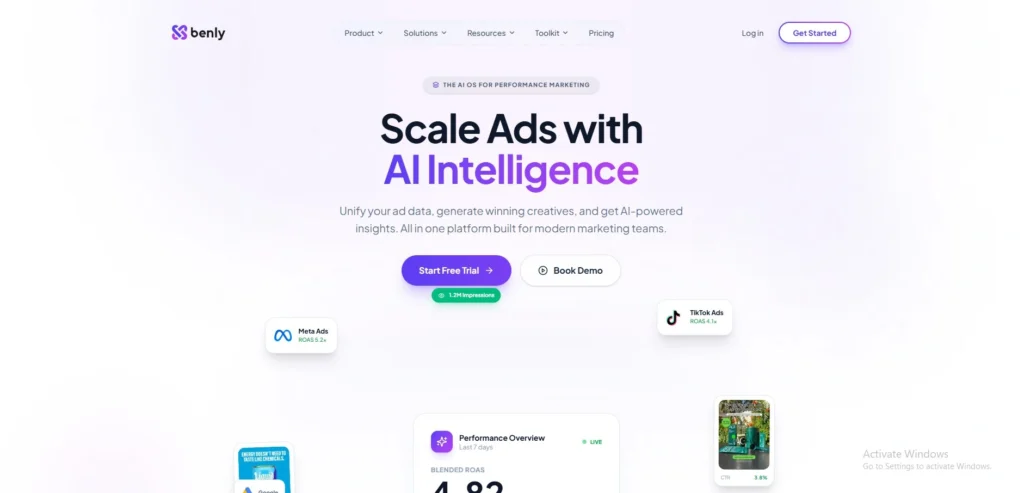
7. Benly – Explains why competitor ads work using AI
Website: https://benly.ai/
Benly applies AI to the ad hooks, visuals, CTAs and patterns of millions of live ads for google ads competitor analysis platform. It supports natural language searches (e-commerce video ads), split comparisons, and competitor change alerts. No fees on ad spend and flat pricing.
Key Features
- AI-driven insights on hooks, images, CTAs, and trends.
- Filter/search by platform, industry metrics, watchlists, and collections.
- Create 100+ ad variations from competitors.
- Monitors Meta/TikTok/Google ads and analytics.
Pricing
- Starter:$99/month
- Boost:$199/month
- Scale:$499/month
Who Should Use It
- Paid social marketers, media buyers, and agencies looking for insights beyond the spy tools. Great for e-commerce companies to fine-tune ad creatives and other marketing tactics.
Pros
- AI explains why ads work.
- 50M+ ads with real-time tracking.
- Instant creation from winners.
- Predictable flat pricing.
Cons
- Paid at $99/month (no free plan).
- Paid social, not web/SEO.
- Newer tool vs established players.
Rating:4.8/5
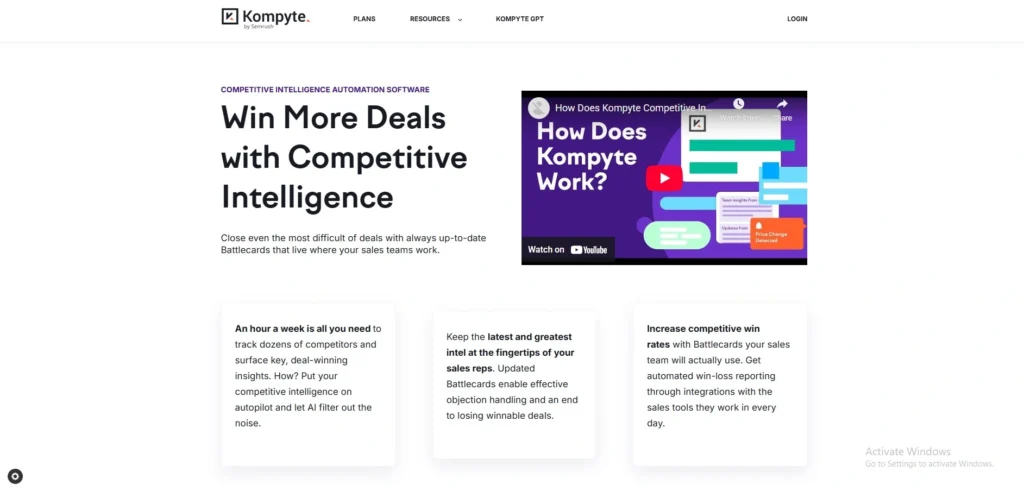
8. Kompyte – Tracks competitor changes in real-time
website: https://www.kompyte.com/
Kompyte is a tool that tracks competitors’ online activities (website, advertising, social, and content) in real-time and provides automated alerts and recommendations for actionable insights using google ads competitor analysis tools.
Key Features
- Instant notifications of competitor changes (products, promotions, pricing).
- Comparative reports and battle cards for sales.
- Automated data sources from SEO, ads, social, blogs; CRM integration (Salesforce, HubSpot).
Pricing
- Pricing is quote-based
Who Should Use It
- Sales, marketing, and competitive intelligence professionals in mid-market to enterprise who want to quickly get insights about their competitors without tracking them.
Pros
- Easy to use and set up.
- Effective news gathering and collaboration features.
- Responsive customer support.
Cons
- Price not advertised (sales dependent).
- Occasional slow performance.
- Lack of information on features.
Rating:4.5/5
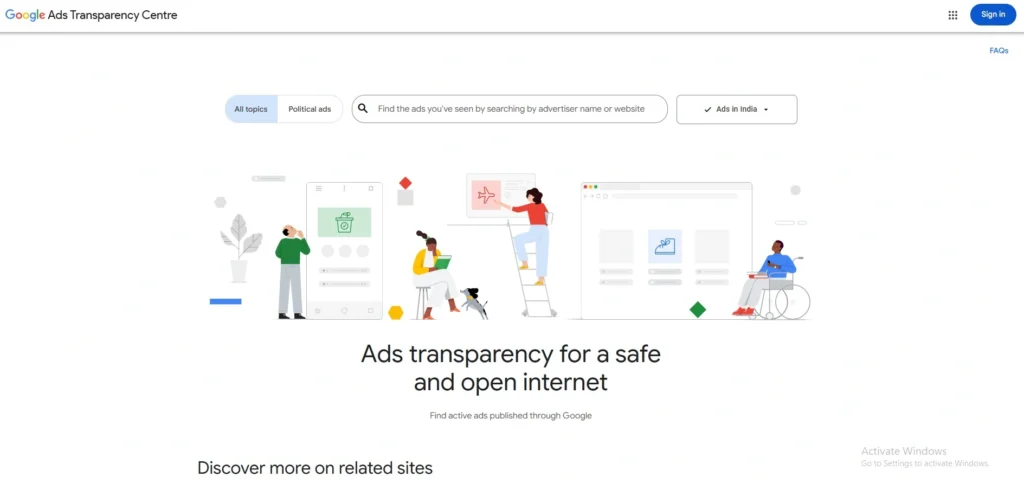
9. Google Ads Transparency Centre – View competitors’ live ads for free
Website: https://adstransparency.google.com/?region=IN
The Google Ads Transparency Centre is a free service by Google that allows you to see live ads by competitors on Search, Display, YouTube, and other networks using google ads competitor analysis platform. It helps marketers with competitor research by showing active ad creatives, formats, and targeting without needing to sign in or pay. It’s used to benchmark tactics and identify real-time trends.
Key Features
- Filter by advertiser, topic, location, and date for real-time ads.
- See ad types (text, image, video) on Google networks.
- View targeting and start date of campaigns.
Pricing
- There are no subscriptions or limits and it’s free to use.
Who Should Use It
Digital marketers, PPC experts, and agencies performing competitive analysis. Small businesses trying to get the best bang for their ad dollars or nonprofits checking up on their competition also benefit.
Pros
- See competitors’ live creatives.
- Country, time, and format choices.
- Free and no account required.
Cons
- Only displays current ads.
- No performance or keywords.
- Only shows active ads, no historical data.
Rating:9/10
10. Google Ads Auction Insights – Identify direct competitors in auctions
Website: https://business.google.com/in/google-ads/?pli=1
Google Ads Auction Insights is a default report that provides first-party data on who you are competing with in the auction for google ads competitor analysis tools. It enables you to compare your key performance metrics against these advertisers to identify opportunities and insights.
Key Features
- Performance Metrics: Tracks six important metrics, including Impression Share, Overlap Rate, Position Above Rate, Top of Page Rate, Absolute Top of Page Rate, and Outranking Share.
- Detailed Insight: Campaign, ad group, or keyword level with time or device breakdowns.
- First-Party Data: Provides data from the Google auction system, so you can know what’s actually happening in the auction that is relevant to your environment.
Pricing
- Completely free for all Google Ad users, integrated with the Google Ads platform.
Who Should Use It
- Pay-per-click (PPC) managers and business owners who manage Search or Shopping campaigns want to compare their performance against their competition.
Pros
- Native to Google Ads.
- Zero additional cost.
- High data accuracy.
- Actionable bidding insights.
Cons
- Minimum volume required.
- Only uses internal auction data.
- No access to ad creative.
- Lacks a broader market context.
Rating: 5/5
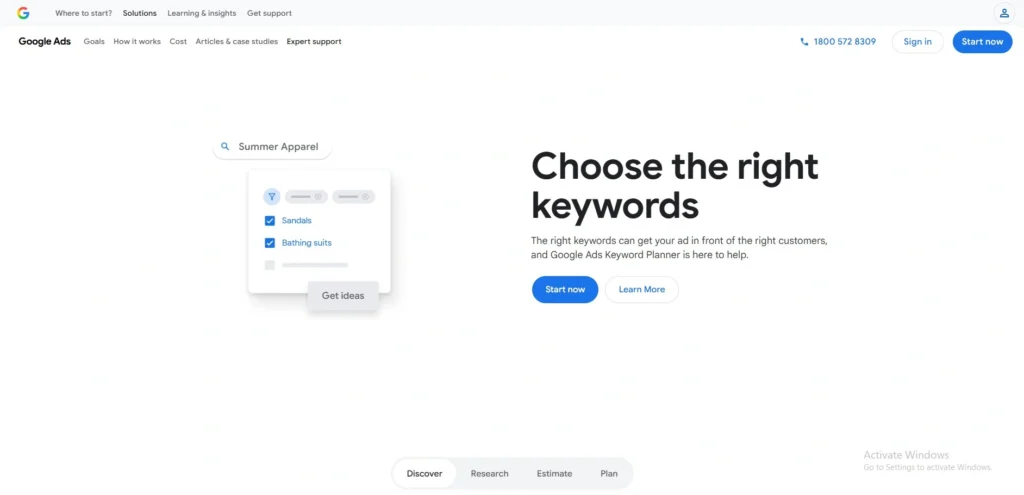
11. Google Keyword Planner – Discover competitor keywords
website: https://business.google.com/in/ad-tools/keyword-planner/
Google Keyword Planner is a free keyword research tool, largely aimed at advertisers, to search for new keywords and forecast search trends. It offers direct Google data but is geared for pay-per-click (PPC) campaigns and does not have dedicated, powerful competitor-spying capabilities of dedicated SEO tools.
Key Features
- Key Word Discovery: Offers suggestions for keywords based on terms, products, or your competitor’s page URL.
- Search Volume Metrics: Shows monthly historical search volume and seasonal variations for particular keywords.
- estimated Bids: Shows the estimated cost-per-click (CPC) information to help assess the profitability of certain keywords.
- Projections: Enables users to develop projections for future search campaigns.
Pricing
- Google Keyword Planner can be used for free with any Google Ads account
Who Should Use It
- Idigital marketers, entrepreneurs, and SEO newcomers who are already advertising or planning advertising with Google Ads.
Pros
- Free to access.
- Direct data from Google.
- Great for volume checks.
- Ideal for PPC research.
Cons
- Lacks competitor spying.
- No organic difficulty metrics.
- PPC-focused, not SEO-optimized.
- Clunky data exports.
Rating:4.5/5
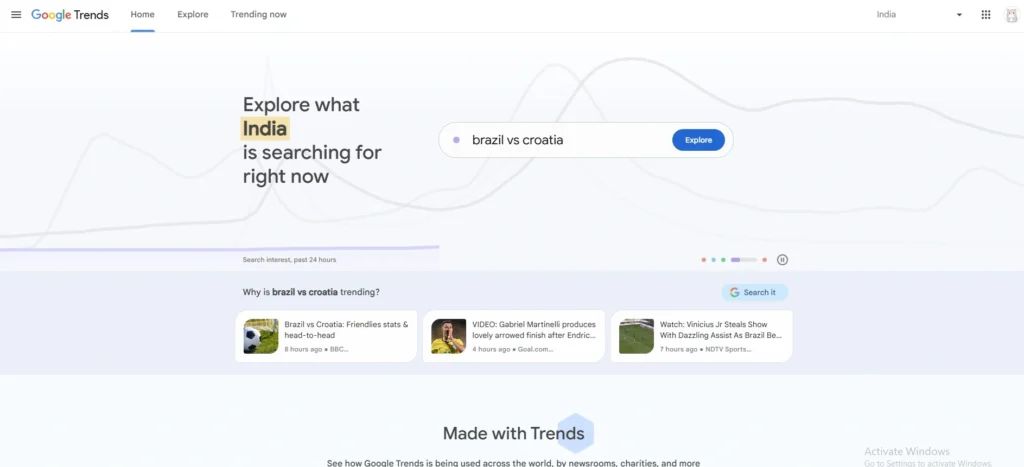
12. Google Trends – Compare demand & keyword trends
Website:https://trends.google.com/
Google Trends allows you to compare the search interest for a maximum of five terms, as well as by location, time, and category for google ads competitor analysis tools. Results are scaled 0–100 to show relative search volume, not absolute numbers.
Key Features
- Compare up to five keywords at once.
- See interest by country, subregion, city, and sometimes metro.
- Gain insight into topics of interest and seasonal variations.
- View popular news stories and topics.
- Compare topics and keywords for content and SEO.
Pricing
- Google Trends is free to use.
Who Should Use It
- SEO professionals, Content marketers and bloggers, Online marketers are conducting research,Entrepreneurs monitoring market trends,Journalists and researchers gauge interest.
Pros
- Free.
- Easy to use.
- Good for comparing terms.
- Good for identifying trends and seasonality.
- Good for geographical analysis.
Cons
- Displays relative, not absolute search volume.
- Limited data for extensive research.
- May require filter and default tweaks.
- Not a great stand-alone SEO tool suite.
Rating: 4.5/5
How To Do Google Ads Competitor Analysis Step-by-Step
Competitor analysis in Google Ads allows you to understand competitors’ tactics to improve your advertising strategy in 2016.
Step 1: Identify Competitors
Search your main keywords on Google and use Auction Insights in Google Ads to see who is actually bidding against you.
Step 2: Keywords & Bids
Use tools like SEMrush or SpyFu to check which keywords competitors are targeting and how aggressive their bidding is.
Step 3: Study Ad Copy
Look at their ad headlines, offers, and CTAs. Notice what messaging they use to attract clicks.
Step 4: Analyse Landing Pages
Check their landing pages for design, CTA placement, speed, and how they convert visitors into leads.
Step 5: Build Strategy
Find gaps in their strategy and improve yours with better keywords, stronger ads, and more optimized landing pages.
How To Choose The Right Google Ads Competitor Analysis Tool
Choosing the right Google Ads competitor analysis tool can be complex, as it varies by business size, budget, and requirements, such as monitoring competitors’ strategies to inform your ads. New users with minimal needs can opt for free tools, while paid tools offer more insights for growing businesses.
Small Business or Startup? Start with Free Tools
If you’re just starting, use free or basic tools like Google Ads (Auction Insights, Keyword Planner) and Google Search itself. These help you understand competitors without spending extra money. Some budget tools, like Ubersuggest, can also give basic keyword and ad ideas.
Agency or Enterprise? Use Premium Tools
If you manage multiple clients or large campaigns, go for advanced tools like SEMrush, SpyFu, or Ahrefs. These give deeper insights into competitor keywords, ad copies, budgets, and landing pages, helping you build more data-driven and scalable strategies.
Key Features to Look For
Look for tools that cover fundamental competitor intelligence to optimise your bids and ad copy.
- Keyword tracking: Tracks competitors’ bids and volume, gaps; Semrush, SpyFu excel.
- Ad history: Stores previous copy and variants; critical in SpyFu for identifying changes.
- Budget insights: Infers spending from auctions; estimates free with Google, accurate with premium.
- Landing page analysis: Post-click experience; Semrush shows landing page changes.
- Integrations: Links to Google Ads, Analytics, or CRMs; ensure API/export is available in agency platforms.
Conclusion
The use of competitor analysis tools as a primary method to develop Google Ads campaigns through data analysis instead of relying on assumptions will become vital for businesses in 2026. The tools enable you to improve your financial operations by discovering unknown keywords and duplicating successful advertising text, and evaluating your budget against market benchmarks using Google Ads competitor analysis tools.
The process of applying these findings to your work routine will help you deal with commercial changes more efficiently while you achieve important business advantages and increase all your investment returns.
FAQs
Q1. What Is The Best Free Tool?
The best free tools combine built-in platform elements with dedicated search capabilities. The Google Auction Insights report provides essential data to compare your competitors’ impression share, overlap rate, and outranking share metrics. The Google Ads Transparency Center provides users with the most trustworthy resource for examining their rivals’ current advertising campaigns. Vaizle provides users with free dashboards that enable them to monitor active advertisements on multiple advertising networks.
Q2. How Often Should I Analyse Competitors?
You need to analyse your industry competition at regular intervals, which should match the level of changes occurring in your industry. Most businesses should review competitor activity at least monthly to track budget shifts and strategic pivots. You should increase your monitoring frequency to weekly or bi-weekly intervals during high-pressure situations that include product launches, seasonal business periods, and ad performance drops.
Q3. Can I See Competitor Ad Spend?
The precise real-time spending that competitors maintain on their accounts remains inaccessible because this information belongs exclusively to their internal systems. Competitive intelligence platforms such as Semrush and AdClarity enable you to generate accurate budget estimates because they scrape data from the internet and build models from traffic data, click-through rates, and cost-per-click averages. Although these numbers represent estimates instead of exact financial records, they serve as useful tools to determine expense patterns and discover which keywords receive the most importance throughout different time periods.
Q4. Is Competitor Analysis Legal?
Yes, business cases can conduct competitor analysis as a legal practice, which requires them to use information that public sources make available to everyone. Ethical methods include monitoring public advertisements, analyzing search engine results pages (SERPs),