Managing systems remotely has become a necessity for businesses, IT professionals, and even individuals working from home. Whether it’s accessing files, troubleshooting systems, or collaborating across locations, having the right remote access tool can significantly improve productivity. This is where the best free remote access software comes into play.
Free remote access Tool allows users to connect to and control computers from anywhere without expensive subscriptions. These tools offer essential features like screen sharing, file transfer, remote control, and secure connections, making them ideal for personal use, small teams, and startups. Popular solutions such as TeamViewer, AnyDesk, and Chrome Remote Desktop provide reliable performance and cross-platform compatibility.
Additionally, many free tools come with strong security protocols like encryption and authentication, ensuring safe remote sessions. While some advanced features may be limited compared to paid versions, the remote access platform still delivers excellent value for everyday remote work and support needs.
Choosing the right tool depends on your requirements, but the options available today make remote access easier, faster, and more accessible than ever.
What is Remote Access Software?
Remote access software is a technology that allows users to connect to and control a computer, server, or device from a different location using the internet or a secure network. In simple terms, it lets you operate another system as if you were physically sitting in front of it.
These tools work by transmitting the remote device’s screen in real time while also sending your keyboard inputs and mouse movements back to that device. This creates a seamless experience where you can open files, run applications, install software, or troubleshoot issues remotely.
Remote access software is widely used in IT support, system administration, remote work, and business operations. It enables professionals to manage systems, resolve technical problems, and access critical data without needing physical access to the device. Many tools also include features like file transfer, session recording, multi-device access, and secure authentication for safe and efficient usage.
Why Is Remote Access Software Important?
Remote access software has become essential in today’s hybrid and digital work environment. It allows businesses and individuals to stay connected to their systems and resources from anywhere, ensuring flexibility, efficiency, and uninterrupted operations.
Key Benefits
- Remote work suits: The Employees may choose to access files, applications, and desktops at home or when traveling, and therefore are more adaptable and can make a balance between work and life.
- Better IT support: Speeds up the process of troubleshooting and repairing services when an IT professional is not on duty, thereby saving time and response time of the technical personnel.
- Further strengthens teamwork: Assists cross-location team efforts by sharing systems and resources on-the-fly.
- Cuts costs: Minimizes travelling, field visits, and infrastructure demands, minimizes operations costs.
- Ensures business continuity– Makes business run when there is discontinuity, e.g., disasters or office shutdown.
- Increases security: Authenticates data and records all activities with encryption to secure data and prevent violations of laws.
List Of 12 Best Free Remote Access Software
1. AnyDesk
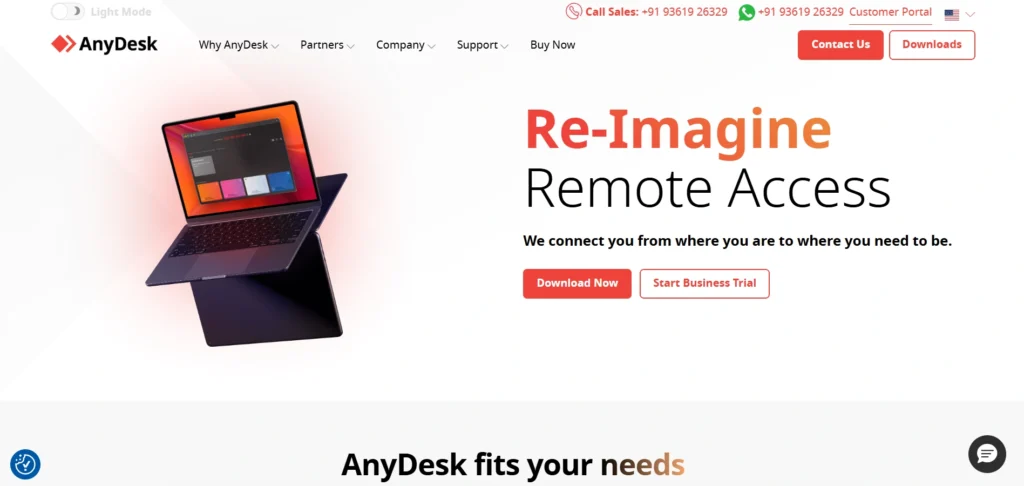
Website:anydesk.com
AnyDesk is a commercial remote desktop program that is developed by AnyDesk Software GmbH, which enables its users to safely control and access computers or any other devices located anywhere on the internet with minimal latency since its efficient DeskRT codec makes maximum utilization of the bandwidth despite the use of a slow connection.
It supports Windows, macOS, Linux, iOS, and Android, and has features such as file transfer, unattended access, two-factor authentication, session recording, remote printing, chat, and VPN capability to facilitate IT support, remote work, collaboration, and server management. It is fast and easy to use with a user-friendly interface, and popular with IT professionals and businesses, which can be custom-branded and support many simultaneous sessions, although it is also misused in scams.
Key Features
- DeskRT codec: Low delay connections to give responsive control.
- Security: End-to-end TLS 1.2 encrypted and two-factor authentication.
- File transfer, sharing of the clipboard, and printing remotely.
- Remote devices that are not attended to are password-protected.
- Windows, macOS, Linux, iOS, Android.
- Interactive features like whiteboard, chat, session recording, and address book.
- Serving customizable customers, REST API, and on-premise and cloud deployment.
Pricing
- Standard:₹1,536.80 per month for 1 connection (billed annually)
- Advanced:₹3,428.80 per month for 2 connections,
2. Chrome Remote Desktop
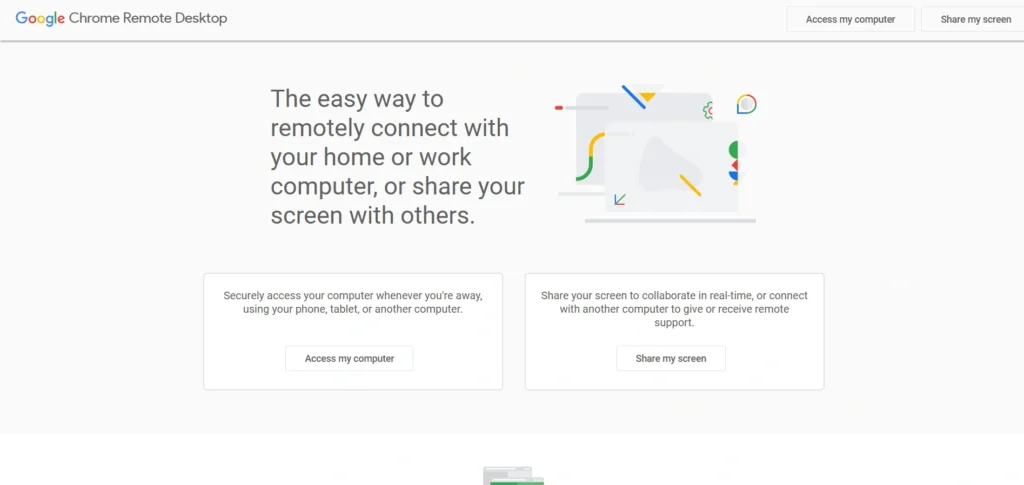
website: https://remotedesktop.google.com
Chrome Remote Desktop is a free remote access software application that was developed by Google and has the ability to access and remotely control another computer or device with safety using either the Chrome browser or a companion application that is developed by Google. It works by connecting a lightweight extension to the host machine, after which you can access it without attendance by entering a name and PIN, after which any other computer can access it with an encrypted WebRTC-based connection.
Its noteworthy features include cross-platform compatibility with Windows, MacOS, Linux, ChromeOS, Android, and iOS; real-time screen sharing, i.e., two or more individuals can collaborate or provide support, file transfer, and additional features such as full-screen or scaled display mode that make it quite easy to use in remote working and troubleshooting.
Key Features
- Windows, MacOS, Linux, ChromeOS, Android/iOS mobile.
- Free desktop installables that can be done with the assistance of the Chrome browser extension and a Google account, with no complicated software prerequisites.
- Secure connections using encrypted forms, PIN validation to enable access to the client even in non-presence.
- Allows the full remote control of a desktop, applications, and files, like when one is there.
- Is allowed on a case-by-case basis or on a long-term basis without any additional charges or subscriptions.
Pricing:
- It is totally free, and does not have paid plans or subscriptions.
3. RustDesk
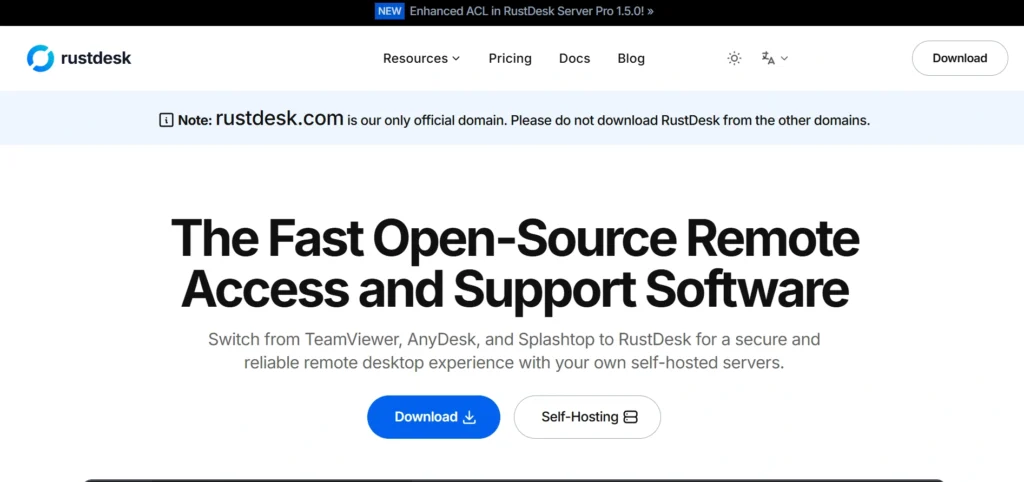
Website:https://rustdesk.com
RustDesk is an open-source remote access and remote control program whose major language is Rust and is intended to be a privacy-conscious project to be safe and an alternative to commercial software like TeamViewer or AnyDesk. It can remotely maintain platform-independent (e.g., Windows, macOS, Linux, iOS, and Android) computers and devices through peer-to-peer (P2P) connections, which encrypt end-to-end with the NaCl library, and in most scenarios does not need VPNs, port forwarding, or third-party relays.
It can be used both unattended to maintain all-time connectivity and also where users can run their own relay server to gain total control of their data; it can also be used even behind firewalls or NATs.
Key Features:
- Cross-platform (Windows, MacOS, Linux, iOS, Android, and web client).
- End-to-end secure P2P connection encryption with NaCl.
- Self-hosting relay server option, which will ensure data privacy and no use of external services.
- Internet connectivity that allows one to be connected automatically.
- File transport, in-app communication, clips sharing, and TCP tunneling.
- Support of multi-monitor, fine keyboard/mouse control, and codec hardware support (H264/H265, VP8/VP9/AV1).
- There is no need to use port forwarding even behind the firewalls/NATs.
Pricing:
- Free: $0 /month
- Individual: $9.90 /month billed annually
- Basic: $19.90 /month billed annually
- Customized: $19.90 /month billed annually
4. TightVNC
website:https://www.tightvnc.com
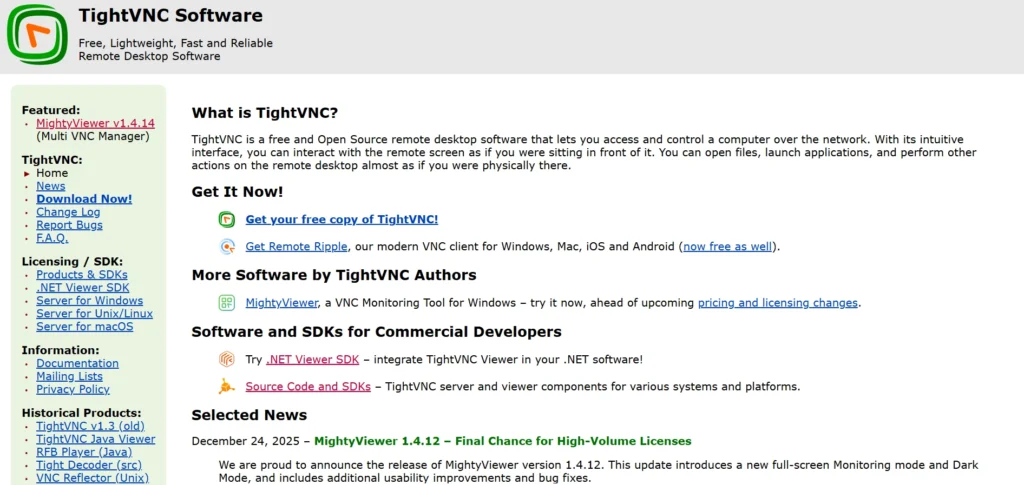
TightVNC is a free open source remote desktop application, based on the VNC (Virtual Network Computing) protocol, which allows a user to log in and use the screen, keyboard, and mouse of a remote computer as if it were part of the same body as the computer.
It is composed of the server part of the machine to be controlled, which transmits the screen updates (through the Remote Framebuffer (RFB) protocol) and the viewer part on the controlling machine, which allows it to interface over a low-bandwidth connection as well as be platform-portable, such as Windows, Linux, and so on.
Key Features
- Remote display and remote control of the screen with mouse/keyboard control.
- Inter-machine file transfer.
- It is supported by 24-bit color, multi-encoding, and low-bandwidth optimization.
- Browser accessibility, Java viewer compatibility (Windows, Linux, macOS).
- Multitasking (configurable).
- Password authentication with full-control and read-only.
- Text chat on-the-fly and command line configuration.
Pricing:
- TightVNC itself is free and free to use either for business or personally.
5. UltraVNC
website:https://uvnc.com
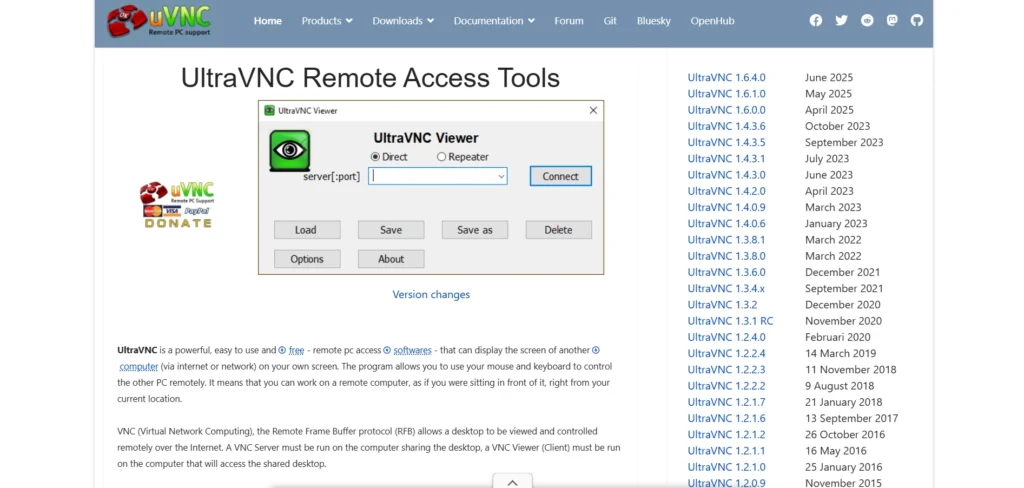
UltraVNC is an open-source free remote access software and remote desktop program that allows users to see and operate the screen, keyboard, and mouse of another computer, either across a local area network or the internet via the VNC (Virtual Network Computing) protocol, making it ideal when it comes to providing IT support, remote administration, and helpdesk support. It is compatible with Windows servers (with Windows and Linux clients) and provides more features than normal VNC, such as encryption support via plugin, file transfers, and chat, and is also free under the GNU GPL license with the most recent release as of 2025.
Key Features
- One can remotely view the screen and have a mouse/keyboard as well.
- File transfer, such as bidirectional and drag-and-drop.
- Real-time communication between the user and admin with the aid of text chat.
- SSL DSM encryption decryption optional plug-in.
- Multi-monitor and scaling of the screen.
- Unattended access, single-Click executables to easily deploy, and a Java viewer.
- Functionalities such as session recordings, access control, and remote updates.
Pricing:
- UltraVNC is free of any licensing fees and can be used for personal and commercial purposes.
Suggested Read :
6. NoMachine
Website:https://www.nomachine.com
NoMachine is an open-source, high-performance remote desktop software that allows one to easily and securely access computers and devices in the LAN or even on the internet, and using the NX technology, allows one to effectively compress and establish a low-latency connection even using low-speed networks.
It helps to transfer files, share screens, stream audio/video, and even remotely print; therefore, being user-friendly and supporting Windows, MacOS, Linux, iOS, and Android, among others, can be configured in a few minutes, and the user-friendly interface.
Key Features:
- Fast connection to a desktop remotely at a high quality to provide lag-free access.
- Windows, Mac, Linux, mobile devices, and Raspberry Pi.
- Drag and drop file transfer, shared clipboard, USB forwarding, and multi-monitor.
- Appropriate security through application of HTTPS encryption, two-factor authentication, firewall/NAT traversal, and optional blanking.
- Video/audio streaming, screen recording, and printing to local devices.
- Free, personal/non-commercial usage; can be used to connect with several people at once in paid versions.
- In-built VPN and auto-discovery in LAN to make set-ups easy.
Pricing
- Free everlasting eternally to all (personally, no registration required). Commercial/business licenses begin at approximately $44.50/per/user annually, with choices of parallel connection and premium features.
7. X2Go
Website:https://wiki.x2go.org
X2Go is a free remote access software and remote desktop program that was initially created to be implemented in Linux systems, in which a user may view a graphical user interface (GUI) and a low or high-bandwidth connection to be reconfigured to use the NX3 protocol so that it can work productively and successfully.
It is tied over an SSH tunnel so that it can be connected in a secure way, suspend-and-resume can be used to disconnect and connect easily, and it is compatible with operating systems like Linux, Windows, macOS, and bsd and desktop environments like XFCE, MATE, or LXDE. X2Go connects only to port 22 but is quicker and more receptive when an application, remote workstation, or desktop sharing instrument given that it promptly sends screen changes only (unlike the conventional VNC or RDP) hence permitting the use of lower bandwidth.
Key Features
- Free and no licensing fees.
- Compression of huge bandwidth on low-bandwidth links with NX3.
- SSL-coded connections and port-22.
- Breaking, re-connecting and sharing sessions between clients.
- Multiprocessor clients (Linux, Windows, macOS, and FreeBSD).
- Desktop sharing: View-only Remote assistance.
- Is capable of supporting multiple users/sessions on the server.
- A portable application mode to be able to execute single GUI applications remotely.
Pricing
- X2Go is a free program that lacks any premium levels or subscriptions.
8. AnyViewer
Website:https://www.anyviewer.com
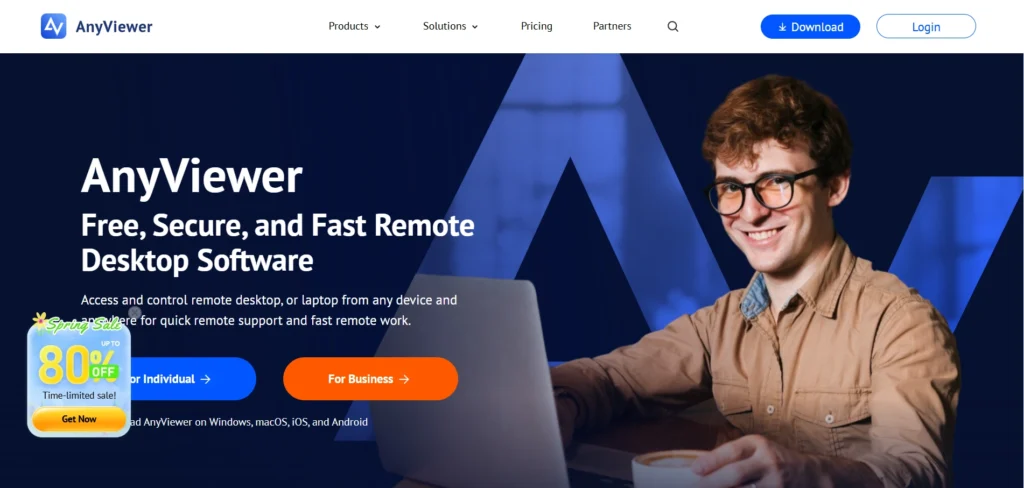
AnyViewer is a free, safe, and fast remote desktop application that is targeted at smooth remote access, remote control, and remote assistance among Windows PCs, laptops, and mobile devices like iPhones, iPads, and Android mobile phones.
It allows the user to establish communication with the remote computer with ease, either through a one- click unattended access, or by use of security codes or quick support, and offer the best security experience with 256-bit ECC end-to-end encryption, stable low-latency connections with optimized global servers and offers other features such as file transfers, multi-monitors support and real time chat with the support of the IT department or when working remotely.
Key Features
- Control and remote access desk with unattended one- click connections.
- Fast file transfer, both locally and remotely (infinite speed with paid plans).
- Multi-session control over multiple computers.
- Windows, iOS, Android (no native Linux/Mac client), cross-platform.
- The screen sharing is in high-resolution and on multiple monitors.
- Recordings, share-screen, and remote printing.
- In-session action logging, clipboard synching and real-time chat.
- Enhanced security: two-factor authentication, access controls, and privacy mode, as well as bandwidth optimization.
- Wake on Lan, user management, and performance tools, such as session timeout.
Pricing:
- Yearly :$3.99/Month Billed at $47.88/year
- 3 Years :30% OFF $2.79/Month
- 6 Years :45% OFF $2.19/Month
9. Zoho Assist
Website:https://www.zoho.com/assist/
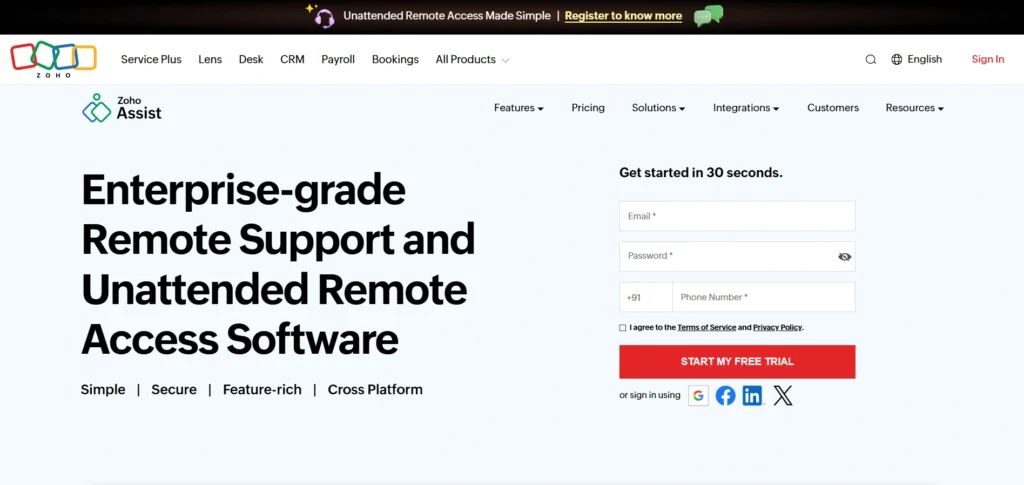
Zoho Assist is a remote support and access cloud software that allows technicians to access the devices of customers or employees (PCs or laptops, mobiles (iOS and Android), and servers) across Windows, macOS, Linux operating systems, and others without any previous installations. It offers such functions as unattended access to be able to remotely manage it, on-demand screen sharing, file transfer, multi-monitor navigation, Wake-on-LAN, real-time text/voice/video chat, session recording, and integrations with other software like Zoho Desk, making it a reliable free remote access software for individuals and businesses.
It is business-friendly, therefore it is easier to use, is highly secure (TLS 1.2/ AES-256 encryption ), and charges per use, which is why this is the most suitable option when you have to perform a quick troubleshoot, an employee training session, or you have to perform some remote maintenance.
Key Features
- Encrypted remote support and unattended access: TLS 2.56-bit AES.
- File transfer, multiple monitor navigation, reboot/reconnect, and session scheduling.
- Voice/video chat, instant chat, screen sharing, annotation, and remote printing.
- Diagnostic (e.g., Task Manager, Device Manager), Wake on LAN, and script running.
- Application support (including mobile applications), rebranding, integrations (including Zendesk), and custom reports.
- Free up to basic features; all the premium plans have a free trial of 15 days.
Pricing:
- Standard:₹400 ,1technician/month billed annually
- Professional:₹600,1technician/month billed annually
- Enterprise:₹960,1technician/month billed annually
10. Iperius Remote
website:https://www.iperiusremote.com
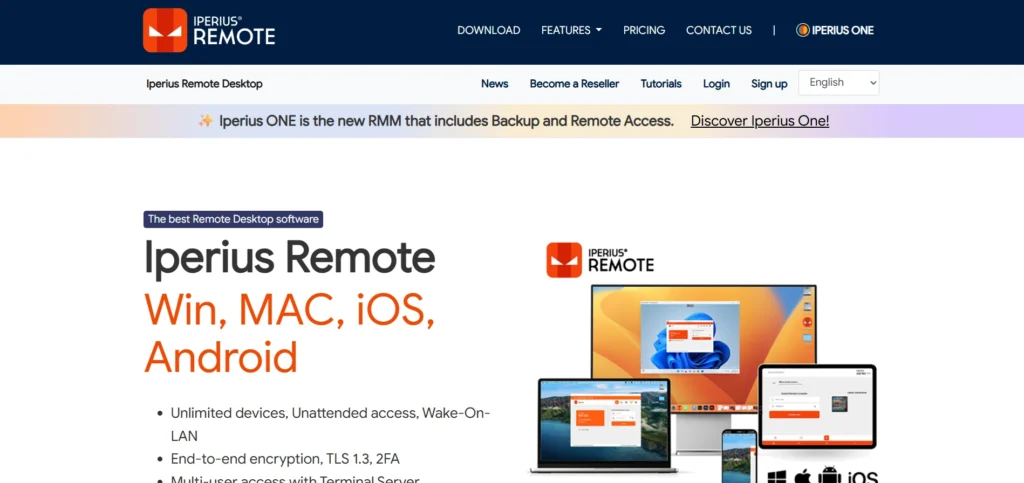
Iperius Remote is a fast, effective, and cheap remote desktop and support software designed by Enter Srl. It is capable of giving a secure and high-speed access to other computers, servers, and mobile devices in Windows, Mac, Linux, iOS, and Android with no complex installations, no firewall configurations, and no router port forwarding.
It is a free TeamViewer substitute with unlimited endpoints, a native Windows service endpoint-to-endpoint encrypted (TLS 1.3 / AES-256) interface, and support for IT support, managed service providers, and businesses, including unattended access supported by native Windows services, power-off device support by Wake-on-LAN, and resourceful file transfers with delta-sync technology.
Key Features:
- An unlimited quantity of remote devices and operator accounts, which are easily licensed by the number of simultaneous connections.
- Protection: End-to-end encryption (TLS 1.3, DTLS-SRTP), two-factor authentication (2FA), and HIPAA/GDPR.
- Unattended access (service installation) to windows, Wake-on-LAN, and multi-monitor.
- File transfer (with fast DELTA sync), remote printing, recording a session, and multi-user chat.
- The multi-session, personal passwords, address book, groups, and cross-platform compatibility.
- Android/iOS Android/iOS remote mobile control, mass deployment using MSI/GPO, and branding.
Pricing
- Small:€ 8,39 Month / VAT excluded Billed annually
- Medium:€ 19,99 Month / VAT excluded Billed annually
- Pro:€ 33,99 Month / VAT excluded Billed annually
11. Distant Desktop
Website:https://www.distantdesktop.com
Remote desktop Remote and controlled access, and remote control. Distant Desktop is a free remote access software and lightweight remote desktop application that allows secure access and control of any computer anywhere and is suitable for both Windows and macOS environments, and for IT professionals, businesses, and personal use. It provides excellent performance with a minimalistic interface, automatic adjustment of speed depending on the quality of the connection, and support of strong security through AES encryption and SRTP of video, audio, and file transfer, which allows unattended access, multi-user collaboration, and effective remote management without complicated setups and registrations.
Key Features
- Windows/macOS cross-platforming.
- Transfer of files, synchronization of the clipboard, and remote printing.
- Multi-session, multi-monitoring, and unattended access.
- Text chat, voice communication, and demonstration mode is inbuilt.
- End-to-end encryption, whitelisting, and custom permissions are examples of security controls.
- Wake-up, lock, shut, and system key remote commands.
Pricing:
- free
- Professional: Only $59 / year
12. DWService
Website:https://www.dwservice.net.
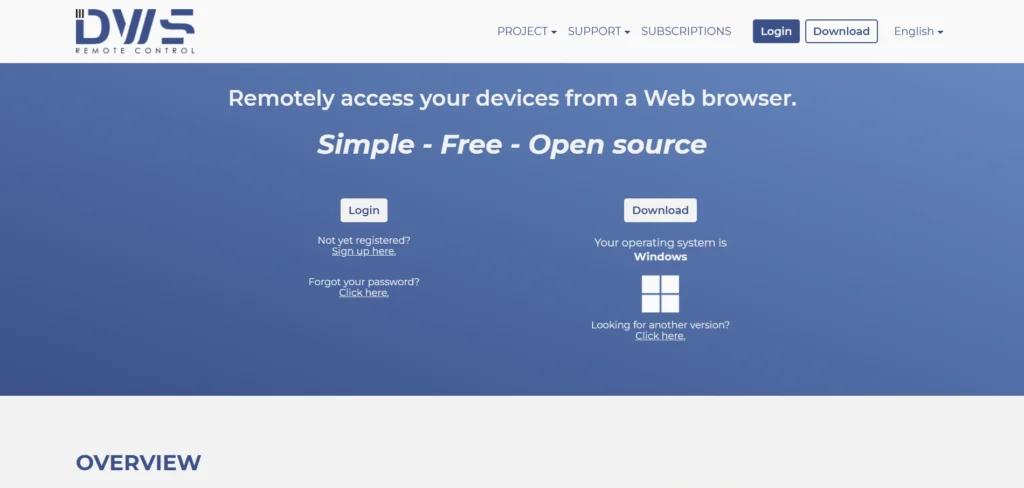
DWService is an open-source, free remote access software and remote desktop application that allows one to access and operate computers based on Windows, macOS, Linux, or even Raspberry Pi devices anywhere in the world without client software installations. It is a cloud-brokered platform that is the lightweight agent on the target machine, outboundedly connects to DWService servers, meaning it can be used to view full screens, transfer files, manage processes, and execute remote commands when you are logged into your account at dwservice.net. As a lightweight alternative to such tools as TeamViewer or VNC, it can share agents to collaborate with others, and it can offer user permissions, user groups, and incoming/outgoing shares to support remote support or administration.
Key Features
- Windows, MacOS, Linux, Raspberry Pi.
- On-demand and non-located access, as well as no client installation on the controlling device.
- Wholesome display remoteness and keyboard/mouse command, and multi-monitors.
- Moving files, uploading/downloading files, renaming files, deleting files, and folders.
- Remote control of shell/terminal programs.
- System logs (CPU, RAM, and disk usage).
- Taping of sessions, distribution of clipboards, and chat.
- Secured encrypted links with two-factor authentication, access controls, and permissions.
- Wake-on-LAN, remote printing, and multi-group control.
- Free of charge; there are premiums for higher speeds and features.
Pricing
- DWService offers a free plan (unlimited), and billed options (amount of tokens) to scale performance (e.g., higher concurrency and speed); their site starts with the premium plans.
Comparision Table
| Software | Free Plan | Best For | Pros | Cons |
|---|---|---|---|---|
| AnyDesk | Limited free use | IT support & fast access | Very fast performance, cross-platform, easy setup | Free version has limitations, misuse concerns |
| Chrome Remote Desktop | Yes (Unlimited) | Personal use | Completely free, simple setup, secure | Limited advanced features, no built-in chat |
| RustDesk | Yes | Privacy-focused users | Full data control, strong encryption | Requires setup for self-hosting, less beginner-friendly |
| TightVNC | Yes | Basic remote access | Lightweight, works on low bandwidth | Outdated interface, limited security features |
| UltraVNC | Yes | Windows IT support | Free and flexible, strong features for IT | Complex setup, Windows-focused |
| NoMachine | Yes (Personal) | High-performance remote access | Very fast, supports multimedia, secure | Advanced features require paid plans |
| X2Go | Yes | Linux environments | Excellent for low bandwidth, secure | Best suited for Linux, limited UI |
| AnyViewer | Free version available | Remote support | Easy to use, strong security | Limited Linux/macOS support |
| Zoho Assist | Yes (Basic) | Helpdesk & support teams | Web-based, secure, good for teams | Advanced features paid, limited free plan |
| Iperius Remote | Limited free | MSPs & businesses | Strong security, multi-device support | Pricing required for full features |
| Distant Desktop | Yes | Lightweight usage | Simple interface, good performance | Fewer advanced features |
| DWService | Yes (Unlimited) | Browser-based access | Open-source, easy access via browser | Slower performance, UI not modern |
Conclusion
The use of free remote access software like Chrome Remote Desktop, RustDesk, Tight VNC, and UltraVNC can provide remote management of the computer by students, workers, and companies, and boost the output, support, and collaboration at no cost. It is known that these user-friendly tools contain crucial functionalities such as end-to-end encryption, cross-platforms, and transferring files and unattended access, hence, making them ideal for working hybrids or troubleshooting even with sluggish connections. Choose what you must be in touch with without problems or inconveniences. Chrome with Google is easy to use, RustDesk provides the privacy and freedom of community self-hosting, or VNC alternatives are lightweight and open-source in nature.
FAQs
Q.1 What Is The Remote Access Software?
Thanks to the internet, you can use a second computer or a device as though you were right in front of the other computer or device, through remote access software. It is perfect when IT support is required, working remotely, or using files anywhere, and free versions such as TeamViewer and AnyDesk are the best in 2026.
Q.2 Which Is The Most Optimal Free Remote Access Software In 2026?
The best free options are AweSun, where the performance with Windows is smooth, TeamViewer, where the application is used personally, AnyDesk, where the latency is low, Chrome Remote Desktop, where everybody uses it easily, and AnyViewer, where it is compatible with multiple platforms. These are remarkable because of cost-free and trustworthy.
Q.3 Is TeamViewer Really Free?
Yes, TeamViewer is absolutely free and does not require any payment in the case of non-business, personal usage, and provides such features as file transfer and unattended access. It identifies business usage with AI, but false flags can be repaired within seconds.
Q.4 What Can Be Compared With TeamViewer And AnyDesk?
AnyDesk is very fast, and no router configuration is required, even in any of the free versions, where unattended access is allowed without restrictions. TeamViewer can receive chat updates, but might need upgrades and heavy usage; both are security-oriented.
Q.5 What Does Chrome Remote Desktop Mean?
Chrome Remote Desktop is a free Google application to access via the browser or application that is ideal for simple device-to-device sharing. It needs a Google account and is platform cross-functional, but not very sophisticated.
Q.6 Are Free Tools Secure?
Yes, free alternatives that are the most popular, such as AnyViewer, are based on the encryption of the ECC, whereas TeamViewer and AweSun are powerful in session protection. Two-factor authentication and unattended passwords should always be activated.