Are you experiencing a slowdown in your computer even though you have not downloaded anything lately? Longer boot times, annoying lags, and freezes are usually the finger of one silent offender: digital clutter. The background silently accumulates temporary files, cache data, broken registry entries, and unwanted system files that steal your storage and performance. This is where disk cleanup software comes in as a real game-changer.
You can immediately create space, increase speed, and have your system running smoothly without any technical hustle with the right tools. This blog will discuss 10 effective disk cleanup applications that can be used to clear unneeded files (junk) to optimise computer performance and improve the longevity of your computer.
What is Disk Cleanup Software?
Disk cleanup software is a program that helps to delete extraneous files in your computer to speed up performance as well as to save space. It helps in cleaning up temporary files, cache, system logs, and remnants of programs uninstalled and other digital debris that would accumulate with time.
The software will clean up these unwanted files so that your system will run faster, lag less, and avoid storage-related problems. Disk cleanup utilities are also useful in keeping your hard drive in order so that important files can be easily accessed by the operating system. The disk cleanup platform will help keep your computer running efficiently and optimally.
List of 10 Best Disk Cleanup Software
1. CleanMyPC
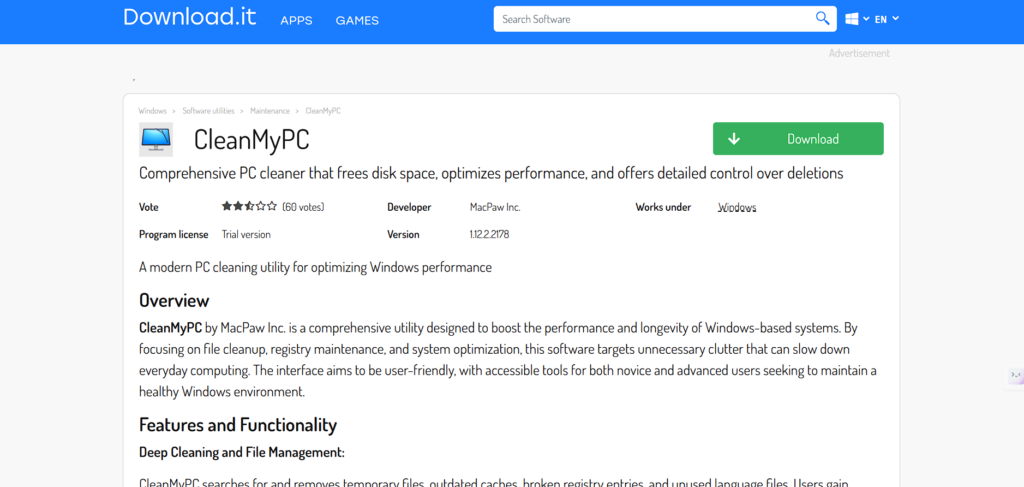
CleanMyPC is a full-fledged Disk Cleanup platform designed to clean up Windows PCs, eliminate junk files, clear system cache, clean registries, and manage startup programs efficiently. Its user-friendly interface enables users to maintain their systems easily, free up valuable disk space, and enhance overall system performance.
It also offers powerful uninstaller and browser cleanup functions, making this Disk Cleanup Software ideal for keeping the computer environment well-maintained, optimized, and clutter-free.
The automation features of CleanMyPC simplify routine maintenance tasks, allowing both casual and professional users to ensure their systems remain fast, reliable, and secure. Even users with limited technical skills can improve productivity and system efficiency with ease.
Key Features
- Comprehensive PC cleanup, including junk files and registry entries
- Uninstaller for complete removal of unwanted programmes
- Browser history and cache cleanup
- Startup programme management for faster boot times
- Automatic maintenance scheduling
- Intuitive user interface for effortless operation
- System performance monitoring and optimisation
2. Duplicate Files Fixer
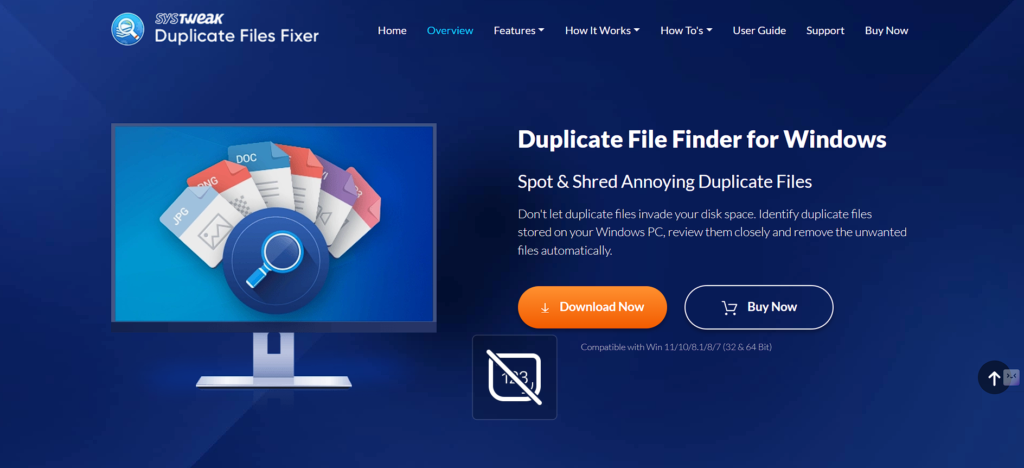
Duplicate Files Fixer is a special utility that is used to detect and delete duplicate files in a large dataset. It will be useful in scanning a few folders and storage drives, cleaning up a lot of disk space, and removing redundant information.
The software is compatible with different types of files, such as documents, images, and multimedia, making it comprehensive in cleaning up. Its accurate scanning software reduces the error rates and ensures that a significant file is not accidentally destroyed.
Duplicate Files Fixer is an application created to help in organising and improving the performance of the system, and also the storage capacity of files. It can be considered a must-have tool in optimising the management of digital files.
Key Features
- Scans multiple folders and drives for duplicate files
- Supports documents, images, audio, and video file types
- An intelligent algorithm to avoid accidental deletion
- Bulk removal of duplicates to free up disk space
- User-friendly interface with quick scanning
- Detailed scan reports for review
- Optimises storage efficiency and file organisation
3. Auslogics Disk Defrag
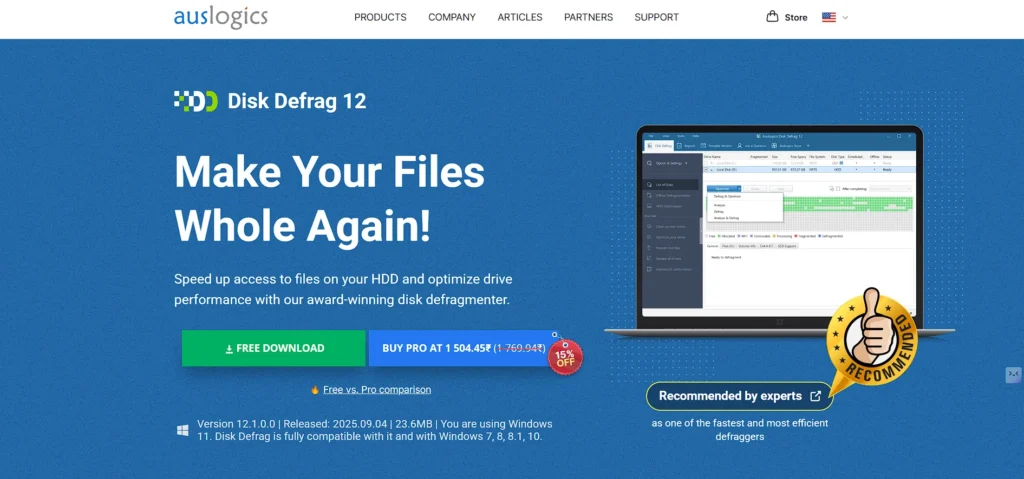
Auslogics Disk Defrag is a performance-oriented utility, which is aimed at defragmenting hard drives in an efficient way. Rearrangement of fragmented files lowers the lag time of the system and enhances the read/write speeds, prolonging the life of the hardware.
The tool provides the means of automatic scheduling, sophisticated optimisation routines, and reports in order to better control system performance. Auslogics Disk Defrag can be used by Windows users who want to keep the performance in optimum condition without complicated settings.
Its stable interface makes it safe to defragment data, and it is an essential tool to be used by businesses and individuals who want to streamline storage, enhance responsiveness, and maintain a stable system.
Key Features
- Efficient hard drive defragmentation to improve speed
- Reorganises fragmented files for faster access
- Automated defragmentation scheduling
- Detailed reports on disk optimisation
- Supports HDD and SSD optimisation
- Lightweight and fast scanning engine
- Enhances overall system stability and performance
4. Avast Cleanup
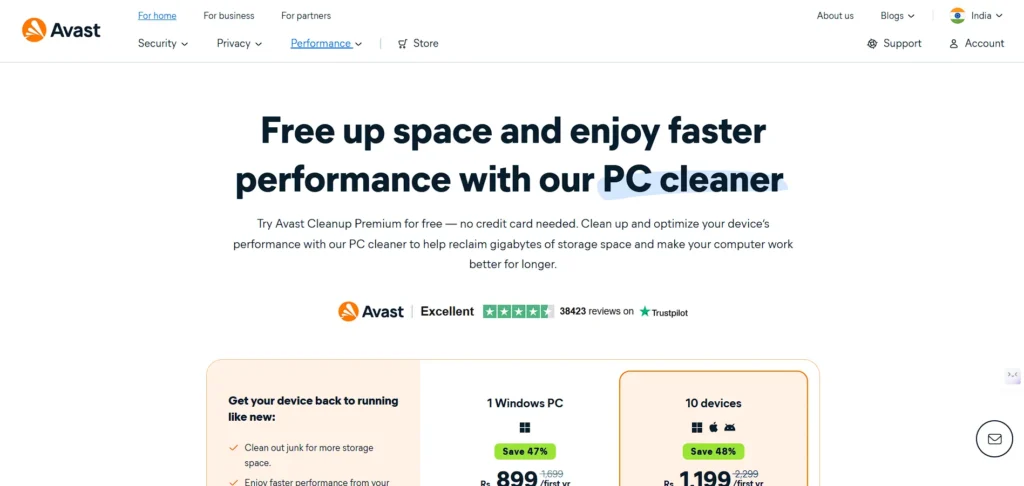
Avast Cleanup is a full system optimisation Disk Cleanup Software focused on system maintenance and performance improvement. It efficiently detects and deletes unnecessary files, browser clutter, and outdated applications, helping to free up storage space and enhance overall system performance.
It features automatic background scanning and one-click maintenance options, ensuring continuous optimisation with minimal user effort. Avast Cleanup also includes energy-saving tools that reduce unnecessary CPU usage, conserve computer power, and extend laptop battery life.
Designed for both professional and casual users, Avast Cleanup is an easy-to-use tool that helps keep systems healthy, improves responsiveness, and increases the overall lifespan of Windows-based computers.
Key Features
- Removes junk files, browser clutter, and obsolete apps
- Automatic background system scans
- One-click maintenance for quick optimisation
- Energy-saving mode for reduced CPU and battery usage
- Scheduled cleanup routines
- Boosts system speed and reliability
- User-friendly interface suitable for all users
5. CCleaner
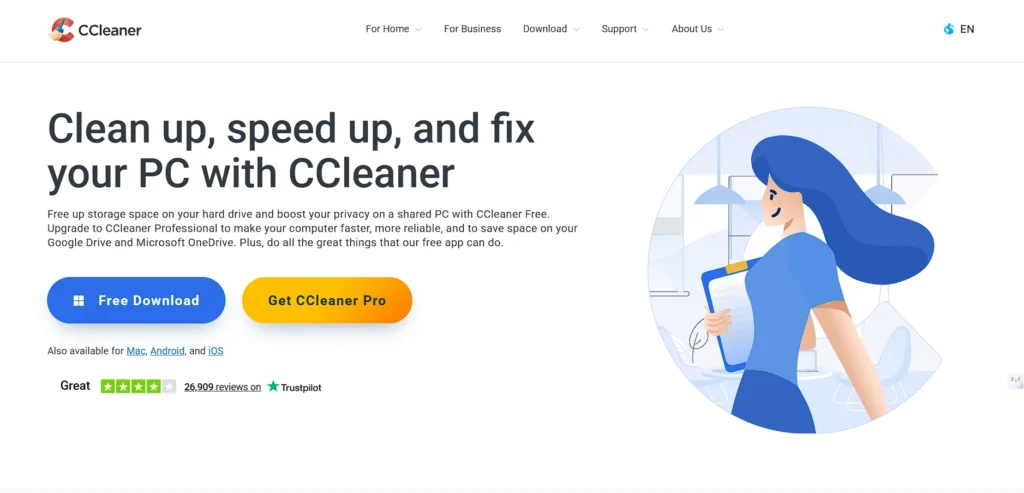
CCleaner is a well-known software that is used to clean up browsers, temp files, and system caches effectively. This is because of its user-friendly nature, in which the user is able to delete unneeded data and keep their privacy and storage optimisation without the need to master technical skills.
CCleaner offers cleaning of registries, uninstallation of software, and management of startups, which enhance the stability of the system. It facilitates automated cleanup arrangements, therefore maintaining frequent cleaning with minimal human intervention.
Being trusted by millions of users all over the world, CCleaner can be considered a professional-level tool for keeping PCs running as well as for cleaning and ensuring that sensitive data remains safe, which makes it a useful tool in both the personal and corporate worlds.
Key Features
- Cleans browsers, caches, and temporary files
- Registry cleanup to prevent errors
- Startup programme management
- Software uninstallation for a clutter-free system
- Scheduled automatic cleanup
- Privacy protection through secure data removal
- Lightweight and fast performance for PCs
6. Norton Utilities

The Norton Utilities is a powerful type of system maintenance programme that allows tracking and improving the overall PC conditions. It proactively detects performance bottlenecks, removes redundant files, and manages startup programmes to enhance speed and reliability. Its diagnostic tools give real-time diagnostics on the health of the system, giving the user a chance to take action against trouble.
Other functionalities in Norton Utilities are disk optimisation, privacy, and application management, and it is therefore a total solution towards ensuring an efficient computing environment. It is suitable to use both in business and personal life, as it guarantees constant functionality, enhanced storage, and long-term system life.
Key Features
- Active system health monitoring and diagnostics
- Removal of unnecessary files and junk data
- Startup programme optimisation for faster boot
- Disk optimisation tools
- Privacy protection features
- Real-time performance monitoring
- Enhances system stability and longevity
Suggested Read: Bug Tracking Software
7. CleanMyMac X
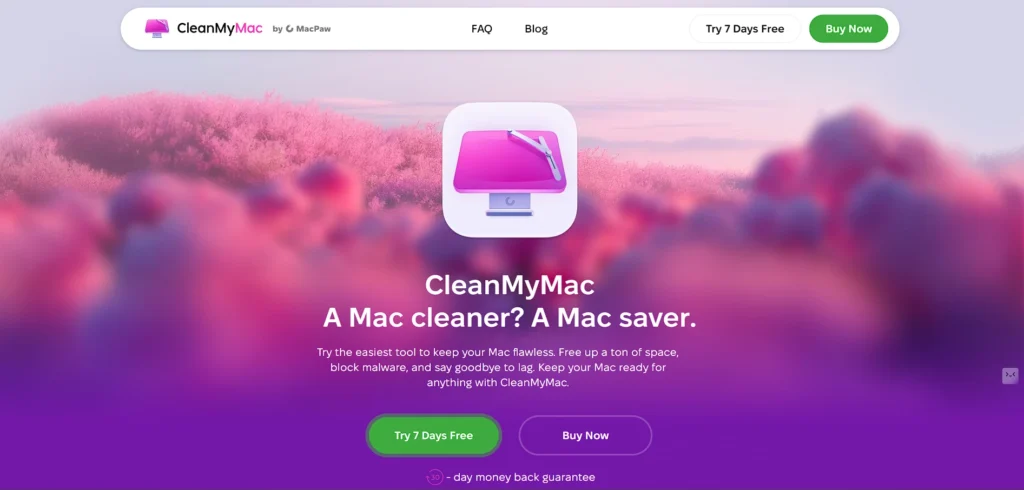
CleanMyMac X is a high-quality Mac cleaning utility, an in-depth cleaning and optimisation tool for macOS. It deletes junk files, system caches, logs, and unneeded applications, and it also improves storage efficiency.
It has malware scanning facilities and privacy protection as well as performance monitoring tools, in order to have a secure and optimised environment. Its user-friendly nature and auto-maintenance procedures allow both end-user and professional users to maintain the system without any problems.
CleanMyMac X will optimise the performance of any device, make it fast, responsive, and reliable, and keep the digital environment tidy and without clutter, extending the lifespan of the Mac hardware.
Key Features
- Removes junk files, system caches, and logs
- Malware scanning and protection
- Privacy and internet history cleanup
- Application uninstaller for macOS
- Performance monitoring and optimisation
- Automated maintenance routines
- Extends Mac performance and lifespan
8. Cleaner One Pro
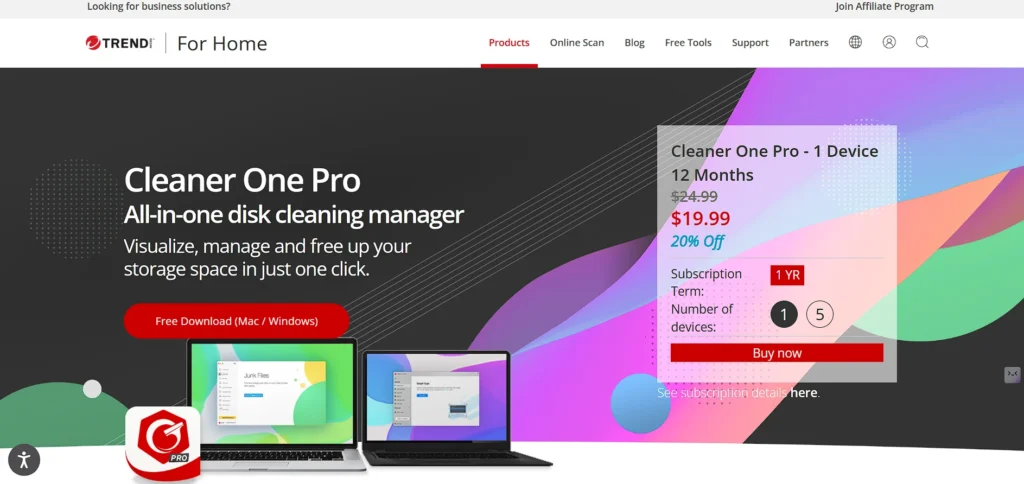
Cleaner One Pro is a powerful Mac optimisation Disk Cleanup Software designed to maximize storage space and enhance overall system performance. It identifies unwanted files, duplicate files, and large applications, allowing users to reclaim valuable storage efficiently.
It provides easy visualization of storage usage along with automated cleanup routines, making ongoing system maintenance simple and hassle-free. Cleaner One Pro is a macOS application that combines performance optimization, file management, and security tools within a professional, business-level interface.
Ideal for users who want an organized, fast, and secure computing environment, Cleaner One Pro helps ensure the long-term health and reliable performance of macOS devices.
Key Feature
- Scans for large, duplicate, and unnecessary files
- Visual representation of disk usage
- Automated cleanup routines
- macOS-specific optimisation
- System performance monitoring
- Secure file removal
- Enhances storage efficiency and device responsiveness
9. Wise Disk Cleaner
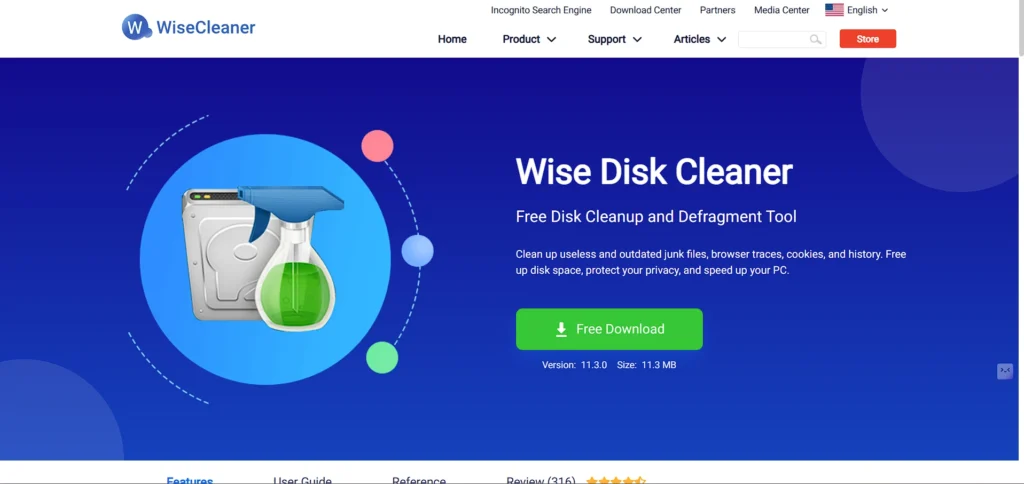
Wise Disk Cleaner is an efficient application that can sweep the unwanted files, system clutter, and temporary data on Windows PCs. It has a convenient user interface that enables the user to maximise storage without any complications.
The software assists in timely cleaning, disk defragmentation, and protection of privacy, which improves the overall performance of the systems. The high efficiency of Wise Disk Cleaner in its scanning algorithms will ensure the safe deletion of unnecessary files without damaging any important data.
It is an economical solution to ensure the health and high performance of computers in the workplace and at home by carving out space and making systems responsive.
Key Features
- Removes temporary and unwanted files
- Disk defragmentation support
- Scheduled cleaning for automated maintenance
- Privacy protection by cleaning browsing history
- Safe deletion of redundant files
- User-friendly interface for beginners and professionals
- Improves system speed and efficiency
10. Clean Master for PC
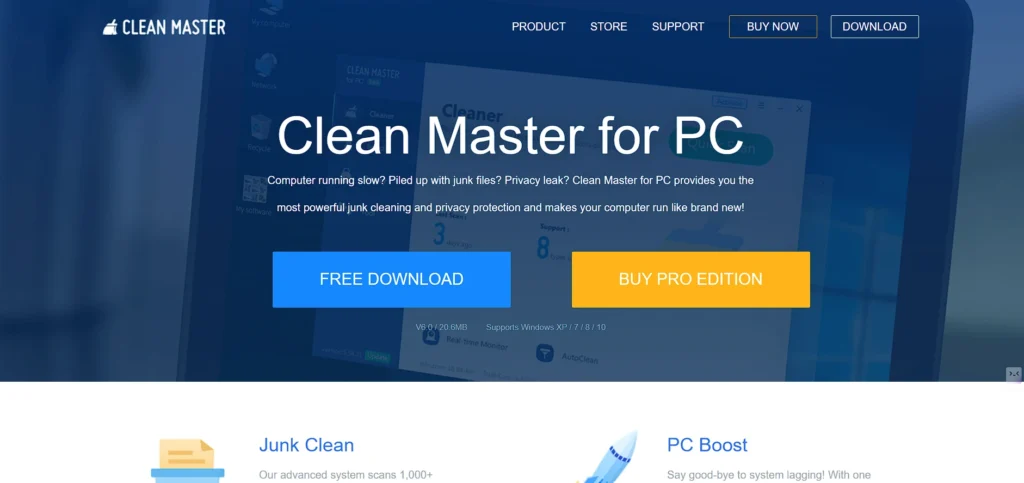
Clean Master PC is an all-purpose Disk Cleanup tool designed to target junk files in the system and improve overall performance. It efficiently clears temporary files, cache data, and leftover software remnants, helping to enhance system speed and optimize storage space.
This Disk Cleanup Software includes system optimization tools, startup management features, and real-time monitoring to ensure consistent performance. Clean Master PC is suitable for both casual and professional users who want a clean, fast, and responsive Windows experience.
With stable and reliable cleaning processes, Clean Master PC helps minimize lag, extend hardware longevity, and deliver a better, clutter-free digital environment, making it an essential part of any PC maintenance toolkit.
Key Features
- Removes junk, cache, and residual files
- Real-time system monitoring
- Startup programme management
- System optimisation for faster performance
- Bulk cleanup for large datasets
- Enhances storage management
- Reduces lag and improves overall PC responsiveness
Disk Cleanup Software Pricing List
| Software | Price |
| CleanMyPC | From $5/user/month (billed annually) |
| Duplicate Files Fixer | From $2.99/user/month (billed annually) |
| Auslogics Disk Defrag | From $3/user/month (billed annually) |
| Avast Cleanup | From $3/user/month (billed annually) |
| CCleaner | From $2.50/user/month (billed annually) |
| Norton Utilities | From $4.99/user/month (billed annually) |
| CleanMyMac X | From $3.33/user/month (billed annually) |
| Cleaner One Pro | From $4/user/month (billed annually) |
| Wise Disk Cleaner | From $5/user/month (billed annually) |
| Clean Master for PC | Pricing upon request |
Ending Note
A clean system is not merely hundreds of gigabytes of additional storage, but a system with smoother performance, quicker response, and fewer aggravating interruptions. The right disk cleanup program can be used to completely change the way your computer feels and works by making daily activities more fun and productive.
These 10 disk cleanup tools make sure you don’t need to worry anymore about any hidden junk that slows you down and consumes precious space. Good maintenance with good software ensures that your system is healthy, secure, and future-proof.
Use the tool that best suits you, clean up, and have a better, faster, and mess-free online experience. A good computer is smarter, lasts longer, and helps you save time daily, after all.
FAQs
Are Disk Cleanup Programmes Safe to Use?
Yes, the junk files can be erased safely and without interfering with important system files and user data using reputable software.
Will Disk Cleanup Software Increase the Life of My Computer?
Yes, cleanup tools offer you a longer life for your computer hardware by optimising storage, reducing system load, and ensuring performance.
Should I be Technical in The Usage of The Disk Cleanup Tools?
No, the majority of tools are easy to use and have automated functions, which makes them user-friendly and suitable for both novice and professional users.
Is it Possible to Recover Deleted Files Using Disk Cleanup Software?
No, cleaning programmes are more oriented towards deleting and you can use special recovery software in case you have deleted something valuable.
Does Disk Cleanup Software Enhance The Performance of Games?
Yes, lag and system resource optimisation can be improved to speed up PCs and laptops in games by freeing up space on the hard drive.