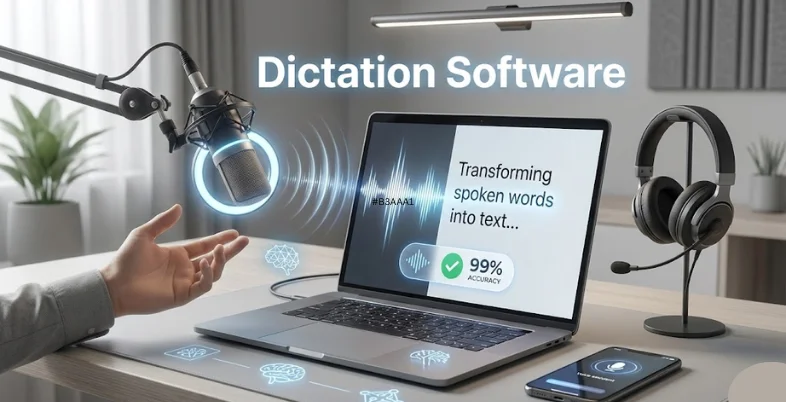
Typing fast feels great until your wrists ache, your accuracy drops, or your thoughts move faster than your fingers. That’s where dictation software steps in. Modern speech-to-text tools can turn your voice into clean, editable text with surprising accuracy. Whether you’re writing reports, recording meetings, drafting long documents, or capturing ideas on the go, dictation technology saves time, boosts productivity, and supports accessibility for people who struggle with typing.
This guide highlights some of the most reliable dictation software options on the market, breaking down what they offer and who they’re best suited for. It’s designed to help you understand the strengths of each tool so you can make a confident, informed choice.
The Modern Shift Toward Speech-to-Text Technology
Dictation has evolved from clunky, inaccurate engines to near-human speech recognition. As workplaces shift toward multitasking, remote collaboration, and content automation, voice input has become a central part of digital work.
It helps you write faster, capture meetings more efficiently, and stay productive without typing fatigue. Beyond speed, dictation tools improve accessibility for people with physical limitations and provide a hands-free alternative when typing isn’t practical. Modern engines support multiple languages, accents, and real-time editing, turning your voice into a high-output workflow.
Benefits of Using Dictation Software
Dictation software offers several practical advantages that make daily work faster, easier and more efficient. It helps users reduce manual typing and speeds up drafting by converting spoken words into text instantly.
Many people find dictation more natural than typing, allowing ideas to flow without interruption. It also supports accessibility needs and provides a hands-free way to create or edit content. Overall, dictation improves productivity across writing, documentation and meeting workflows.
Key Benefits:
- Faster drafting compared to typing
- Reduced wrist strain and typing fatigue
- Hands-free workflow for multitasking
- Better accessibility for users with typing challenges
- Helps capture ideas more naturally and quickly
List of Top 15 Dictation Software Tools
1. Dragon Professional (Nuance)
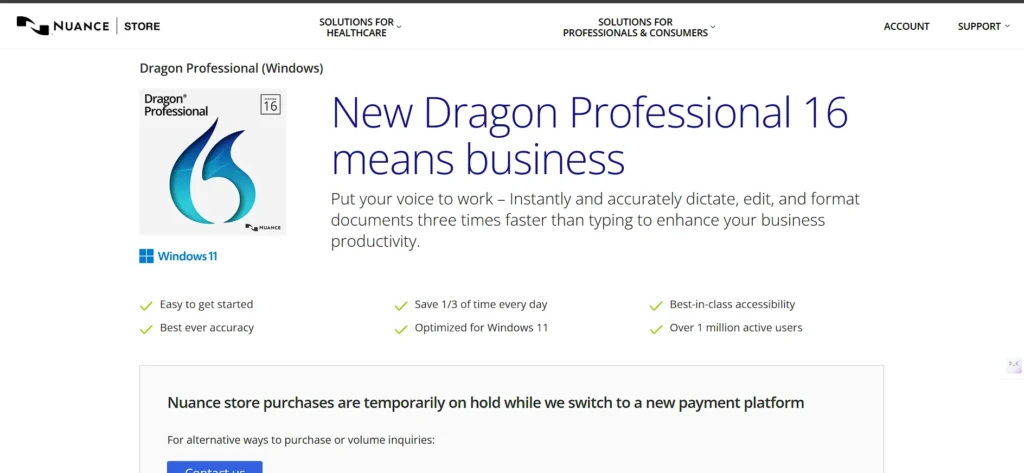
Dragon Professional is one of the most recognized, high-accuracy dictation programs designed for heavy-duty use. It runs locally, making it ideal for professionals who need secure, offline speech recognition. With support for custom vocabularies, macros, and advanced voice commands, it delivers strong accuracy for long-form dictation and document workflows.
It integrates deeply with Windows applications and is widely used in legal, healthcare, and enterprise environments. Since Microsoft acquired Nuance, Dragon remains the premium desktop choice for power users.
Key features:
- High-accuracy, locally processed speech engine
- Custom vocabularies and advanced macro commands
- Deep integration with Word, Outlook, and Windows workflows
Pricing:
- Contact sales
2. Dragon Anywhere
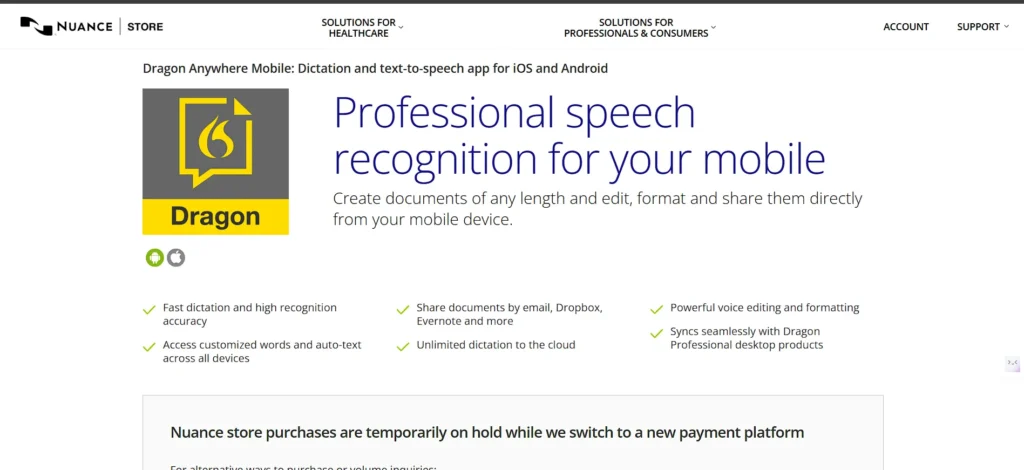
Dragon Anywhere is a mobile-focused Dictation Software designed for continuous, unlimited-length voice-to-text on smartphones. It’s perfect for professionals who create long reports or notes on the go, offering custom commands, cloud sync, and strong formatting control.
The app works seamlessly alongside Dragon desktop software, letting you dictate anywhere and continue editing on your PC. Designed for reliability and speed, it’s widely used in compliance-driven fields where precise dictation matters.
Key features:
- Continuous, unlimited dictation sessions
- Custom vocabularies and formatting voice commands
- Syncs with Dragon Professional for cross-device editing
Pricing:
- Free Trial — 1 week
- Monthly Plan — $15/month
- Annual Plan — $150/year
- Volume Licenses — Contact sales
3. Otter.ai
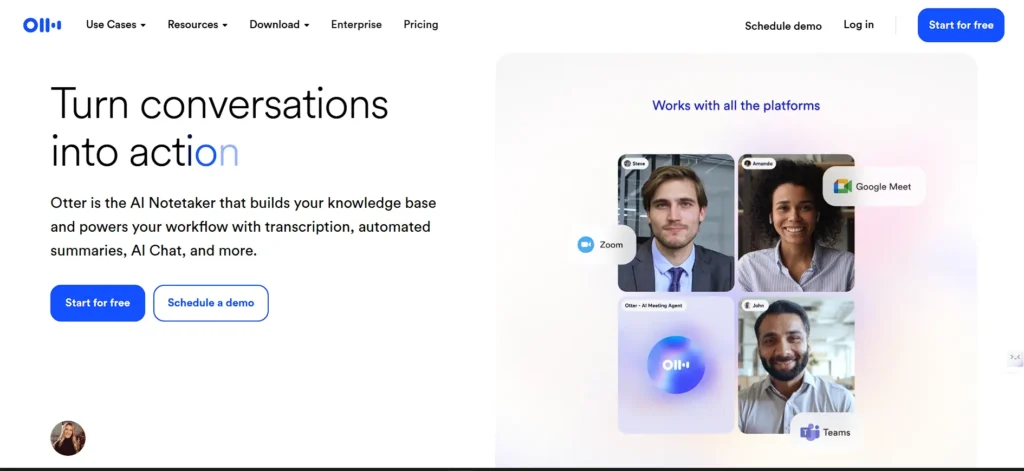
Otter.ai is a powerful meeting transcription and collaboration platform and Dictation Software built for teams, students, journalists, and professionals. Its real-time transcription supports speaker identification, highlighting, and searchable notes.
It connects with Zoom, Google Meet, and Microsoft Teams, making it a go-to tool for turning meetings into actionable documentation. Otter also offers audio/video imports for automated transcription.
Key features:
- Real-time meeting transcription with speaker labels
- Searchable notes and collaborative editing
- Integrations with major meeting apps
Pricing :
- Basic — Free
- Pro — $8.33/user/month (billed annually)
- Business — $19.99/user/month
- Enterprise — Contact sales
4. Descript
Descript is a unique text-based audio and video editor with built-in transcription. Once your audio is transcribed, you can edit recordings by editing the text—making it brilliant for podcasters, educators, creators, and marketers.
The platform supports overdub voice cloning, multitrack editing, filler-word removal, and collaborative workflows. It’s a hybrid of dictation, transcription, and media editing in one workspace.
Key features:
- Edit audio/video by editing the transcript
- Voice cloning and AI cleanup functions
- Team collaboration and easy timeline editing
Pricing:
- Free — $0
- Hobbyist — $16/person/month
- Creator — $24/person/month
- Business — $50/person/month
- Enterprise — Custom pricing (contact sales)
5. Google Docs Voice Typing
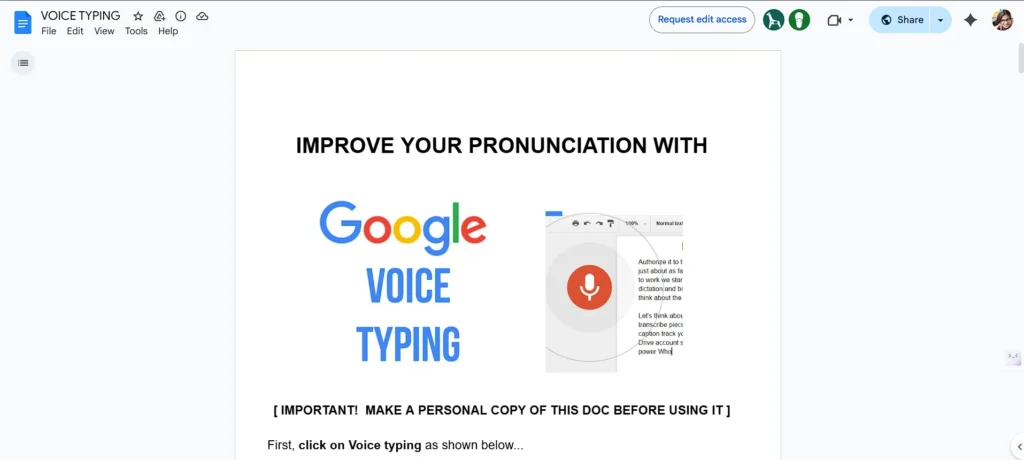
Google’s built-in dictation system inside Google Docs is one of the easiest ways to start voice typing instantly. It requires no installation, works directly in the browser, and supports basic punctuation commands.
Though simpler than pro tools, it’s surprisingly accurate in clean audio conditions and ideal for quick drafts, notes, or brainstorming sessions. For students and casual writers, it’s a free alternative that fits perfectly into Google’s ecosystem.
Key features:
- Built directly into Google Docs
- Supports punctuation and formatting commands
- Works on any device with a Chrome browser
Pricing:
- Free.
6. Microsoft Dictate / Windows Voice Typing
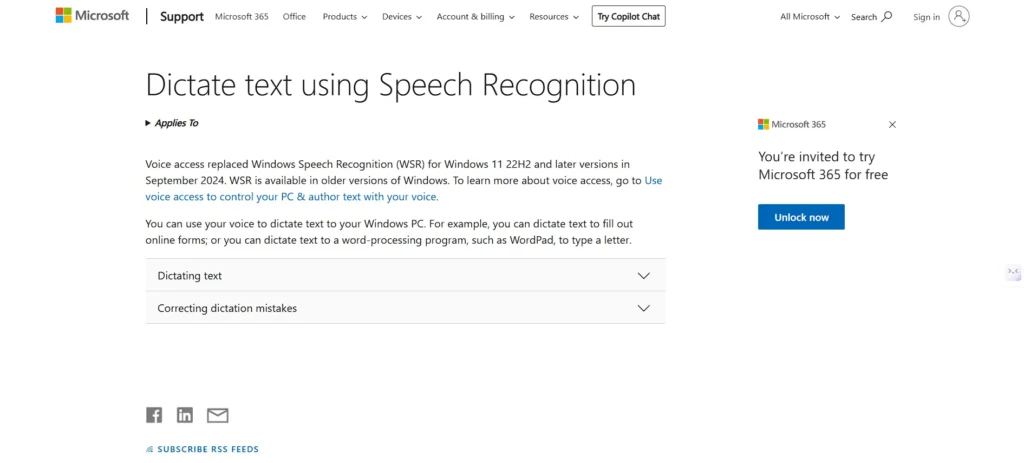
Microsoft’s Dictation Software tools are integrated across Windows, Word, Outlook, PowerPoint, and Teams. For everyday users, the built-in Voice Typing feature provides quick dictation anywhere you can type. For enterprises and developers, Microsoft also offers Azure Speech-to-Text APIs for scalable transcription. As part of Microsoft 365, dictation becomes a natural extension of existing workflows.
Key features:
- Built into Microsoft 365 applications
- Voice Typing available system-wide on Windows
- Azure STT for developers needing scalable transcription
Pricing:
- Included with Microsoft 365 (end users).
7. Apple Dictation
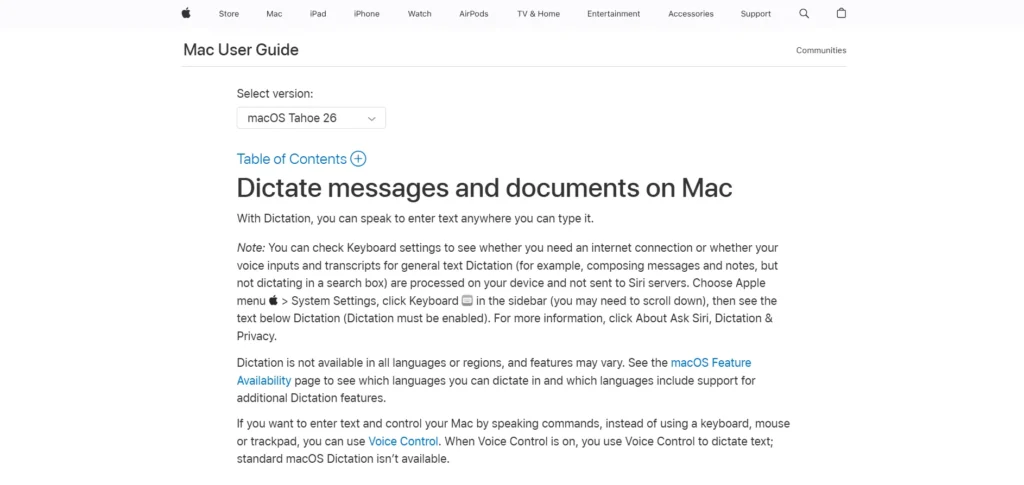
Apple Dictation is built into macOS, iOS, and iPadOS, allowing quick dictation in any text field. Enhanced Dictation on supported devices offers local processing for improved privacy and continuous use. It’s ideal for short messages, emails, and notes, and integrates effortlessly with Siri and Apple’s ecosystem. Though simple, it delivers solid accuracy with clean input.
Key features:
- Native dictation on all Apple devices
- Optional offline/on-device processing
- Great for quick notes and system-level commands
Pricing:
- Free (included with the OS).
8. Speechnotes
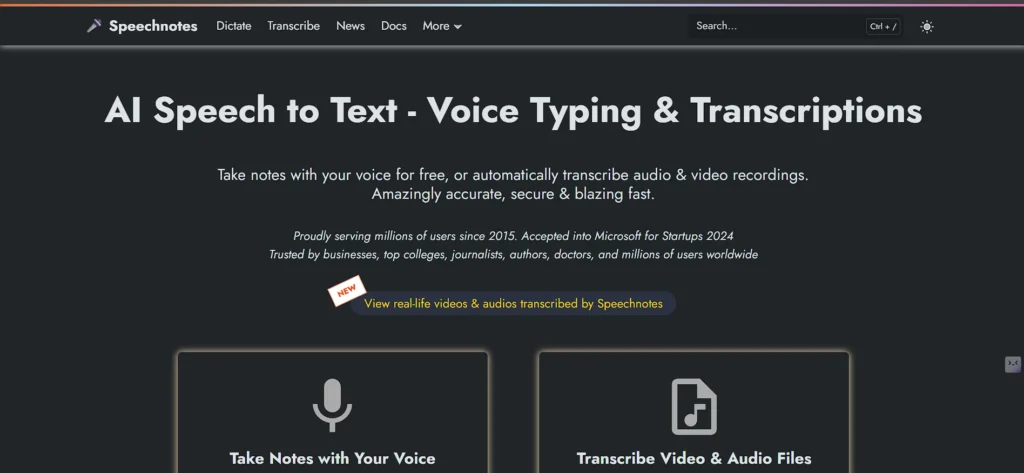
Speechnnotes is a lightweight, browser-based dictation app designed for instant voice typing with minimal setup. Its simplicity makes it appealing to students, bloggers, and anyone who prefers distraction-free dictation. It also syncs with Google Drive, supports custom voice commands, and offers a Chrome extension for an even smoother workflow. It is one of the most affordable dictation tools available.
Key features:
- Clean, browser-based notepad interface
- Chrome extension support
- Pay-as-you-go transcription option
Pricing:
- Dictation – Free — $0/month
- Dictation – Premium — $1.90/month
- Transcription — $0.10 per minute (pay-as-you-go)
9. Rev (AI Transcription + Human Transcription)
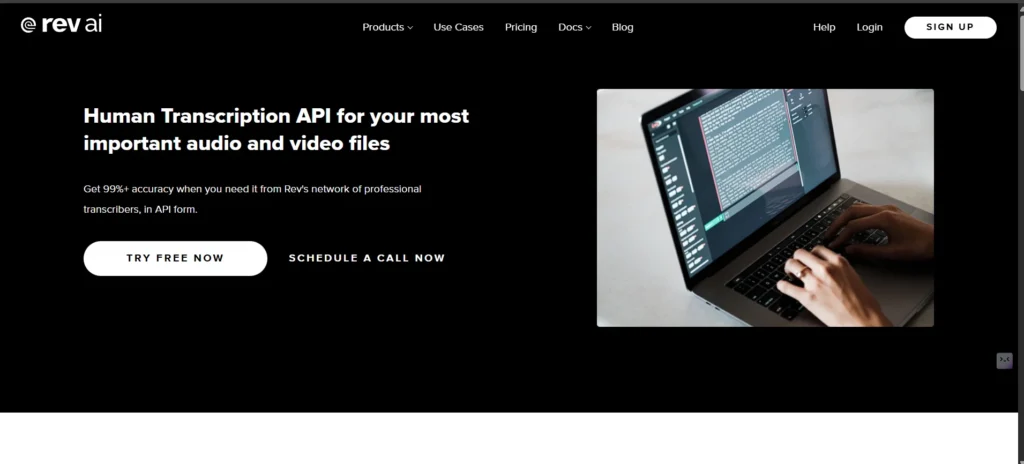
Rev provides both AI-generated transcripts and high-accuracy human transcription for demanding use cases like journalism, legal work, and podcasts as a Dictation Software solution. The platform offers a simple editor for correcting transcripts and supports captioning and subtitling workflows. With fast turnaround times and scalable pricing, Rev is a staple in media and research environments.
Key features:
- AI transcription and human transcription options
- Mobile recorder app for quick capture
- Captioning and subtitle workflows available
Pricing:
- Free — $0
- Basic — $9.99 per seat/month (annual billing available)
- Pro — $20.99 per seat/month (annual billing available)
- Enterprise — Custom pricing (billed annually)
10. Trint
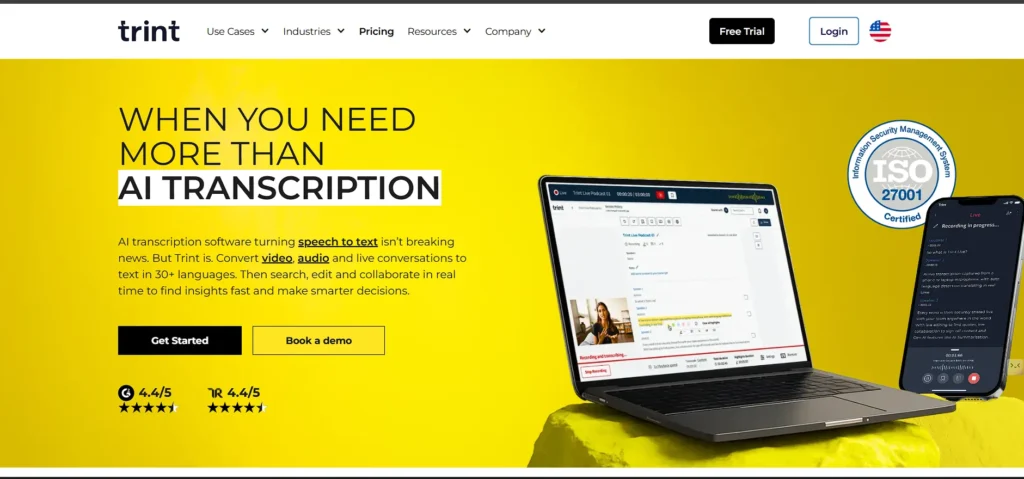
Trint is built for content teams, newsrooms, marketers, and production houses needing fast, searchable transcripts with editorial tools. It offers speaker separation, translation, summarization, and a collaborative editing environment. Trint is especially popular in media production thanks to its ability to streamline workflows from raw interview audio to publish-ready scripts.
Key features:
- Automatic transcription with team collaboration
- Translation, summarization, and editorial tools
- Searchable transcripts for fast research
Pricing:
- Pro — $79 per seat/month
- Team — $69 per seat/month
- Business — Custom pricing (contact sales)
11. Temi
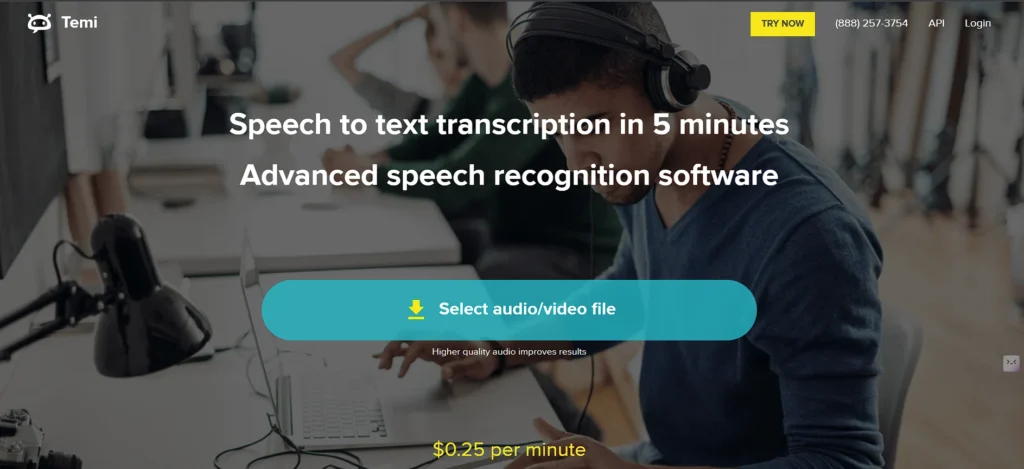
Temi is a fast, budget-friendly automated transcription service designed for users who want quick results at low cost. It’s ideal for clear audio recordings such as lectures, interviews, and research sessions. Temi provides timestamps, speaker labeling, and an in-browser transcript editor. It’s often used as a cheaper alternative to Rev.
Key features:
- Instant automated transcription
- Clean transcript editor
- Affordable for long recordings
Pricing:
- $0.25 per minute
12. IBM Watson Speech to Text
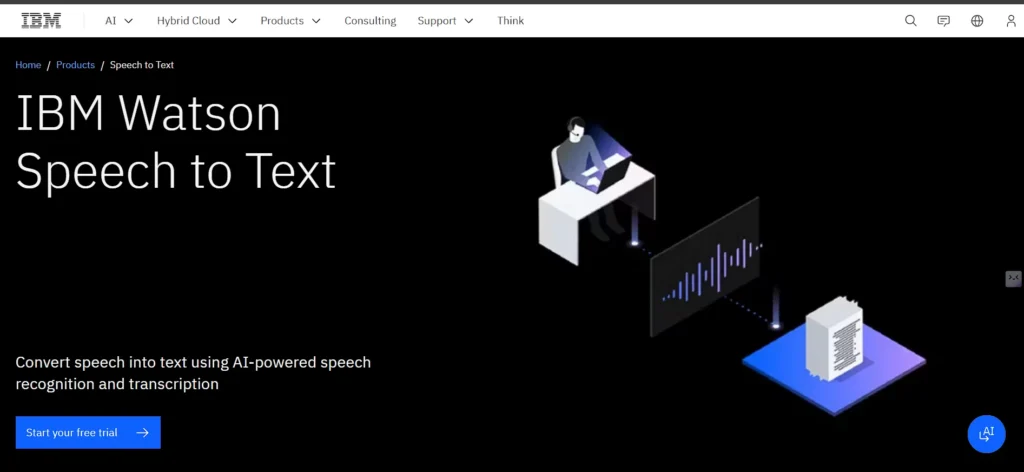
IBM Watson STT is a robust enterprise-grade API for real-time and batch transcription and Dictation Software. It supports customizable models, language frameworks, and industry-level deployments. Developers use Watson when they need scalable, secure transcription integrated into applications or data pipelines. Large organizations prefer Watson for its control, compliance, and flexibility.
Key features:
- Highly configurable transcription API
- Custom language models and vocabulary
- Enterprise privacy and compliance support
Pricing:
- Essentials — Starting at $500/month
- Standard — Starting at $6,000 per instance/month
13. Amazon Transcribe
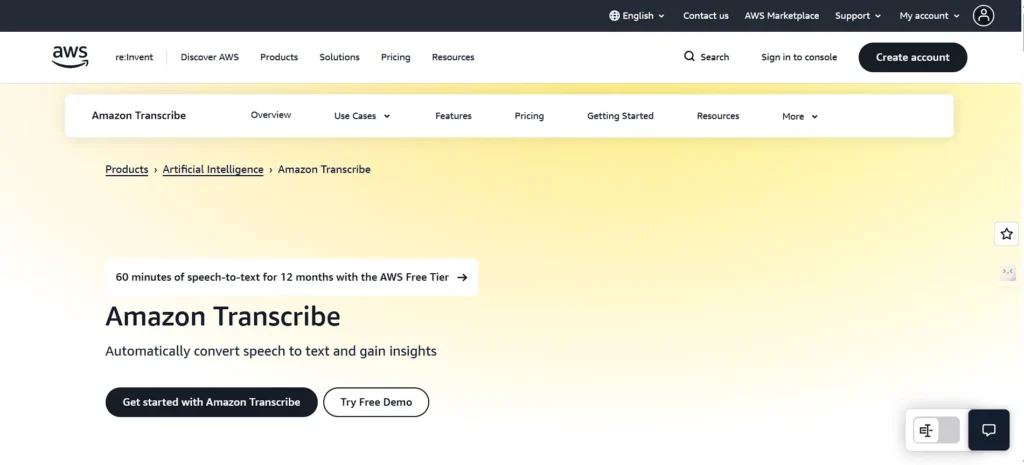
Amazon Transcribe is an automatic speech recognition service designed for developers and enterprise workflows. It supports streaming and batch transcription, custom vocabularies, speaker separation, and redaction for sensitive information. Teams use it to build transcription into apps, analytics systems, and customer support workflows.
Key features:
- Streaming and batch transcription
- Custom vocabulary and domain-specific models
- Supports medical transcription and PII redaction
Pricing:
- Tier 1 — $0.024 per minute (first 250,000 minutes/month)
- Tier 2 — $0.015 per minute (next 750,000 minutes/month)
- Tier 3 — $0.01020 per minute (next 4,000,000 minutes/month)
- Tier 4 — $0.00780 per minute (over 5,000,000 minutes/month)
14. Speechmatics
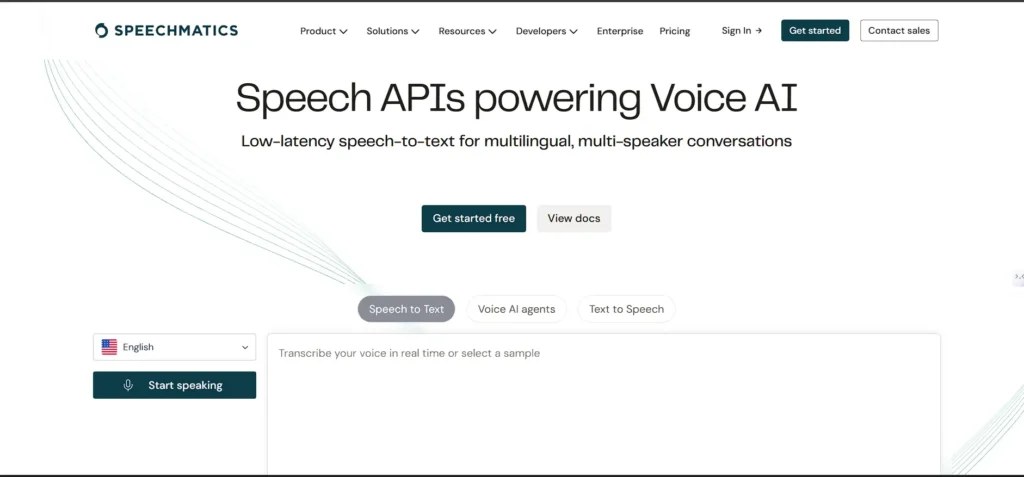
Speechmatics is known for its multilingual, enterprise-level speech recognition engine. It offers on-prem, hybrid, and cloud deployment models and is trusted in data-sensitive environments. Developers choose Speechmatics for its broad language coverage and customizable accuracy settings. A free tier is available for testing the engine.
Key features:
- Supports many global languages and accents
- Cloud, hybrid, or on-prem deployment
- Free developer tier + scalable paid usage
Pricing:
- Free — $0 (includes 480 minutes STT + 1M TTS characters per month)
- Pro — from $0.24 per hour (usage-based pricing)
- Enterprise — Custom pricing (contact sales)
15. Just Press Record
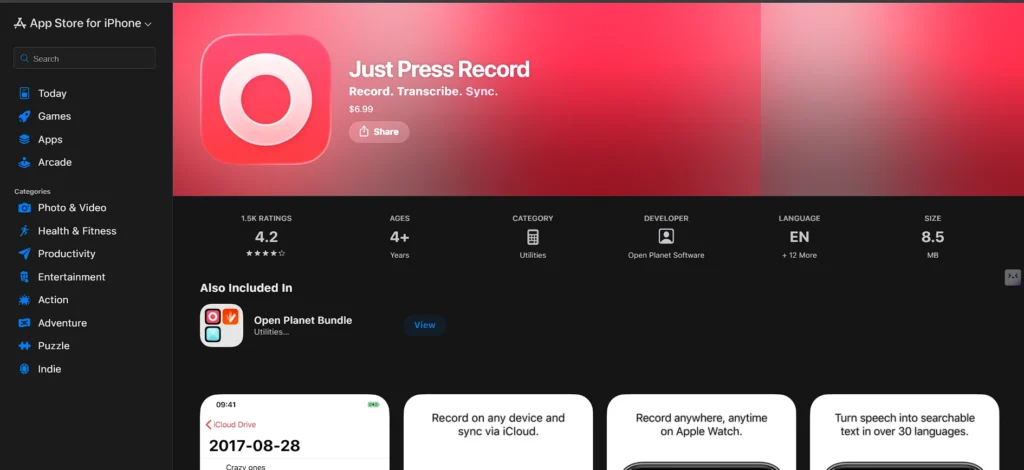
Just Press Record is a simple, one-tap audio recorder with built-in transcription, exclusive to Apple devices, and works as Dictation Software. It’s great for students, field workers, interviewers, and anyone who wants a minimal, fast capture system. The app syncs recordings and transcripts across iCloud, making cross-device access seamless. It’s one of the few dictation apps sold as a one-time purchase instead of a subscription.
Key features:
- One-tap recording with automatic transcription
- iCloud sync across iPhone, iPad, Mac, and Apple Watch
- Offline usage and background recording
Pricing:
- One-time purchase
Comparison Table
| Tool | Best For | Platform | Free Plan | Starting Price |
| Dragon Professional | Professional long-form dictation & accuracy | Windows | No | Contact sales |
| Dragon Anywhere | Mobile dictation with unlimited recording | iOS, Android | 1-week trial | $15/month |
| Otter.ai | Meetings, collaboration & real-time notes | Web, iOS, Android | Yes | $8.33/user/month |
| Descript | Creators, podcasters & video editing | Windows, macOS, Web | Yes | $16/person/month |
| Google Docs Voice Typing | Students & basic drafting | Web (Chrome) | Yes | Free |
| Microsoft Dictate / Windows Voice Typing | Office users needing quick dictation | Windows, Microsoft 365 | Yes | Included in Microsoft 365 |
| Apple Dictation | Apple ecosystem users | macOS, iOS, iPadOS | Yes | Free |
| Speechnotes | Quick browser dictation & cheap transcription | Web, Android | Yes | $1.90/month |
| Rev | AI + human transcription accuracy | Web, iOS, Android | Limited | $9.99/seat/month |
| Trint | Media teams, journalists, editorial workflows | Web | No | $69/seat/month |
| Temi | Fast automated transcription | Web, iOS, Android | Yes (trial) | $0.25/minute |
| IBM Watson STT | Enterprise APIs & custom language models | Cloud API | No | $500/month (Essentials) |
| Amazon Transcribe | Developers, enterprise batch/streaming STT | Cloud API | Limited | $0.024/minute |
| Speechmatics | Multilingual enterprise-grade STT | Cloud, On-prem, Hybrid | Yes | $0.24/hour |
| Just Press Record | Quick one-tap voice notes on Apple devices | iOS, macOS, Apple Watch | No | One-time purchase |
Best Practices for Achieving Higher Accuracy
To get the best results from dictation software, it’s important to optimize audio quality and speaking clarity. A good microphone dramatically improves recognition accuracy, especially in environments with background noise.
Speaking at a steady pace and using punctuation commands helps the software structure sentences correctly. Many tools also perform better when the user maintains consistent tone and minimal filler words. Testing the tool with your accent and typical content ensures the engine adapts well to your speech style.
Accuracy Tips:
- Use a clear, good-quality microphone
- Dictate in a quiet environment when possible
- Speak steadily without rushing words
- Use voice punctuation commands for cleaner transcripts
- Test with your accent, vocabulary and real content
Who Should Use Dictation Software
Dictation tools are ideal for individuals and teams who want to boost productivity and reduce time spent typing. Writers and authors can draft long-form content quickly, while journalists and creators rely on fast transcription for interviews and production workflows.
Students use dictation for taking notes and completing assignments more efficiently. Professionals in law, healthcare and consulting benefit from accurate documentation. Remote teams also gain value through improved meeting capture and collaboration.
Ideal Users:
- Writers, bloggers and authors
- Journalists, podcasters and content creators
- Students needing quick notes or summaries
- Lawyers, doctors and professionals handling documentation
- Remote teams capturing meetings and discussions
Conclusion
Dictation software has grown from a niche utility into an essential productivity tool for modern work. The right tool depends entirely on your workflow: meetings, long-form writing, content production, developer integration, or quick everyday notes.
Each platform in this list shines in its own context, whether you need accuracy, affordability, advanced editing, or simple convenience. Start with the tool that best matches your style, test its accuracy with your real voice and environment, and refine your setup as you go. With the right dictation system and a decent microphone, your voice becomes one of the most powerful writing tools you already own.
FAQs
1. Is Dictation Software Accurate For Long Documents?
Yes—premium engines like Dragon and strong cloud services handle long-form content reliably when audio is clear.
2. Do Accents Impact Dictation Performance?
They can, but most modern engines offer strong accent support. Always test first.
3. Which Tool is Best for Meeting Transcription?
Otter.ai is the most widely used for real-time meeting notes.
4. Can I Upload Audio Files Instead of Speaking Live?
Yes, Temi, Rev, Trint, Speechmatics, AWS, and IBM Watson all support file uploads.
5. Are Cloud Tools Safe for Confidential Content?
They can be, depending on vendor policies. For highly sensitive work, choose offline/local dictation.