
Ever had the feeling that the administration of clients and projects, invoices, and deadlines is becoming a full-time circus act? You’re not alone. Most consultants waste more time changing tools as opposed to attending to their clients. This is where the appropriate Consultant Management System will be able to radically transform the game, to put everything under one roof and streamline your workflow like never before.
However, when there are so many choices available, deciding what to choose may seem daunting. So what software will save time? Which one is your working style? We have taken the plunge in this guide. You should be ready to find out the 10 best consultant management system software of 2026 that can make you organised, more productive, and enable you to scale up your consulting business with ease.
What Is A Consultant Management System?
A Consultant Management System is a software platform that assists organisations to manage external consultants in areas such as hiring and onboarding, tracking work, contracts, billing, and performance in a single location. It is particularly handy to organise constant information, enhance coordination on projects, and make the entire process more efficient and compliant.
Why Do Firms Need A Consultant Management System?
The consulting firms of the future (2026) are operating under consultant management systems (CMS) to manage increasing complexities due to hybrid workforces, AI-led projects, and client demands that are agile. Such systems simplify processes that can no longer be efficiently handled by manual processes or simple tools, acting as a powerful workflow management software.
- Operational Efficiency: Time tracking, expense management, and project budgeting are centralized using CMS platforms so that there is no billing error or scope creep cost overruns. They offer quick entry of time through mobile or timers with approvals and audit trails, minimising the administration over time and enhancing data integrity for the finance departments.
- Resource Optimization: Firms also employ CMS to carry out real-time capacity planning, where consultants are assigned projects based on their skills and availability instead of being assigned projects by guesswork. This helps report utilization, backlog prediction, and revenue forecasting without spreadsheets, which is essential due to the talent shortages and remote models in 2026.
- Risk Control and Compliance: In a gig-heavy economy, automated checklists manage contractor compliance, certifications, and legal risks such as misclassification or breaches of data. Status and budgets of the contract are monitored through real-time dashboards, reducing write-offs and helping to scale the workforthe company.
- Adapting to 2026 Trends: As digital transformation grows, as well as the emergence of outcome-based pricing, CMS incorporates AI analytics to gain profitability insights and to agilely staff. This is in line with the need to have quicker, quantifiable outcomes in a market that is estimated to be over 400 billion in tech consulting fees.
Key Features To Look For In A Consultant Management System
Consultant Management Systems (CMS) eases the way external professionals are recruited, monitored and paid. Some of the key characteristics are listed below and have been briefly described under your given headings.
- Time Tracking & Billing: Billed hours, costs and automatic invoice generation. Ensures that the clients are properly billed according to time records.
- Project Management: Arranges tasks, milestones, deadlines and team assignments on one dashboard using task management tools Likes monitoring of progress and collaboration.
- Resource Planning & Allocation: Matches are consultants who are matched to projects depending upon skills, availability and rates. Monitoring usage to staff optimally.
- CRM (Client Management): Gathers the data of the clients, pipelines, and communications. Creating to delivery using tracks.
- Invoicing & Financial Reporting: Automates payments, invoicing and spend, ROI and profitability reports. Budget variance analysis is involved.
- Client Portals: Safe client portals to monitor the progress, approve deliverables, and comment.
- AI & Automation (2026 Trend): AI predicts resource demands, automates operations, including onboarding, and provides performance information. Enhances scalability to matching based on ML.
Comparison Table of Consultant Management Tools
| Software | CRM | Key Features | Pricing (Starting) | Best For |
| BigTime | No | Gantt charts, expense workflows, QuickBooks integration, and profitability dashboards | $20/user/mo | Consulting firms, agencies |
| Kantata | No | Skills-based matching, live margins, Salesforce/Slack integrations, AI risk planning | Quote-based | Large agencies |
| Deltek Vision | Yes | End-to-end project accounting, DCAA compliance, CRM/proposals, multi-currency | Custom | AEC/GovCon firms |
| Certinia PSA | Yes | Salesforce-native, skill allocation, revenue recognition, executive dashboards | $120-$200/user/mo | Salesforce users |
| Kimble | Yes | AI skills matching, predictive timesheets, mobile access, workflow automation | Quote-based | PSOs, consulting |
| Accelo | Yes | Sales pipeline, retainers/tickets, client portals, profitability analytics | Quote-based | Small-mid agencies |
| Scoro | Yes | AI automations, quoting/forecasting, expense mgmt, budget/profit analysis | $19.90/user/mo | Agencies, consultancies |
| Avaza | No | Visual dashboards, recurring billing, client portals, and free collaborators | Free/$11.95/mo | Small teams |
| Forecast | No | AI demand forecasting, rate cards, baselines/milestones, capacity planning | Quote-based | Consulting w/ AI |
| Autodesk Const. Cloud | No | BIM/model coordination, document version control, RFI/submittals, 400+ integrations | $399/user/yr | Construction projects |
List Of Top 10 Consultant Management System Software
1. BigTime
Website: https://www.bigtime.net/
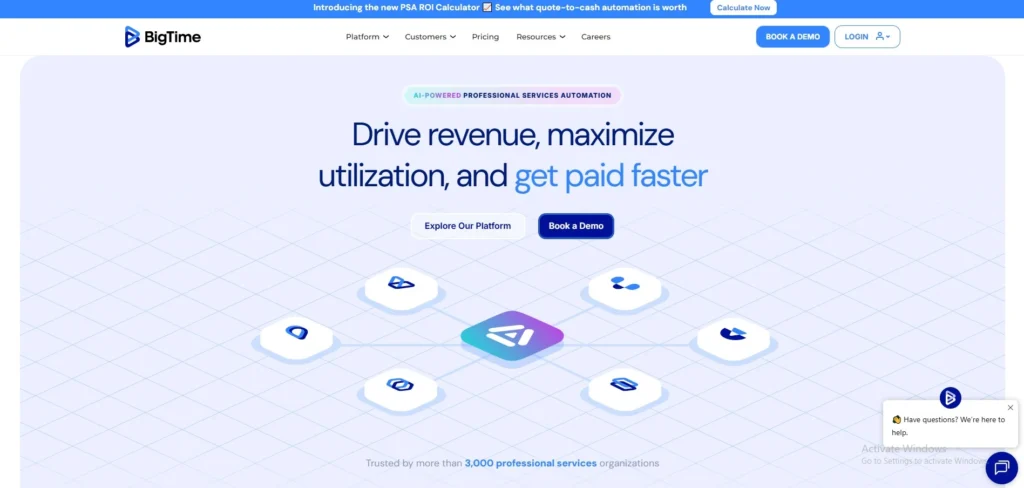
BigTime is an artificial intelligence-based professional services software platform that assists consulting, engineering, IT, and accounting firms to support the overall client engagement lifecycle, including project costing and quoting, staffing, and tracking time and expenses, as well as produce invoices, enhance cash flow, and monitor real-time financial dashboards to be used and profitable.
It is connected to such tools as QuickBooks, Salesforce, and Google Calendar, and makes project data centralised to minimize the amount of manual administrative duties, and allows teams to work remotely and stay on the same track regarding margins, resources, and billing.
Key Features:
- Planning and tracking of projects using Gantt charts and templates.
- Time tracking through timers, timesheets, and approvals.
- Expense procedures and workflow.
- Various types of billing (time and materials, fixed-fee, milestone, etc.).
- Invoicing and billing dashboards with in-built billing rules.
- Forecasting of resource management and utilization.
- Budgeting, margin tracking, and profitability reporting.
- Connections with accounting systems such as QuickBooks and Sage Intacct.
- Approval workflows, templates, and custom fields.
Pros:
- Concentrates time, projects, resources, and billing within a single system.
- Eliminates manual labour and redundant tasks in financial and administrative.
- Powerful time-and-cost approvals and workflows that can be audited.
- Specifically designed to support consulting and agencies, rather than generic PM.
- Scalable to small teams up to large, global consulting firms.
Cons:
- Can be complicated when dealing with very small or non-billing teams.
- Even the reporting depth might need to be customized or with add-ons.
- The cost levels may go up with the increase in users and premium features.
- Some configuration might be required to implement and set up, as opposed to being a full plug-and-play.
Best for
- Consulting firms, IT services, agencies, and any business that is based on a professional service that is billed in time or by project.
Pricing:
- BigTime Essentials starts at $20 per user/month.
2. Kantata
Website: https://www.kantata.com
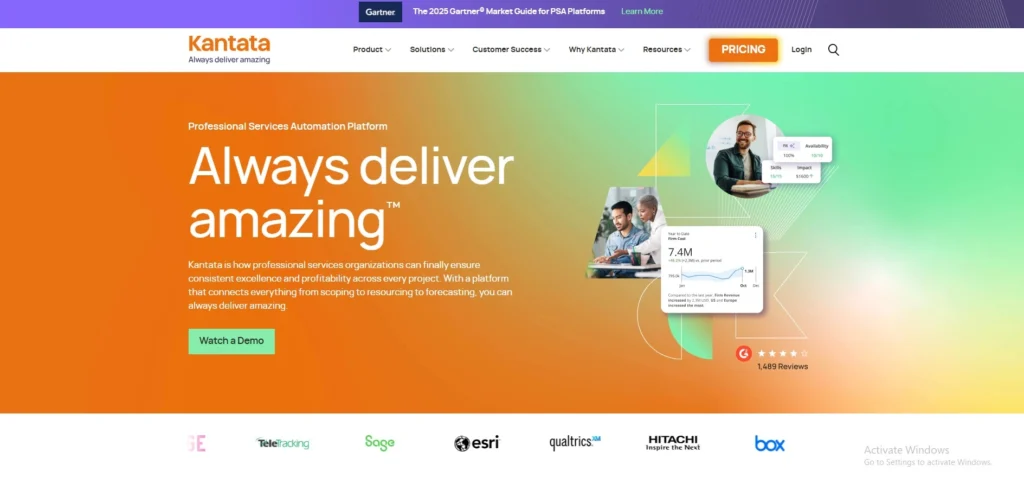
Kantata (formerly Mavenlink and Kimble) is a cloud-based Professional Services Automation (PSA) application tailored to consulting firms, agencies, and professional services organisations to automate project delivery, optimal resource utilization, and financial performance. It brings resource planning, project management, time/ expense tracking, and profitability analysis together in a single system and allows real-time visibility of margins, staffing choices, and demand forecasting, and tolerates contemporary pricing models such as fixed-fee or value-based engagements.
Key Features
- Optimization of resources with matching skills, availability tracking, and load balancing.
- Live financial visibility of margins, profitability, and accrual-based reporting.
- Gantt charts, collaboration tools, project/task management, and timelines.
- Mobile-access, pre-populated timesheets, time/expense tracking.
- High-level forecasting, budgeting, and reporting of projects/portfolios.
- Salesforce, Microsoft, Slack, and others integrations.
Pros:
- Full-scale PSA, using big resources and financial instruments.
- Real-time insights and high customization enhance decision-making.
- Risk identification and planning with AI.
Cons:
- Expensive, not affordable by small companies.
- Complicated installation, high learning curve, and additional training costs.
- Minimal free trial; no clear pricing on the web.
Best For
- Big agencies and management consulting companies.
Pricing:
- Quote-based (contact for details);
3. Deltek Vision
Website: https://www.deltek.com
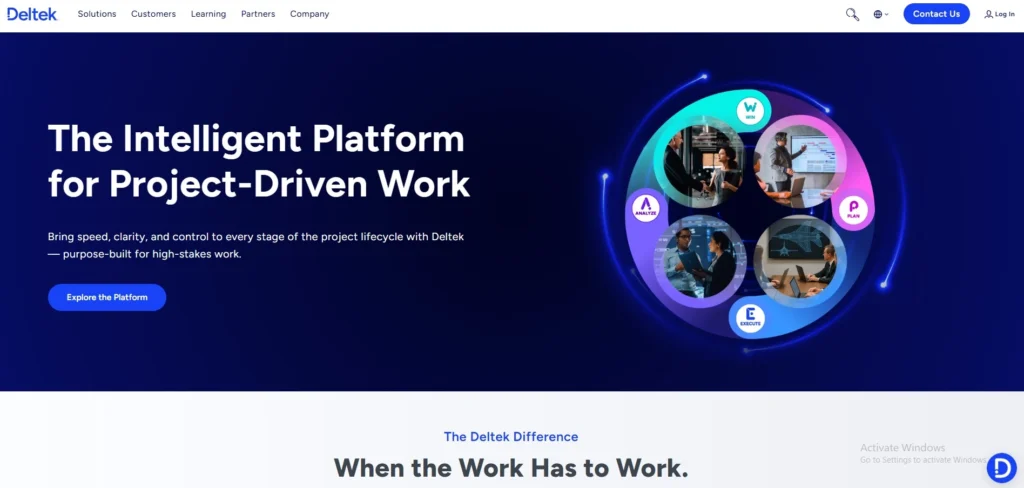
Deltek Vision is an ERP solution that is project-based and is mainly used in professional services companies, including architecture, engineering, consulting, and government contracting. It combines such major features as CRM to manage leads and opportunities, resource planning, project accounting, performance monitoring, and real-time dashboards and KPIs, and a smooth integration with such tools as Microsoft Office and SharePoint.
Vision enables organisations to stream operations, improve employee utilisation, reduce days sales outstanding (DSO), and make a profit by offering end-to-end visibility throughout the project lifecycle, building pipelines and automating proposals, as well as performing execution, risk mitigation, and financial reporting.
Key Features:
- End-to-end project accounting, financial management (GL, AP/AR, billing, multi-currency, etc.).
- Opportunity management and CRM to track leads, proposals, and relationships with clients.
- Close integration of time and expense tracking with billing and profitability of the project.
- Staffing and workload optimisation tools.
- Dashboard-based, KPI-driven, and project analytics-driven performance management.
- Government and AEC proposal and contract-management tools.
- On-premise and cloud-based web access.
Pros
- Develop to support project-based professional services and AEC companies.
- Good DCAA-compliant project accounting and government-contract support (FAR/DFARS).
- Close association of CRM, projects, time/expense, and finance.
- Excellent resource planning and visibility of utilization.
- Elastic deployment (cloud on AWS or on-premise).
Cons:
- Very niche; not suited to manufacturing, retail, or general business.
- None of the inbuilt ecommerce modules.
- May be costly, particularly when there are numerous modules and add-ons.
- Older modules are dated in terms of the user interface.
- Needs major training and setup in complicated companies.
Best For
- Architecture, engineering, consulting, and government-contract (AEC/GovCon) companies that handle numerous projects and work based on billing.
Pricing:
- Custom based
4. Certinia PSA
Website: https://www.certinia.com
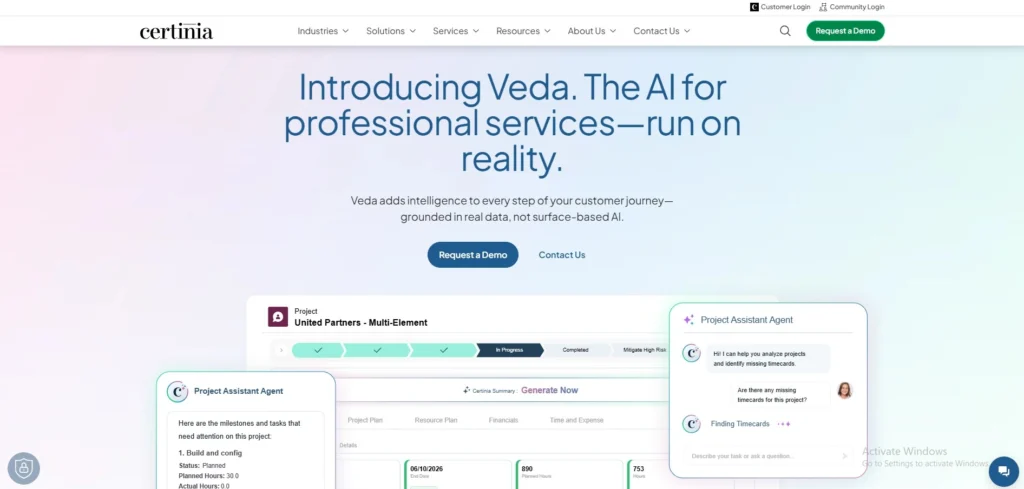
Certinia PSA (Professional Services Automation) Consultant Management System is an end-to-end, Salesforce-native cloud application that helps consulting firms, IT services providers, and agencies automate operations of the professional services business, previously called FinancialForce PSA.
It integrates project planning, resource distribution, time tracking, expense tracking, financial management, billing, and analytics into one system, so that project performance can be viewed in real-time, better utilization of resources, precise forecasts, and seamless integration with Salesforce CRM and ERP systems to coordinate the sales, delivery and services departments to achieve profitability and growth.
Key Features:
- Scheduling, capacity planning, and skill-based allocation of resource management.
- Simple billing and payroll through time and expense tracking.
- Budgeting, invoicing, and recognition of revenue.
- project insight reporting, analytics and executive dashboards.
- Gantt charts, tasks, milestones, and agile/waterfall project management.
- Flexible prices (time and materials, fixed-fee, hybrid).
- CRM/delivery alignment, Salesforce-native integration.
Pros:
- Good enterprise coverage (resource planning, financials).
- Superior Salesforce integration to integrate data.
- Strong reporting and real-time visibility.
Cons:
- Long learning curve and workflows with clicks.
- Slow performance at scale with big data.
- Complexity is a high-need aspect that needs additional training on administration.
Best For
- Mid-to-large Salesforce consulting firms.
Pricing:
- Per-user-per-month model; full PSA costs $120-$200 (mid-market, 50-100 users), light users half that; Salesforce fees are excluded; estimated cost $$180K-400K, 75-150 users.
5. Kimble
Website: https://www.kantata.com/kimble-applications
Kimble Consultant Management System or to be more exact, Kimble PSA, is a cloud-computing software suite tailored specifically to consulting firms, professional services organizations, and service-based companies to automate operations between lead generation and project delivery and invoicing.
It combines sales, resourcing, project management and financials into one system and applies AI-driven intelligence, real-time diagnostics and automation to maximize resource utilization, predict revenue precisely and prevent silos between CRM and ERP and project tools, enabling the firms to capture time/expenses on mobile, match skills to projects dynamically, recognise revenue compliantly and gain predictive analytics to make better decisions, all whilst supporting rapid deployment
Key Features:
- Equal skills matching, resource management, and scheduling.
- Forecasting and project management.
- Predictive timesheets/time/expense tracker.
- Invoicing/billing and revenue recognition.
- Budget tracking and financial management.
- Reporting/Analytics using customizable dashboards.
- Sales/opportunity management (lead-to-order).
- Client coordination and paperwork.
- On-the-go (iOS/Android) mobile access.
- Automation of workflow and compliance tools.
- Utilization/capacity plans and integrations.
Pros:
- Extensive end-to-end automation minimizes labor.
- Powerful mobile optimization and real-time insights.
- Enhances the use and predictability.
- Easy installation using ready-to-use templates.
Cons:
- Not publicly traded (quote-based).
- May needs to be customized to fit smaller firms.
- Increased learning curve among non-PSA users.
Best For
- Consulting firms, PSOs.
Pricing:
- Custom quote-based;
6. Accelo
Website: https://www.accelo.com/.
Accelo Consultant Management System is an all-inclusive Professional Services Automation (PSA) software designed to support consulting firms and service-based enterprises, integrating client relationship management (CRM), project management, resource management, time management, billing and invoicing, and analytics into a single smooth platform.
It simplifies the processes by automating activities such as proposal to projects, retainers, and recurring billing and offers real-time insights into profitability and resource utilization and bottlenecks to assist teams in recovering billable time and scaling efficiently. The main characteristics are that it can be customized with a dashboard, track expenses, client portal, email integration, and reporting systems.
Key features:
- Sales pipeline management and client relationship management (CRM).
- Task-based, time-based, resource-scheduled project management.
- Billable work time tracking and expense tracking.
- Billing and invoicing (time-, fixed-, retainer-, and recurring invoices).
- Ticket and service-desk operations to provide continuous customer service.
- Retainer and recurrence-work management.
- Project profitability, utilization, and performance reporting and analytics.
- Robot workflows, quotes, and approvals.
- Integrated client portal and email to communicate directly with clients.
- Collaboration tools and document management.
Pros:
- Single platform of sales, projects, billing, and support, minimizing tool sprawl.
- Good quote–cash and time-to-bill automation.
- CRM is tightly integrated with the delivery of projects and invoicing that is built-in.
- Consultancies and agencies wishing to get end-to-end management of client work.
Cons:
- Depending on the size of the team/consultant pricing can be on the higher side.
- A few plans do not have ticket/retainers until you upgrade to higher levels.
- Simple PSA needs may have a high learning curve overhead as well as configuration overhead.
- Weak third-party integrations in relation to other competitors.
Best For
- Best small to mid-size professional-services firms, agencies, and consultancies, those that require only one system to handle sales, projects, retainers, tickets, and billing.
Pricing:
- Custom quote-based
7. Scoro
Website: https://www.scoro.com/
Scoro is an end-to-end professional services automation (PSA) software specifically created to cater to consultancies, agencies, and professional service firms to manage consultants and projects within a single platform. It combines essential capabilities such as CRM and sales pipeline, resource and capacity planning, time/expense tracking, project budgeting and progress monitoring, profitability forecasting, billing/invoicing, and AI-powered reporting and live dashboards, removing the need to have many tools that are disconnected.
Consolidating projects, finances and teams, Scoro offers real-time insight into performance measures, usage rates, and revenue projections, allowing to effectively allocate consultants, standardize workflows, and increase profitability of businesses that deal with intricate service provision.
Key Features:
- Gantt chart, task, milestones, and dependency project management.
- Billable hours, time tracking, and timesheets.
- Quoting, estimating, billing and invoicing.
- Sales pipeline management and CRM.
- Scheduling, resource planning and forecasting.
- AI-enhanced automations, reporting, and dashboards.
- Expense management, document management and client portals.
- Budget, profit analysis and revenue forecasting.
Pros:
- A single platform decreases tool sprawl.
- Good forecasting and profitability.
- Agencies and consultancies can be customized.
- Mobile accessibility and integrations.
Cons:
- Increased costs, particularly for small teams (min 5 users).
- Greater learning steeped with full features.
- Premium add-ons to more complex requirements.
- Feel too complicated to be used by simple people.
Best For
- Agencies and consultancies.
Pricing
- Core:$19.90 per user/\month
- Growth:$32.90per user/month
- Performance:$49.90 per user/month
- Enterprise: Custom
8. Avaza
Website: https://www.avaza.com/business-consulting-software.
Avaza is a unified professional services, freelancers and consultants business management software created on a cloud service that combines project management, time tracking, cost management, quotes, invoices and team collaboration in one platform to remove the necessity of using many tools. It provides visually appealing task boards, such as Kanban boards, Gantt charts, and list, drag-and-drop file uploads, real-time views on project profitability and workforce utilisation, and integrations with 500+ apps, which make it available across desktop, tablet, or mobile to facilitate streamlined workflows and smarter decision-making.
Key Features
- Kanban, Gantt and list view visual task dashboards to track flexible projects.
- Task and project-related time tracking, timesheets, and billable hours.
- Capacity planning, resource allocation, and scheduling.
- Invoicing, expense capture, recurring billing, as well as payments integration.
- Client portals, file sharing, email to task forwarding, and team chat.
- Reporting, forecasting, budgeting, and third-party integrations.
Pros:
- A multi-purpose tool minimizes the necessity of multiple applications.
- Free unlimited collaborators and low prices.
- Powerful in terms of project tracking, invoicing, efficiency benefits
- Time log and client billing are user-friendly.
Cons:
- Unfriendly steep learning curve because of feature overload and the complexity of the UI.
- Categories of tasks that cannot be easily assigned/filtered by user.
- Confusing navigation for novice users.
Best For
- Small teams, consulting firms, and agencies.
Pricing
- Free ($0/mo, limited users),
- Startup ($11.95/mo),
- Basic ($23.95/mo),
- Business ($47.95/mo);
- usage-based, free trial available.
9. Forecast
Website: https://forecast.app/
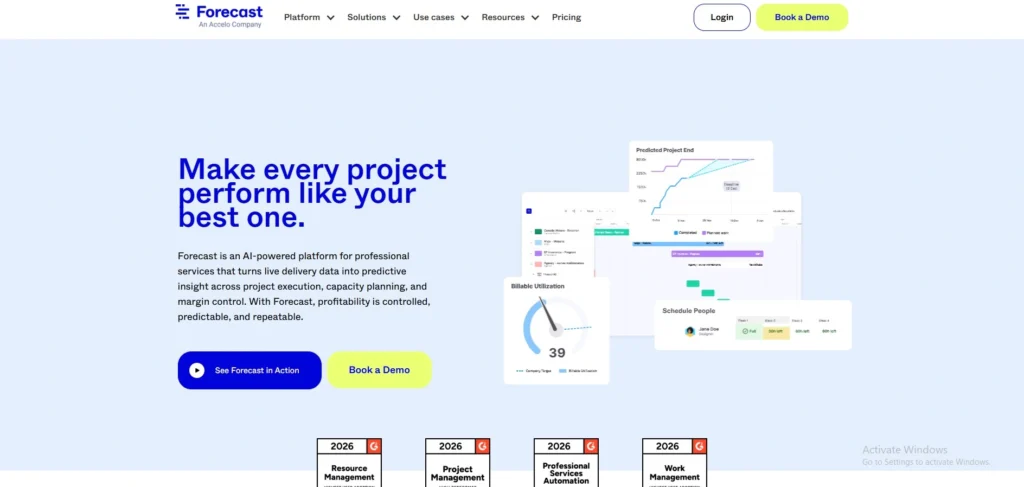
Forecast is an AI-assisted resource and project management application designed specifically to serve consulting firms and professional services teams, and integrates forecasting, scheduling, and financial functionalities into a single system to assist managers in predicting demand, assigning consultants effectively, and monitoring profitability without spreadsheets and fragmented systems.
It puts project planning at the center, using Gantt charts, baselines, milestones, and scoping; uses AI to enable resources to allocate intelligently, provide utilization reports, and optimize revenues; allows time tracking with rate cards; supports real-time collaboration, and integrates financial management to predict cash flows and project budgets, making it easier to scale operations without losing sight of team capacity or client deliverables.
Key Features:
- Resource distribution and forecasting of demand based on AI.
- Gantt charts, baselines, milestones, and project scoping.
- Utilization reports, time tracking, and rate cards.
- On-the-fly financial control and revenue optimization.
- Inter- device cooperation and easy-to-manage tasks.
- Consulting team capacity planning.
Pros:
- Close project management and resource connection.
- User-friendly interface and real-time visibility.
- Optimizes processes and improves the efficiency of teams.
- Performs quick computations and planning.
Cons
- Poor integrations with other systems, such as Jira.
- Features of reporting should be enhanced.
- A few counterintuitive naming and unclear calculations.
- Recommended to: Consulting firms and agencies.
Best For
- Consulting firms and professional services teams.
Pricing:
- contact for quotes.
10. Autodesk Construction Cloud
website: construction.autodesk.com
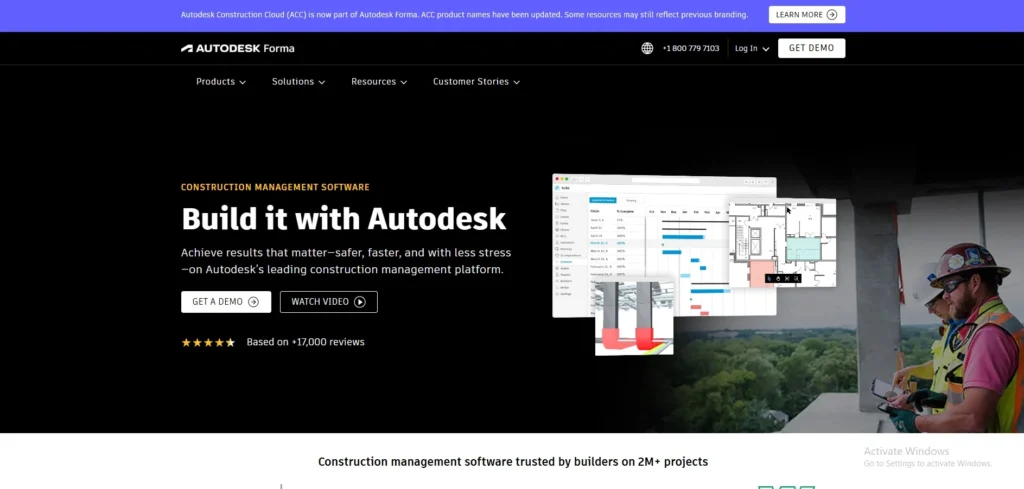
Autodesk Construction Cloud (ACC) is an end-to-end cloud-based solution by Autodesk that specifically targets the construction market, and is an integrated platform that extends beyond the conventional management of consultants, to allow smooth collaboration between architects, engineers, consultants, contractors, and owners in the entire project lifecycle, starting with preconstruction and concluding with handover.
Although it does not directly have a distinct module called Consultant Management System, its main features can effectively handle the use of consultants by centralizing documents, tracking issues in real time, assigning access permissions, and having workflows that keep external experts on track with the project goals, eliminating miscommunication and delays – consider it a single source of truth where consultant deliverables such as RFIs, submittals, models, and markups are tracked
Key Features
- Integrated solution based on project management, document control, and BIM.
- Live collaboration with notifications and multi-user.
- Document management and version control with 2D/3D viewing on cloud.
- On-the-go app to access plans, issues and updates.
- Model coordination, issue tracking and markups on sheets/models.
- More than 400 interconnections with ERP, CRM, and such tools as Revit.
Pros:
- Best when working in teams and on large projects.
- Errors are minimised with strong document handling and updated features.
- Scalable and, well-integrated and mobile.
- Good functionality user ratings in construction workflows.
Cons:
- Long learning curve, particularly among novices to Autodesk.
- Additional features under premium prices.
- Periodic problems with the connection are reported.
- Difficult permissions and user interface customization time.
Best for:
- Major construction companies and complicated projects that require a consultant organization.
Pricing:
- build plan:$399/user/year
- Build + Docs:$649/year
How Does a Consultant Management System Work?
The consultant management system (CMS) is a software platform that assists organisations to plan, recruit, monitor and compensate external consultants centrally. It usually works like this:
- Has a centralised consultant database, profiles, skills, experience, availability, and past performance to ensure that you can get the right person quickly.
- Matches projects to the required skills and availability by matching the project needs and schedules with the required skills and availability.
- Track delivers the work and deliverables, including tasks, milestones, deadlines, and submitted work, and associates them with every consultant.
- Deals with contracts and rate cards, such as storing contracts, all start/end dates, and approved billing rates and terms.
- Automates onboarding and offboarding, document collection (NDA, CVs, IDs), compliance, background checks, and access provisioning.
- Records time, costs, and billing, enabling consultants to record hours and costs which are converted into invoices or reports by the system.
- Measures performance and usage, and uses KPIs (timeliness, quality, cost efficiency) and utilisation rates to inform future hiring decisions.
- Produces spend by consultant, project, or department reports and analytics, as well as productivity and ROI insights.
- Facilitates communication and teamwork, providing common areas where clients can update on the progress of their business, share documents, receive feedback, and obtain approvals.
- Connects to other systems like ERP, HR management system, accounting, and CRM to ensure consultant data passes freely through the finance, HR, and project tools.
Benefits Of Using A Consultant Management System
The main advantages of a Consultant Management System (CMS) are as follows:
- All the consultants (profiles, skills, rates, contracts, performance, documents) are stored in a central database as opposed to being scattered across spreadsheets and emails.
- Faster sourcing and onboarding, thus you can locate, screen, and hire consultants at a significantly faster rate.
- Enhanced efficiency through automation of repetitive administrative functions such as timesheets, approvals, invoicing, and work logs using workflow automation tools.
- Improved cost management and budgeting by having real-time visibility of hours, rates, project progress, and total amount spent on any consultant or project.
- Less risk and improved compliance (clear documentation, automated checks on contracts, NDAs, classifications, and other legal or HR requirements).
- Consistent practices in consulting due to the use of standardized procedures in the engagement of consultants across different departments.
- Quick time-to-value since the correct consultant can be identified and placed on the correct project within a short time with skill and availability data.
- Better utilization of resources through alignment of skills, experience, and rates with particular project requirements.
- Improved tracking of performance based on KPIs, feedback, and scorecards that are stored in a single location per consultant and engagement.
- Better interaction through one platform to provide updates, deliverables, messages, and approvals, eliminating email pandemonium and loss of information.
- Scalability without losing control to handle an increased number of consultants and projects in different locations.
- Greater data accuracy and reduced manual error since information is not re-entered in multiple tools and passes through integrated workflows.
- Audit-ready, having a full digital record of contracts, SOWs, timesheets, invoices and communications, both internal and external audit-ready.
- More strategic decisions via analytics and reports on spend, performance, utilization, and vendor mix of consultants.
- Better vendoror relationship management: you can compare vendors and firms objectively and bargain on the basis of numbers.
How To Choose The Right Consultant Management System?
A consultant management system (CMS) must be suitable to your business size and be rated based on obvious, quantifiable requirements in terms of features, integration, and usability.
1. Selection by business size.
Solo consultants and small businesses.
- Require lightweight systems with an emphasis on time tracking, simple project dashboards, and simple invoicing with no heavy administration.
- Focus on low-cost or freemium solutions that are simple to set up and can be accessed via your mobile devices, to be able to manage a small number of consultants or freelancers without complex workflows.
Mid‑sized firms
- Need more project-resource alignment, budgets, and reporting (utilization, profitability, workload balancing) in various teams and clients.
- Find the systems that allow automated approvals, client-specific portals, and simple integration with accounting or CRM systems.
Large enterprises
- Require enterprise-grade CMS or PSA that is rich in compliance, governance, multi-currency billing, and analytics.
- Give priority to role-based access, audit trails, and powerful APIs so that the system can coexist with HRMS, ERP, and other enterprise tools.
2. Key evaluation criteria
Business requirements fit
- Does the CMS address your top 3 pain areas: onboarding, timesheets, billing or compliance?
- Is it scalable with your expansion (new consultants, geographies, or services) without re-architecting the platform?
Basic functions and usability.
- Search terms: centralised profiles of consultants, time and cost tracking, project and task management, and performance analytics (KPIs such as on-time delivery, usage, customer feedback).
- Make it user-friendly so that neither consultants nor managers have to be trained to use the UI daily.
Compliance and security
- Check support certification/visa tracking, insurance and audit-ready records particularly in case you are in regulated fields.
- Confirm role-based access control (RBAC), data encryption, and clear-data-privacy-policies.
Integration and extensibility
- Assess its compatibility with your current stack (e.g., accounting software, HRMS, ERP, CRM, and collaboration tools).
- Avoid manual workflows and prefer platforms that have APIs or standard connectors in order to avoid manually entering data.
Expense, maintenance, and installation.
- Compare pricing schemes (per-user, per-project, or flat-fee) and overall cost of ownership, including setup, training, and add-ons.
- Evaluate the quality of vendor support, implementation schedules and training materials to minimize adoption headaches.
Consultant Management System Pricing
In 2026, Consultant Management System (CMS) tools are typically sold as B2B SaaS to agencies, IT/ERP consultancy and professional services firms, and prices are nearly always on request, with a small initial base. And you see bands and starting prices, rather than complete rate cards.
To make this practical to your market-research/content work, a synthesized perspective on standard pricing in 2026 and how it is organized by vendors is shown below
Economic forecasts for 2026 price ranges.
Based on existing listings and lists of the best consultant management systems to 2026, typical prices at the public price include the following:
- Entry / small teams: 19-50 USD/month on entry on basic plans.
- Mid-market / developing companies: approximately USD 100-200 per user/month as a starting point for more comprehensive PSA / project accounting packages.
- Enterprise / complex companies: usually 300-400 USD/user/month, and minimum contract values in place of pure per-seat.
Note that most sites mention that prices are based on the plan and agreement, which means that there are volume, location, and contract-length discounts.
Conclusion
The appropriate Consultant Management System (CMS) software in 2026, such as BigTime, Kantata, or Avaza software, can turn a jumbled client project, time management, and billing into a smooth, AI-enhanced workflow that increases the efficiency, resource utilisation, and profitability of the consulting company of any size.
Regardless of whether you are a single consultant who wants affordable simplicity, or a business that requires high-performance compliance and integrations, focus on time tracking and project dashboards with client portals to reduce administrative waste and easily scale up. Start with free trials to fit the tool to your needs and see your business run without the tool-switching circus.
FAQs
Q.1 What Does A Consultant Management System Mean?
Consultant Management System (CMS) is software specific to facilitating the entire lifecycle of managing external consultants, including procurement and onboarding processes, as well as the payment and performance assessment processes. It focuses on monitoring engagements, billable time, deliverables, and client reporting, which are specific to professional services as opposed to general project tools.
Q.2 CMS vs PSA Software Difference?
CMS is concerned with the external consultant procurement and management, whereas PSA (Professional Services Automation) is concerned with the internal project delivery, resource allocation, time tracking, and billing service firms. PSA focuses on operational efficiency , such as resource calendars and invoicing, whereas CMS deals with vendor-specific issues, such as scope control and consultant evaluation; they are similar in project features but different in scope, external vs internal.
Q.3 How Much Does It Cost In 2026?
The price of CMS can be highly varied, typically based on subscription service with prices ranging between $50-$500+ per user/month depending on the size of the firm and its functionality; comparing to related consulting services, costs around $1500-$15000/month retainers or $50-$500/hour. Enterprise services impose a set-up charge, but small-business plans begin at a lower price; precise 2026 prices will depend on the providers of such services, such as AI integration.
Q.4 Does It Integrate With QuickBooks/Xero?
Yes, most CMS and PSA systems are connected to QuickBooks and Xero through built-in connections or Zapier to synchronize invoices, payments, time tracking, and clients. Examples are a direct Xero connection with QuickBooks Time and more comprehensive automation to synchronize data, minimizing manual input.
Q.5 Best Tool For Small Firms?
In the case of small consulting firms, Operating.app or Projetly.ai have been noted as the most scalable, easy to use, and affordable tools in the 2025-2026 reviews, with a combination of project management, finances, and AI features without enterprise bloat. They are appropriate in boutiques that are highly effective in communicating with clients and cost-effective.
Q.6 Is There A Free Tool?
There are a few genuinely free CMS systems; most have freemium plans or trials (e.g., basic PSA such as Zoho Projects), but full consultative management often demands paid plans at a low cost with small groups. Open-source substitutes do not have any specialized features and thus, check trials to determine fit.
Q.7 How Is AI Used In 2026?
In 2026, AI in CMS will match resources, predict risks in projects, schedule optimally using utilization analytics, and match bills more accurately through time predictions. It saves overall execution money and enhances strategy through insights, which has been observed in modern PSA/CMS systems.