
In today’s fast-moving software development world, one question defines the success and reliability of every digital product: how can teams detect, prioritise, and eliminate bugs before they become costly failures? As applications grow in scale and user expectations rise, manually tracking issues is no longer feasible—precision, speed, and visibility are now essential.
Bug tracking software has become a core component of modern development pipelines, empowering teams to log defects systematically, monitor progress transparently, and resolve issues faster than ever. These tools don’t just highlight what’s broken—they strengthen collaboration, streamline workflows, and prevent errors from slipping into production. Backed by intelligent automation and smart reporting, they help deliver cleaner, more resilient software.
In this blog, we explore the 14 best bug-tracking software tools that help developers ship quality with confidence.
What is Bug Tracking Software?
Bug tracking software is a tool used to detect, document, track, and even control the defects or problems in the software application during development, testing process or even after deployment of the software.
These sites offer a more organized way of reporting bugs with information such as severity, environment, and reproduction steps so that the developers can deal with it effectively. Bug tracking solutions assist teams to prioritize fixes, coordinate on solutions as well as tracking progress to completion of issues.
They reduce communication divides, remain transparent in working processes, and contribute to the stability and performance of products. These tools also aid in continuous improvement through detailed reports and analytics, to indicate a problem that has recurred and ways it can be improved over time, thus resulting in high-quality software delivery.
How To Choose The Right Bug tracking Software?
- Establish Project and Team Requirement: Select a system that matches your workflow, project size, number of team members, integration requirements, and scalability such that it meets your needs but does not develop into a bottleneck.
- Search for Ease of Use and Adoption: The site should be easy to use, learn and require little training. The user-friendly interface will help to onboard the user faster and be used reliably by the team.
- Check Issue Logging and Tracking Efficiency: A good tool is able to provide extensive reporting of bugs, categorize, level of severity, an attachments, and track progress and hence readily identify the bugs and organize them in order to be resolved.
- Focus on Automation and Workflow Support: Decrease the number of people manually working in the bug resolutions process by selecting software that has automation capabilities, such as auto assignment, notification, status updates, and smart routing.
- Test Integration Compatibility: This should be easily compatible with code repositories, CI/CD pipelines, version control system, project management systems, and testing systems to have a cohesive development system.
- Evaluate Collaboration and Communication Tools: Find commenting, tagging, shared report, team notifications and real time updates to reduce any communication gaps and speed up decision making between teams.
- Analysis Review, Reporting, and Insights: The higher-order dashboards, metrics, trend reports, and performance analysis assists the teams to identify frequent errors, productivity, and develop strategies to improve the product quality.
- Reflect on Cost, Value, and Long-Term ROI: Compare the pricing plans, feature availability, future growth requirements, and services support to make sure that it is afforded without having to lose functionality or expansion opportunities.
Quick Comparison
| Name | Pros | Cons |
| Jira | Extremely scalable with deep workflow customization for large teams. | Can feel overwhelming for beginners due to extensive features. |
| YouTrack | Keyboard-driven interface makes issue handling exceptionally fast. | Requires initial configuration effort to fully leverage its power. |
| Bugzilla | Completely free with long-term stability trusted by open-source giants. | Outdated UI design compared to modern trackers. |
| MantisBT | Lightweight, resource-efficient system suitable for older/low-power servers. | Lacks polished UI and visual reporting without plugins. |
| Redmine | Highly extensible with plugins for wiki, forums, and documentation. | Requires self-hosting knowledge — no official cloud by default. |
| ClickUp | True all-in-one workspace replacing multiple team apps. | Feature-rich interface may feel busy for simple bug workflows. |
| Zoho BugTracker | SLA automation improves compliance-driven delivery and client handling. | Best value for smaller teams — enterprise depth may feel limited. |
| BugHerd | Ideal for UI/UX teams because bugs are pinned visually on webpages. | Less suited for backend or system-level defect tracking. |
| Trac | Embedded wiki makes documentation and issues coexist naturally. | Minimal design may require add-ons for advanced reporting features. |
| Linear | Fast navigation + shortcuts make bug management lightning-quick. | Focused more on product teams — fewer QA-specific tools built-in. |
| Backlog | Perfect blend of bugs + code tracking with Git/SVN integration. | Pricing grows with users — may not suit early bootstrapped teams. |
| Userback | Video + visual feedback dramatically speeds UI defect reproduction. | Primarily front-end oriented — deeper test management features limited. |
| Marker.io | One-click annotated screenshot reporting eliminates lengthy bug descriptions. | Depends on browser extensions — standalone capture options are fewer. |
| Kualitee | Built-in test management makes it ideal for QA-heavy companies. | Slightly steeper learning curve for teams coming from simple boards. |
List of 14 Best Bug Tracking Software
1. Jira
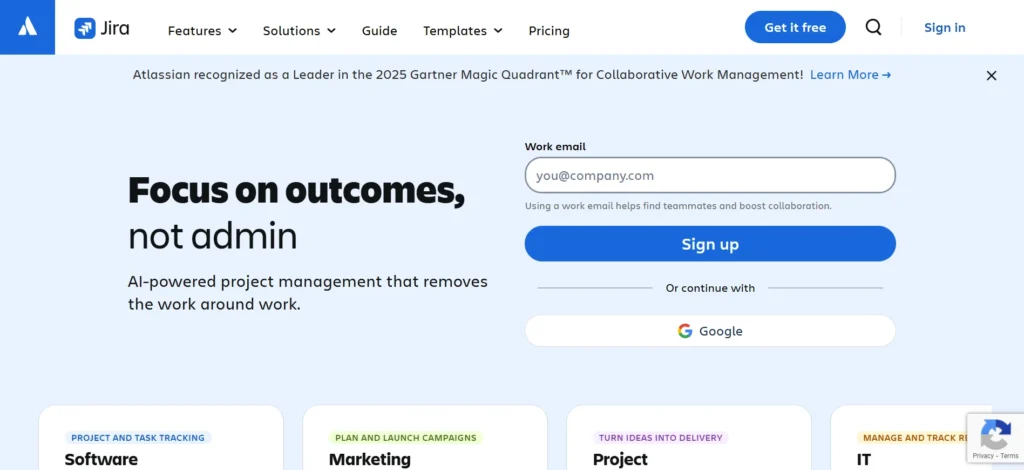
Jira is a powerful bug and issue tracking software widely used by development teams, enterprises, and agile organizations. It offers customizable workflows, sprint planning, backlog organization, kanban/scrum boards, and seamless integration with tools like Bitbucket, GitHub, Slack, Confluence, and CI/CD systems.
Jira supports automation rules, advanced reporting, dashboards, and role-based access control. Its scalability makes it suitable for small startups to global corporations handling thousands of tickets.
With cloud and self-managed deployment options, Jira ensures reliability and flexibility. The search filters and tagging system help teams trace issues efficiently. Jira remains a must-have tool for structured, collaborative, and agile software delivery.
Website: https://www.atlassian.com/software/jira
Key Features:
- Customizable workflows to match your team processes.
- Agile boards (Kanban & Scrum) for sprint and backlog management.
- Advanced search and filtering with JQL (query language).
- Integration with many developer tools and plugin support.
- Scalable for small teams to large enterprises.
Pricing:
- Standard– $7.91 per user / month
- Premium– $14.54 per user / month
2. YouTrack
YouTrack by JetBrains is a highly flexible bug tracking software optimized for agile teams. Known for its powerful search query language, customizable workflows, and keyboard-focused navigation, it helps teams manage bugs, sprints, tasks, and releases effortlessly.
YouTrack offers built-in scrum and kanban boards, Gantt charts, time tracking, and automation rules that streamline development pipelines. It integrates smoothly with GitHub, GitLab, Bitbucket, VS Code, and CI/CD systems.
Teams benefit from issue linking, labeling, backlog grooming, and personalized dashboards. Its modern interface encourages fast reporting and collaborative debugging. YouTrack is a must-have for teams seeking performance-driven bug management.
Website: https://www.jetbrains.com/youtrack/
Key Features:
- Flexible, customizable workflows per project or team.
- Powerful search query language for fast issue filtering.
- Both cloud-hosted and on-premises deployment options.
- Integrates with GitHub, GitLab, Bitbucket and CI/CD tools.
- Keyboard-centric UI for fast navigation and issue handling.
Pricing:
- Custom Pricing
3. Bugzilla
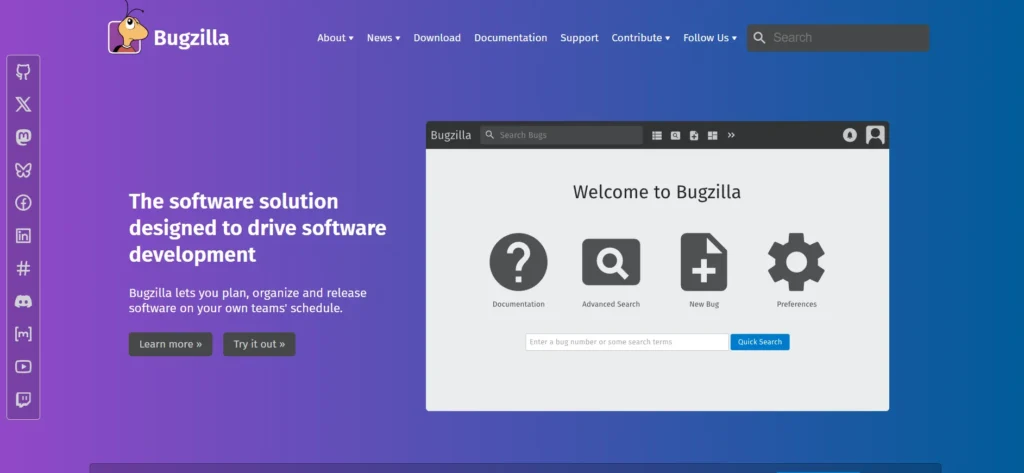
Bugzilla is an open-source bug tracking system that is long lived and trusted by large open-source communities and development teams. Its strong points are stability, fastness, thoroughness of issue recording, and highly organized work processes that can support high volume submissions of bugs.
Bugzilla enables advanced search, email notification, tracking patch review, duplicate detection and custom fields. As an open-source, it is completely customizable and free of licensing, so it is attractive to technical teams that desire to design their workflow.
It is also compatible with version control systems, and it has automation extensions. Perfect to maintain software on a large scale, transparently, Bugzilla is an indispensable tool to the developer who prioritizes stability, auditability, and established reliability.
Website: https://www.bugzilla.org/
Key Features:
- Customizable bug fields to capture relevant issue data.
- Email notifications to alert team members of updates.
- Role-based permissions for controlled user access.
- Ability to generate reports and charts for bug data analysis.
- Free and open-source, allowing full customization of workflows.
Pricing:
- Open source
4. MantisBT
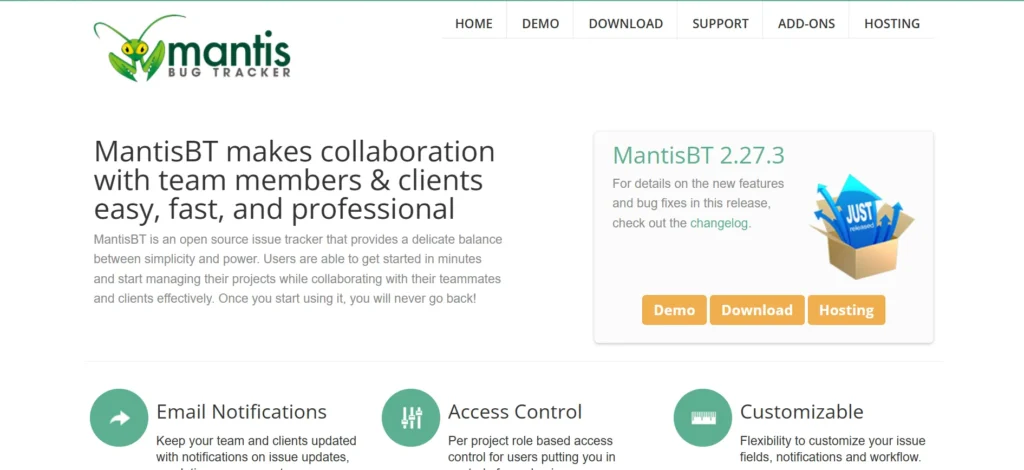
MantisBT is an open-source, web-based bug tracking software designed for simplicity, usability, and low resource consumption. It features customizable issue types, role-based permissions, tagging, milestone tracking, and email notifications.
MantisBT integrates with Git, CI/CD tools, and supports plugins for time-tracking, reporting, and workflow automation. The interface is lightweight and ideal for small to mid-sized teams needing an efficient, affordable tracking solution. Its self-hosted option offers full control, while MantisHub provides hosted cloud access.
With straightforward UI, minimal setup effort, and community-supported add-ons, MantisBT is a must-have for development teams prioritizing cost-effective and streamlined bug management.
Website: https://mantisbt.org/
Key Features:
- Lightweight and easy to install; minimal setup required.
- Customizable fields for issues to suit project needs.
- Email notifications to keep team updated.
- Plugin support to extend functionality when needed.
- Mobile-friendly or responsive UI for access across devices.
Pricing:
- Open source
5. Redmine

Redmine is a bug tracking and multi-project management software written in open-source which provides multi-project management on a single platform. It contains Gantt charts, calendars, forums, wikis, and workflows, which can be customized to use both Agile and traditional models.
Redmine is closely linked to Git, SVN, Mercurial, CI/CD pipelines and has automation, time entry and knowledge documentation plugins. Being a self-hosted platform, it provides data ownership and no recurrent license costs, which is the best option in case organizations require flexibility of modification.
Redmine guarantees the ordered bug reporting, role accessibility, timeframes and milestones tracking. Redmine is an essential addition to the teams that favor strong open-source infrastructure with its powerful extensibility.
Website: https://www.redmine.org/
Key Features:
- Multi-project support with hierarchical structure and subprojects.
- Custom fields and workflows for flexible issue tracking.
- Integrated Gantt charts and calendar for project timeline view.
- Version control integration (Git, SVN, Mercurial etc.) for dev workflows.
- Role-based access control and permissions per project/user.
Pricing:
- Open source
6. ClickUp

ClickUp is a new project and bug tracking software created to help teams with the purpose of simplifying tasks, monitoring concerns, and coordinating across workflows. It is based on a flexible dashboard that is compatible with lists, boards, Gantt views, sprints, goals, and automation triggers.
ClickUp allows the teams to add bugs with screenshots, priority, tags, and assigning rules. The documentation, chat, whiteboards, and sprint management are all in a single workspace and therefore not very dependent on any tools.
The software is connected with GitHub, GitLab, Slack, Google Drive, and more than 1,000+ apps. It is applicable to startups, product teams, and software organisations that require a unified execution of the project. ClickUp is a scalable, fast, and visual bug tracking must-have.
Website: https://clickup.com/bug-tracking-tool
Key Features:
- All-in-one workspace: tasks, docs, bug tracking, sprints.
- Customizable views: lists, boards, Gantt charts, calendars.
- Task dependencies and subtasks to manage complex issues.
- Integrations with GitHub, Slack, cloud storage, and more tools.
- Real-time collaboration and comments for team communication.
Pricing:
- Business– $19 USD/month, paid monthly
- Business– $12 USD/month, paid yearly
7. Zoho BugTracker
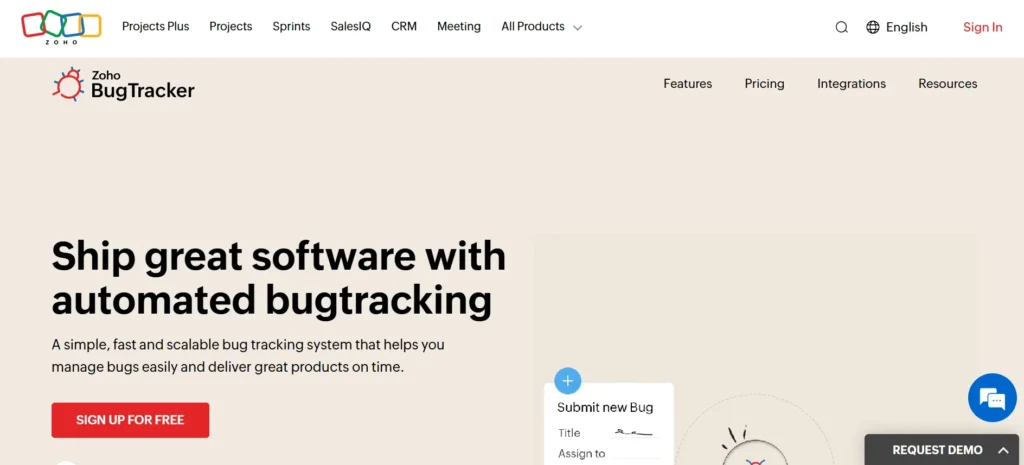
Zoho BugTracker is a simple and clean cloud bug tracker that is most applicable to small and medium development teams. It enables users to post bugs with high-priority, due date, attachments, and categorization to be visible within a short period.
The platform has SLA automation, custom workflow, reminders, visual tracking of kanbans, and dashboards. Zoho has been integrated with Zoho Projects, Zoho Sprints, GitHub, Bitbucket, and other third-party DevOps applications.
It is simple and cheap to implement, making it perfect in teams that desire to have an organized issue tracking without the complications. Zoho BugTracker is an indispensable tool with collaboration notes, notification and permissions to an effective and controlled QA cycle.
Website: https://www.zoho.com/bugtracker/
Key Features:
- Custom workflows and business-rule automation for bug flows.
- SLA-based automation to meet client service targets.
- Time tracking integrated with timesheets and billing.
- Custom fields and views per project for flexibility.
- Integration with other Zoho apps and third-party tools.
Pricing:
- STANDARD– ₹240/user/month
- PREMIUM– ₹480/user/month
8. BugHerd

BugHerd is a visual bug-reporting tool designed primarily for website and UI development teams. It allows testers, clients, and stakeholders to report bugs by clicking directly on web elements, automatically capturing browser details, resolution, screenshots, and console logs.
Tasks appear as sticky notes over the site and sync to a kanban-based tracking board. BugHerd reduces communication friction by eliminating long description reports and reproducing steps.
It integrates with Jira, Trello, GitHub, Slack, and project delivery workflows. With fast onboarding, visual clarity, and cross-team collaboration, BugHerd is a must-have for front-end development, QA, and client feedback management.
Website: https://bugherd.com/
Key Features:
- Point-and-click feedback: users pin issues directly on web pages.
- Automatic screenshot + capture of browser/OS/URL metadata.
- Built-in Kanban board to track issues and feedback tasks.
- Integrations with major PM and dev tools (Jira, Trello, Slack, GitHub etc.).
- Public feedback widget for ongoing website feedback after launch.
Pricing:
- Standard– $50/ mo
- Studio– $80/ mo
- Premium– $150/ mo
9. Trac
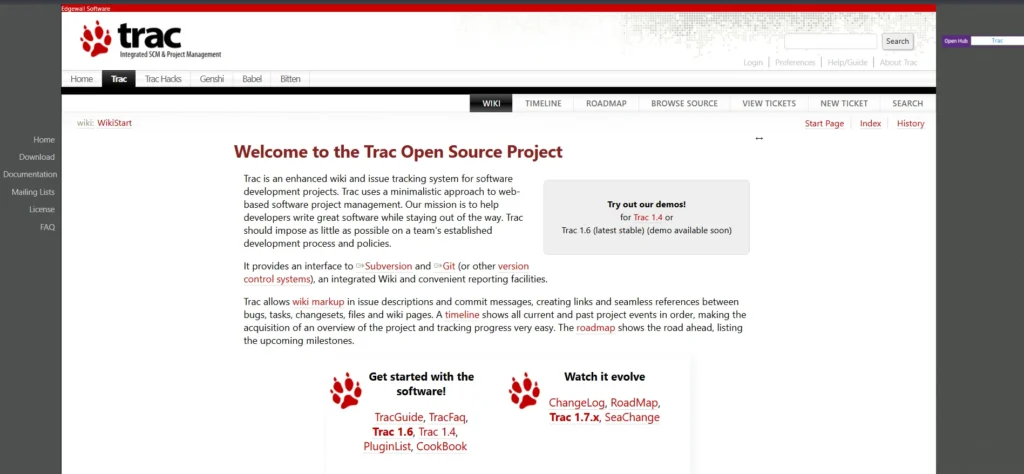
Trac is a lightweight, open-source project management and bug tracking software built for software development teams that value simplicity, clarity, and seamless code collaboration. It combines issue tracking, documentation, and version control integration in one minimal environment, giving developers a unified workspace without heavy system overhead.
Its ticket system helps track bugs, enhancements, and tasks efficiently, while the built-in wiki enables teams to store documentation, technical notes, and release information directly beside project work.
Trac also integrates with systems like Git, Subversion, and Mercurial, making it especially useful for code-centric workflows. For teams wanting fast tracking, low resource cost, and developer-friendly flexibility, Trac stands out.
Website: https://trac.edgewall.org/
Key Features:
- Lightweight, web-based bug tracking and project management.
- Built-in integration with version control (Git, Subversion, etc.).
- Simple ticketing system with bug, feature, and task tracking.
- Wiki and documentation features alongside issue tracking.
- Supports SQLite/MySQL/PostgreSQL — easy deployment across platforms.
Pricing:
- Open source
10. Linear

Linear is a minimalist yet powerful bug tracking and product workflow tool built for speed-focused teams. Its polished interface emphasizes quick issue creation, keyboard shortcuts, lightning-fast navigation, and structured sprint planning.
Linear integrates with Git, Vercel, Figma, Slack, GitHub, and product analytics tools, creating a synchronized development pipeline. The system supports roadmaps, cycles, triage views, and priority grouping, helping teams resolve bugs quickly while maintaining product velocity.
Its design philosophy reduces noise and boosts developer efficiency. Linear is a must-have for modern engineering teams wanting elegant bug management without enterprise-level complexity.
Website: https://linear.app/
Key Features:
- Minimalistic, lightning-fast UI optimized for keyboard use.
- Seamless Git/GitHub and dev tool integrations for workflow sync.
- Roadmaps, cycles, and prioritization features for product planning.
- Clean issue lists and backlog management without unnecessary complexity.
- Designed for modern engineering teams and fast-moving projects.
Pricing:
- Basic– US$10 per user/month
- Business– US$16 per user/month
11. Backlog
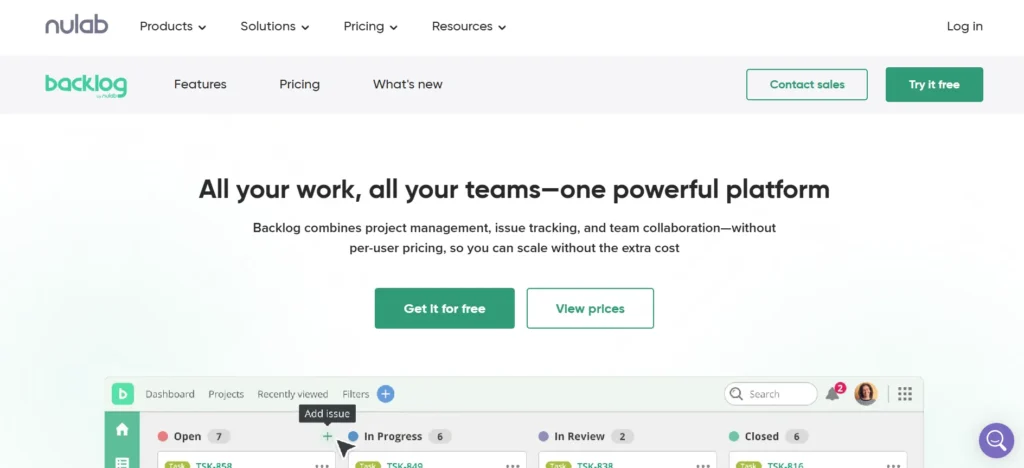
Backlog by Nulab combines bug tracking with version control, documentation, and project management in a single platform. It offers issue reporting with priorities, deadlines, attachments, commit tracking, wikis, and burndown charts.
Backlog integrates with Git and SVN, making it especially useful for dev teams working in code-centric environments. The UI is simple enough for non-technical users while retaining deep configuration for engineers.
With features like kanban boards, Gantt charts, and test cycles, Backlog supports end-to-end development tracking. Its blend of bugs + code + project oversight makes it a must-have for collaborative software teams.
Website: https://nulab.com/backlog/
Key Features:
- Combined bug tracking with version control integration (Git/SVN).
- Task boards (Kanban), Gantt charts, and project planning tools.
- Issue prioritization, deadlines, attachments, and comments.
- Collaboration among cross-functional teams including developers & PMs.
- Free and paid plans; suitable for small to medium teams.
Pricing:
- Starter– $35/ month
- Standard– $100/ month
- Premium– $175/ month
12. Userback
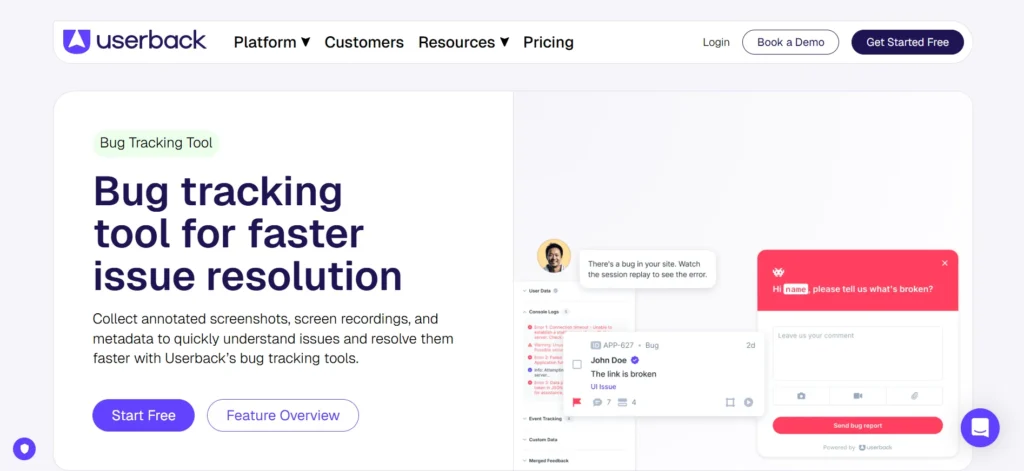
Userback is a feedback-driven bug tracking software ideal for web and SaaS products. It allows users to send annotated screenshots, video recordings, screen-replays, and console data without manually reconstructing errors.
Issues convert into trackable tickets that can be assigned, prioritized, and integrated into tools like Jira, Trello, GitHub, Slack, ClickUp, or Linear. Userback captures UX feedback and bug evidence in one flow, helping teams resolve visual issues quickly.
It supports customer access roles, widget embedding, and automated notifications. For teams that value real-time UI/UX debugging and actionable customer insights, Userback is a must-have solution.
Website: https://userback.io/
Key Features:
- Visual feedback widget: screenshots, annotations & recordings.
- Capture console logs and browser metadata for frontend bugs.
- Easy to integrate with project management and dev tools.
- User-friendly for non-technical stakeholders to report bugs.
- Helps with UX/UX feedback and not just traditional bug tracking.
Pricing:
- Team– $7 per seat/month billed annually
- Business– $15 per seat/month billed annually
- Business Plus– $23 per seat/month billed annually
13. Marker.io
Marker.io is a visual bug-reporting tool that lets QA, clients, and stakeholders capture annotated website screenshots directly into bug trackers. It automatically records browser version, screen size, OS, console logs, and reproduction metadata, reducing debugging time significantly.
Marker.io integrates with Jira, Asana, Linear, GitHub, Notion, Trello, and dozens of dev-workflow tools. The interface allows one-click issue submission, eliminating lengthy communication loops.
Teams can manage incoming issues through dashboards, severity labels, and workflow rules. Marker.io is a must-have for web developers and agencies wanting fast, visual, and client-friendly reporting without technical overhead.
Website: https://marker.io/
Key Features:
- Browser extension for one-click screenshot + annotation bug reports.
- Automatically captures environment data (browser, OS, URL etc.).
- Integrates with many PM/bug-tracking platforms (Jira, Trello, Asana etc.).
- Easy for clients and non-dev stakeholders to submit clear bug reports.
- Helps reduce time spent on reproducing bugs and clarifying issues.
Pricing:
- Starter– $39/mo billed annually
- Team– $149/mo billed annually
14. Kualitee

Kualitee is an integrated QA test management and bug tracking solution suitable for medium to enterprise-level development teams. It provides test cases, execution cycles, traceability matrices, and detailed bug lifecycle workflows in one place.
Defects recorded in Kualitee include device logs, files, screen captures, and history trails. The tool integrates with Git, CI/CD, Jira, Jenkins, and communication channels like Slack.
Its dashboards offer metrics for defect severity, team performance, and testing progress. For teams seeking QA + bug tracking in a unified tool, Kualitee is a must-have for structured release management and controlled debugging.
Website: https://www.kualitee.com/
Key Features:
- Full test-cycle management: test cases, test plans and bug tracking.
- Defect management with detailed history, severity, status, and traceability.
- Dashboard + customizable reports for project visibility and tracking.
- Role-based user controls and permissions for collaborative QA workflows.
- SDK support and API integrations for automated bug reporting from apps.
Pricing:
- Hypergrowth– $12/user/month
- Hypergrowth– $108/user/year
Ending Thoughts
In conclusion, bug tracking software plays a critical role in maintaining software quality, reducing development delays, and ensuring smooth product delivery. By centralizing issue reporting, prioritizing tasks, and improving team collaboration, these tools help developers work more efficiently and productively. Selecting the right system requires thoughtful consideration of a team’s goals, size, and workflow preferences.
Features such as automation, analytics, and integration compatibility greatly enhance productivity while minimizing manual effort. With accurate tracking and measurable insights, bug tracking solution not only resolve current issues but also prevent future problems through trend analysis. Ultimately, the right bug tracker becomes a foundation for stronger releases, customer satisfaction, and continuous improvement.
FAQs
What is Bug Tracking Software Used For?
Bug tracking software is used to detect, record, manage, and track software defects throughout development. It helps teams prioritize fixes, collaborate efficiently, and improve product stability.
Who Typically Uses Bug Tracking Solutions?
These tools are commonly used by developers, QA testers, project managers, product teams, and support engineers to ensure that bugs are organized, monitored, assigned, and resolved promptly.
Why is Bug Tracking Important?
It improves workflow efficiency, reduces repeated issues, tracks progress transparently, and ensures a polished final product by preventing unresolved bugs from affecting user experience.
Can Bug Tracking Software Integrate With Other Tools?
Yes. Most modern bug trackers integrate with Git, CI/CD systems, project management tools, and communication platforms to streamline collaboration and development pipelines.
Is Bug Tracking Software Useful After Deployment?
Absolutely. Bugs often appear post-release due to real-world usage. Tracking tools help log, analyze, and fix new issues quickly, ensuring ongoing product improvement and user satisfaction.