Creating content is no longer just about having a good idea. A creator also needs to turn that idea into a script, design visuals, produce videos, write captions, prepare different formats, and publish consistently across multiple platforms.
For someone working alone, managing every stage can quickly become overwhelming. A single content idea might require several applications and hours of manual work before it is ready for an audience.
AI is changing how this process works. Instead of relying on separate tools for every small task, creators can now use AI-powered platforms to simplify research, production, editing, and distribution.
The real opportunity is not to let AI create everything without supervision. It is to build a workflow where technology handles repetitive production tasks while creators focus on storytelling, originality, and audience engagement.
Here are 10 AI tools that can help turn an individual creator’s setup into a more complete content production studio.
List of Top AI Tools That Turn Ideas Into Content
1. Predis.ai: Your Social Media Content Studio in One Place
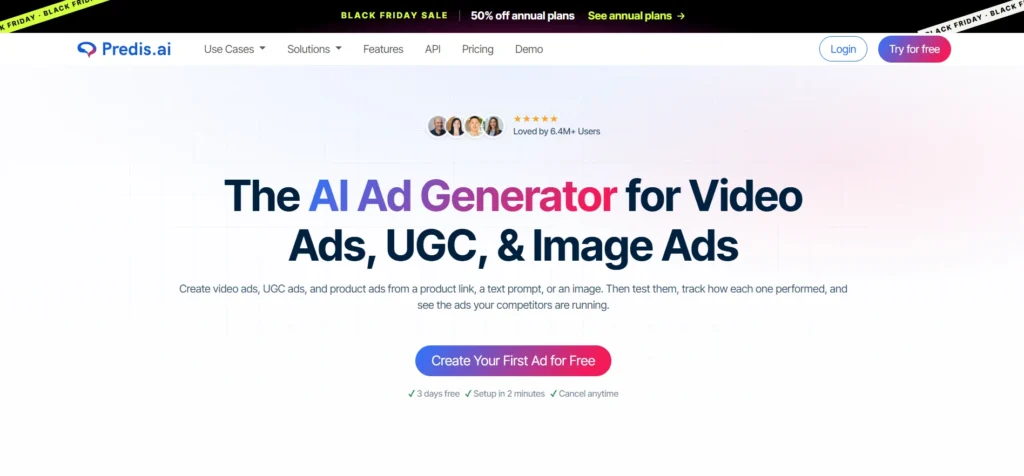
A creator may have excellent ideas but still struggle to maintain a consistent social media presence. Creating posts, designing carousels, producing videos, writing captions, and scheduling everything separately can consume a significant amount of time.
Predis.ai helps simplify this process by bringing social media content creation and publishing into one platform. Users can start with a simple prompt, product description, or website URL and generate different types of content, including social media posts, carousels, videos, and advertising creatives.
Its features also include AI-generated UGC-style ads, brand customization, competitor analysis, content scheduling, and social media publishing.
What makes this particularly useful for independent creators is the ability to manage several parts of the social media workflow without constantly switching between different applications. A single campaign idea can become multiple creative formats that can be edited and prepared for different platforms.
For example, a creator launching a digital product can generate promotional visuals, prepare captions, create video ads, and organize upcoming posts from the same workspace.
Best suited for: Social media creators, influencers, small businesses, marketing teams, and entrepreneurs who want to manage content creation and publishing more efficiently.
Website: https://predis.ai/
2. ChatGPT: From Random Ideas to Structured Content
Sometimes the hardest part of creating content is deciding what to create next. You might know your niche but struggle to find interesting topics, develop a strong introduction, or organize your thoughts into a clear script.
ChatGPT can act as a brainstorming and writing assistant throughout this process. Creators can use it to explore content angles, generate video hooks, prepare outlines, rewrite captions, and develop scripts for different audiences.
It can also help transform rough notes into structured drafts. For example, a creator can provide the key points from a tutorial and ask for a YouTube script, a short video outline, and a social media caption.
The important part is adding personal experience and checking the information before publishing. AI-generated drafts work best as starting points rather than finished content.
Best suited for: Bloggers, YouTubers, educators, newsletter writers, and creators who regularly need fresh content ideas.
Website: https://chatgpt.com/
3. NotebookLM: Turn Research Material Into Useful Content
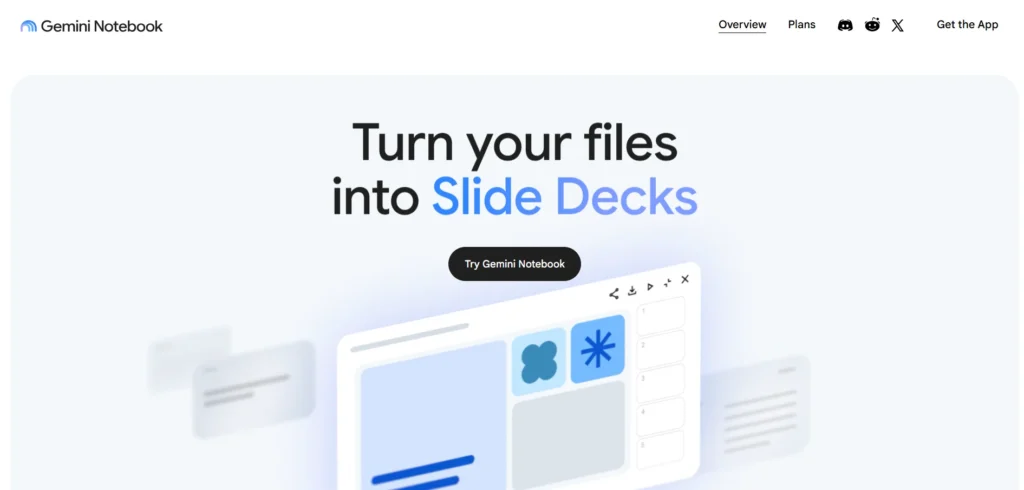
Research can take longer than the actual writing process, particularly when creating educational videos, explainers, or industry-specific content.
NotebookLM helps users work with their own source materials, such as documents, PDFs, notes, and supported web sources. It can summarize information, answer questions based on uploaded sources, and help organize important ideas.
For a creator preparing a detailed video, this can make the research stage easier. Instead of repeatedly searching through lengthy documents, they can ask questions about the material and identify useful points for their script.
It is especially valuable when accuracy matters. Creators should still review the original sources and verify important claims before publishing.
Best suited for: Educational creators, researchers, students, journalists, and creators producing information-heavy content.
Website: https://notebooklm.google.com/
4. Canva AI: Make Visual Content Without Starting From Scratch
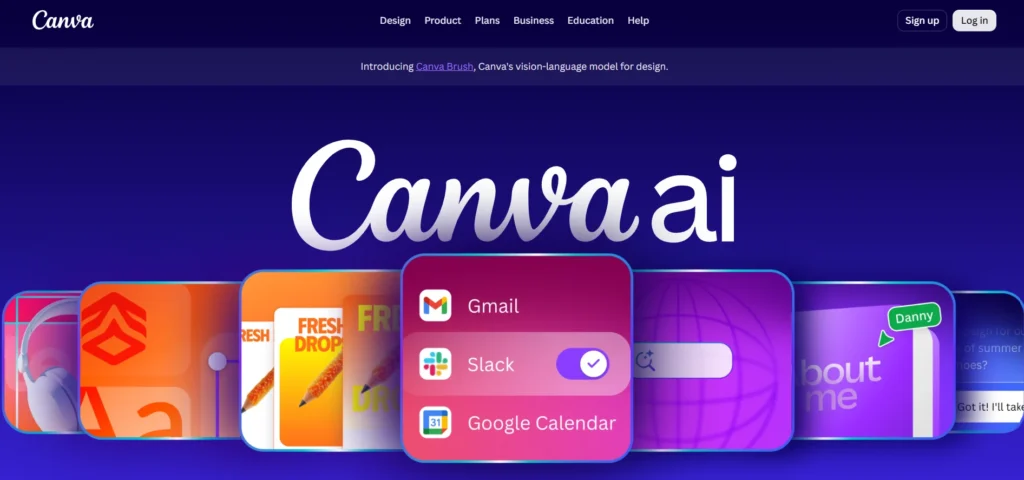
A strong visual identity helps creators make their content recognizable. However, designing thumbnails, promotional graphics, presentations, and social media visuals from scratch can be time-consuming.
Canva’s AI-powered creative features help users generate and adapt designs through tools such as Magic Design, Magic Write, and Magic Media.
Creators can begin with a prompt, existing image, or rough design and use AI-assisted features to develop visual concepts. They can also customize layouts, apply brand elements, and adapt creative assets for different formats.
For example, a YouTuber can prepare a thumbnail concept, create supporting graphics, and develop promotional designs for the same video without building every asset independently.
The final design should still be reviewed to ensure that the text, layout, and visual elements match the creator’s style.
Best suited for: Designers, influencers, social media managers, small businesses, and creators who need regular visual assets.
Website: https://www.canva.com/
5. InVideo AI: Turn a Video Idea Into a First Draft
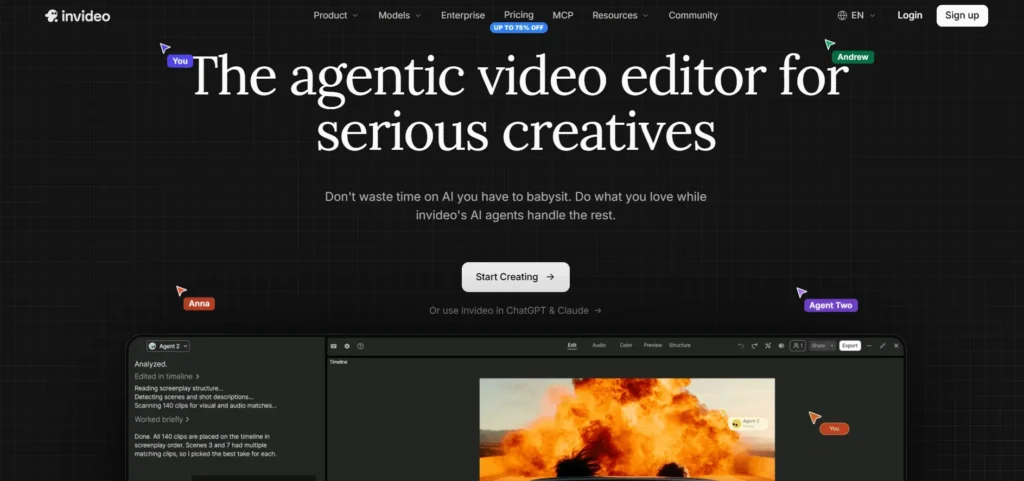
Not every creator has the time or equipment to record and edit every video manually. Sometimes, the biggest challenge is turning a written idea into something viewers can actually watch.
InVideo AI helps users develop videos from text prompts and scripts. It can assist with building scenes, selecting visuals, generating narration, and preparing an initial video that creators can refine.
This can be useful for explainer videos, educational content, product introductions, and social media videos.
For example, a creator can start with a short description of a topic and develop a video draft before making adjustments to the visuals, narration, and pacing.
AI-generated footage may not always match the intended creative direction, so reviewing and editing the result remains important.
Best suited for: Faceless YouTube channels, marketers, educators, and creators who produce script-based videos.
Website: https://invideo.io/
6. Riverside: Record Better Podcasts and Interviews
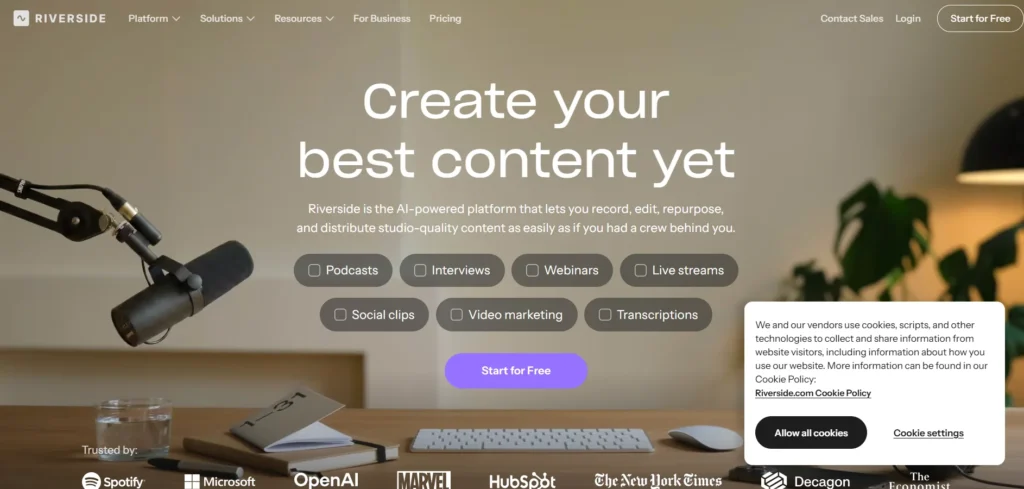
Content creation is not limited to social media posts and short videos. Podcasts, interviews, discussions, and expert conversations are also important formats for building an audience.
Riverside provides a recording platform for remote audio and video conversations. Its production workflow is designed to help creators capture interviews and other recordings, then work with the resulting media.
For independent podcasters, this can make it easier to record conversations with guests who are located in different places.
A recorded discussion can also become the foundation for additional content, such as short clips, promotional posts, and written summaries.
Instead of treating every social post as a separate production, creators can get more value from a single recording session.
Best suited for: Podcasters, interviewers, educators, consultants, and creators who publish conversational content.
Website: https://riverside.fm/
7. Submagic: Give Short Videos a More Polished Finish
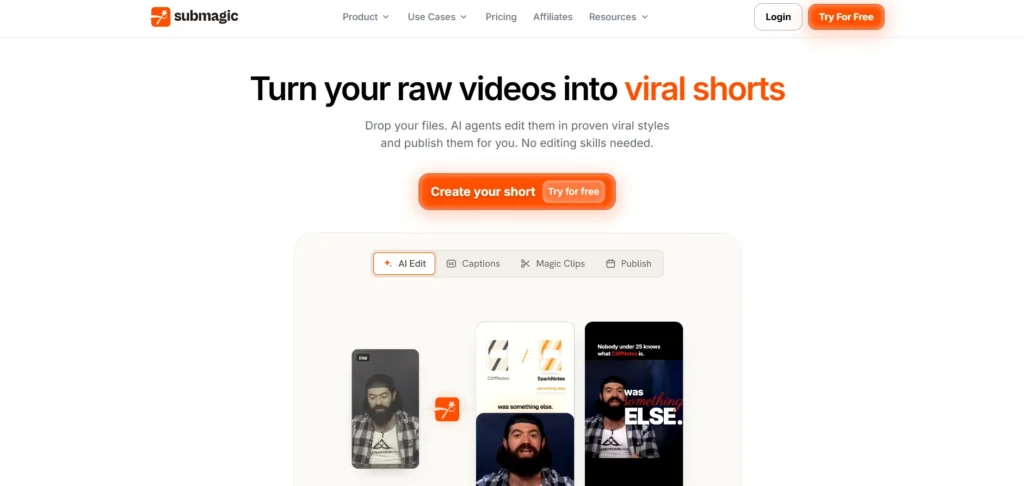
Short-form video depends heavily on pacing, presentation, and readability. A useful video can lose attention if the captions are difficult to follow or the editing feels slow.
Submagic focuses on making short-form video editing easier through features such as AI captions, visual effects, and automated editing.
Its AI Auto Edit workflow can apply captions, B-roll, transitions, zooms, and pacing adjustments to uploaded videos using preset styles.
This can be useful when a creator has already recorded a video but wants to improve its presentation before publishing.
However, automatic editing should not replace creative judgment. Captions need proofreading, and visual effects should support the message rather than distract from it.
Best suited for: Reels creators, TikTok creators, coaches, podcasters, and short-form video publishers.
Website: https://www.submagic.co/
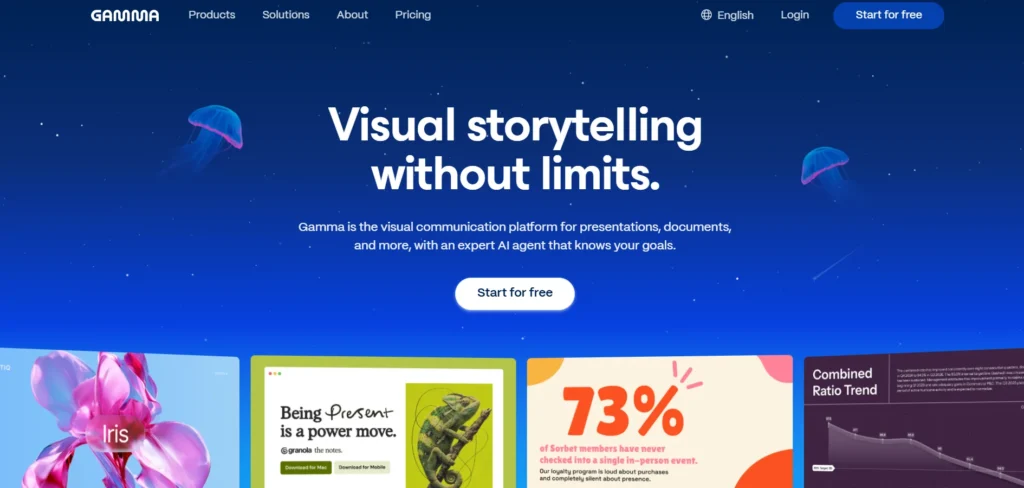
8. Gamma: Turn Ideas Into Presentations and Documents
Some content ideas are better explained through presentations than videos or social media posts.
Gamma helps users create presentations, documents, and webpages with AI assistance. Creators can start with a topic, existing text, or imported material and develop it into a structured visual format.
This can be especially useful for educators preparing learning material, consultants creating proposals, or creators developing downloadable guides.
For example, a creator who has already researched a topic can turn the main points into a presentation and use it as the foundation for a webinar or educational resource.
The generated content can then be reviewed and customized to match the intended audience.
Best suited for: Educators, consultants, business creators, trainers, and professionals who regularly prepare presentations.
Website: https://gamma.app/
9. Wispr Flow: Capture Ideas Without Typing Everything
Creative ideas do not always arrive when someone is sitting at a computer. A useful introduction, video hook, or content angle might come to mind while walking, travelling, or working on something else.
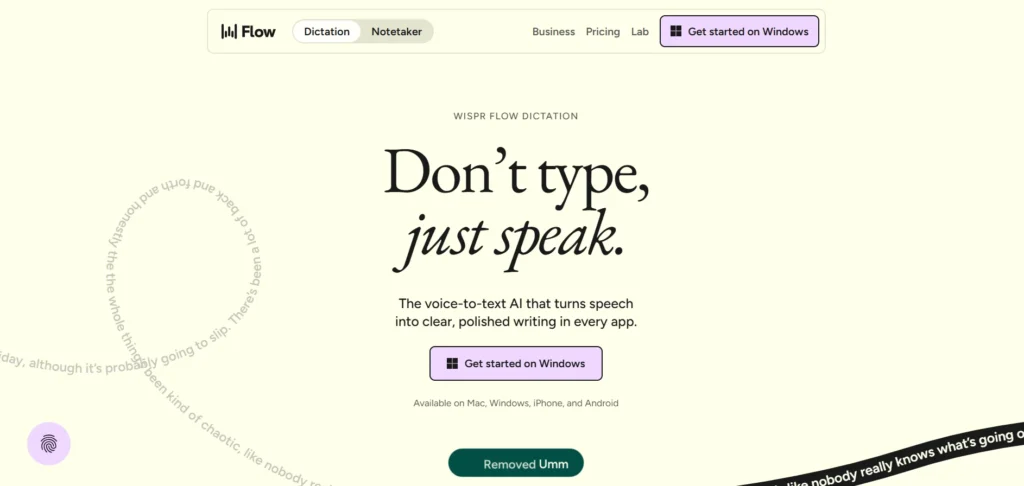
Wispr Flow is an AI-powered dictation tool that converts spoken words into written text. It is designed to produce cleaner, more polished text rather than simply recording every spoken filler word.
Creators can use voice dictation to capture ideas, draft messages, prepare notes, and write initial content without typing everything manually.
This can be particularly helpful for people who think more naturally while speaking than while writing.
The resulting text should still be reviewed, especially when preparing material for publication.
Best suited for: Writers, entrepreneurs, busy professionals, creators, and people who prefer speaking over typing.
Website: https://wisprflow.ai/
10. Pictory: Repurpose Written Content Into Videos
A well-researched blog post can contain enough information for several additional content formats. However, converting written material into video usually requires another round of scripting, visual selection, editing, and narration.
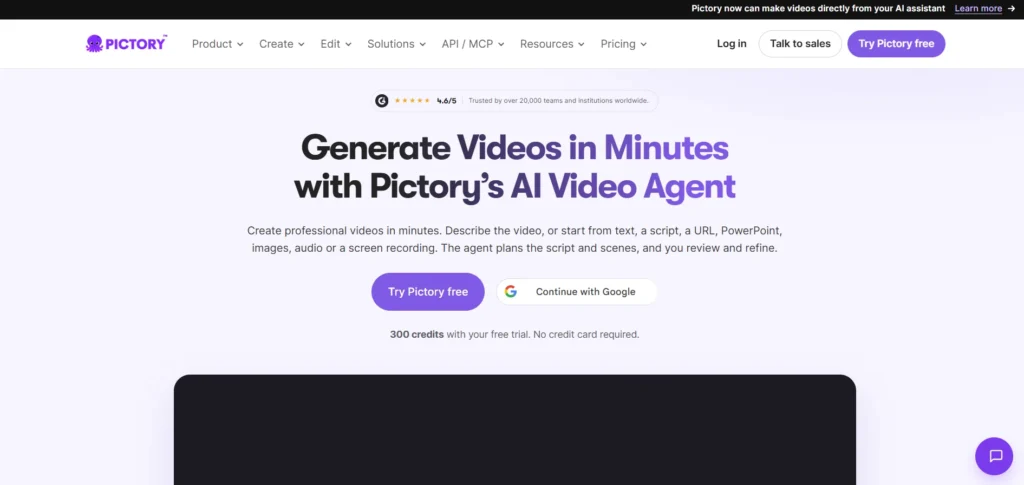
Pictory helps users transform text, scripts, articles, URLs, and other source material into video content. It can assist with arranging scenes, adding visuals, captions, and narration.
For bloggers and publishers, this creates an opportunity to give existing written content a new format.
For example, a detailed article about personal finance can become a shorter educational video that introduces the main ideas to a different audience.
The generated video should be reviewed to ensure that the selected visuals accurately represent the subject and that the final message remains clear.
Best suited for: Bloggers, publishers, educators, marketing teams, and creators who want to repurpose existing content.
Website: https://pictory.ai/
Building a Smarter Content Workflow With AI
Using ten different AI tools does not mean a creator needs to subscribe to all ten. The better approach is to identify the stages that consume the most time and select tools that solve those specific problems.
For example, a practical workflow could look like this:
- Research: Use NotebookLM to organize source material and ChatGPT to explore content ideas.
- Planning: Develop the script, outline, and creative direction.
- Production: Use InVideo AI or Riverside depending on whether the content is generated or recorded.
- Editing: Refine short videos with Submagic and create supporting visuals with Canva.
- Repurposing: Use Pictory to turn written material into videos.
- Distribution: Use Predis.ai to create social media formats, prepare captions, and schedule publishing.
The workflow can be adjusted depending on the creator’s niche, budget, and preferred content formats.
The Future Belongs to Creators Who Know How to Combine Tools
AI is making content production more accessible, but accessibility does not automatically guarantee quality. When more people can generate videos, graphics, and written content quickly, originality and creative judgment become even more important.
The strongest creators will not necessarily be those who use the largest number of AI applications. They will be the ones who understand their audience, select the right tools, and use technology to communicate ideas more effectively.
A one-person content studio is no longer just an ambitious concept. With the right workflow, an individual creator can manage research, production, editing, and distribution with far less manual effort.
AI can take care of much of the repetitive work. The creative direction, personality, and final decisions still belong to the person behind the content.