
Managing one AI agent is relatively straightforward, but running several agents across a business introduces new challenges. Each agent needs assigned responsibilities, access to specific applications, and clear rules for working with other agents. Without centralized management, businesses can struggle to track agent activity and maintain control over automated processes.
AI agent management platforms help organizations deploy, coordinate, and monitor agents from a shared environment. Some focus on managing autonomous agents across departments, while others provide technical tools to build and run multi-agent systems.
This guide compares the 10 best tools for managing multiple AI agents in 2026. It covers their agent management capabilities, key features, and limitations to help businesses find a platform that matches their operational requirements.
10 Best Tools for Managing Multiple AI Agents Compared
The following platforms support different aspects of multi-agent management, including agent deployment, task coordination, permission controls, and performance monitoring.
| Tool | Best For | Key Strength |
| Harnyss AI | Managing autonomous agents across business departments | Agent hierarchy, memory, and centralized governance |
| IBM watsonx Orchestrate | Enterprise-wide agent management | Centralized agent control and governance |
| Microsoft Copilot Studio | Managing agents within Microsoft environments | Agent administration and Microsoft integrations |
| Google Gemini Enterprise | Managing enterprise knowledge and custom agents | Centralized agent access and management |
| ServiceNow AI Control Tower | Enterprise agent governance | Agent inventory, monitoring, and oversight |
| Salesforce Agentforce | Managing customer-facing agents | CRM-connected agent management |
| UiPath | Managing agents alongside software robots | Agent and RPA coordination |
| Amazon Bedrock AgentCore | Managing custom agents on AWS | Agent deployment, identity, and observability |
| LangSmith | Monitoring and deploying developer-built agents | Agent tracing, testing, and deployment |
| n8n | Managing custom multi-agent workflows | Visual automation and agent connections |
1. Harnyss AI
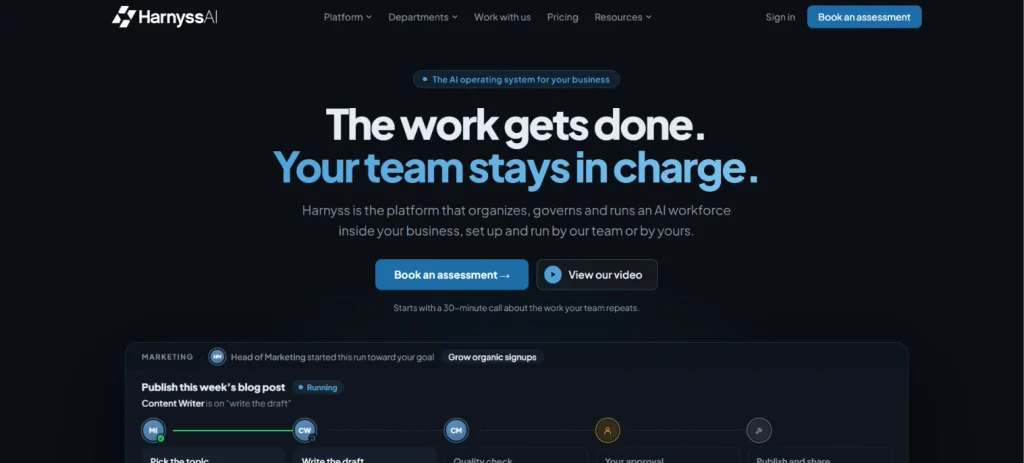
Harnyss AI is the best AI Operating System for businesses looking to manage autonomous agents across multiple departments. It brings agents together under a clear organizational structure, where each agent has a defined role and reporting relationship. Businesses can use Harnyss to coordinate work across sales, marketing, customer support, and other functions without managing every agent separately.
Harnyss AI provides an Agent Canvas that shows how agents are organized and connected within a business. Each agent can handle assigned tasks and hand off work to other agents when responsibilities overlap.
With persistent memory, agents retain context from previous sessions and continue working without starting from scratch. Harnyss also connects agents to business applications through APIs, MCP servers, and built-in integrations, allowing them to work with existing tools.
Harnyss AI also gives businesses control over how independently their agents can operate. Teams can set autonomy levels, require human approval for sensitive actions, and define spending limits for agent execution.
Key Features
| Feature | How It Helps Manage Multiple AI Agents |
| Agent Canvas | Displays agents, their assigned roles, and reporting relationships |
| Department-based management | Groups agents according to business responsibilities |
| Cross-agent handoffs | Transfers work between agents in different departments |
| Persistent memory | Maintains relevant information across execution sessions |
| Autonomy controls | Configures approval requirements and independent execution limits |
| Agent monitoring | Records execution history, costs, and quality results |
2. IBM watsonx Orchestrate
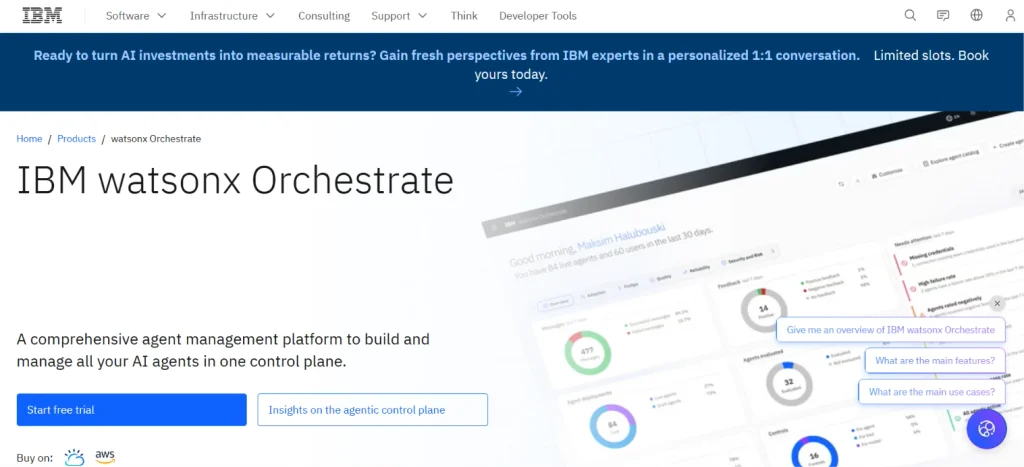
IBM watsonx Orchestrate helps organizations manage AI agents built across different enterprise systems. Its agentic control plane provides a shared environment to discover, govern, and coordinate agents without requiring every agent to be rebuilt.
Businesses can oversee agent activity and apply management policies across their existing agent environments. However, organizations looking for ready-made autonomous business departments may still need to establish their own agent responsibilities and operating structure.
Key Features
| Feature | How It Helps Manage Multiple AI Agents |
| Agentic control plane | Provides centralized management across enterprise agents |
| Agent discovery | Helps organizations identify agents across supported environments |
| Governance controls | Supports policy management and oversight of agent activity |
3. Microsoft Copilot Studio
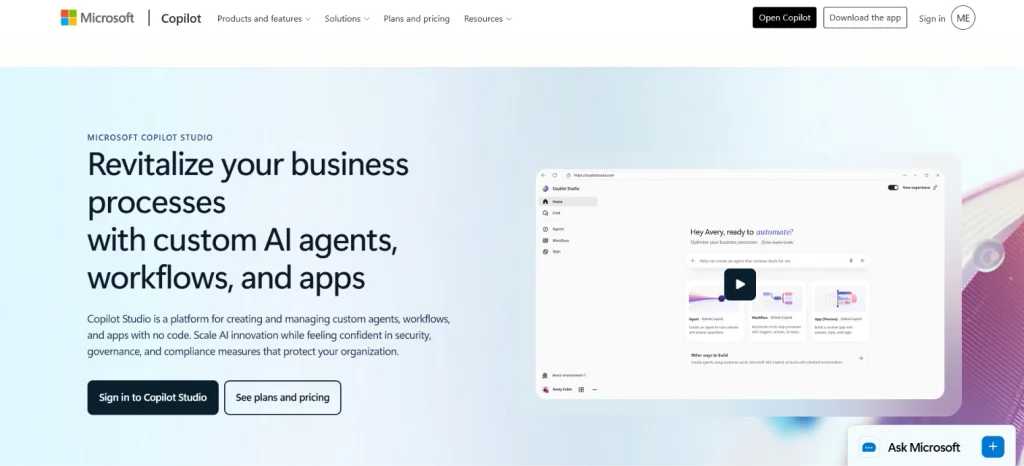
Microsoft Copilot Studio allows businesses to create and manage agents that work with Microsoft 365 and connected applications. Administrators can control agent availability, access permissions, and deployment through Microsoft’s management tools. Organizations can also monitor supported agent activity and manage how agents connect with business information. However, coordinating ongoing work between several independent business departments may require additional workflow configuration.
Key Features
| Feature | How It Helps Manage Multiple AI Agents |
| Agent Builder | Creates agents with assigned instructions and connected tools |
| Administrative controls | Manages agent deployment, access, and availability |
| Agent analytics | Provides information about agent activity and usage |
4. Google Gemini Enterprise
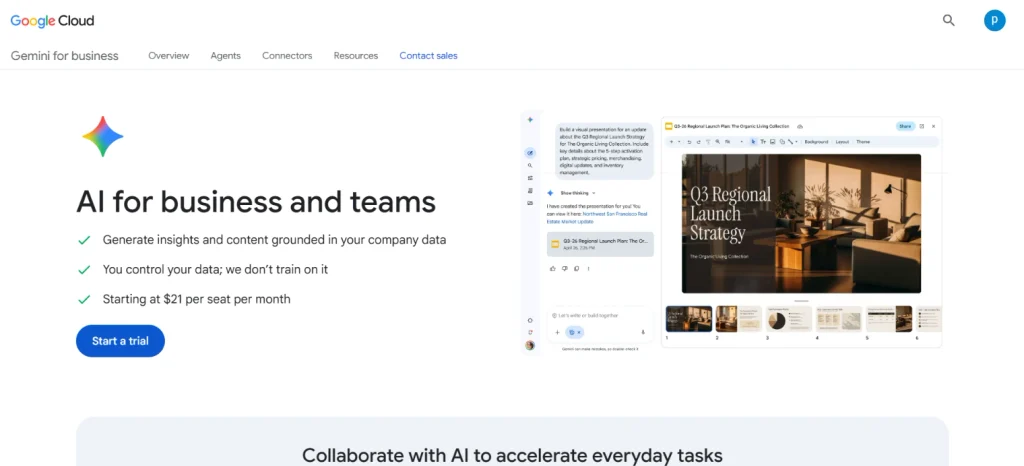
Google Gemini Enterprise provides a shared environment for employees to access and use AI agents. Organizations can manage agents created internally alongside supported third-party agents.
Its enterprise agent capabilities include development tools and administrative controls for managing access to business information. However, businesses seeking persistent agents that independently manage departmental operations may need additional configuration and custom workflows.
Key Features
| Feature | How It Helps Manage Multiple AI Agents |
| Centralized agent access | Gives employees access to approved enterprise agents |
| Agent development | Supports creating custom agents and automated workflows |
| Agent governance | Provides identity, security, and management controls |
5. ServiceNow AI Control Tower
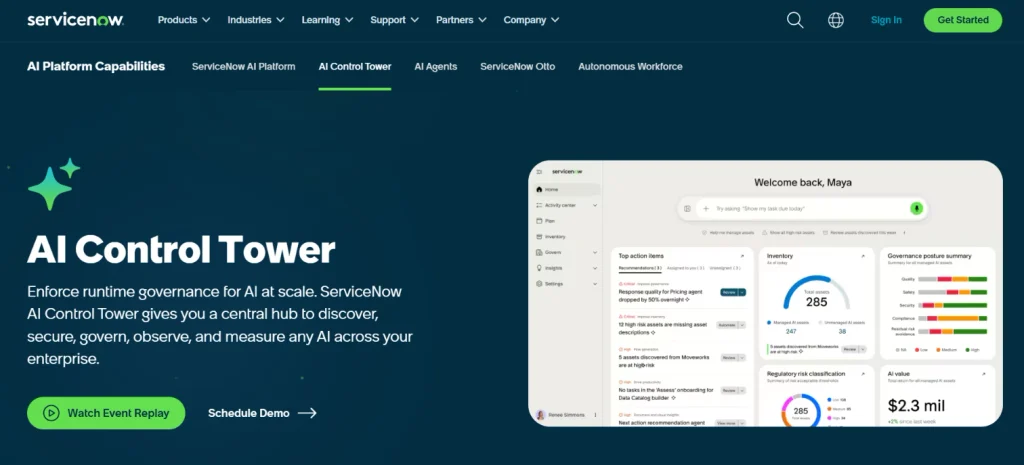
ServiceNow AI Control Tower helps organizations maintain visibility over AI agents used across their enterprise systems. Administrators can discover and monitor supported agents while reviewing governance and performance information.
Its connection with ServiceNow workflows makes it useful for organizations already managing IT and employee services through the platform. However, businesses seeking an autonomous operating structure across all departments may need additional tools and workflow configuration.
Key Features
| Feature | How It Helps Manage Multiple AI Agents |
| Agent inventory | Provides visibility into supported enterprise AI agents |
| Governance monitoring | Helps administrators oversee agent compliance and management policies |
| Agent performance tracking | Monitors supported agent activity and operating performance |
6. Salesforce Agentforce
Salesforce Agentforce helps businesses manage agents that work with customer information and CRM processes. Teams can configure agents to handle customer inquiries, support sales activities, and execute approved actions within Salesforce.
Agent development and testing tools help administrators review behavior before agents become available to employees or customers. However, managing agents responsible for finance, procurement, and other unrelated business functions may require additional integrations.
Key Features
| Feature | How It Helps Manage Multiple AI Agents |
| Agent Builder | Creates agents with defined responsibilities and business actions |
| CRM integration | Connects agents with Salesforce records and customer information |
| Agent testing | Evaluates agent behavior and execution before deployment |
7. UiPath
UiPath helps businesses manage automated processes involving AI agents and traditional software robots. Its Maestro orchestration capabilities coordinate agents, robotic automation, and human employees during connected business processes.
Organizations can monitor execution and control how work moves between different automation components. However, businesses seeking a ready-made hierarchy of autonomous departmental agents may need to develop that structure separately.
Key Features
| Feature | How It Helps Manage Multiple AI Agents |
| UiPath Maestro | Coordinates agents, software robots, and human tasks |
| Process monitoring | Tracks execution across connected automation components |
| Human task management | Supports employee review and intervention during workflows |
8. Amazon Bedrock AgentCore
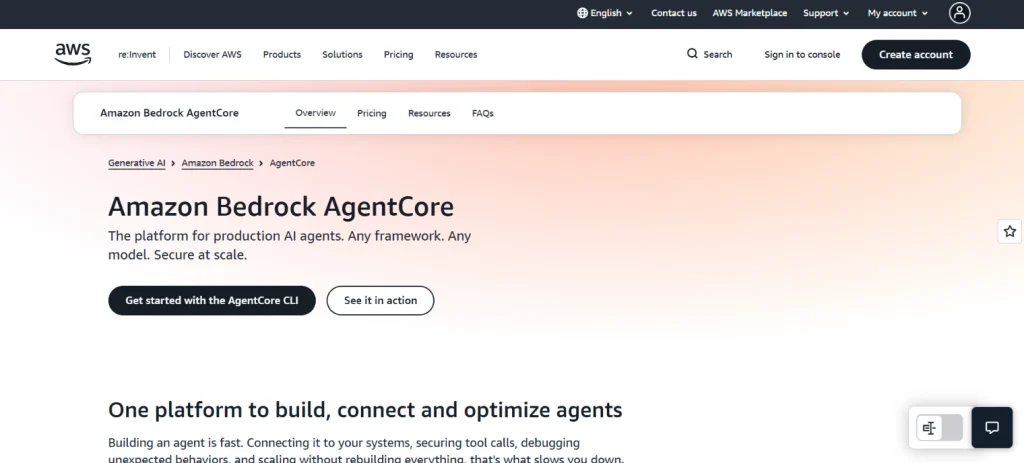
Amazon Bedrock AgentCore provides services for deploying and operating custom AI agents in AWS environments. Developers can manage agent execution through AgentCore Runtime and control access to connected resources through AgentCore Identity.
Its observability capabilities provide execution traces and performance information to help troubleshoot agent behavior. However, organizations without development resources may struggle to build a complete agent management system with these services.
Key Features
| Feature | How It Helps Manage Multiple AI Agents |
| AgentCore Runtime | Hosts and scales custom AI agent workloads |
| AgentCore Identity | Manages authentication and access to connected services |
| AgentCore Observability | Tracks agent execution, performance, and errors |
9. LangSmith
LangSmith helps technical teams develop, deploy, and monitor AI agents throughout their lifecycle. It provides execution tracing that shows model interactions, tool calls, and intermediate results.
LangSmith Deployment also supports agent versioning and production execution, while evaluation tools help developers identify performance problems. However, businesses looking for ready-made agents with predefined departmental responsibilities will need to build or configure those agents separately.
Key Features
| Feature | How It Helps Manage Multiple AI Agents |
| Agent tracing | Records execution steps and tool interactions |
| Agent deployment | Supports production deployment, versioning, and management |
| Agent evaluations | Tests agent behavior and helps identify performance problems |
10. n8n – Best for Managing Custom Multi-Agent Workflows
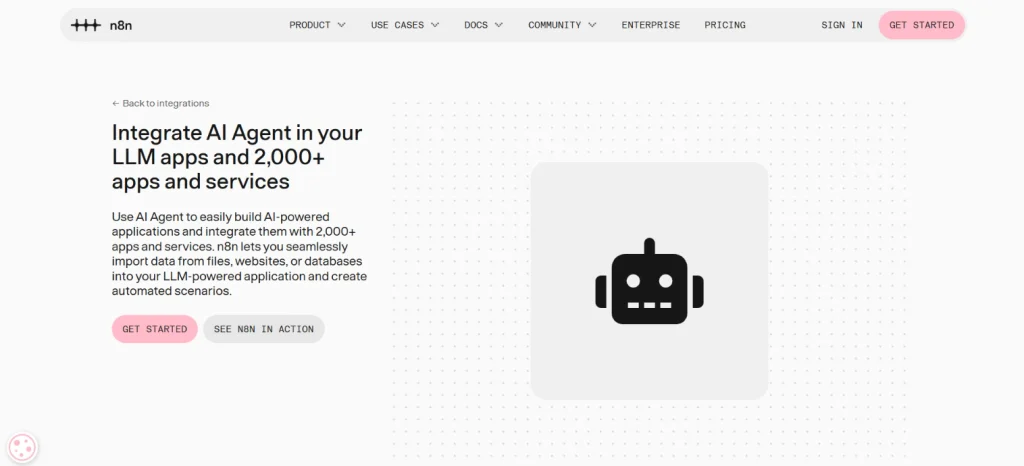
n8n provides a visual environment for building workflows involving AI agents and connected applications. Developers can create workflows where different agent nodes perform assigned tasks and pass results to later steps.
Its integrations and conditional logic help teams control how agents interact with business systems. However, managing large groups of persistent autonomous agents may require additional state management and custom development.
Key Features
| Feature | How It Helps Manage Multiple AI Agents |
| AI Agent node | Connects language models with tools and workflow actions |
| Visual workflow builder | Defines how tasks move between agents and applications |
| Workflow execution history | Records execution results and helps investigate failures |
How to Choose the Best Tool for Managing Multiple AI Agents
Businesses can deploy agent orchestration for customer support, sales, internal administration, and ongoing business processes. The right management platform depends on how these agents share work and how much control administrators need over their actions.
Evaluate Agent Roles and Coordination
Multiple agents need clearly assigned responsibilities to prevent overlapping work. Businesses should look for platforms that support role management and task handoffs between agents. Shared execution context matters when a task depends on information collected by another agent.
Review Agent Permissions and Governance
AI agents may have access to private business information and applications that can modify important records. Management platforms should restrict access based on each agent’s responsibilities and the permissions of the requesting user. Human approval controls are also useful when agents can execute sensitive operations.
Consider Agent Monitoring and Performance
Businesses need to know which agents are active and how well they complete their assigned tasks. Execution records, error reports, and usage data can help identify problems before they affect larger workflows. Cost tracking also becomes important when multiple agents run regularly across different business functions.
Conclusion
Managing multiple AI agents requires more than deploying them through separate tools. Businesses need clear responsibilities, reliable task coordination, and visibility into execution. The right platform should also provide permissions and management controls as agent usage grows.
IBM watsonx Orchestrate supports centralized enterprise agent management, while Microsoft Copilot Studio suits organizations using Microsoft applications. Amazon Bedrock AgentCore and LangSmith offer more technical control for teams building custom agents.
Harnyss AI is a strong choice for businesses that want autonomous agents organized around ongoing departmental responsibilities. Its agent hierarchy, persistent memory, and governance controls provide a shared environment for managing their work.
Before choosing a tool, businesses should consider how agents exchange tasks and access business systems. Monitoring and approval capabilities also deserve attention. A suitable platform should make it easier to manage agents as their responsibilities expand.