Managing business finances on cluttered spreadsheets and desktop ledgers is officially a relic of the past. Today, modern organizations run on speed and real-time visibility, making automated, browser-based financial management a necessity rather than an operational luxury. From solo entrepreneurs reconciling monthly receipts to multinational enterprises managing cross-border compliance, businesses need financial data that moves at the speed of their operations.
The global shift toward hosted financial tools is moving faster than ever. The cloud accounting software market has surged past $26 billion globally, with cloud-based platforms now capturing over 68% of the entire accounting software market share. In the United States alone, more than 75% of small and mid-sized businesses have phased out legacy systems in favor of cloud-hosted accounting. This momentum is largely driven by automation: adopting cloud systems slashes manual invoice processing costs from over $22 to under $2 per invoice, reducing turnaround times by up to 80%.
However, no single tool serves every business model equally. A freelancer looking for clean, painless invoicing can explore invoice software for dedicated billing features, while scaling corporations may need complex multi-currency consolidation and enterprise-grade ERP workflows.To help you choose the right platform without the trial-and-error, here is a curated breakdown of the 15 best cloud accounting applications available today, evaluated on functionality, usability, and value.
Key Features Of Leading Cloud Accounting Application
Top-tier cloud accounting platforms do far more than digitise ledgers; they automate core operations and provide real-time financial visibility. The best applications consistently stand out through five critical capabilities:
- Automated reconciliation and smart bank feeds: Direct synchronization with financial institutions allows platforms to import live bank transactions, match entries, and automate recurring journal entries with minimal human input.
- Real-time multi-user collaboration: Granular, role-based access enables internal teams, bookkeepers, and external chartered accountants to work simultaneously in a single, up-to-date data environment without version conflict.
- Extensive integration ecosystem: Native application programming interface (API) connections link the platform with critical operations, such as payment gateways, point-of-sale (POS) systems, customer relationship management software, and automated payroll.
- Built-in statutory and tax compliance: The system automatically calculates multi-tier tax structures, generates compliant invoices, and formats return documents to keep the business audit-ready year-round.
- Bank-grade security and automated backups: High-level protocols, including end-to-end data encryption, multi-factor authentication (MFA), and continuous automated cloud backups, eliminate data loss risks from hardware failure.
Comparison Table For Cloud Accounting Application
Selecting the right software requires balancing business size, inventory needs, user limits, and specific compliance requirements. The matrix below compares all 15 platforms across four critical operational factors to help you identify the best fit for your workflow.
| Application | Target business size | User seat limits | Inventory management | Key differentiator |
| QuickBooks Online | Small to mid-sized | 1 to 25 users (tier-dependent) | Advanced (higher tiers) | Universal accountant adoption and massive app ecosystem |
| Xero | Small to mid-sized | Unlimited (all standard plans) | Basic to intermediate | Clean interface with unlimited team seats on standard plans |
| FreshBooks | Freelancers and boutique agencies | 1 user included (paid per extra seat) | Basic | Client-facing portal with integrated project time billing |
| Zoho Books | Small to mid-sized | 1 to 15+ users (tier-dependent) | Advanced | Deep automation and native synergy with the Zoho ecosystem |
| Wave | Solopreneurs and micro-businesses | Limited / individual | None | Zero-fee core bookkeeping with no recurring software costs |
| Sage Intacct | Mid-market to enterprise | Custom role-based seats | Advanced (multi-location) | AICPA-endorsed multi-entity and GAAP/IFRS revenue recognition |
| NetSuite ERP | Mid-market to multinational | Scalable enterprise licensing | Advanced ERP supply chain | Full-suite ERP unifying financials, CRM, and global subsidiaries |
| KashFlow | UK small businesses and sole traders | 1 to unlimited (tier-dependent) | Basic | Jargon-free ledger with direct UK Making Tax Digital filing |
| FreeAgent | Freelancers and UK contractors | Unlimited | Basic | Live tax timeline forecasting and direct Self Assessment filing |
| Patriot Accounting | US small businesses | Unlimited | Basic | Budget-friendly pricing paired with responsive US phone support |
| ZipBooks | Freelancers and small businesses | 1 to unlimited (tier-dependent) | Basic | Built-in business intelligence and invoice turnaround scoring |
| Odoo Accounting | Small to expanding enterprises | Modular per-user licensing | Advanced (via Odoo Inventory) | Open-source modularity that scales easily into a full ERP |
| ZarMoney | Wholesale and eCommerce | Tier-dependent (flexible add-ons) | Advanced (multi-warehouse) | High-volume order processing with multi-location stock tracking |
| Clear Books | UK small businesses and landlords | Unlimited | Basic | Toggleable modular layout to hide unneeded features |
| Kashoo | Freelancers and small businesses | Unlimited | Basic | Fast machine-learning reconciliation and flat-rate pricing |
List Of Top 15 Best Cloud Accounting Applications
1. QuickBooks Online
Website: https://quickbooks.intuit.com
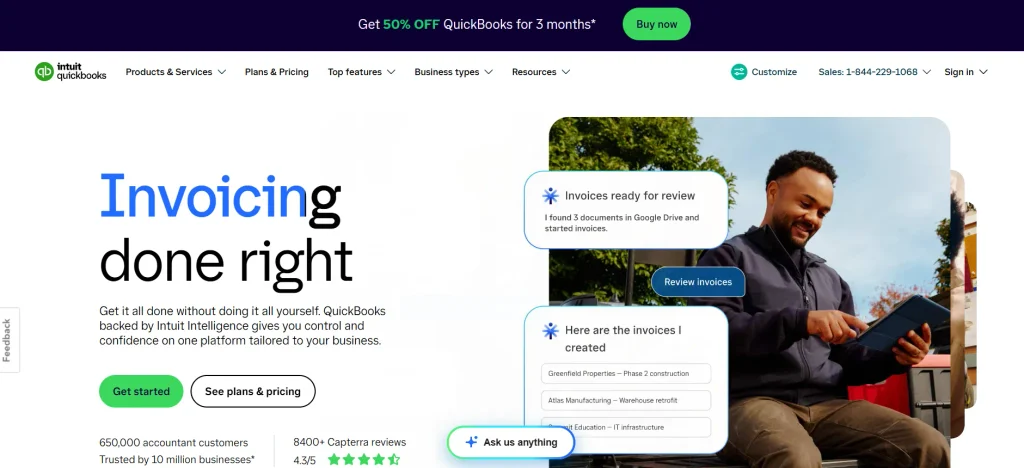
QuickBooks Online is widely recognized as the industry benchmark for small and mid-sized business bookkeeping. Developed by Intuit, the cloud-native platform centralizes day-to-day transaction handling, sales tax management, mileage logging, and inventory tracking within a unified dashboard. Its true strength lies in its extensive third-party application ecosystem and universal support among professional accounting firms and CPAs. While the interface carries a slight learning curve for total novices, its comprehensive automated bank rules, custom reporting templates, and project profitability tools deliver dependable, audit-proof financial records for businesses scaling their day-to-day operations.
Key Features:
- Automated bank feed synchronisation and custom rule-based transaction categorisation
- Advanced inventory tracking with automatic reorder alerts and purchase order generation
- In-depth project profitability reporting with billable time and expense tracking
- Universal compatibility with external accountant workflows and extensive third-party app integrations
Pros:
- Unmatched industry standard supported by virtually every professional bookkeeper and CPA.
- Deep ecosystem offering more than 750 third-party app integrations.
- Highly customizable reporting templates and financial statements.
Cons:
- Strict user limits per subscription tier require paid upgrades to expand access.
- Noticeable learning curve for users without basic bookkeeping experience.
- Periodic subscription price increases can make scaling expensive.
Best for:
- Growing small-to-medium businesses that require advanced reporting and seamless collaboration with an external accountant.
Pricing:
| Free | Start | Essential | Plus | Advanced |
| $0 | $19/mo | $42.50/mo | $70/mo | $170/mo |
2. Xero
Website: https://www.xero.com
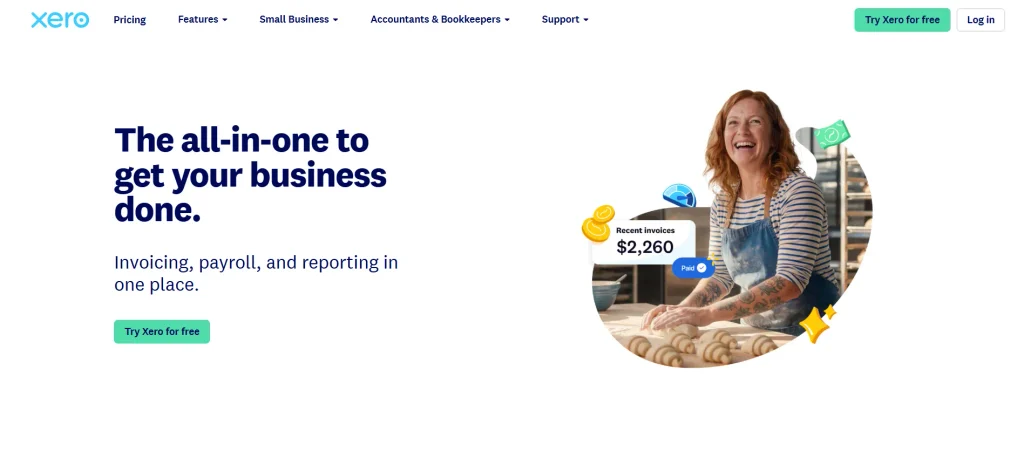
Xero is a prominent cloud-based accounting platform designed for growing small businesses, bookkeepers, and established accounting firms worldwide. Originating in New Zealand, Xero stands out for offering unlimited user access across all standard tiers, making it exceptionally cost-effective for collaborative teams. Among the leading cloud accounting applications, it automates everyday financial workflows through bank reconciliation, intelligent document capture, payroll processing, and asset management. Its minimalist, intuitive user interface simplifies complex bookkeeping tasks, while seamless integrations with over a thousand specialized business applications allow companies to build tailored, scalable finance stacks without operational friction.
Key Features:
- Real-time automated bank reconciliation with smart predictive matching
- Unlimited user seats on standard plans with granular, role-based permission settings
- Native document capture and receipt management powered by Hubdoc
- Comprehensive fixed-asset management and automated depreciation schedules
Pros:
- Unlimited team seats eliminate per-user software licensing overheads.
- Clean, modern interface that makes day-to-day navigation effortless.
- Vast marketplace of over 1,000 native integrations spanning POS, CRM, and inventory.
Cons:
- The entry-level starter plan imposes strict monthly limits on invoice volumes.
- Expense claims and project-level tracking require higher-tier plans or paid add-ons.
- Customer support is primarily ticket-based with no direct inbound phone assistance.
Best for:
- Collaborative, growing businesses and distributed teams seeking a modern interface with unlimited user accounts.
Pricing:
| Starter | Standard | Premium |
| $5.80/mo | $10/mo | $75/mo |
3. FreshBooks

Website: https://www.freshbooks.com
FreshBooks is an intuitive, service-oriented accounting application built specifically for freelancers, consultants, creative agencies, and independent contractors. Originally developed as dedicated invoicing software, it has matured into a full double-entry accounting solution that eliminates bookkeeping intimidation. The platform excels at client-facing workflows, allowing users to track billable hours, record project milestones, automate recurring retainers, and collect online payments effortlessly. With its streamlined mobile app and built-in client collaboration portals, FreshBooks enables solo operators and small client-service agencies to maintain cash flow without getting bogged down in complex ledger maintenance.
Key Features:
- Professional, customizable invoice generation with automatic late payment reminders
- Built-in time tracking and project budgeting linked directly to client billing
- Client communication portal for centralized quote approvals and payment processing
- Complete double-entry accounting engine with automated bank transaction reconciliations
Pros:
- Outstanding user experience focused on fast invoicing and time management.
- Direct client portal functionality simplifies payment collection and estimate approvals.
- Reliable phone-based and responsive direct customer support.
Cons:
- Lower tiers impose caps on the number of active billable clients.
- Additional team members incur an extra per-seat monthly surcharge.
- Lacks complex inventory management tools required by retail or manufacturing firms.
Best for:
- Service professionals, freelancers, and small boutique agencies focused on project-based billing and client invoicing.
Pricing:
| Lite | Plus | Premium | Select |
| $4.60/mo | $8.60/mo | $14/mo | Available on request |
4. Zoho Books
Website: https://www.zoho.com/books/
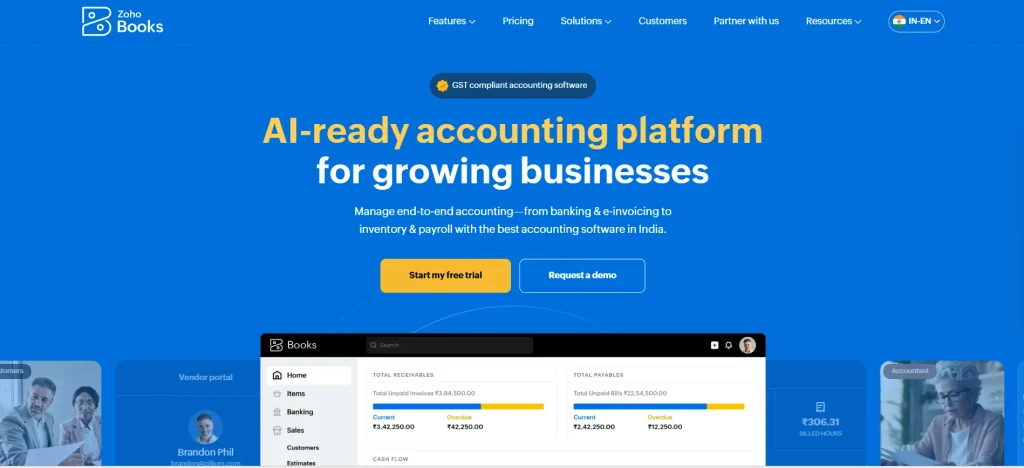
Zoho Books is a comprehensive, multi-currency cloud accounting system that forms a core component of the broader Zoho business software suite. Highly regarded for its exceptional price-to-performance ratio, it provides end-to-end financial workflows covering inventory tracking, purchase orders, client portals, and statutory tax compliance. The platform features robust workflow automation rules, enabling businesses to trigger auto-charge payments, transaction notifications, and custom webhooks without manual intervention. For enterprises and growing teams already utilizing Zoho applications, it provides unmatched data synchronization and end-to-end operational visibility across sales, CRM, and fulfillment channels.
Key Features:
- Advanced custom workflow automation, webhooks, and recurring scheduled task triggers
- Multi-lingual customer and vendor self-service collaboration portals
- End-to-end inventory management including SKU tracking, purchase orders, and reorder levels
- Deep native integration with Zoho CRM, Zoho Inventory, and the Zoho One ecosystem
Pros:
- Exceptional value with enterprise-level features available even on affordable tiers.
- Seamless native interconnectivity for teams already invested in the Zoho ecosystem.
- Highly customizable invoice templates, transaction fields, and automated email rules.
Cons:
- Smaller accountant community compared to QuickBooks or Xero outside specific regional markets.
- Fewer third-party integrations outside the native Zoho app suite.
- Strict caps on transaction numbers and user counts per subscription tier.
Best for:
- Small to mid-sized businesses seeking powerful workflow automation and seamless integration within the Zoho ecosystem.
Pricing:
| Free | Standard | Professional | Premium |
| $0 | $15/mo | $40/mo | $60/mo |
5. Wave
Website: https://www.waveapps.com
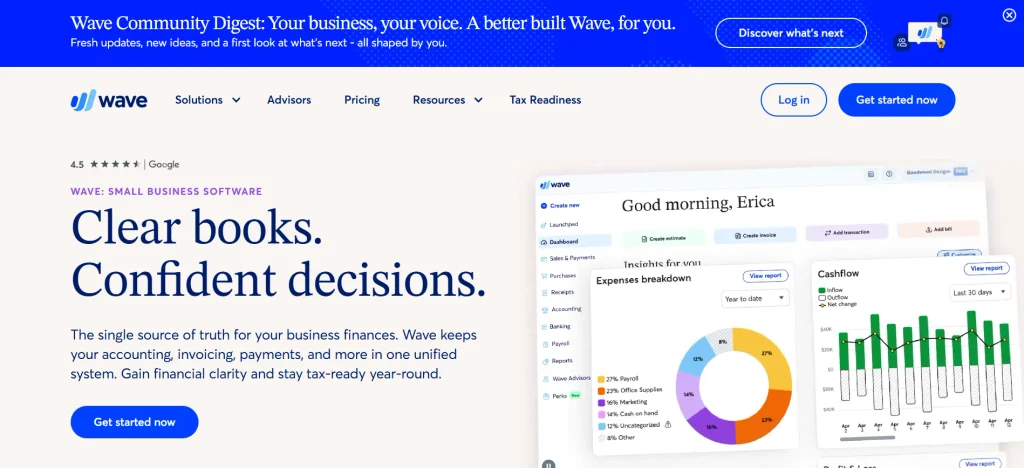
Wave is a streamlined, web-based accounting and invoicing solution created specifically for solopreneurs, freelance contractors, and micro-businesses seeking zero-cost financial management. Among the popular cloud accounting applications, it eliminates the traditional software subscription burden by offering core double-entry bookkeeping, unlimited invoicing, and basic income and expense monitoring without monthly software fees. The platform earns revenue through transaction-based payment processing and optional payroll services, keeping administrative overhead minimal for fledgling ventures. While it lacks advanced enterprise features like inventory tracking and multi-tier project accounting, Wave delivers clean, dependable, and hassle-free bookkeeping essentials for straightforward, service-based sole proprietorships.
Key Features:
- Unlimited customizable invoicing and professional estimate creation
- Automated bank connections for real-time transaction syncing and categorization
- Integrated online payment processing for credit cards and bank transfers
- Multi-business ledger support managed under a single primary login credential
Pros:
- Comprehensive free plan covering core bookkeeping and unlimited invoice generation.
- Very quick onboarding process with virtually zero learning curve for non-accountants.
- Manages multiple separate business accounts under one single dashboard.
Cons:
- Lacks inventory tracking, time billing, and purchase order capabilities.
- Live customer support is restricted to paying users of add-on services or paid plans.
- Very limited third-party application ecosystem without using middleware like Zapier.
Best for:
- Solo entrepreneurs, micro-business owners, and independent freelancers who require essential bookkeeping without recurring subscription costs.
Pricing:
| Starter | Pro |
| $0 | $190/yr |
6. Sage Intacct
Website: https://www.sage.com/en-us/products/sage-intacct/
Sage Intacct is a powerful, enterprise-grade cloud financial management platform engineered for mid-sized organizations, multi-entity corporations, and rapidly scaling enterprises. As the only preferred financial software provider recognized by the AICPA, it handles sophisticated accounting operations that entry-level software cannot support. The platform delivers multi-entity consolidations, multi-currency accounting, advanced revenue recognition, and dynamic dimensional reporting across business units. By automating complex procure-to-pay pipelines, subscription billing schedules, and ledger allocations, Sage Intacct allows finance leadership to run auditable, real-time analytics across distributed operational divisions without relying on fragmented manual spreadsheets.
Key Features:
- Native multi-entity consolidations with real-time continuous inter-entity transaction processing
- Advanced dimensional General Ledger for modular financial segmentation and custom reporting
- ASC 606 and IFRS 15 compliant contract, subscription, and automated revenue recognition
- Deep native integration with Salesforce CRM for unified quote-to-cash workflows
Pros:
- Exclusively endorsed by the AICPA for its audit-ready internal controls and enterprise reporting depth.
- Outstanding multi-entity management with automated currency translations and eliminations.
- High degree of customization for approval hierarchies and complex billing models.
Cons:
- Premium pricing model tailored exclusively to enterprise and mid-market budgets.
- Demands a structured implementation period often requiring specialized implementation partners.
- Considerably too complex for micro-businesses or basic sole proprietorships.
Best for:
- Mid-market to enterprise companies with multi-entity structures, complex compliance needs, or advanced billing requirements.
Pricing:
- Available on request
7. NetSuite ERP
Website: https://www.netsuite.com
Oracle NetSuite is a comprehensive, cloud-native Enterprise Resource Planning (ERP) platform designed to unify complete business operations under one financial core. Built to support mid-market businesses up to large global corporations, NetSuite goes beyond standalone bookkeeping by natively orchestrating accounting, inventory logistics, supply chain procurement, CRM, and global subsidiary compliance. Its multi-currency, multi-language architecture automates international consolidations effortlessly, providing C-suite executives with a single source of financial truth. With customizable operational dashboards, granular permission structures, and enterprise audit trails, NetSuite powers large-scale operations requiring end-to-end process visibility.
Key Features:
- Complete integrated ERP suite combining accounting, CRM, HR, inventory, and supply chain
- NetSuite OneWorld for global multi-subsidiary, multi-currency, and multi-tax consolidation
- Strict audit-trail governance, role-based workflows, and automated compliance frameworks
- Highly extensible cloud architecture through SuiteScript, SuiteApps, and custom API integrations
Pros:
- Unified platform eliminates the need for disconnected third-party business applications.
- Industry-leading multi-subsidiary consolidation capabilities for global operations.
- Unmatched scalability designed to support companies from growth stage through IPO.
Cons:
- Steep implementation costs and extensive time investment required for deployment.
- Complex administration often necessitates a dedicated internal administrator or consultant.
- Annual contract commitments with recurring price increases upon renewal.
Best for:
- Rapidly expanding mid-market companies and multinational enterprises requiring an end-to-end ERP and accounting backbone.
Pricing:
- Available on request
8. KashFlow
Website: https://www.kashflow.com
KashFlow is a user-centric cloud accounting platform engineered specifically for small business owners, sole traders, and independent contractors in the UK. Designed around absolute simplicity, the application deliberately minimizes traditional accounting jargon so that non-accountants can manage their finances with confidence. Among the cloud accounting applications available for UK businesses, it streamlines essential daily bookkeeping by centralizing invoice creation, supplier management, expense tracking, and direct bank feeds. Crucially, KashFlow includes built-in UK Making Tax Digital (MTD) compliance for VAT submissions and integrates with automated payroll modules, enabling owner-operators to maintain clean financial compliance without operational complexity.
Key Features:
- Fully compliant UK Making Tax Digital (MTD) direct online VAT returns
- Automated, branded invoice generation with direct “Pay Now” processor button integration
- Seamless bank feed synchronisation with intuitive automated rule-based reconciliations
- Integrated payroll module supporting statutory leave, pensions, and RTI submissions
Pros:
- Intuitive, jargon-free interface built specifically for non-financial founders.
- Direct, seamless compliance tools for HMRC Making Tax Digital (MTD) requirements.
- Fast invoice generation with integrated automated payment gateway options.
Cons:
- Primary focus on UK statutory frameworks limits utility for international businesses.
- Relatively dated interface aesthetic compared to modern SaaS alternatives like Xero.
- Smaller third-party integration marketplace outside common payment processors.
Best for:
- UK-based small business owners, contractors, and sole traders seeking straightforward MTD compliance without accounting jargon.
Pricing:
- Available on request
9. FreeAgent
Website: https://www.freeagent.com
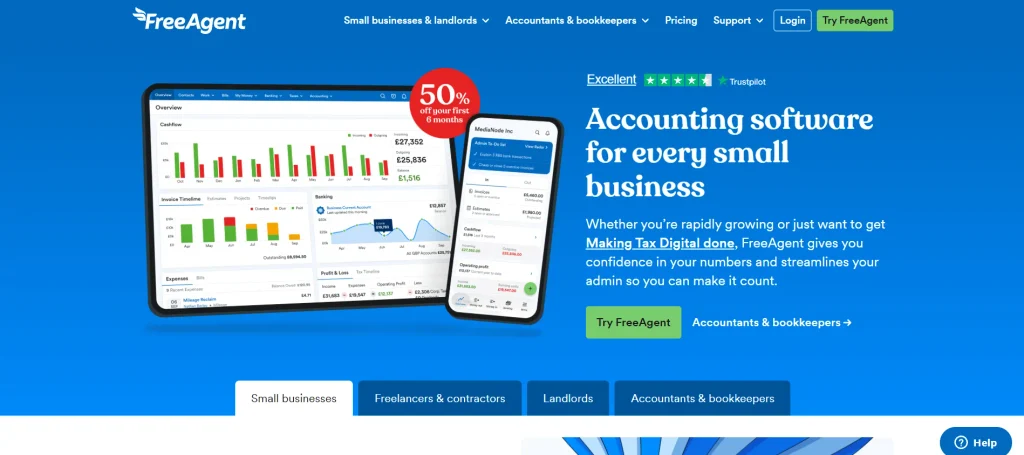
FreeAgent is a specialized cloud accounting tool built primarily for freelancers, contractors, sole traders, and small business owners navigating everyday tax obligations. Owned by NatWest Group, the platform distinguishes itself by breaking down intimidating tax projections into live, easy-to-understand tax timelines and Self Assessment calculations. It integrates time tracking, invoice factoring, receipt capture, and direct bank reconciliation into a single platform. FreeAgent handles project budgeting and mileage logging seamlessly, automatically preparing and submitting VAT returns directly to statutory portals, giving solopreneurs comprehensive visibility over their tax obligations throughout the year.
Key Features:
- Real-time Tax Timeline dashboard with automated Self Assessment and Corporation Tax forecasting
- Direct end-to-end MTD-compliant VAT filing straight to HMRC systems
- Built-in time tracking, stopwatch timers, and project-based expense allocation
- Mobile receipt scanning with automated optical data extraction and categorization
Pros:
- Completely free for business banking customers of NatWest, Royal Bank of Scotland, and Mettle.
- Outstanding real-time tax forecasting removes end-of-year tax return surprises.
- User-friendly interface tailored to the exact operational needs of solo contractors.
Cons:
- Not designed for complex inventory management or assembly tracking.
- Limited suitability for multi-currency companies with international subsidiary models.
- Standard monthly subscription fee can be pricey if not banking with a partner institution.
Best for:
- Freelancers, micro-enterprises, and UK-based contractors seeking automated tax forecasting and hassle-free Self Assessment filings.
Pricing:
- $13.50/mo
10. Patriot Accounting
Website: https://www.patriotsoftware.com
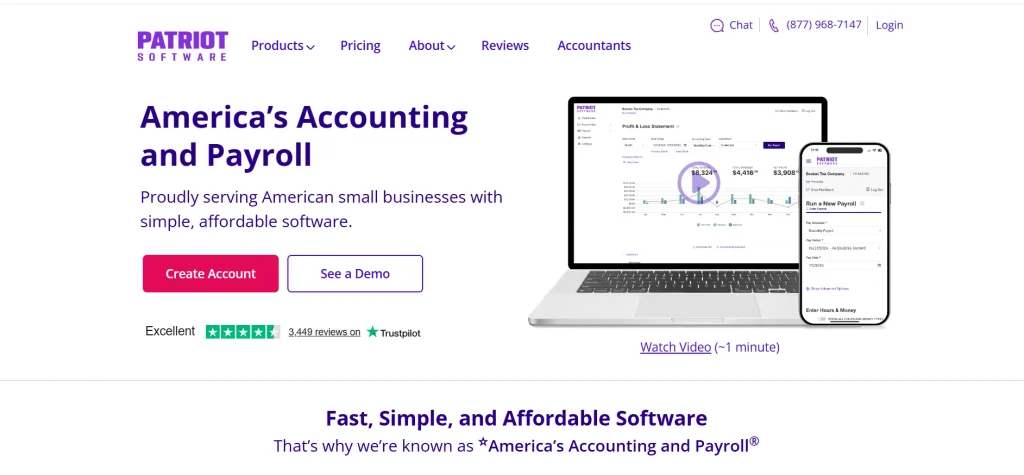
Patriot Accounting is a straightforward, budget-conscious cloud bookkeeping application designed for American small business owners seeking core accounting functionality without bloated costs. Developed by Patriot Software alongside its popular payroll service, the tool provides clean double-entry bookkeeping, customer invoicing, vendor bill management, and integrated bank account tracking. It focuses on clarity, fast navigation, and affordability, delivering all essential ledger features needed to maintain accurate financial records. Backed by highly rated, US-based customer support, Patriot Accounting offers a reliable starting point for micro-businesses moving away from paper records.
Key Features:
- Complete double-entry accounting engine with customizable charts of accounts
- Direct bank account integration with automated transaction importing and clearing
- Unlimited customer invoicing, credit memos, and accounts payable tracking
- Seamless, single-sign-on integration with Patriot Payroll for automated wage entries
Pros:
- Highly competitive pricing with no hidden charges for basic ledger features.
- Exceptionally rated, free US-based phone, email, and live chat customer support.
- Fast, lightweight software layout with almost zero onboarding lag.
Cons:
- Lacks complex inventory, purchase order, and multi-currency capabilities.
- Limited third-party application integration library compared to larger incumbents.
- Tailored strictly to United States tax and business regulations.
Best for:
- US-based small business owners and startups seeking an affordable, easy-to-use accounting tool backed by responsive domestic support.
Pricing:
| Basic | Premium | Payroll | Full Service |
| $10/mo | $15/mo | $8.50/mo | $18.50/mo |
11. ZipBooks
Website: https://zipbooks.com
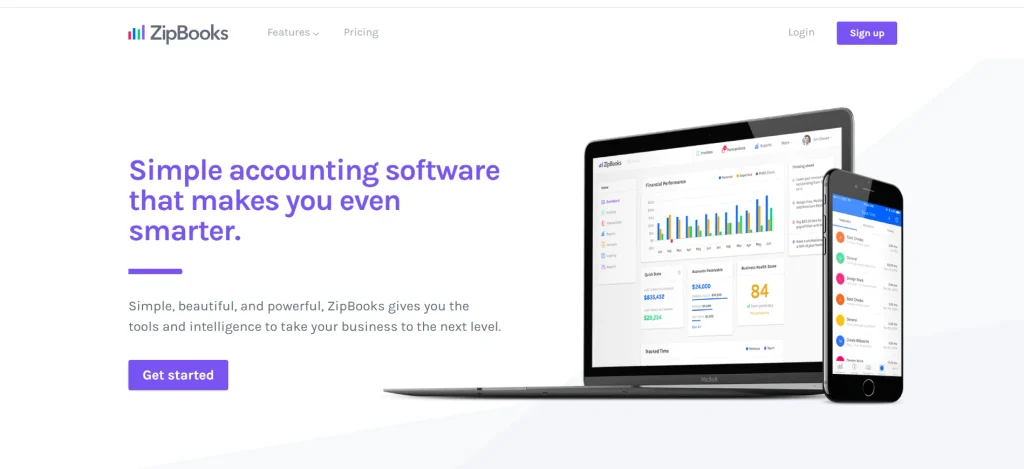
ZipBooks is a sleek, web-based bookkeeping platform engineered for solopreneurs, consultants, and growing small businesses that require straightforward ledger management. Designed with an emphasis on clarity and minimalism, the software streamlines core financial activities such as invoice creation, automated recurring billing, digital payment collection, and project time tracking. Among modern cloud accounting applications, its standout capability is data-driven business intelligence, which evaluates transaction trends to deliver actionable scoring on invoice health and customer payment habits. By combining clean reconciliation screens with intelligent auto-categorisation, ZipBooks provides accessible financial clarity without the cumbersome overhead of legacy software.
Key Features:
- Built-in business intelligence scoring for invoice turnaround and customer profitability
- Automated bank feed synchronisation with smart auto-categorisation rules
- Integrated project time tracking linked directly to customer invoicing
- Professional online invoice generation with credit card and PayPal payment processing
Pros:
- Generous free tier offering basic bookkeeping and unlimited invoice generation.
- Intuitive, click-minimising interface designed specifically for non-accountants.
- Smart data-driven insights offer practical guidance on improving cash flow.
Cons:
- Direct bank connections are restricted to paid subscription tiers.
- Very limited third-party application ecosystem outside Gusto payroll and payment gateways.
- Lacks advanced inventory tracking or manufacturing ledger controls.
Best for:
- Freelancers, creative contractors, and small service businesses seeking clean invoicing backed by smart business intelligence.
Pricing:
| Starter | Small | Sophisticated | Accountant |
| Free | $15/mo | $35/mo | Custom |
12. Odoo Accounting
Website: https://www.odoo.com
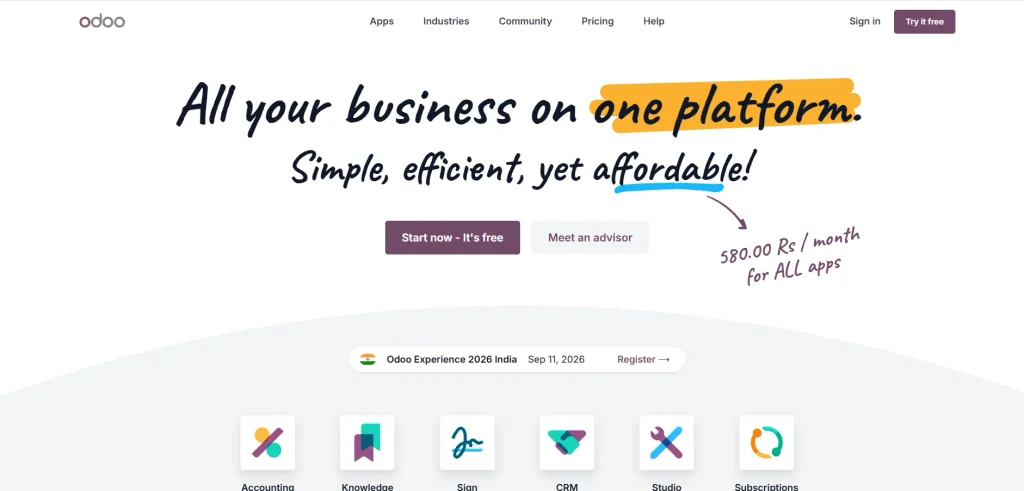
Odoo Accounting is a modern, modular cloud platform that serves as both a standalone financial manager and a connected component of the broader open-source Odoo ERP ecosystem. Leveraging optical character recognition and automated bank synchronization, the software rapidly processes vendor bills, extracts critical payment data, and balances general ledgers. Its standout attribute is modularity: organizations can easily scale from simple invoicing to advanced multi-currency accounting, manufacturing allocations, and automated asset depreciation. For businesses seeking customizable operational pipelines, Odoo delivers an adaptable framework that grows alongside internal transaction volumes without requiring total platform migration.
Key Features:
- Automated bank statement imports with AI-assisted transaction matching and reconciliation
- Smart optical character recognition (OCR) for automated vendor bill scanning and digitization
- Integrated asset management with automated depreciation schedules and journal postings
- Seamless interconnectivity with native Odoo apps for CRM, eCommerce, POS, and inventory
Pros:
- Exceptional modular scalability that transforms easily into a complete, customized ERP system.
- One-app-free plan allows micro-enterprises to access robust accounting capabilities at zero cost.
- Highly customizable reporting engine with support for dynamic analytic accounting models.
Cons:
- Setup and initial configuration require technical understanding or consultant assistance.
- Customer support can be slow to respond unless on higher-tier enterprise contracts.
- Using multiple paid Odoo apps concurrently can cause subscription costs to scale quickly.
Best for:
- Growing businesses and omnichannel merchants that require customizable accounting tightly unified with operational and inventory workflows.
Pricing:
| Free | Standard | Custom |
| $0 | $6.11 | $11.37/mo |
13. ZarMoney
Website: https://www.zarmoney.com
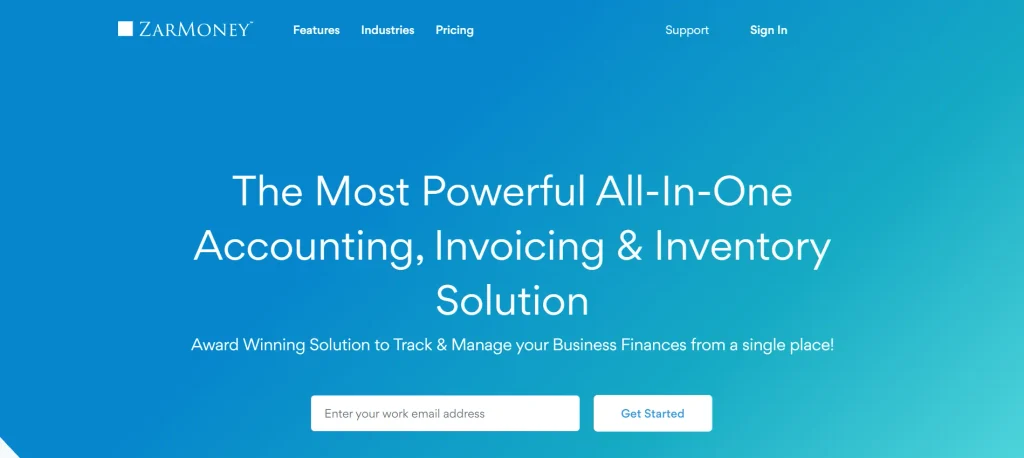
ZarMoney is an advanced, feature-dense cloud accounting platform designed to bridge the functional gap between basic bookkeeping applications and complex ERP systems. Tailored for wholesale distributors, eCommerce brands, and inventory-heavy enterprises, it provides comprehensive order processing, customizable purchase workflows, split payment handling, and real-time stock management across multiple physical warehouses. The platform automates routine accounting tasks through direct bank connections and automated rule triggers, while providing granular transaction histories for stringent internal audit readiness. ZarMoney enables operational teams to supervise supply chain logistics alongside core financial ledgers within a single responsive console.
Key Features:
- Advanced multi-location inventory management with split-order fulfillment and real-time alerts
- Automated bank reconciliation feeds supporting over 10,000 financial institutions
- Customizable purchase order approval hierarchies and customizable vendor payment schedules
- Granular user permission controls with full internal transaction audit trails
Pros:
- Superior inventory and order management capabilities compared to standard small business accounting tools.
- Transparent, scalable pricing tiers that do not penalize users for core inventory features.
- Flexible payment acceptance options including instant online credit card and ACH processing.
Cons:
- Steeper learning curve due to the sheer density of operational settings and controls.
- Mobile app functionality is relatively basic compared to its desktop web portal.
- The third-party integration library relies heavily on Zapier for non-native software connections.
Best for:
- Wholesale distributors, retail merchants, and inventory-centric businesses requiring robust stock tracking alongside everyday bookkeeping.
Pricing:
| Business | Enterprise |
| $20/mo | $350/mo |
14. Clear Books
Website: https://www.clearbooks.co.uk
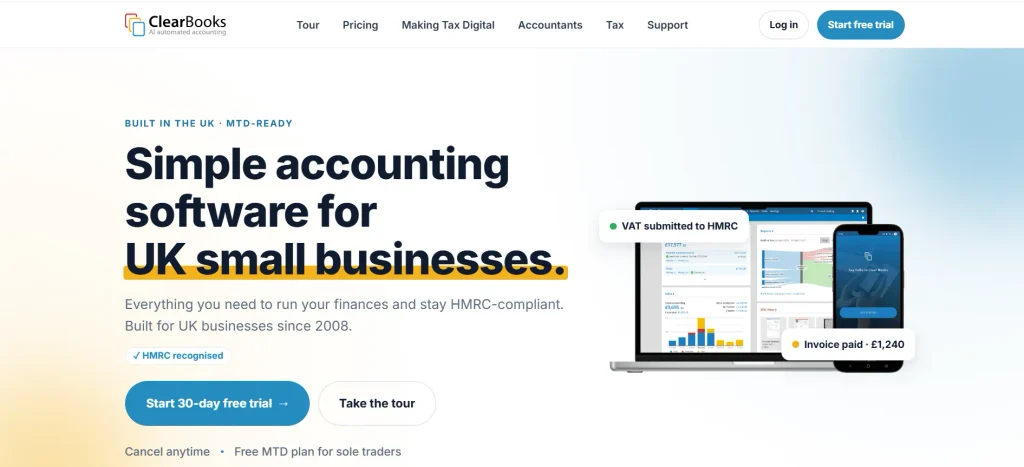
Clear Books is an intuitive, UK-centric cloud accounting platform engineered to streamline routine bookkeeping for small business owners, contractors, and independent landlords. Prioritizing straightforward navigation over intimidating terminology, the system allows non-accountants to quickly draft compliant invoices, process supplier payments, and monitor cash flow trends. Among the cloud accounting applications available for UK businesses, it features built-in Making Tax Digital (MTD) functionality for direct VAT returns to HMRC, alongside integrated payroll management and dividend tracking for private limited firms. With its toggleable modular layout, Clear Books lets users hide unused tools, keeping daily administrative workflows clean, focused, and distraction-free.
Key Features:
- Direct Making Tax Digital (MTD) submission portal for HMRC-compliant VAT filings
- “Auto Explain” bank feed technology that categorizes recurring transactions automatically
- Integrated UK payroll module supporting automated pensions and RTI submissions
- Modular interface controls allowing users to toggle specific accounting modules on or off
Pros:
- Interface customization enables users to hide complex features they do not need.
- Exemplary UK regulatory compliance for VAT, CIS, and corporate dividend tracking.
- Reliable UK-based phone and email support across all active subscription plans.
Cons:
- Geographic orientation makes it unsuited for businesses operating primarily under US or non-UK tax systems.
- The reporting suite lacks the deep multidimensional analytics of larger platforms.
- The mobile application offers restricted functionality compared to the desktop browser version.
Best for:
- UK small businesses, sole traders, and limited company directors seeking painless MTD compliance and a clutter-free dashboard.
Pricing:
- Custom
15. Kashoo
Website: https://kashoo.com
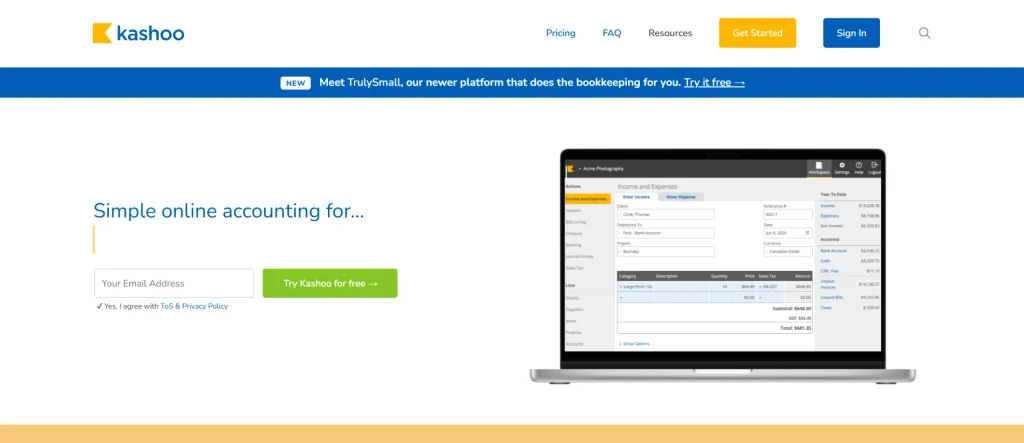
Kashoo is a streamlined, automation-driven cloud accounting solution tailored specifically for small business owners, solopreneurs, and independent service providers who prioritize speed over manual ledger entries. Built around automated machine-learning algorithms, the platform imports, sorts, and matches banking transactions, allowing users to reconcile monthly accounts in under thirty minutes. It provides unlimited invoice dispatch, integrated digital payment processing, and basic inventory tracking without imposing artificial usage caps. By stripping away complex multi-tiered menus, Kashoo offers a clutter-free financial dashboard that ensures books remain clean, balanced, and fully prepared for annual corporate tax filings.
Key Features:
- Automated bank reconciliation driven by predictive transaction categorization
- Professional, customizable online invoicing with integrated credit card processing via Stripe
- Unlimited user accounts with customizable access roles at no extra monthly fee
- Comprehensive double-entry financial reporting covering P&L, balance sheets, and sales taxes
Pros:
- Truly unlimited user access prevents licensing costs from compounding as teams expand.
- Smart transaction auto-categorization drastically cuts down monthly bookkeeping time.
- Straightforward flat-rate pricing model without hidden add-on paywalls.
Cons:
- Lacks deep customization options for reports and dashboard analytics.
- Third-party software integrations are largely confined to standard payment gateways.
- Insufficient for companies requiring advanced job costing or assembly manufacturing workflows.
Best for:
- Solopreneurs and small business owners wanting automated, set-it-and-forget-it bookkeeping with unlimited team access.
Pricing:
- Available on request
How To Select The Right Cloud Accounting Application For Your Requirements?
Choosing the ideal accounting software comes down to aligning software capabilities with your specific operating model, transaction volume, and growth velocity. Evaluate potential platforms against these five strategic criteria before committing:
- Assess specific business complexity: A service consultancy billing hourly needs robust time-tracking and project retainers, whereas an eCommerce or wholesale distributor requires multi-location inventory, SKU tracking, and purchase order controls.
- Review user seat caps and collaborator fees: Determine how many team members, project managers, and external bookkeepers need system access, checking whether the platform charges steep per-seat fees or offers unlimited user licensing.
- Audit integration compatibility: Ensure the application connects out of the box with your existing operational software stack, including your point-of-sale (POS) terminal, customer relationship management (CRM) software, and payment processing gateways.
- Verify statutory and regional compliance: The platform must accurately compute local indirect taxes (such as VAT, GST, or multi-state US sales tax) and generate clean, standardized audit trails that meet local tax authority requirements.
- Prioritize bank feed stability and automation rules: Test how reliably the platform imports feeds from your primary banking institutions and whether it supports custom auto-reconciliation rules to minimize repetitive manual data entry.
Common Mistakes To Avoid While Selecting A Cloud Accounting Application
Investing in the wrong financial platform disrupts daily operations, creates reconciliation discrepancies, and leads to expensive software migration projects down the line. Avoid these five widespread evaluation traps:
- Choosing software based solely on base price: Entry-level plans frequently lack crucial functionality like automated bank feeds, bill management, or multi-currency tools, which forces costly tier upgrades or expensive third-party add-ons later on.
- Overlooking external accountant preferences: Adopting a niche application your chartered accountant or bookkeeper is unfamiliar with often leads to higher professional advisory fees and delayed annual financial filings.
- Underestimating data migration complexity: Switching platforms without verifying how historical journal entries, vendor records, and customer balances export can lead to balance sheet discrepancies and lost transaction histories.
- Buying enterprise-scale software prematurely: Deploying complex ERP-level software when your business only requires lean invoicing creates administrative drag, steep learning curves, and unnecessary consulting expenses.
- Neglecting mobile functionality and security controls: Overlooking two-factor authentication, granular role permissions, and mobile receipt capture leaves your company vulnerable to security risks and delayed expense reporting.
Conclusion
In conclusion, migrating to dedicated cloud accounting applications is one of the highest-leverage operational decisions a modern business can make. Moving away from manual spreadsheets and legacy desktop software eliminates human data-entry errors, speeds up reconciliation cycles, and provides the real-time cash flow visibility required to make informed commercial decisions. Whether you are a solo contractor invoicing a handful of clients or an expanding multinational coordinating multiple operating subsidiaries, the right software transforms routine bookkeeping from an administrative bottleneck into an organized financial asset.
Take the time to evaluate platforms using hands-on trials, test direct bank feed connectivity, and discuss options with your financial advisor before rolling out a solution company-wide. Prioritize clean usability, straightforward scalability, and native integration with your current operational software. When matched precisely to your business model, a dependable cloud accounting tool ensures you stay audit-ready, tax-compliant, and focused entirely on sustainable growth.
Frequently asked questions
1. What Is The Primary Difference Between Cloud Accounting Software And Traditional Desktop Software?
Desktop accounting software runs locally on a specific office hard drive, limiting accessibility to that physical workstation and demanding manual updates and periodic data backups. Cloud accounting software runs securely in remote data centers accessible through any modern web browser or mobile app. This setup provides automatic software updates, continuous encrypted backups, live multi-user collaboration, and direct, automated bank feed integration in real time.
2. Is Cloud Accounting Software Secure Enough For Sensitive Corporate Financial Data?
Yes, reputable cloud accounting vendors employ enterprise-grade security protocols that routinely exceed the physical security measures of standard small-business IT networks. These protections typically include 256-bit TLS/SSL data encryption for data in transit and at rest, multi-factor authentication (MFA), strict role-based permission tiers, continuous server monitoring, and automated daily backups across geo-redundant server facilities.
3. Can I Migrate My Existing Financial Records From Spreadsheets Or Older Accounting Software?
Most modern platforms provide automated import tools that ingest structured CSV or Excel spreadsheets containing your chart of accounts, vendor lists, active customer databases, opening balances, and current inventory levels. For complex migrations involving several years of detailed historical general ledger entries, many providers offer dedicated migration utilities or partner with specialized data transfer services to protect ledger integrity.
4. Do I Still Need To Hire A Professional Accountant If I Use A Cloud Accounting Platform?
While cloud platforms automate mundane tasks like receipt capture, invoicing, and bank transaction matching, they do not replace strategic professional advice. A qualified accountant or certified bookkeeper verifies balance sheet integrity, manages year-end statutory compliance, optimizes tax positioning, and provides high-level financial analysis. Most cloud platforms feature specialized accountant access portals to make collaborating with your external advisor seamless.
5. What Typical Internet Speeds Are Needed To Use Cloud Accounting Software Effectively?
Cloud accounting application run on lightweight, optimized web architectures that require only standard broadband or stable 4G/5G mobile connections to operate smoothly. Unless your business processes hundreds of high-resolution document uploads or generates massive multidimensional reporting ledgers simultaneously, typical connection speeds of 5 to 10 Mbps are more than sufficient for daily operational tasks.