
Engagement is the number every app marketer is asked for, and the one most often measured with more personal data than it needs.
The usual answer is daily and monthly active users. Those metrics need a stable ID for every person, so the tool can tell that the user who opened the app today is the same one who opened it yesterday. That ID is what makes an analytics setup personal data, brings in consent prompts, and adds lines to your app store privacy label.
There is another way to read engagement. Instead of counting people, count sessions and what happens inside them. Session-based metrics show whether people use the app, how deeply they use it, and whether a release or a campaign changed that, without ever knowing who anyone is.
In this guide you will learn:
- why user counts are not the only measure of engagement,
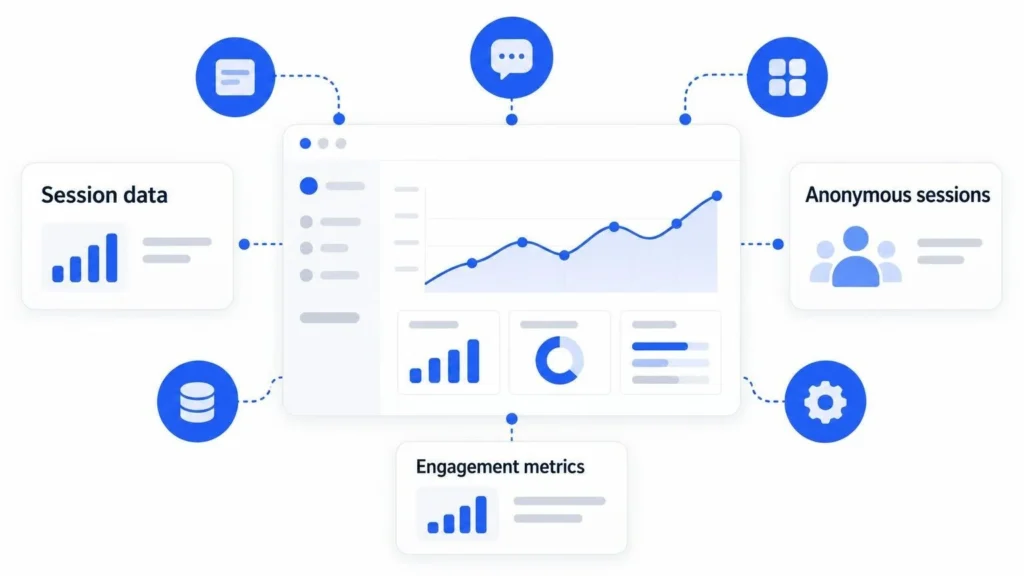
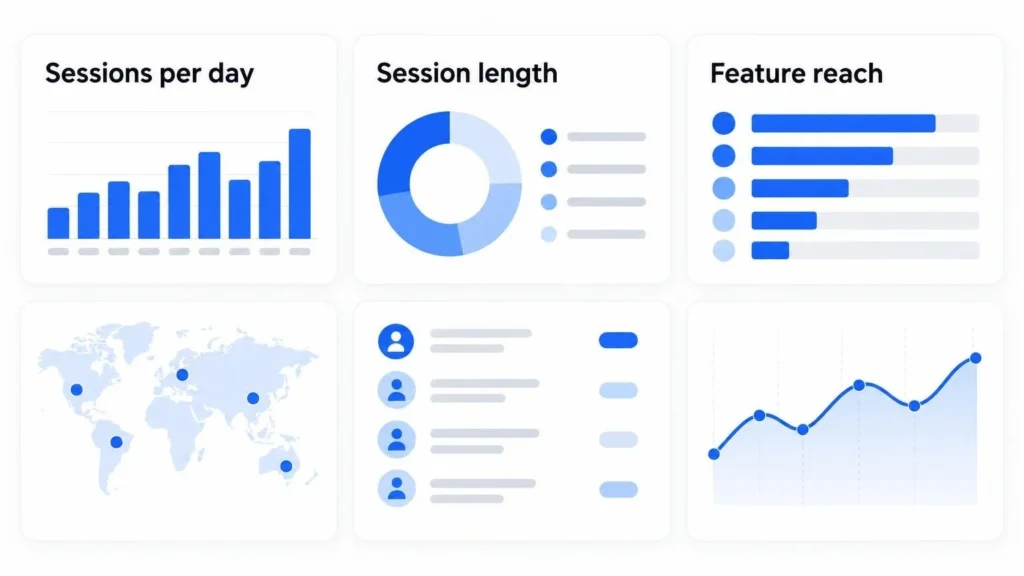
- six engagement metrics you can track with anonymous sessions,
- how to read them together in one weekly view,
- what to check before you pick a tool.
Why User Counts are Not the Only Engagement Metric
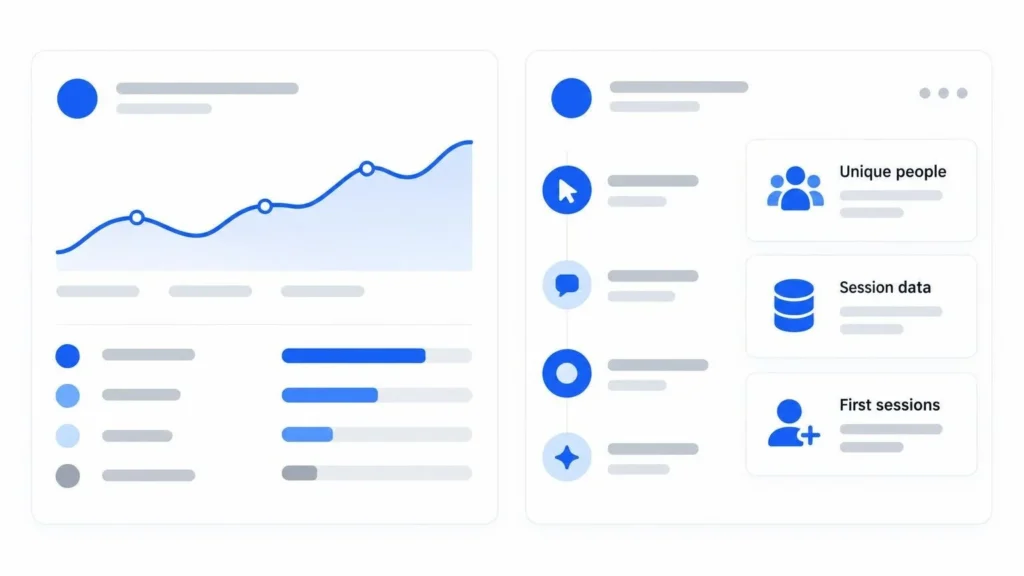
DAU and MAU answer one question: how many different people came back. They say little about what those people did. An app with a high DAU can still have shallow sessions where people open it, see nothing new, and leave.
Session data answers the questions a marketing or product team acts on:
- Did the campaign bring more use, or only more installs?
- Do people reach the feature we built the launch around?
- Did the new onboarding make first sessions longer?
You give up a precise count of unique people and per-person retention curves. In return you get data that contains no personal information, which is simpler to store, explain, and defend.
Six Engagement Metrics You Can Track with Anonymous Sessions
A privacy-first SDK creates a random session ID when the app starts and sends events with it. The ID is short-lived and is not tied to a device or a person. That is enough for all six metrics below.
1. Sessions Per Day
The base number. Count sessions per day and look at the weekly trend, split by platform and country. A rise after a campaign, a feature, or a store feature placement is a direct sign of use, not only of downloads.
2. Actions Per Session
Count your meaningful events per session: a search run, a file exported, a message sent. Do not count screen views or taps. A session with three real actions is engaged; a session with none is a bounce. Watch the share of sessions with zero actions, because that number shows people who open the app and find nothing to do.
3. Session Length
The time between the first and the last event of a session is a good proxy for attention. Use the median, not the average, because one session left open overnight can move the average a lot. Read it next to actions per session: long sessions with few actions can mean people are stuck, not engaged.
4. Feature Reach
For each key feature, divide the sessions that used it by all sessions. If 40% of sessions include a search and 3% include sharing, you know which feature carries the app and which one people do not find. This is the metric to use when you announce a new feature, because it shows whether the announcement brought people to it.
5. Depth of the Core Loop
Every app has a loop that delivers its value: create, edit, export; or browse, save, buy. Count how many sessions complete each step of that loop. The drop between two steps tells you where attention ends. You read it as session counts per step, so no person has to be followed.
6. Version and Release Impact
Split every metric above by app version. When a release goes out, put the new version’s actions per session and feature reach next to the old one’s. Because both versions run at the same time during a rollout, you compare them over the same days, which removes seasonality from the reading.
A Note on Returning Users
Some teams want one answer to “do people come back?” without user IDs. Two options are common:
- Store consoles. App Store Connect and Google Play Console report installs and other numbers in aggregate. Sessions per day divided by installs over the same period gives a rough stickiness trend.
- Broad counters on the device. The app can count its own sessions locally and send only a broad bucket, such as “first session” or “more than ten sessions”, as an event property. No ID leaves the device. Storing anything on a device can bring consent rules back in some regions, so check this with your legal counsel before you add it.
Read the Metrics Together in One Weekly View
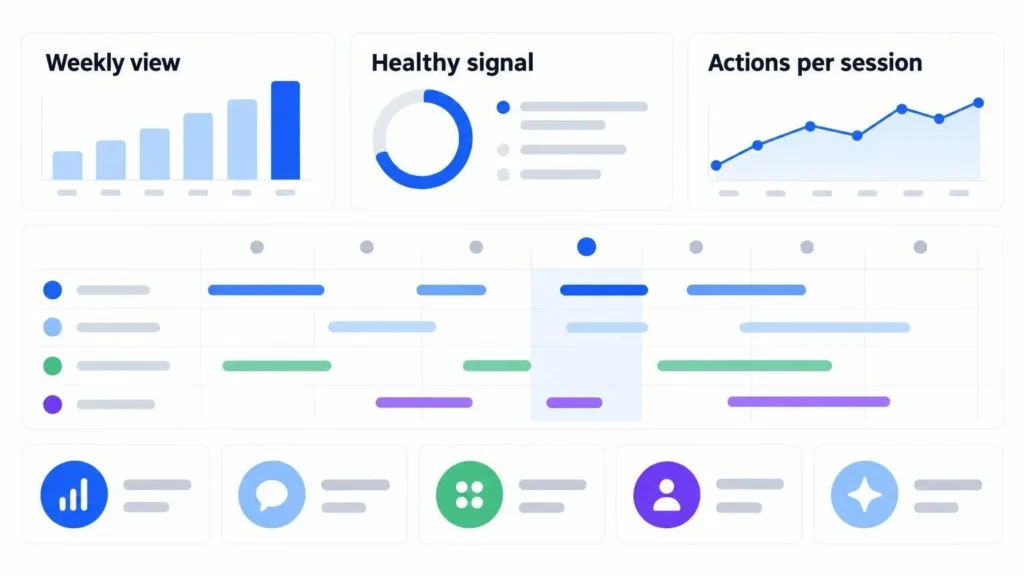
No single number above is engagement on its own. Build one view and review it each week:
| Question | Metric | Healthy signal |
|---|---|---|
| Are people using the app? | Sessions per day | Rising or steady after launches |
| Do sessions have substance? | Actions per session, share of zero-action sessions | More actions, fewer empty sessions |
| Do people stay with it? | Median session length | Stable, and moving with actions |
| Do features land? | Feature reach | Rising after each announcement |
| Does the app deliver value? | Core loop depth | Smaller drops between steps |
| Did the release help? | All of the above by version | New version at or above the old one |
Add one line of notes each week: what shipped, what campaign ran, what the store featured. Six months later those notes explain the curves.
Also Read: Apple Arcade Games
What to Check Before You Pick a Tool
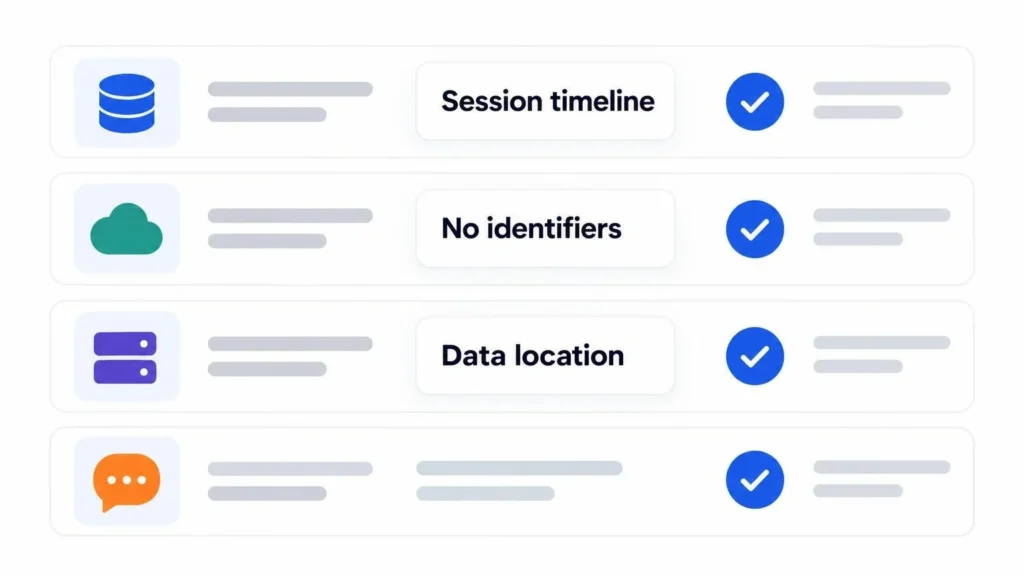
Most privacy-focused analytics products were made for websites. For an app, check four things:
- SDKs for every platform you ship. One tool for iOS, Android, desktop, and web keeps the numbers comparable.
- No identifiers by default. Read what the SDK sends. Device IDs, advertising IDs, and stored IP addresses make the data personal again.
- A session timeline. You need to see the events inside a session to work out actions per session and session length.
- Data location. Know which region stores the data, and whether you can choose it.
Aptabase is one tool built for this. It is open source and made for apps, with SDKs for 17 platforms, including Swift, Kotlin, Flutter, React Native, Electron, Unity, and Godot. It sends no device IDs and stores no IP addresses, and each session gets a random, short-lived ID from the SDK.
The dashboard shows sessions, events, app versions, and countries, with a live view and a session timeline, and you can export to CSV. Data is hosted in the EU (Germany) or the US (Virginia), and the free tier covers 20,000 events a month. It does not report monthly active users or per-user retention, by design, which is why the session metrics in this guide are the way to read engagement in it.
Final Thoughts
Engagement is not a head count. It is what people do when they open your app: how often, how much, and whether they reach the part that matters. Anonymous sessions measure all of that.
Start with sessions per day, actions per session, and feature reach. Add the core loop and the release comparison once the first three are stable. You will have an engagement report you can share with the whole team and explain to any user who asks what you collect.