
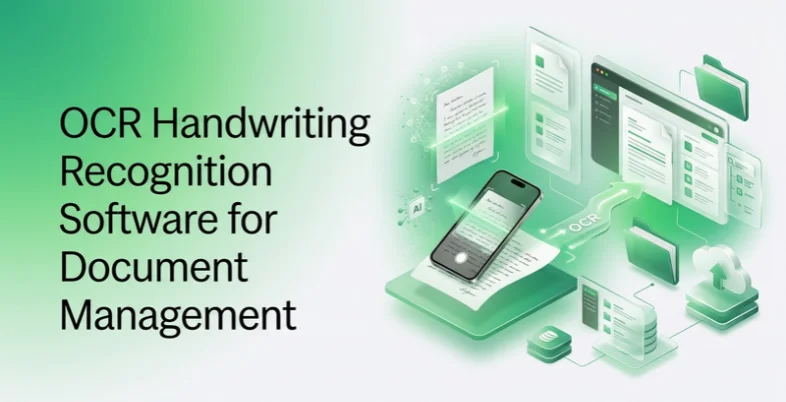
Document management isn’t just about storage; it’s about making sure what’s inside a document is findable, structured, and usable the moment it’s filed. Handwritten content is where most document management systems still fall short: a signed form, a handwritten annotation, or a scanned historical record often ends up filed as an unsearchable image rather than structured data.
The scale of this challenge is significant. According to IDC research, intelligent character recognition software processes over 2.5 billion handwritten documents annually, and financial institutions alone handle 847 million handwritten checks each year, each requiring accurate data extraction (Federal Reserve). Optical character recognition (OCR) handwriting recognition closes that gap by converting handwritten input into text the rest of the system can actually work with.
What is Handwriting Optical Character Recognition (OCR) and Why Does it Matter?
Handwriting optical character recognition (OCR), more precisely called ICR (intelligent character recognition), converts handwritten text in scanned documents or photos into machine-readable, structured data. It is a specialized branch of standard OCR, which was built to recognize printed fonts rather than the irregular shapes and connected strokes of human handwriting.
That distinction matters because a large share of real-world documents combine both:
- A loan application may carry printed field labels alongside a handwritten signature and date.
- A medical intake form may mix typed instructions with a patient’s handwritten notes.
Standard OCR reads the printed sections correctly and either misreads or skips the handwritten ones, leaving the document unusable as structured data until someone manually retypes those fields. ICR closes that gap, removing one of the last manual bottlenecks in document-heavy processes such as claims, applications, compliance forms, and archival records.
For businesses, handwriting OCR removes one of the last manual bottlenecks in document-heavy workflows. Claims, loan applications, compliance forms, and archival records that once required a person to read and re-key every handwritten field can now be processed automatically, with structured data routed directly into the systems that need it. When paired with a document archiving solution, ICR ensures that even handwritten records are fully searchable, indexed, and retrievable at scale.
For individuals, the difference is equally tangible: a scanned letter, a page of handwritten notes, or a decades-old document stops being an unsearchable image and becomes text you can search, edit, and store alongside everything else.
List of OCR Handwriting Recognition Software
1. ABBYY
Within a document management workflow, ABBYY’s handwriting recognition software operates as part of a larger intelligent document processing pipeline. Documents are classified, handwritten and printed content is recognized together, and structured data is routed into the document management or records system automatically.
Because it identifies document structure before recognizing text, ABBYY keeps tables, checkboxes, and handwritten annotations tied to their correct place in the document rather than treating the page as flat text. This matters for compliance records where field-level accuracy is audited later.
- Core focus: End-to-end document classification and handwriting recognition software feeding directly into records and archiving systems.
- Standout feature: Human-in-the-loop correction that continuously improves recognition accuracy on an organization’s own document types and handwriting patterns over time.
- Best fit: Records-heavy organizations, including banking, insurance, government, and legal, that need handwritten content classified, extracted, and archived as structured, auditable data.
2. Hyperscience

Hyperscience focuses on the document management scenario where paper hasn’t gone away physical archives, filled-out forms, and handwritten records that need to move into a digital system without losing accuracy.
- Core Focus: Cleaning and recognizing heavily degraded or handwriting-dense scans before filing them into a digital records system.
- Standout Feature: High straight-through processing on poor-quality scans, minimizing manual correction before archiving.
- Best Fit: Legacy institutions digitizing large backlogs of paper records for a modern document management system.
3. Rossum

Rossum reads handwritten values on financial documents using spatial neural networks, then feeds structured data directly into downstream financial or records systems without requiring a fixed template per document layout.
- Core Focus: Template-free extraction of handwritten and printed values from financial records for filing and audit trails.
- Standout Feature: A review interface that flags uncertain handwritten values and learns from each correction.
- Best Fit: Finance and accounting departments managing handwritten annotations across statements, invoices, and filings.
4. Klippa DocHorizon
Klippa DocHorizon is built for capturing and recognizing documents including handwritten receipts and forms at the point of intake, before they enter a document management system.
- Core Focus: Mobile-first document capture with handwriting recognition and built-in fraud checks.
- Standout Feature: Fast scanning and recognition designed for documents submitted through mobile apps or portals.
- Best Fit: Organizations digitizing documents at the intake stage, before routing them into a records or archiving system.
5. Nanonets
Nanonets uses trainable AI models to recognize handwritten and printed text on documents, with a focus on letting non-technical teams customize extraction for their specific document types without coding solution.
- Core Focus: Configurable handwriting and data extraction models tailored to an organization’s own recurring document formats.
- Standout Feature: No-code model training, so document management teams can adjust extraction rules without engineering support.
- Best Fit: Mid-sized organizations that need handwriting recognition tuned to specific internal forms without a large IT project.
6. Docsumo
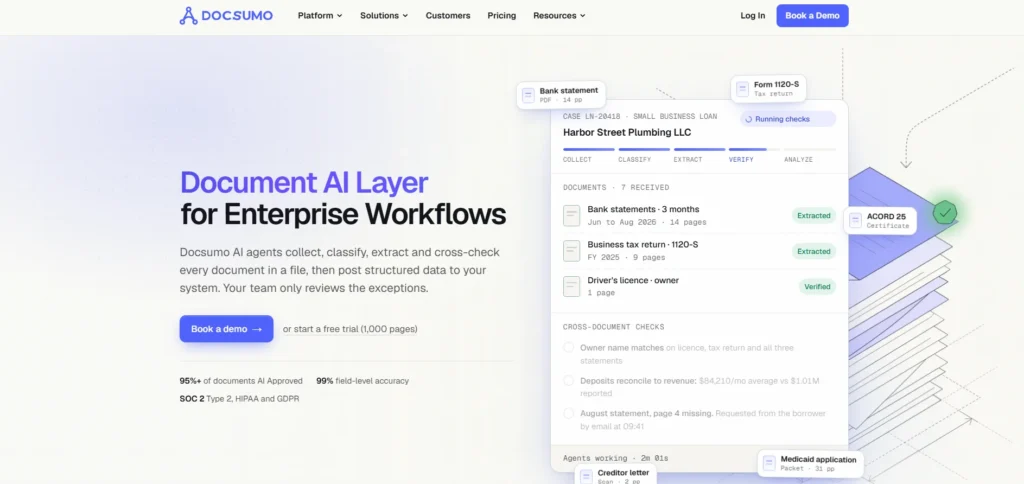
Docsumo specializes in financial document recognition, including handwritten entries on documents lenders and accounting teams handle repeatedly, such as pay stubs and bank statements.
- Core Focus: High-accuracy handwriting and data extraction narrowly focused on financial document types.
- Standout Feature: Built-in validation rules specific to lending and accounting compliance requirements.
- Best Fit: Lending and accounting teams managing document records that combine printed statements with handwritten annotations.
7. Instabase
Instabase is designed for enterprises managing high-variety document archives a mix of decades-old paper records alongside newer digital formats, all needing to feed into the same document management system.
- Core Focus: Combining multiple AI models to handle unfamiliar or non-standard handwritten document formats without a dedicated pipeline for each.
- Standout Feature: Flexibility to process wide-ranging document types and eras without reconfiguring the system for each new format.
- Best Fit: Large institutions consolidating document records across regions, business lines, or legacy archives.
8. Google Document AI
Google Document AI applies pre-trained models to recognize handwritten content across many languages, with particular strength on degraded or older archival material headed into a records system.
- Core Focus: Multilingual handwriting recognition feeding structured data into cloud-based document management pipelines.
- Standout Feature: Strong contextual decoding for cursive text and support for archival-quality scans.
- Best Fit: Organizations managing multilingual or historical document archives within a cloud document management setup.
9. Microsoft Azure AI Document Intelligence

Azure’s document intelligence service recognizes handwritten entries within structured forms while preserving their spatial link to nearby printed fields, useful when documents are filed into Microsoft-based records systems.
- Core Focus: Layout-aware handwriting recognition integrated with Microsoft’s document and workflow ecosystem.
- Standout Feature: Prebuilt models for common business document types plus custom model training for specialized records.
- Best Fit: Organizations managing document archives within SharePoint, Dynamics 365, or other Microsoft-based systems.
Comparison at a Glance
| Platform | Document Management Role | Best Fit |
| ABBYY | Classification + handwriting recognition + archiving | Records-heavy regulated industries |
| Hyperscience | Paper-to-digital conversion at scale | Legacy paper backlogs |
| Rossum | Financial document extraction and filing | Finance and accounting records |
| Klippa DocHorizon | Intake-stage mobile document capture | Mobile-submitted documents |
| Nanonets | Customizable extraction without code | Mid-sized teams with unique forms |
| Docsumo | Financial document specialization | Lending and accounting archives |
| Instabase | High-variety document consolidation | Large multi-region institutions |
| Google Document AI | Multilingual archival recognition | Global or historical archives |
| Microsoft Azure AI | Microsoft-ecosystem document filing | SharePoint/Dynamics-based records |
Frequently Asked Questions
How Is OCR for Document Management Different From Standard Handwriting OCR?
Document management use cases need more than accurate text extraction — they need the recognized content classified, structured, and routed into the correct records system with the document’s original layout and audit trail preserved, not just converted into a flat text file.
Can Handwriting Recognition Software Integrate Directly With Existing Document Management Systems?
Most enterprise-grade platforms in this category offer APIs or prebuilt connectors for common records, ERP, and content management systems, allowing recognized handwritten data to route automatically rather than requiring manual re-entry after extraction.
Is Human Review Still Necessary for Handwriting Recognition in Document Management?
Yes, particularly for compliance-sensitive records. Most platforms flag low-confidence handwritten extractions for a person to verify, which reduces manual review significantly without eliminating it entirely for high-stakes documents.