
WalkMe has been a familiar brand in the digital adoption market for numerous years. It is used by many big companies to train users on software and enhance the onboarding process. As the market expands, more companies are asking themselves one question, though, is WalkMe the right choice?
The reality is that WalkMe is suitable for large companies that have large budgets and teams behind them. While it is certainly heavy, costly, and challenging for many businesses, it remains undeniable to those who have adopted it that it’s an effective solution. It’s often the case that developers have to do the setup.
Today, there are numerous superb items available that can perform the same function, and more efficiently, at a significantly reduced expense. If you’re running a Saas product, a small team or a large company, there is probably a better way to do it. We will outline the 12 top WalkMe alternatives for 2026, and help you find the best tool for your goals, team size, and budget.
Why Look for WalkMe Alternatives?
WalkMe can be a great tool, but it isn’t always suitable for every team. These are the primary reasons for businesses to consider alternatives:
- High Enterprise Pricing — WalkMe does not provide their pricing but estimates that it is in the tens of thousands of dollars per year. It’s out of reach for small and mid-sized businesses.
- Complex Implementation Process — WalkMe is not a “plug and play” application. It can take a lot of technical assistance and custom scripts to see any results, and lots of development time to get it right.
- Steep Learning Curve — WalkMe requires time to learn, even after set-up. You might require special training for your team to handle the platform on a day-to-day basis.
- Heavy Maintenance Requirements – Your product evolves and your WalkMe flows frequently break. It takes continuous effort as well as resources to maintain everything up to date.
Key Features to Look for in a WalkMe Alternative
When selecting a tool, be sure it includes the fundamental features that are most important for your team:
- No-Code Onboarding Builder: Build walkthroughs and tooltips without writing any code. This will save your developers time and free up their time.
- In-App Guidance and Walkthroughs — The tool should be used to take the user on a guided tour into your product, rather than a video or a help article.
- Product Analytics — Knowing what users do in your app is crucial. Check to see if there are analytics built in to help you understand where users are going wrong or where they are getting lost.
- Employee Training Support — If you also have to train your staff to use tools such as Salesforce or your CRM, ensure you choose a platform that supports the training of employees as well.
- AI Powered Assistance — AI tools can be used to generate or suggest content, create walkthroughs, or provide answers quickly.
- Multi-Platform Integrations — Your tool should seamlessly integrate with the CRM or helpdesk or analytics stack without any additional development effort.
- User Segmentation and Targeting — Deliver the appropriate instructions to the appropriate users at the right moment, depending on their list of users, behaviour, or position in the product.
Top WalkMe Alternatives & Competitors
1. Pendo
Rating: 4.4/5
Website: https://www.pendo.io/
Best For: Product analytics combined with in-app user guidance for SaaS teams.
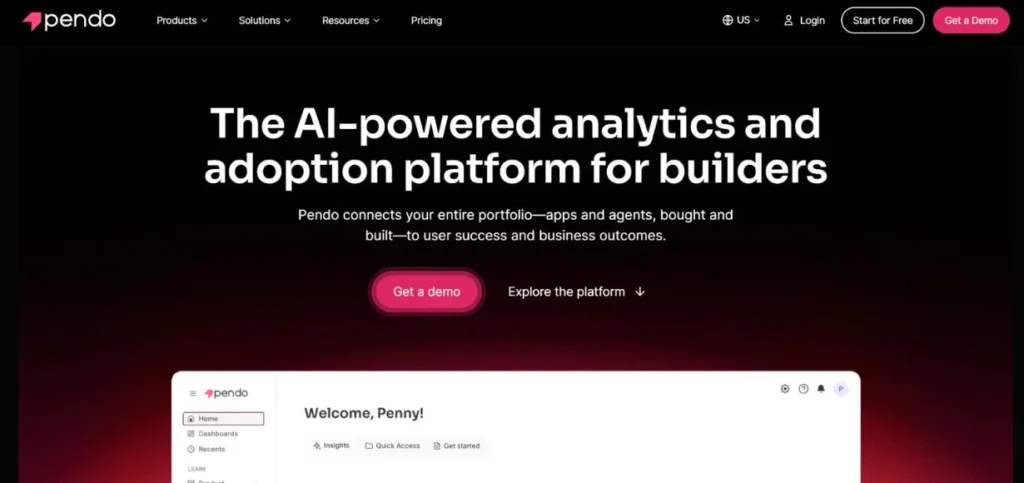
Pendo is a best-in-class product experience platform that integrates in-app guidance with robust analytics. It assists product teams to understand the user behavior in their software and then act accordingly. No coding required to make tooltips, walkthroughs, and banners. Pendo is a solid choice for companies looking for a single solution that provides analytics and onboarding. This applies to products that are meant for public use or internal products.
Key Features:
- In-app guides and tooltips
- Product usage analytics
- User feedback collection
- NPS surveys built-in
- Roadmap and planning tools
Pros:
- Strong analytics depth
- Easy guide builder
- Great for product teams
Cons:
- Pricey for small teams
- Complex initial setup
- Steeper learning curve
Pricing: Free
Also Read: Best AnyDesk Alternatives and Competitors
2. Whatfix
Rating: 4.6/5
Website: https://www.whatfix.com/
Best For: Employee onboarding and training on enterprise software platforms.
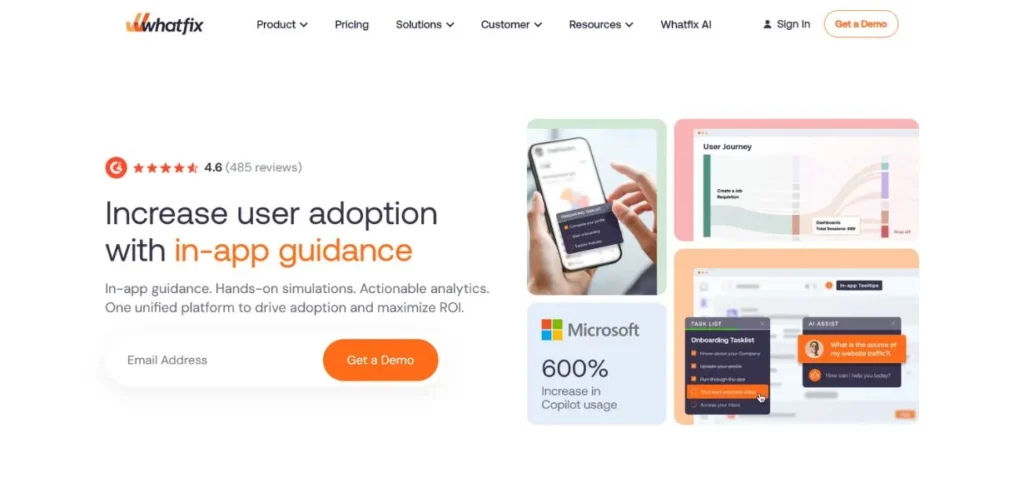
Whatfix is a digital adoption platform, specifically for customer onboarding and employee training. It is compatible with tools such as Salesforce, SAP and other enterprise applications. Create step-by-step flows, self-help widgets, and task lists without a developer. Whatfix also has decent analytics to monitor your guidance’s user interaction. A viable WalkMe alternative for companies that must train workers with complex software.
Key Features:
- Step-by-step task flows
- Self-help widget
- Multi-format content export
- Role-based user targeting
- Usage and completion analytics
Pros:
- Great for enterprise tools
- No-code flow builder
- Strong customer support
Cons:
- Pricing not transparent
- Heavy for small teams
- Setup takes some time
Pricing: Custom pricing
3. Appcues
Rating: 4.6/5
Website: https://www.appcues.com/
Best For: SaaS product teams focused on improving user activation and retention.
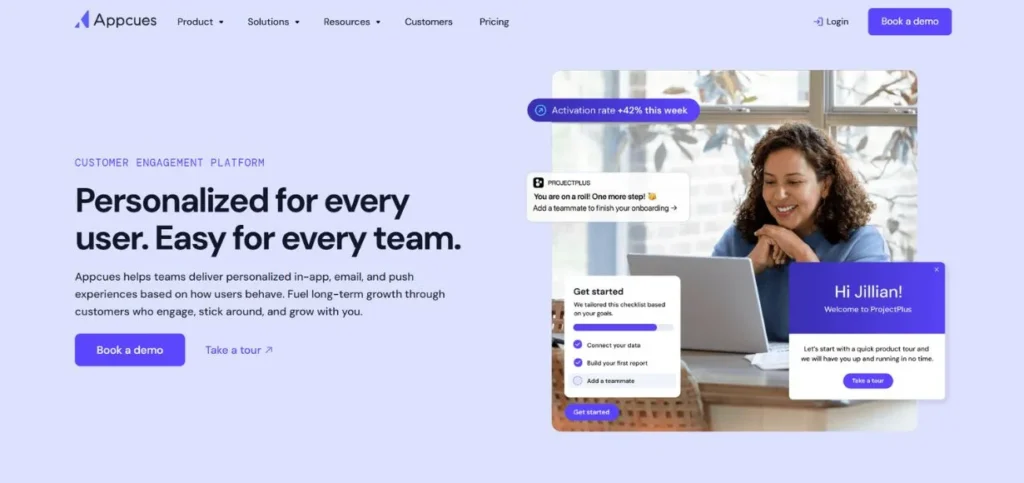
Appcues is a clean and easy to use onboarding tool for Saas companies. It allows you to build onboarding checklists, product tours and announcements without coding. The platform is aimed at product and growth teams that wish to operate on a rapid pace. Appcues integrates seamlessly with other popular tools such as Segment, HubSpot, and Mixpanel. It is one of the easiest to use of this list, and a good place to begin with teams new to product-led onboarding.
Key Features:
- Onboarding checklists and tours
- Slideouts and modals
- A/B testing flows
- Event-based targeting
- Third-party integrations
Pros:
- Very easy to use
- Fast setup time
- Good integration options
Cons:
- Limited deep analytics
- Gets pricey at scale
- Fewer enterprise features
Pricing: Starts at $249/month
4. Userpilot
Rating: 4.6/5
Website: https://www.userpilot.com/
Best For: SaaS teams wanting in-app onboarding combined with user behaviour analytics.
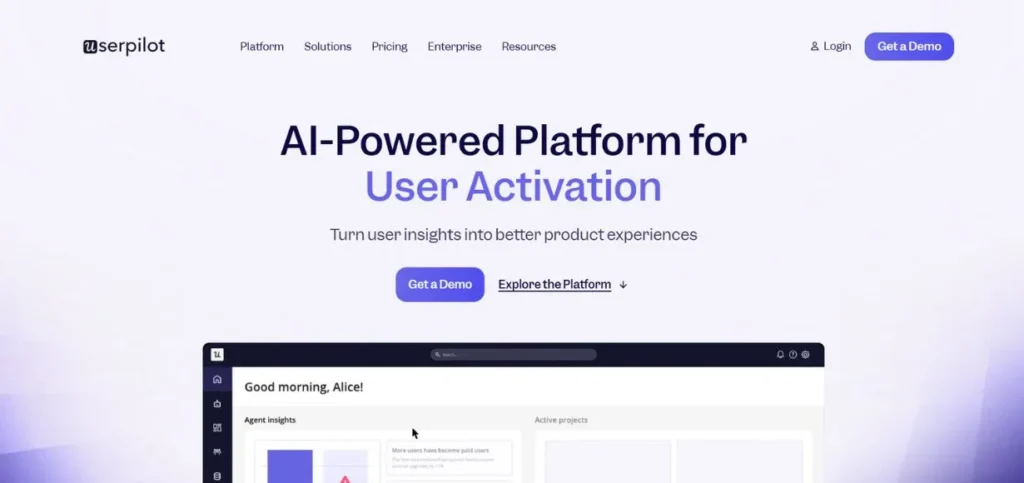
Userpilot is a User Growth Platform for SaaS companies to enhance User Onboarding and feature adoption. Built with a no-code editor, you can create tooltips, banners, checklists and modals. The thing that sets Userpilot apart is the combination of guidance, built-in analytics and surveys. It provides the ability to segment users based on behaviour and to show customized experiences. It’s an excellent choice for a compromise between light tools and heavy enterprise platforms.
Key Features:
- No-code flow builder
- In-app microsurveys
- Feature tagging and analytics
- Funnel and path analysis
- Segmentation and targeting
Pros:
- All-in-one platform
- Solid analytics built-in
- Affordable for mid-size teams
Cons:
- UI can feel busy
- Mobile support limited
- Advanced features need time
Pricing: Starts at $249/month.
5. Chameleon
Rating: 4.4/5
Website: https://www.chameleon.io/
Best For: Product teams who want highly flexible and customizable in-app experiences.
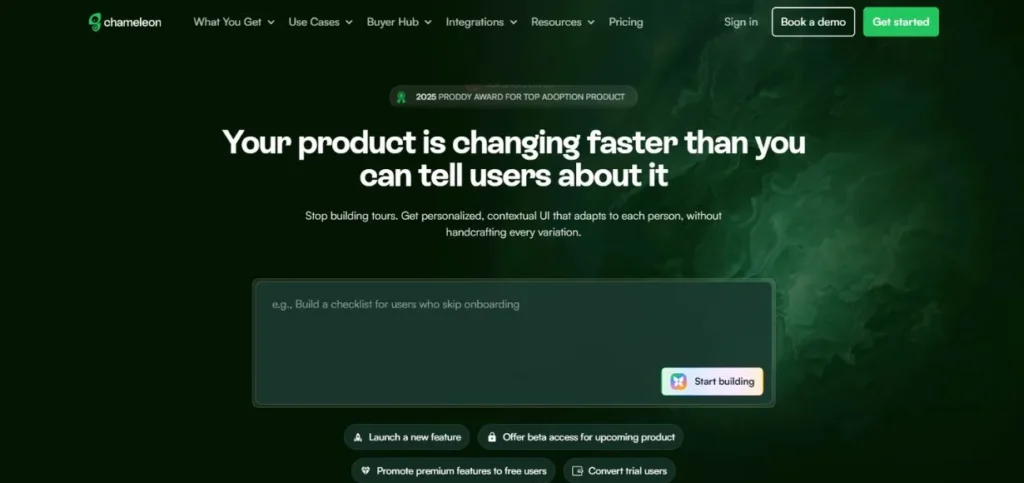
Chameleon is a no-code but developer-friendly tool for creating in-app product experiences. It’s flexible and allows you to create tooltips, tours, launchers, and surveys that are as unique as your brand. Chameleon is loved by teams with a design sensibility and that do not tolerate cookie-cutter style onboarding. It also comes with HelpBar—a spotlight search tool that enables users to get answers quickly. It integrates with analytics solutions such as Mixpanel and Amplitude.
Key Features:
- Highly customizable UI components
- HelpBar spotlight search
- Microsurveys and NPS
- Event and audience targeting
- Deep third-party integrations
Pros:
- Beautiful, branded experiences
- Flexible design options
- Strong integration support
Cons:
- Smaller feature set overall
- Takes time to fully customize
- Higher cost for advanced plans
Pricing: Free
6. UserGuiding
Rating: 4.7/5
Website: https://www.userguiding.com/
Best For: Small and mid-sized SaaS teams looking for an affordable onboarding tool.
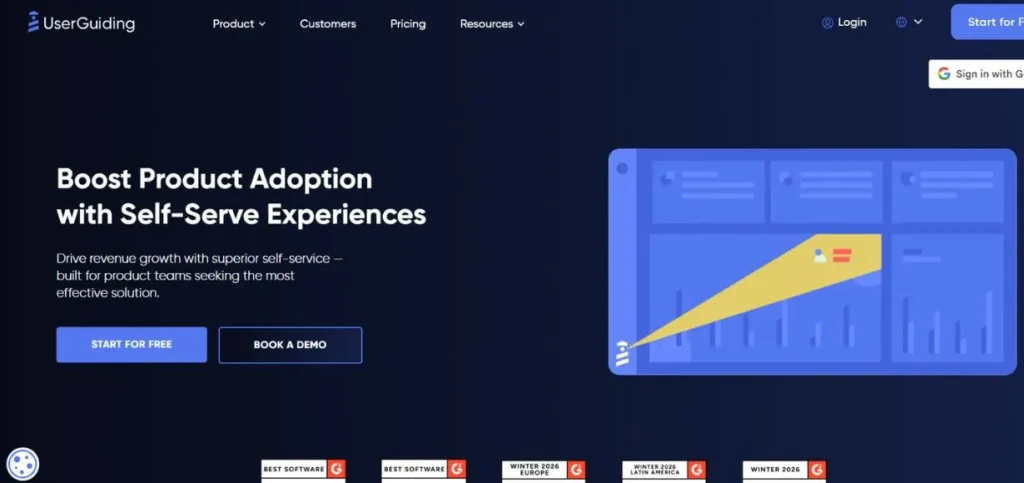
As one of the most affordable onboarding tools on this list, UserGuiding is worth considering. It enables you to build product tours, tooltips, resource centers, and checklists without coding. The platform is easy to use even by non-technical teams from day one. It might not provide as many of the sophisticated analytics capabilities of larger products, but it has the fundamental onboarding aspects pretty solid. UserGuiding is a good option for startups or expanding SaaS businesses that don’t have a lot to spend.
Key Features:
- No-code product tours
- Resource center / help widget
- Onboarding checklists
- Basic usage analytics
- Segmentation by user properties
Pros:
- Very affordable pricing
- Easy for non-technical teams
- Fast to get started
Cons:
- Limited analytics depth
- Fewer advanced features
- Not ideal for large enterprises
Pricing: Starts at $69/month.
7. Fullstory
Rating: 4.5/5
Website: https://www.fullstory.com/
Best For: Teams focused on understanding user behavior through session recordings and analytics.
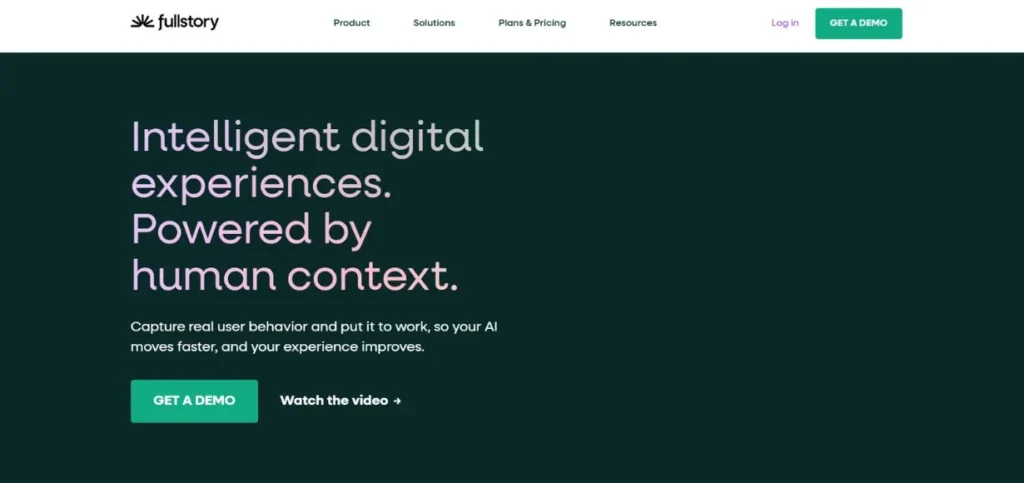
Fullstory is more of a behavioural analytics tool than a standard onboarding tool. It captures users’ sessions, includes click tracking features, and provides you with a clear understanding of where users get stuck in your product. It’s not just about helping users, it’s understanding them. Fullstory is great if your team is looking to identify and resolve pain points in your product. When used alongside a dedicated onboarding tool, it’s more effective to create a comprehensive digital adoption strategy.
Key Features:
- Session recording and replay
- Heatmaps and click maps
- Funnel and conversion analysis
- Rage click and error detection
- Audience segmentation
Pros:
- Deep user behavior insights
- Easy to share session clips
- Great for debugging UX issues
Cons:
- No in-app guide builder
- Can be expensive at scale
- Requires paired onboarding tool
Pricing: Free
8. Apty
Rating: 4.6/5
Website: https://www.apty.io/
Best For: Large enterprises that need employee onboarding on complex web applications.
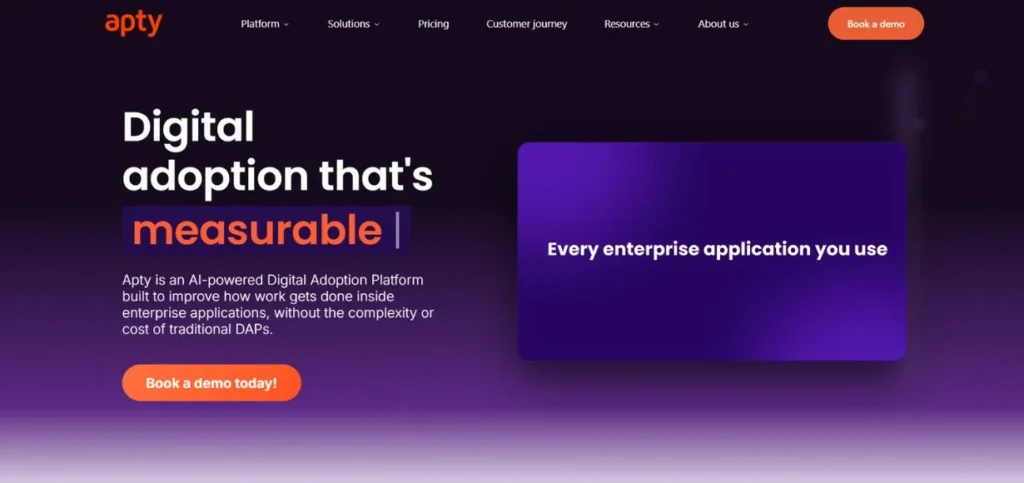
Apty is a digital adoption platform for enterprise teams. It emphasizes a lot on employee training and induction in web-based business applications. Develop workflows, validation rules and track compliance – without coding. Apty can be an excellent solution for businesses that employ platforms such as Salesforce, Oracle, or SAP and aim to minimize training time and support expenses. It provides analytics that will tell you exactly where employees are stumbling and where you can get better fast.
Key Features:
- Guided task workflows
- Data validation and compliance
- In-app announcements
- Advanced reporting dashboard
- Multi-application support
Pros:
- Strong enterprise-grade features
- Great for internal tools
- Compliance tracking built-in
Cons:
- Pricing not public
- Not ideal for small teams
- Setup requires some effort
Pricing: Custom pricing
9. Spekit
Rating: 4.7/5
Website: https://www.spekit.com/
Best For: Sales and revenue teams who need real-time in-app learning and enablement.
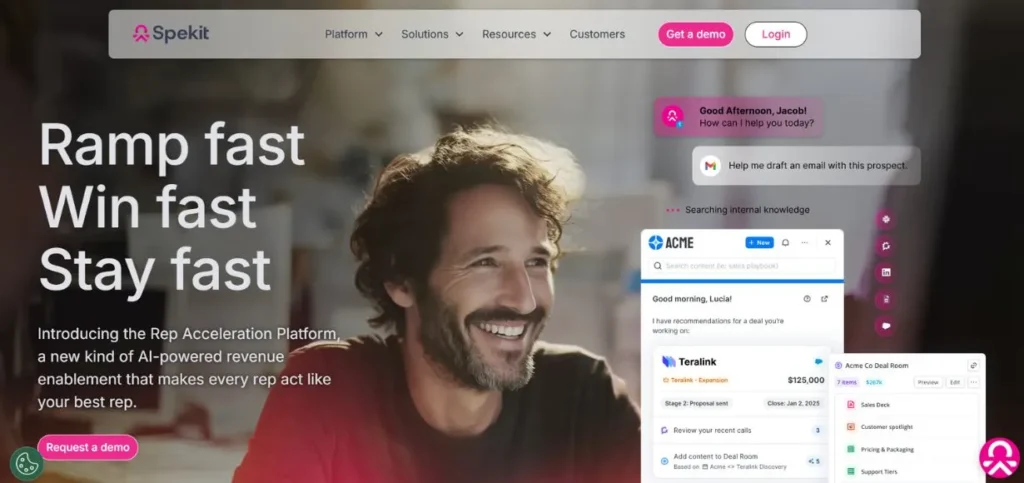
Spekit is not like that. It’s about just in time learning, where training material is pushed into the tools your team is already using, such as Salesforce or Slack. Users receive ‘snippets’ of information, rather than longer training sessions, when and where they require it. Spekit works wonderfully for sales enablement, CRM adoption, and to maintain alignment for a remote team. It also integrates with your existing information architecture, allowing you to easily surface the most relevant information at the right time.
Key Features:
- In-app contextual learning
- Salesforce-native integration
- Knowledge base integration
- Bite-sized training content
- Real-time content updates
Pros:
- Perfect for sales teams
- Real-time, contextual help
- Easy content management
Cons:
- Limited for product onboarding
- Niche use case focus
- Smaller customer base
Pricing: Starts at $20/user/month.
10. Tango
Rating: 4.8/5
Website: https://www.tango.us/
Best For: Teams that want to create step-by-step how-to guides quickly and easily.
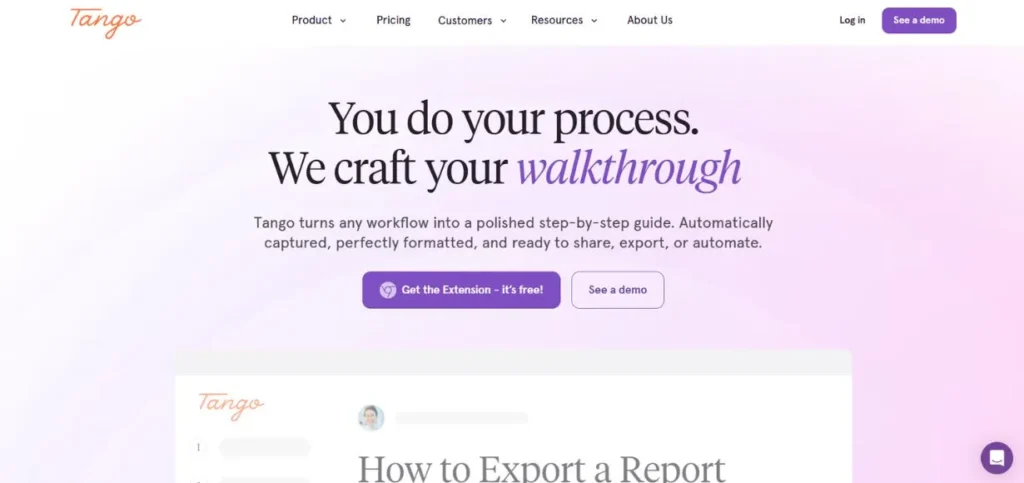
Tango is a quick and simple tool to capture and share step-by-step workflows. As you click through a process, it will automatically generate documentation that includes screenshots. Teams love it for creating SOPs, how-to guides, and training documents in minutes. It’s not really a DAP, but it’s a very handy tool for teams wishing to have simple and easily-shared process guides without doing any technical setup. It is one of the most user friendly tools on this list.
Key Features:
- Auto-capture click-through steps
- Screenshot-based guides
- Browser extension workflow
- Team sharing and collaboration
- Embed guides anywhere
Pros:
- Extremely fast setup
- Zero learning curve
- Free plan is generous
Cons:
- Not a full DAP solution
- Limited targeting options
- Basic analytics only
Pricing: Free plan available.
WalkMe Alternatives Comparison Table
| Tool | Pricing | Best For | Analytics Support | No-Code | Enterprise Ready | Customer Onboarding |
| WalkMe | Custom ($$$$) | Large enterprises | Advanced | Partial | Yes | Yes |
| Pendo | From ~$7K/yr | Product analytics teams | Advanced | Yes | Yes | Yes |
| Whatfix | Custom | Employee training | Good | Yes | Yes | Yes |
| Appcues | From $249/mo | SaaS onboarding | Basic | Yes | Partial | Yes |
| Userpilot | From $249/mo | SaaS growth teams | Good | Yes | Partial | Yes |
| Chameleon | From $279/mo | Flexible UI flows | Basic | Yes | Partial | Yes |
| UserGuiding | From $69/mo | Budget SaaS teams | Basic | Yes | Limited | Yes |
| Fullstory | Custom | UX behavior analysis | Advanced | No | Yes | No |
| Apty | Custom | Enterprise employee tools | Good | Yes | Yes | Yes |
| Spekit | From $20/user/mo | Sales enablement | Basic | Yes | Partial | Partial |
| Tango | From $16/user/mo | Process documentation | Minimal | Yes | Limited | Partial |
Best WalkMe Alternatives by Use Case
Best for Enterprises
For big enterprises, the best choices are Whatfix and Apty. Both tools support complex business applications, have role-based targeting capabilities, and include compliance and governance capabilities that enterprise teams require. They can handle thousands of users without breaking down.
Ideal for SaaS Businesses
SaaS companies should choose one of the two, and both Userpilot and Appcues are great options. They are designed to accommodate product teams, provide no-code editors, and integrate seamlessly with other tools such as Segment and HubSpot. Both are used to increase activation, engagement and retention without requiring any developer.
Best Budget-Friendly Option
The most economical one on this list is UserGuiding. At $69/month, it offers all the essential onboarding elements: product tours, checklists, tooltips and more — without the hefty price tag. Tango is also a very cheap option for teams that require primarily documentation and step-by-step instructions.
Ideal for Staff Development
In the realm of in-house employee training, Spekit and Whatfix are the stars. Spekit is particularly focused on the Salesforce platform’s sales teams, and Whatfix integrates with a broader range of enterprise applications and provides guided workflows with completion tracking.
Best for Product Analytics
This is where Pendo and Fullstory are the best options. While Pendo gives in-app guidance with analytics, Fullstory takes it one step further in analyzing session-level behavior. If you’re solely interested in user behavior, either one of these tools will work for you.
Best for Interactive Demos
One area in which Chameleon shines is the interactive product experiences. It is highly customizable with its bespoke components, so that you can create finished, branded flows that feel native to your product. It’s perfect for teams who are serious on the appearance and feel of their new hire induction.
WalkMe vs Competitors
WalkMe vs Pendo
WalkMe and Pendo are excellent platforms, but each with their own strengths. WalkMe is more about workflow guidance and employee enablability, and Pendo is more analytics focused. Pendo’s interface is easier to use for product managers and their pricing is more transparent. WalkMe requires more technical involvement to maintain. Pendo may be a better option for teams that prioritize analytics over guidance.
WalkMe vs Whatfix
This is a close comparison between both tools because of their enterprise digital adoption focus. Whatfix is in general less complex to set up and keep up. It has a more intuitive no code editor and even better ratings for customer support. WalkMe has more experience, but it takes more work to maintain. Whatfix is a fantastic option for businesses seeking enterprise power without all the work.
WalkMe vs Appcues
Both these tools are geared toward different audiences. WalkMe is created for large companies with complicated requirements, while Appcues is created for SaaS product teams looking to move quickly. A lot simpler to setup and much less expensive than Appcues. While some of WalkMe’s enterprise features are missing, for SaaS onboarding, it has everything most teams require, and it has it in a nice way.
WalkMe vs Userpilot
Userpilot provides a great combination of onboarding and analytics, at a lower price point than WalkMe. Much quicker to get running and not developer dependent. While WalkMe remains the market leader in terms of enterprise scalability and functionality, Userpilot offers more of what lean product teams are looking for when wanting to achieve results as soon as possible and having everything in one place.
Community Insights & User Opinions
Why Users Complain About WalkMe Pricing
WalkMe pricing is one of the most popular subjects in the online forums. Some of the people on G2 and Reddit say that the annual contract can cost anywhere between $30,000 and more than $100,000, depending on the plan. For startups and mid-size business, this is a deal breaker. Many users claim to have switched to less expensive products because they did not use most of WalkMe’s features.
Reddit Discussions on Maintenance Complexity
There have been posts about the pain of WalkMe flows on subforums such as r/saas and r/ProductManagement. In subreddits such as r/saas or r/ProductManagement, there are posts of frustration about maintaining WalkMe flows. Users note that every time the underlying software is updated, WalkMe walkthroughs often break and need to be rebuilt. This demands either the dedicated team member or ongoing support from WalkMe’s team, which increases the overall cost and efforts.
Preferring Lighter Tools Such as Tango and Scribe
Users who abandoned WalkMe or other powerful DAPs usually talk about moving to more basic DAPs such as Tango or Scribe in many conferences. These tools aren’t trying to do anything — they’re simply there to help document and share processes. For teams that are more focused on training guides and SOPs than in-app guidance, these are often touted as easy, quick and very useful.
How to Choose the Right WalkMe Alternative
It is all about selecting the correct tool for the correct job and being able to manage the thing or not. Here are some of the important considerations:
- Identify Onboarding Objectives — Do you need to onboard customers, employees or both? Your answer will help you quickly eliminate choices. There are tools that do a specific thing very well and there are tools that do a lot of things.
- Consider Implementation Complexity — Some tools will require only minutes to configure and others will require weeks of configuration. If you’re in a small team or you don’t have technical skills, focus on no-code editors and setup of the Chrome extension.
- Think about Scalability — This would be effective for 500 users and not 50,000. Consider the future of your business in two or three years and choose a platform that will be able to grow with you.
- Consider Total Cost of Ownership — the price tag comes with a price. Include implementation time, training and continuing maintenance. It can be more cost-effective to use a cheaper tool that you can manage with less effort than an enterprise platform.
- Look for Integration Compatibility — Your onboarding solution must be compatible with your current system, including CRM, analytics, helpdesks and more. The integration list should be reviewed prior to committing. Having a tool that doesn’t integrate into your existing system will solve more problems than it will help solve.
Final Thoughts
WalkMe is a good platform, but there are other platforms out there—and for some teams, that’s not the best one. There are a lot of awesome DAM tools around in 2026 that are more user-friendly, quicker to install, and significantly less expensive.For SaaS businesses, there are tools like Userpilot and Appcues that can’t be beat.When it comes to employee training, you can check out Whatfix and Apty.UserGuiding and Tango are good options for teams on a budget, as they don’t require the complexity.When you’re looking for serious analytics, Pendo and Fullstory are your go-to options.
Frequently Asked Questions (FAQs)
What is the top WalkMe Small Business alternative?
Both UserGuiding and Appcues are the best options for small businesses. UserGuiding is $69/month, and includes all the essential features for onboarding. Appcues is a bit more expensive, but provides more integrations and a slick editor.
Isn’t there a free alternative to WalkMe?
Yes. With Tango, you can create step-by-step guides and documentation with a free plan that is generous. Pendo also offers a free plan for basic in-app messaging.
What is the best Salesforce training alternative to WalkMe?
Spekit is designed with Salesforce and sales tools in mind. It provides context-based assistance right in Salesforce without leaving the platform.
What are the WalkMe alternatives vs WalkMe features?
With more support for enterprise compliance, employee workflows and offline mode, WalkMe is more comprehensive in scope. Pendo, on the other hand, offers more in-built product analytics capabilities and is more user-friendly for product managers to use on their own.
Do I need a developer to use WalkMe alternatives?
The majority of the tools in this list feature a true no-code editor, accessible to everyone: Appcues, Userpilot, UserGuiding, Chameleon and Tango. There are usually only a few steps to take: install a browser extension or a small bit of JavaScript, and then you can create flows visually.
