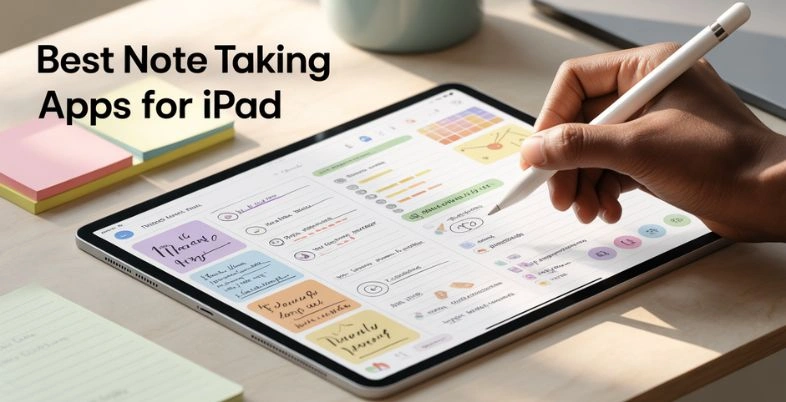
If you own an iPad, you already have one of the most powerful digital notebooks in your hands. You might be a student taking lectures, a professional attending meetings, or a creator planning ideas—but the right note taking apps for iPad can completely transform the way you capture and organise information. However, with so many apps available in the market, choosing the best one can feel overwhelming.
Some apps focus on smooth Apple Pencil handwriting, while others excel in typing, project organisation, or team collaboration. Some are designed for deep study and research, while others keep things simple and distraction-free. The best choice ultimately depends on how you use your iPad every day.
In this article, we have listed 15 best iPad note-taking apps based on features, ease of use, flexibility, and overall user experience. Whether you need powerful organisation tools, beautiful formatting, or a realistic writing experience, you’ll find the perfect app for your needs here.
How To Choose The Best Note-Taking App For Your iPad
- Preference in Writing vs Preference in Typing: Choose between the use of Apple Pencil or typing on a keyboard. Some apps are better suited to natural handwriting, and others are more structured and typical of a typed document and formatting.
- Organization System: Search and find applications with folders, tags, notebooks, or databases. With a good organization system, subjects, projects or meeting notes become very easily handled without one being overwhelmed.
- Sync and Cloud Backup: Select an application that is inter- devices. Cloud backup will make sure your notes are always safe and can be viewed on your iPhone, Mac or even windows devices.
- PDF and Document Support: In case you frequently use study material, reports, or eBooks, you should ensure that the app is able to annotate PDFs and import documents.
- Collaboration Features: Sharing and real-time collaboration can be critical to the students and the teams. There are apps in which two or more people can write or read notes.
Why iPad Is Perfect For Digital Note-Taking
- Apple Pencil Precision: Apple Pencil provides the user with a high response and fluid writing experience that is almost realistic.
- Paperless and Organized: Thousands of notebooks can be stored without the need of carrying a physical book, and this makes your workspace clean and efficient.
- Searchable notes that are handwritten: Numerous applications will enable you to search the text that is handwritten and it saves time when revising or when searching through old notes.
- Multitasking Support: iPad has a split-screen feature, and thus you can read a PDF on one side and on the other side, you can make notes.
- Easy Sharing and Exporting: It is easy to share digitized notes with classmates, colleagues, or clients because they can be saved in PDFs or Word files or images.
List of 15 Best Note Taking Apps for iPad
1. GoodNotes
Website: https://www.goodnotes.com
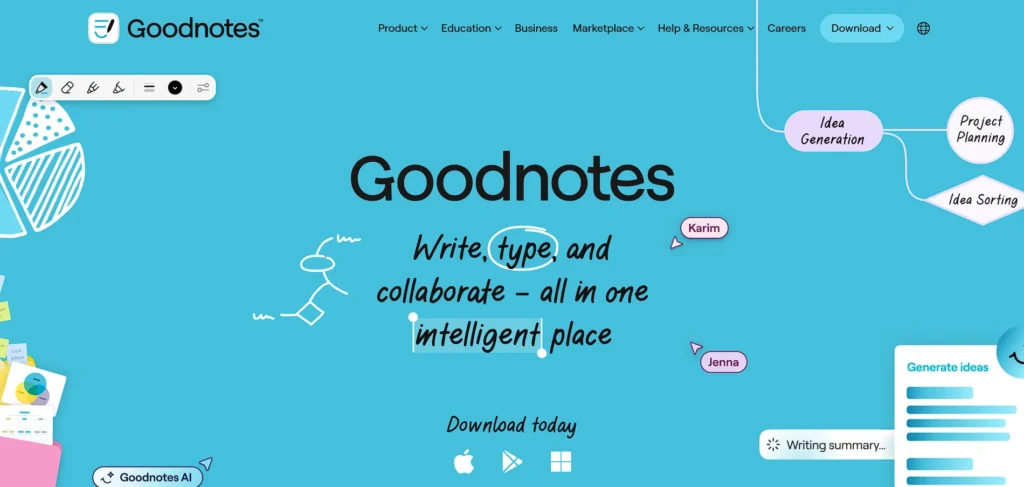
GoodNotes is one of the most popular note-taking apps for iPad users, especially among students and professionals. It offers a smooth handwriting experience with Apple Pencil, making it feel very close to writing on real paper. The app is designed for digital notebooks, planners, PDF annotation, and organized subject-wise note storage.
What makes GoodNotes stand out is its powerful organization system. You can create folders, subfolders, and custom covers to manage your notes neatly. It also allows you to search handwritten text, which saves a lot of time when revising long notes. Whether you’re attending lectures or planning projects, GoodNotes gives a clean and distraction-free writing environment.
Top Features
- Natural Apple Pencil writing experience
- Handwritten text search
- PDF annotation and markup tools
- Custom notebook covers and templates
- Folder and subfolder organization
Pricing
- Free
2. Notability
Website: https://www.gingerlabs.com
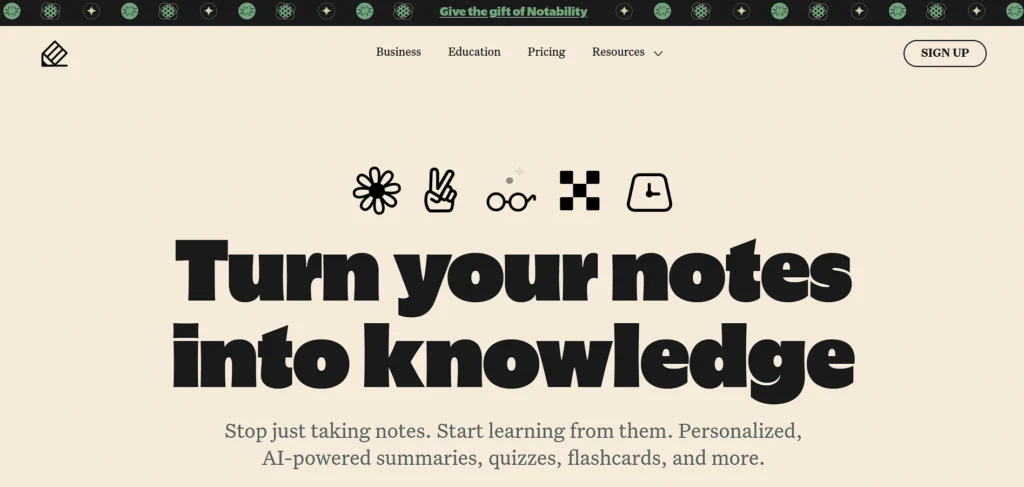
Notability is another top-rated note taking apps for iPad that combines handwriting, typing, and audio recording in one place. It’s especially useful for students who want to record lectures while writing notes. You can replay the recording and see exactly what you wrote at that moment.
The app provides a simple and user-friendly interface, making it easy to start taking notes immediately. Notability also supports cloud sync, so your notes stay updated across devices. With built-in drawing tools and PDF import options, it works well for both academic and professional use.
Top Features
- Audio recording synced with notes
- Handwriting and typing in the same note
- iCloud synchronization
- PDF annotation support
- Presentation mode for teaching
Pricing
| Starter | Plus | Pro |
| $0 | $20/yr | $99/yr |
3. Apple Notes
Website: https://www.icloud.com/notes
Apple Notes comes pre-installed on every iPad and is surprisingly powerful. It offers a clean interface for typing, handwriting, checklists, and document scanning. Because it is built into iPadOS, it works smoothly with other Apple services like iCloud and Siri.
One of the biggest advantages of Apple Notes is its simplicity and fast syncing across Apple devices. You can quickly create folders, pin important notes, and lock sensitive information with Face ID or password protection. For everyday note-taking and quick ideas, it’s more than enough.
Top Features
- Free and pre-installed on iPad
- Apple Pencil support
- Document scanning
- Secure note locking
- Seamless iCloud sync
Pricing
- Free
4. Microsoft OneNote
Website: https://www.onenote.com
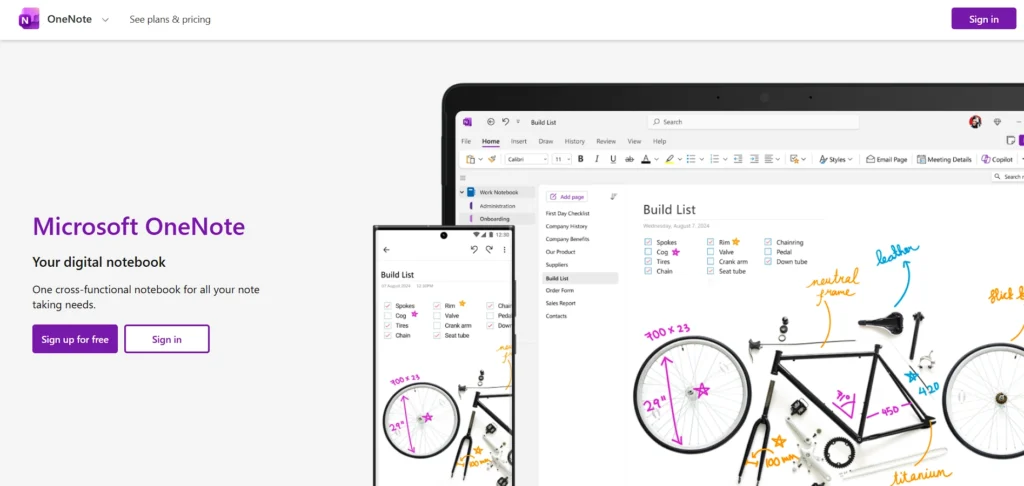
Microsoft OneNote is a powerful note-taking app designed for both personal and professional use. It uses a notebook-style layout where you can create sections and pages, making it easy to organize large amounts of information. It works great for students, office professionals, and teams, and is considered one of the most reliable note taking apps for iPad.
OneNote supports typing, handwriting, images, and file attachments. It also integrates well with Microsoft 365 tools like Word, Excel, and Outlook. If you already use Windows or Microsoft products, OneNote becomes a very convenient option for cross-platform note-taking.
Top Features
- Notebook-style organization
- Freeform canvas for writing anywhere
- Cross-platform support
- Microsoft 365 integration
- Cloud syncing via OneDrive
Pricing
- Free
Also read Sanskrit Learning Apps
5. Notion
Website: https://www.notion.so
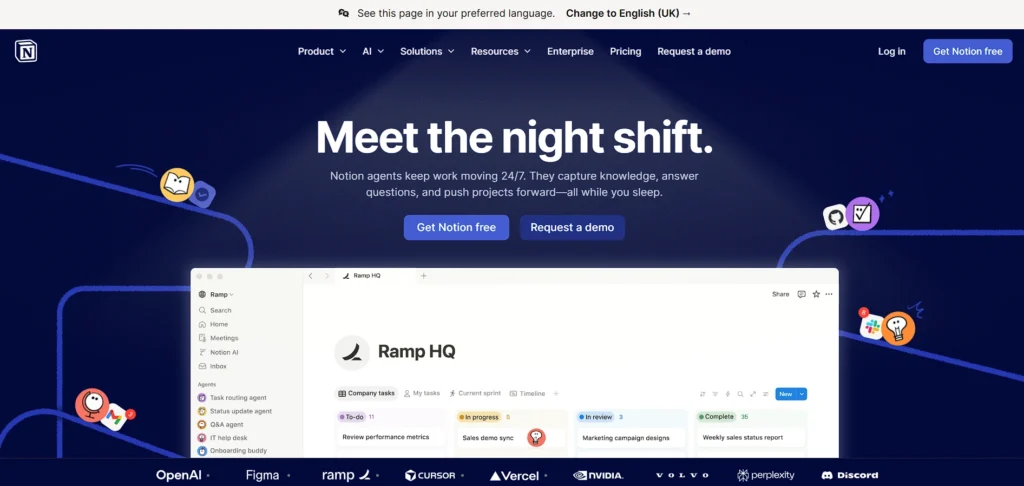
Notion is more than just a note-taking app—it’s a complete productivity workspace. On iPad, Notion allows you to create notes, databases, task lists, and project boards in one place. It’s ideal for users who like structured and organized digital systems.
The app supports collaboration, making it useful for teams and students working on group projects. While handwriting support is limited compared to GoodNotes or Notability, Notion excels in organizing information with templates, tables, and linked pages.
Top Features
- All-in-one workspace
- Database and table creation
- Collaboration and sharing
- Custom templates
- Cross-device syncing
Pricing
| Free | Plus | Business | Enterprise |
| $0 | $10/mo | $20/mo | Available on request |
6. MyScript
Website: https://www.myscript.com/notes/
MyScript is a powerful handwriting recognition app and one of the most advanced note taking apps for iPad, designed to turn your handwritten notes into clean digital text instantly. It is especially useful for iPad users who prefer writing with Apple Pencil but also want neatly formatted, editable notes. The app focuses on making handwriting as flexible and smart as typing.
One of the biggest strengths of MyScript is its ability to recognize text, diagrams, and even math equations accurately. You can write naturally, and the app converts everything in real time. This makes it ideal for students, teachers, engineers, and professionals who deal with formulas, structured notes, or technical content.
Top Features
- Advanced handwriting-to-text conversion
- Math equation recognition
- Interactive diagrams
- Multiple export formats (PDF, Word, etc.)
- Apple Pencil optimization
Pricing
- Available on request
7. Evernote
Website: https://www.evernote.com
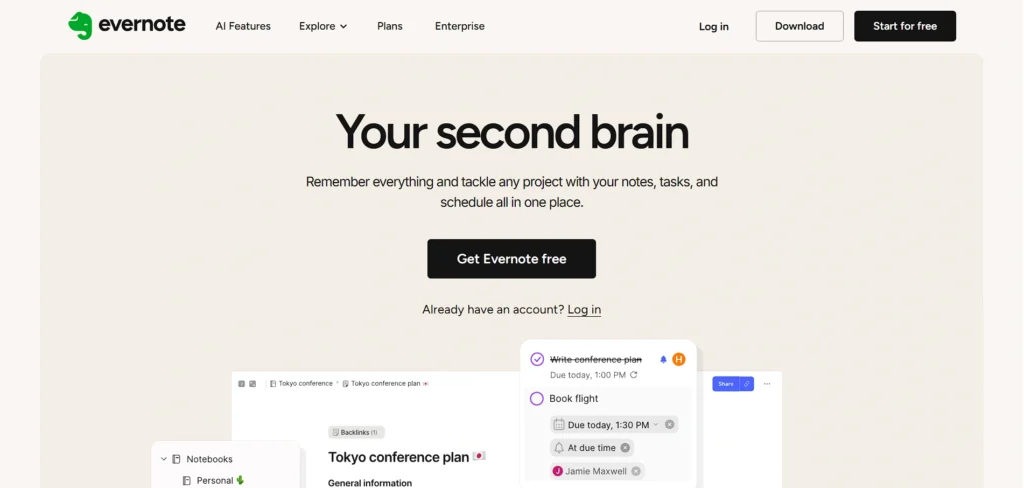
Evernote is one of the oldest and most trusted note-taking apps available on iPad. It is designed for capturing ideas, web clippings, meeting notes, and task lists in one organized place. The app focuses heavily on search and organization, making it easy to find information quickly.
Evernote allows you to sync notes across devices, so your content is always accessible. It also supports document scanning and web clipping, which makes it useful for research and business users. While it focuses more on typing than handwriting, it still supports stylus input.
Top Features
- Powerful search functionality
- Web clipper tool
- Document scanning
- Cross-device sync
- Task management services
Pricing
| Starter | Advanced | Enterprise |
| $5.49/mo | $8.47/mo | Available on request |
8. Bear
Website: https://www.bear.app
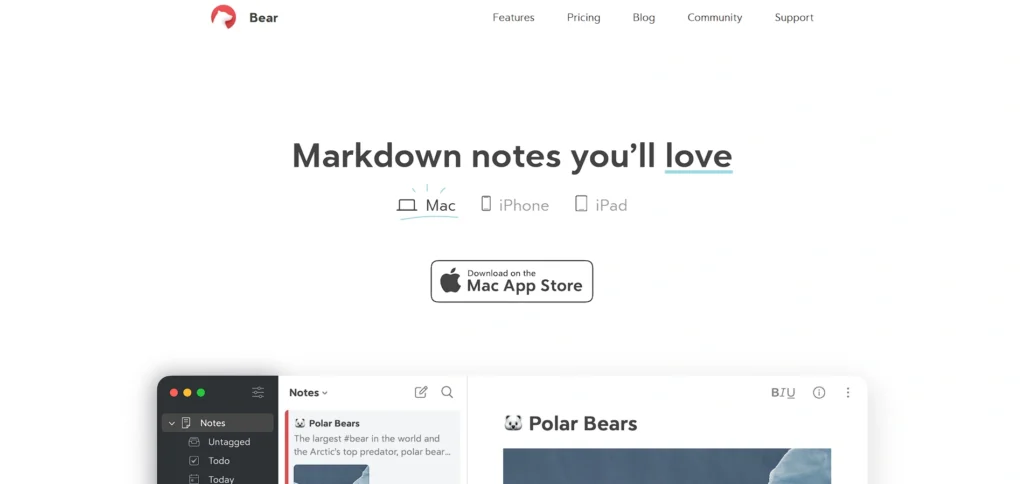
Bear is a beautifully designed note taking apps for iPad that focuses on writing and organization. It’s perfect for users who love a clean and minimal interface. Bear supports Markdown formatting, making it a favorite among writers, bloggers, and developers.
The app allows you to organize notes using hashtags instead of traditional folders. This makes it simple to categorize content without complex structures. Bear also supports syncing across Apple devices, making it ideal for users fully invested in the Apple ecosystem.
Top Features
- Clean and distraction-free design
- Markdown support
- Hashtag-based organization
- Apple device sync
- Export options (PDF, HTML, etc.)
Pricing
- Available on request
9. CollaNote
Website: https://www.collanote.com
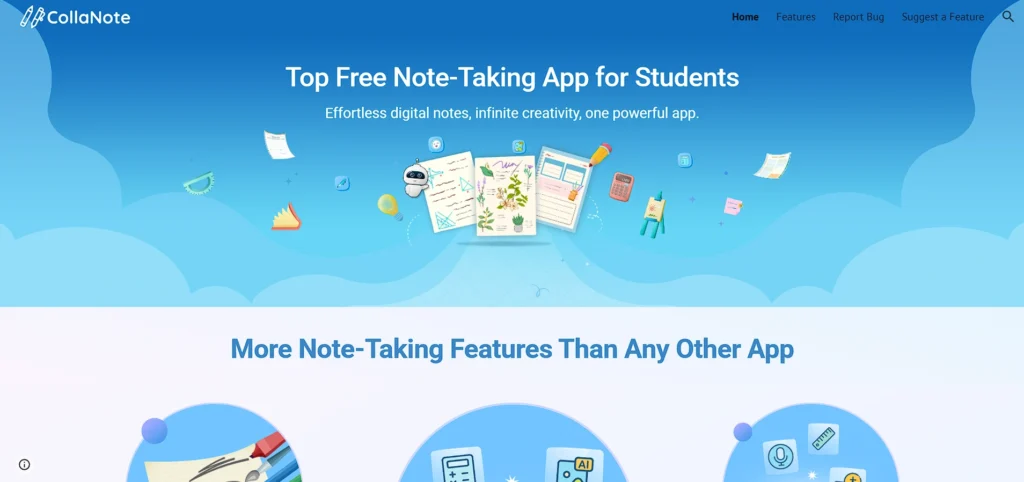
CollaNote is a free and feature-rich note-taking app designed mainly for students. It offers smooth handwriting, audio recording, and collaborative features. The app is lightweight but powerful, making it a strong alternative to paid apps like GoodNotes or Notability.
One of the standout features of CollaNote is real-time collaboration. You can share notes and work with classmates at the same time. It also offers PDF annotation, drawing tools, and customizable paper templates.
Top Features
- Real-time collaboration
- Audio recording
- PDF annotation
- Custom paper templates
Pricing
- Free
10. Zoho Notebook
Website: https://www.zoho.com/notebook
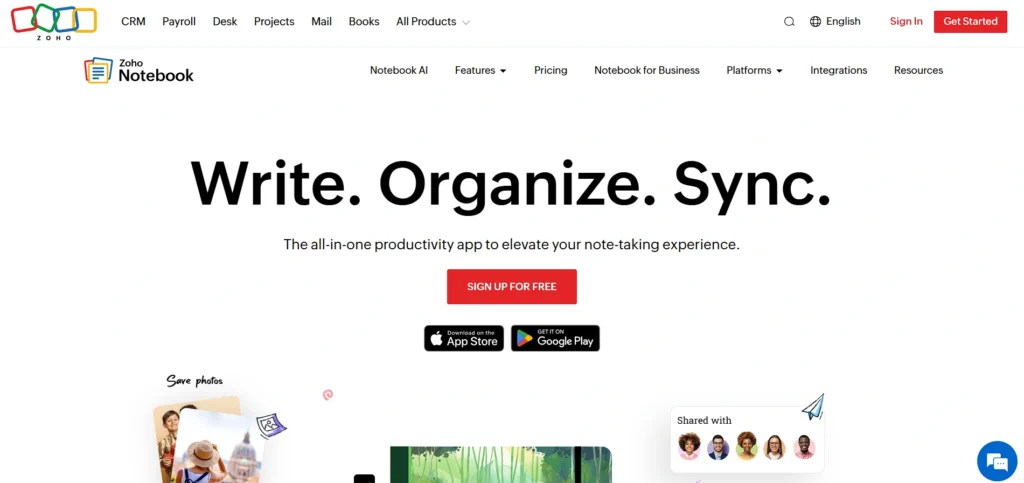
Zoho Notebook is one of the popular note taking apps for iPad, offering a colorful and card-style note-taking experience. Instead of traditional lists, notes appear as visually appealing cards. It supports text notes, checklists, sketches, audio notes, and document uploads.
The app is ideal for personal organization and creative users who like a visually engaging layout. Zoho Notebook also syncs across devices and integrates well with other Zoho productivity tools, making it useful for small business owners and professionals.
Top Features
- Card-style note layout
- Multiple note formats (text, audio, checklist)
- Cloud synchronization
- Secure note locking
- Integration with Zoho apps
Pricing
| Essential | Pro | Business |
| $0 | $0.92/mo | $3.66/mo |
11. MarginNote
Website: https://forum.marginnote.com/
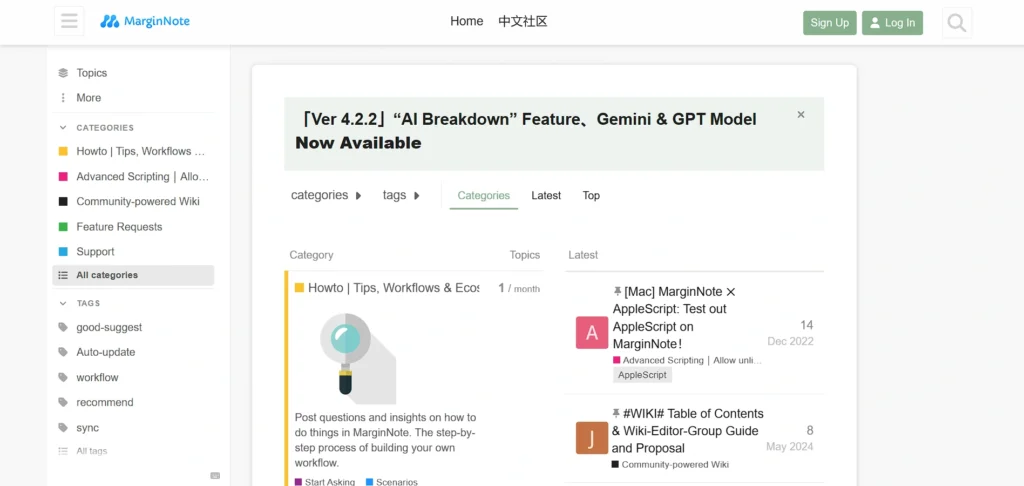
MarginNote is a powerful note-taking and study tool designed especially for students and researchers. It allows you to read PDFs and eBooks while creating mind maps and study notes at the same time. This makes it extremely useful for deep learning and exam preparation.
The app combines reading, annotating, and organizing ideas into one workspace. You can highlight text, extract notes, and link concepts visually. If you are preparing for competitive exams or doing research work, MarginNote helps you connect information more smartly.
Top Features
- PDF and eBook annotation
- Built-in mind mapping
- Flashcard creation
- Concept linking
- Split-screen reading and note-taking
Pricing
- Free
12. Noteshelf
Website: https://www.noteshelf.net
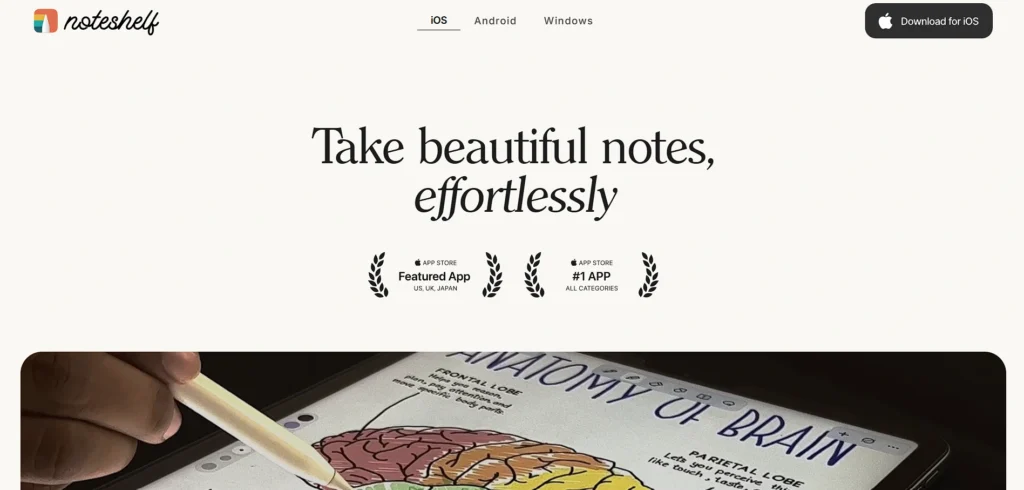
Noteshelf is one of the most popular note taking apps for iPad, offering a smooth and well-designed handwriting experience for users who love digital notebooks. It delivers a realistic writing feel with Apple Pencil and provides a wide range of paper templates, including planners, diaries, and subject notebooks.
The app supports audio recording and PDF annotation, making it useful for both students and professionals. Noteshelf also allows you to organize notes into categories and sync them across devices, ensuring your work is always accessible.
Top Features
- Natural handwriting experience
- Audio recording support
- Wide range of templates
- PDF import and annotation
- Cloud backup and sync
Pricing
- Free
13. LiquidText
Website: https://www.liqudtext.net
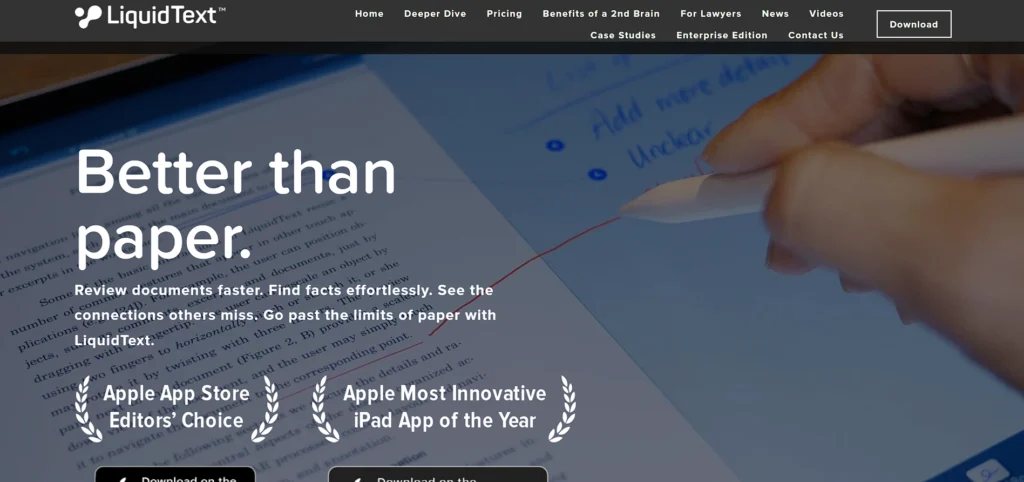
LiquidText is a unique note-taking app designed for reading and analyzing documents. It allows users to pull out important parts of a PDF and connect them visually. This makes it perfect for legal professionals, researchers, and advanced students.
The app provides a dynamic workspace where you can compare multiple documents side by side. You can highlight text, add comments, and create connections between ideas. LiquidText is ideal for users who work heavily with research papers or long documents.
Top Features
- Dynamic PDF workspace
- Multi-document comparison
- Highlight and comment tools
- Visual linking of ideas
- Cloud sync support
Pricing
| Basic | Pro | Live | Unlimited |
| $0 | $79.99 one time | $3.99/mo | $5.99/mo |
14. Craft
Website: https://www.craft.do
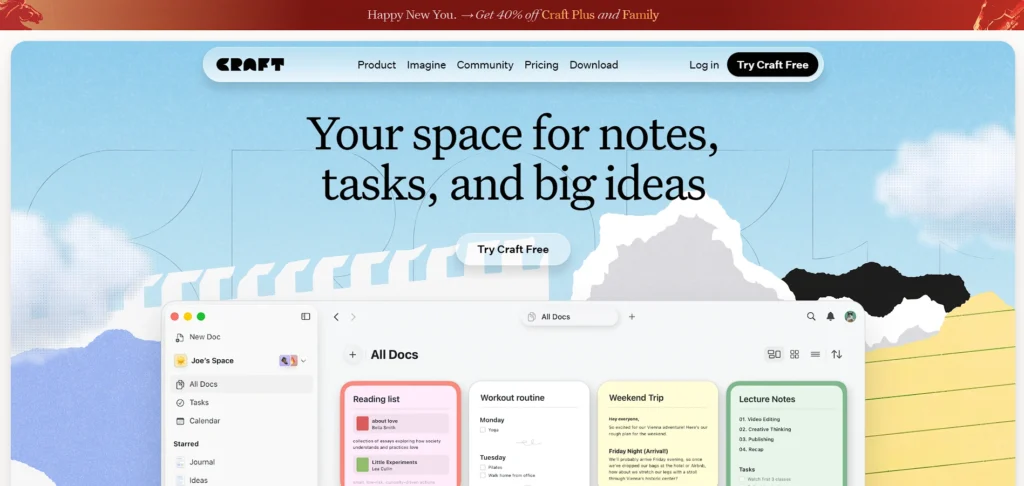
Craft is a modern note-taking and document-writing app designed for clean organization and beautiful formatting, making it one of the most elegant note taking apps for iPad. It works well for students, writers, and teams who want structured documents with strong visual presentation.
The app allows you to create pages within pages, making it easy to organize complex projects. Craft also supports collaboration and sharing, so teams can work together smoothly. It focuses more on typing than handwriting but excels in document creation and design.
Top Features
- Beautiful document formatting
- Nested page organization
- Collaboration features
- Cross-device syncing
- Easy sharing and export options
Pricing
| Starter | Plus | Premium | Team |
| $0 | $4.34/mo | $8.14/mo | $41.70/mo |
15. Simplenote
Website: https://www.simplenote.com
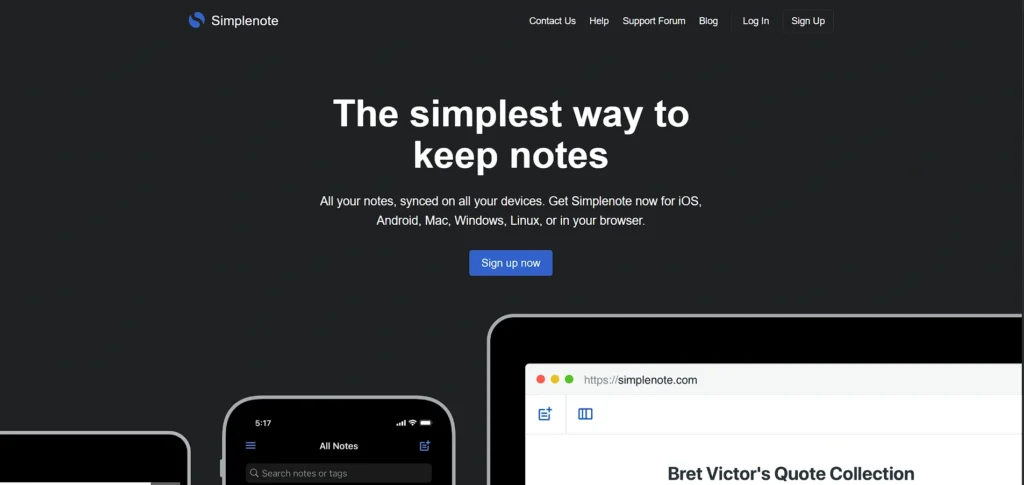
Simplenote is designed for users who prefer minimalism and speed. As the name suggests, it focuses on simple text notes without extra distractions. It’s lightweight, fast, and perfect for quick ideas or daily task lists.
The app syncs across devices instantly and keeps your notes backed up automatically. While it doesn’t offer advanced handwriting or design tools, it’s excellent for users who want a clean, no-frills note-taking experience.
Top Features
- Clean and minimal interface
- Fast syncing across devices
- Automatic backups
- Tag-based organization
- Completely free to use
Pricing
- Free
Comparison Table
| App Name | Handwriting & Apple Pencil Experience | Organization & Structure | PDF Annotation & Document Support | Collaboration & Cross-Platform Sync |
| GoodNotes | Excellent Apple Pencil support, smooth writing, handwriting search | Folders and subfolders with custom notebooks | Strong PDF annotation and export options | iCloud sync, limited real-time collaboration |
| Notability | Very smooth writing + audio sync with notes | Subject-based organization system | Powerful PDF markup tools | iCloud sync, note sharing supported |
| Apple Notes | Good Apple Pencil support, basic handwriting recognition | Folders, smart folders, search | Basic PDF and document scanning support | Seamless Apple ecosystem sync |
| Microsoft OneNote | Good stylus support, freeform canvas | Notebook > Section > Page structure | Supports PDF printouts and annotations | Strong cross-platform sync (Windows, Mac, iOS) |
| Notion | Limited handwriting support (typing-focused) | Advanced databases and nested pages | File attachment support, limited annotation tools | Excellent collaboration and cross-platform support |
| MyScript | Real-time handwriting-to-text and math recognition | Simple document-based structure | Exports notes in multiple formats | Cloud sync available, limited collaboration |
| Evernote | Basic stylus support (typing-focused) | Notebooks and tag-based organization | Document scanning and annotation support | Strong cross-device sync |
| Bear | Limited handwriting, typing-focused with Markdown | Tag-based organization system | Export to PDF/HTML, limited annotation tools | Apple ecosystem sync |
| CollaNote | Smooth handwriting, Apple Pencil optimized | Notebook-style organization | Strong PDF annotation tools | Real-time collaboration support |
| Zoho Notebook | Basic handwriting and sketch support | Card-style visual organization | Supports document attachments | Sync across devices, integrates with Zoho apps |
| MarginNote | Good handwriting support for study notes | Mind maps and linked study structure | Advanced PDF and eBook annotation | Cloud sync support |
| Noteshelf | Natural handwriting experience | Notebook categories and templates | Strong PDF import and annotation | Cloud backup and sync |
| LiquidText | Moderate handwriting support | Dynamic workspace with idea linking | Advanced multi-document PDF analysis | Cloud sync and sharing options |
| Craft | Typing-focused, minimal handwriting support | Nested pages and structured documents | File embedding, limited annotation | Strong collaboration and cross-device sync |
| Simplenote | No handwriting support (text-only) | Tag-based simple organization | No PDF annotation tools | Fast cross-platform syncing |
Conclusion
In conclusion, the best note taking apps for iPad depend on what you intend to use them for. If you enjoy writing with Apple Pencil, applications like GoodNotes, Notability, or Nebo offer a smooth and natural handwriting experience. If you prefer typing and organizing projects, apps such as Notion, Craft, or Microsoft OneNote may be more suitable.
The good news is that the iPad is powerful enough to support any note-taking style, whether it’s daily to-do lists or advanced research work. Most of these applications offer free versions or trial options, so you don’t have to rush your decision. Ultimately, the best app is the one that fits your workflow and helps you stay organized, productive, and stress-free.
FAQs
Which App Is Best For Apple Pencil Users?
GoodNotes, Notability, Noteshelf, and Nebo are excellent for Apple Pencil users. They provide smooth handwriting and advanced writing tools.
Can I Convert Handwritten Notes Into Typed Text on iPad?
Yes, apps like Nebo and GoodNotes allow you to convert handwritten notes into typed text. Apple Notes also has handwriting recognition features.
Which Note-Taking App Is Best For Students?
Students often prefer GoodNotes, Notability, or OneNote because they support PDF annotation, organization by subjects, and lecture recording.
Can I Use These Apps Without an Internet Connection?
Yes, most note-taking apps work offline. However, the internet is required for cloud syncing and collaboration features.
Are Paid Note-Taking Apps Worth it?
If you take notes regularly for studies or work, paid apps are usually worth it. They offer better organization, a smoother writing experience, and advanced features compared to basic free apps.