
Online forms are still one of the most practical tools for collecting information, qualifying leads, managing requests, and powering workflows. In 2026, the difference is not whether businesses use forms, but how intelligently those forms are built.
AI form generators now handle much of the setup process. Instead of manually adding fields and configuring logic, users can describe what they need and generate a structured form instantly. Layout, field types, and conditional rules are suggested automatically. Teams spend less time building and more time launching.
Today, we are focusing on the best AI form generators in 2026, getting deep into real-world usability. Every tool is evaluated on ease of use, customization, conditional logic, integrations, reporting, and scalability.
List of 10 Best AI Form Generators in 2026
1. Jotform AI Form Generator
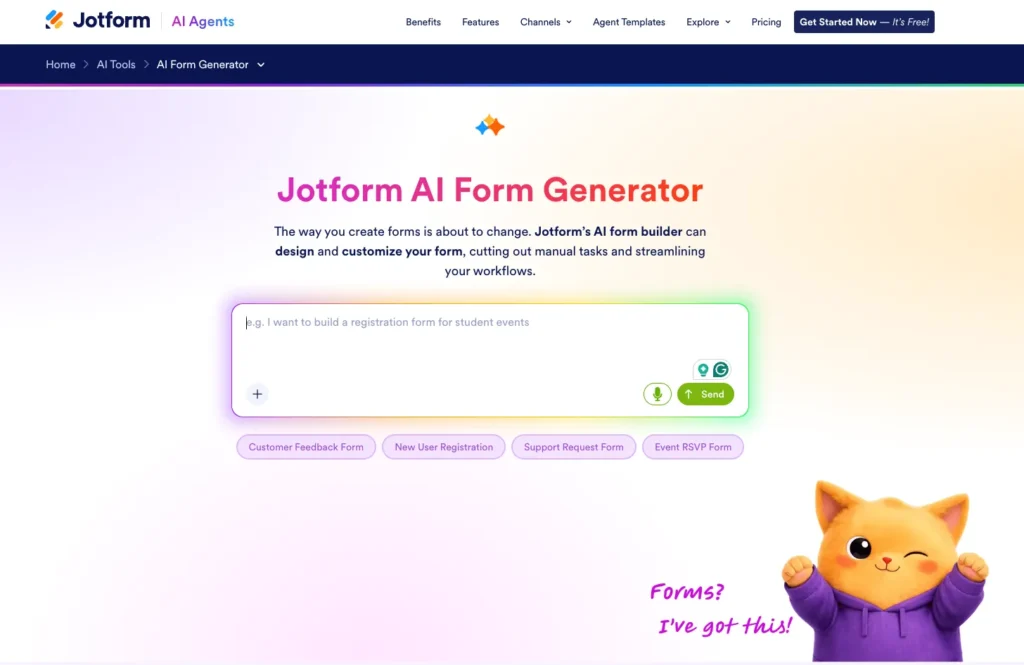
Jotform AI Form Generator stands out as the most complete solution in this category for 2026. It combines fast AI-driven form creation with advanced customization and workflow automation.
Users can describe their form in plain text and receive a detailed draft that includes logic, calculations, and structured sections. The editor allows full control over branding, customization, notifications, and integrations. Built-in payment processing, e-signatures, and automated PDF generation extend its use beyond simple data collection.
Jotform supports everything from contact forms to multi-step operational workflows. It performs reliably across devices and integrates with many third-party platforms.
Jotform AI Form Generator pros
- Accurate AI-generated forms with smart structure
- Advanced conditional logic and calculations
- Native payments and e-signature support
- Extensive integrations
- Strong reporting and data tools
Jotform AI Form Generator cons
- The interface may feel complex for first-time users
- More functionality than required for basic use
Jotform AI Form Generator pricing
Free plan available with limits. Paid plans expand submissions, storage, and advanced capabilities,
- Bronze: $34/month
- Silver: $39/month
- Gold: $99/month
- Enterprise: Custom pricing
Jotform AI Form Generator is best for
- Best for businesses that need a scalable AI form builder with strong automation, payments, and workflow control.
2. Feathery
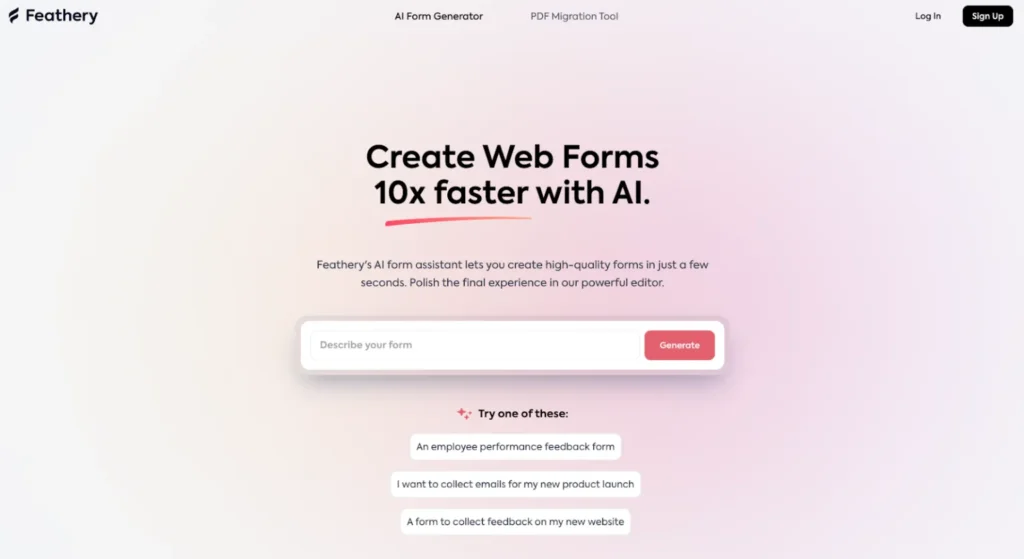
Feathery is designed for logic-heavy forms and structured workflows, so it is great to use in 2026. While it includes AI assistance for initial setup, its strength lies in handling detailed branching and dynamic multi-step flows.
Forms built with Feathery often resemble guided product experiences. This makes it suitable in 2026 for onboarding, eligibility checks, and structured applications. The interface offers significant control, though it may require more setup time than simpler tools.
Feathery pros
- Strong multi-step and conditional logic support
- Suitable for product-style forms
- Flexible integrations
- Detailed flow customization
Feathery cons
- Steeper learning curve
- Not ideal for quick, simple forms
- Design adjustments require effort
Feathery pricing
- Pricing depends on usage and advanced features, with higher tiers unlocking more complex capabilities.
Feathery is best for
- Best for product teams and workflows that rely on advanced conditional logic.
3. Google Forms with Gemini
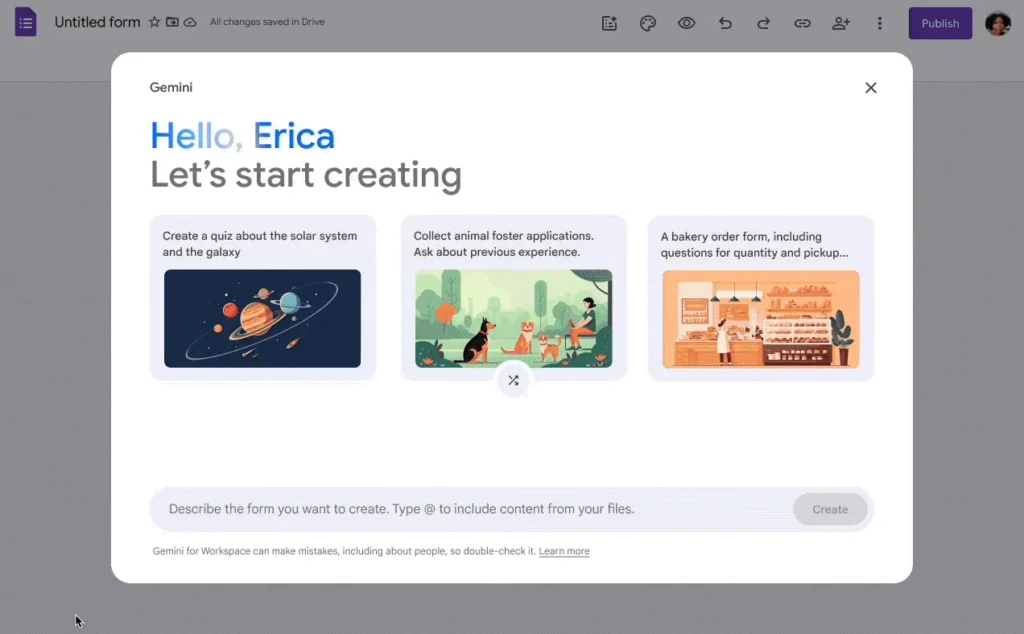
Google Forms with Gemini adds AI drafting assistance to a familiar form platform. Users can generate questions and summaries directly within the Google interface.
The platform remains focused on simplicity. Customization options are limited, and logic functionality is basic compared to specialized AI form builders. However, collaboration and integration with Google Sheets make it convenient for existing Workspace users.
Google Forms with Gemini pros
- AI-assisted question creation
- Seamless integration with Google Workspace
- Easy collaboration
- Quick setup
Google Forms with Gemini cons
- Limited design flexibility
- Basic conditional logic
- No built-in payment tools
Google Forms with Gemini pricing
- Free for individual use. Gemini features require appropriate Workspace plans.
Google Forms with Gemini is best for
- Best for internal surveys and simple data collection within Google environments.
4. Budibase
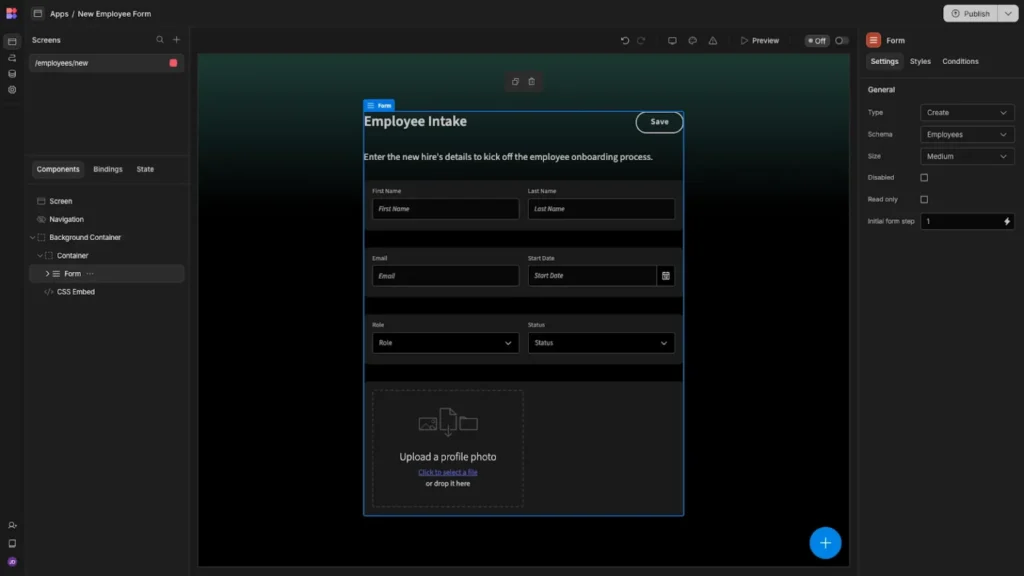
Budibase is primarily a low-code platform for building internal tools, but it also supports form creation, which is now powered by automation and AI features in 2026. Forms connect directly to databases and workflows within custom apps.
Rather than focusing on public-facing forms, Budibase emphasizes operational use. It allows teams to create internal dashboards, approval flows, and structured intake systems. Customization is strong, but it requires more technical familiarity than traditional AI form builders.
Budibase pros
- Deep integration with custom internal apps
- Flexible data management
- Suitable for internal workflows
- Low-code customization
Budibase cons
- Not focused on standalone public forms
- Requires more technical setup
- Design options are functional rather than visual
Budibase pricing
- Offers open-source and paid plans
- Pro Plan: $10 per app creator/month
- Premium: $50 per app creator/month
- Enterprise Plan: Custom quote
Budibase is best for
- Best for teams building internal tools that require forms connected to custom databases and workflows.
5. ClickUp Forms
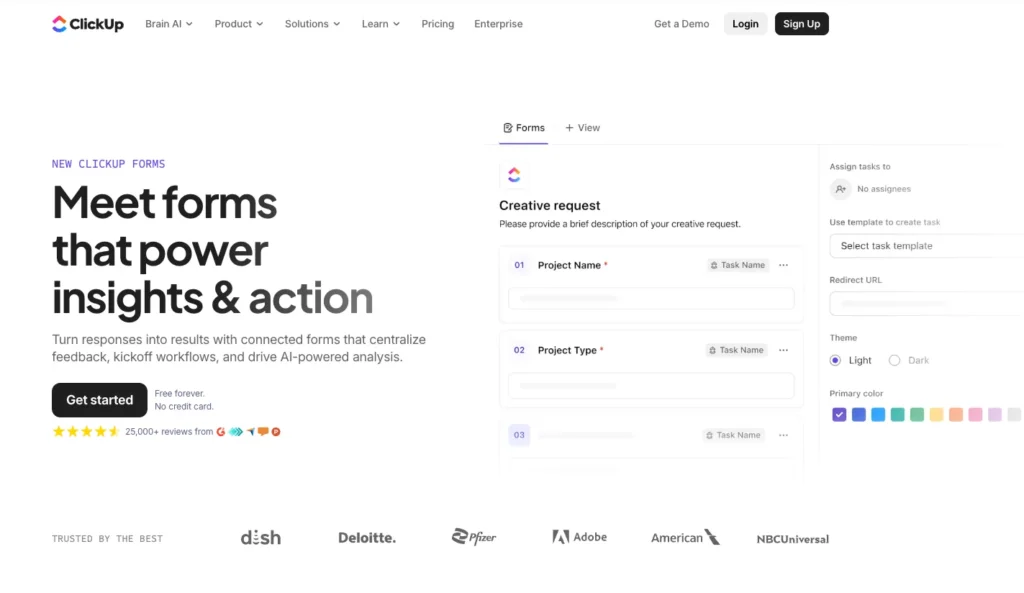
ClickUp Forms act as entry points into the ClickUp work management system. AI helps generate questions and map responses to tasks, statuses, and automations.
Submissions immediately become actionable items inside projects. This reduces manual handoffs and improves visibility. However, visual customization is limited because the focus is on operational efficiency rather than branding.
ClickUp Forms pros
- Direct form-to-task routing
- AI-assisted setup
- Strong internal automation
- Clear workflow integration
ClickUp Forms cons
- Limited external design flexibility
- Not suited for public marketing forms
- Most useful inside ClickUp ecosystem
ClickUp Forms pricing
- Free plan
- Unlimited: $7/user/month
- Business: $12/user/month
- Enterprise: Custom pricing
ClickUp Forms is best for
- Best for internal intake and request management within ClickUp teams.
6. Paperform

Paperform combines form building with flexible page editing. Users create forms in a document-style layout where content and fields appear together. AI assists in generating structured drafts and question suggestions.
The platform supports payments, bookings, and subscriptions. While logic rules are available, complex configurations may require additional setup. It appeals to businesses that care about presentation as much as function.
Paperform pros
- Flexible layout control
- AI-assisted drafting
- Built-in payments and scheduling
- Forms double as landing pages
Paperform cons
- Advanced logic requires extra configuration
- Smaller integration ecosystem
Paperform pricing
- Free plan available
- Essentials: $24/month
- Pro: $49/month
- Business: $99/month
- Enterprise: Custom pricing
- Agency+: $190/month
Paperform is best for
- Best for creators and service-based businesses that want visually polished, transactional forms.
7. Formstack
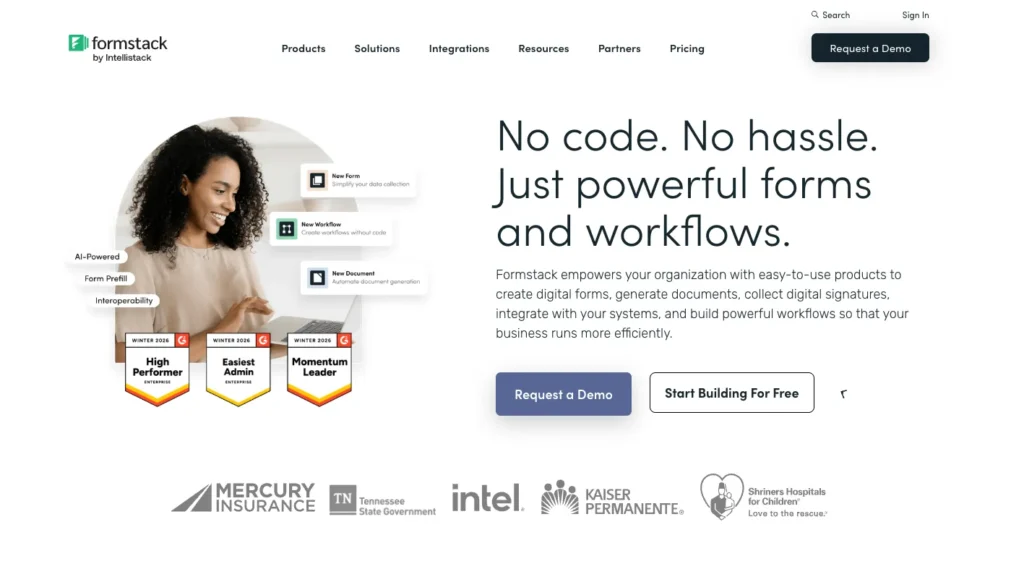
Formstack focuses on structured workflows and compliance-driven form processes. It supports AI-assisted creation alongside automation tools and enterprise integrations.
The platform handles approvals, document generation, and secure data collection. While design customization is moderate, its strength lies in operational reliability and regulatory features.
Formstack pros
- Strong workflow automation
- Compliance-focused features
- Enterprise integrations
- Conditional logic support
Formstack cons
- Higher cost than basic tools
- Interface can feel dense
- Limited creative design flexibility
Formstack pricing
- Forms: $83/month
- Suite: $250/month comes with forms, documents, and sign.
- Enterprise: Custom pricing
Formstack is best for
- Best for organizations that prioritize compliance and structured workflow management.
8. Tally
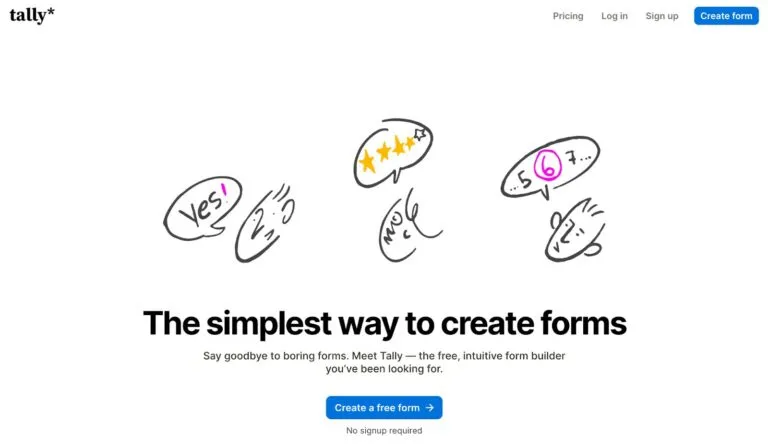
Tally offers a clean, text-based editor with AI assistance. One of the newer options for 2026, Tally forms are created by typing content directly, similar to drafting a document.
The platform supports conditional logic and essential integrations while keeping the interface simple. Branding controls are limited, but the tool is fast and easy to use.
Tally pros
- Simple editor
- AI speeds up form creation
- Generous free plan
- Mobile-friendly forms
Tally cons
- Limited visual customization
- Not suited for complex workflows
- Smaller integration list
Tally pricing
- Free plan
- Pro: $24/month
- Business: $74/month
Tally is best for
- Best for startups and small teams that need straightforward forms without complexity.
9. Zoho AI Form Generator
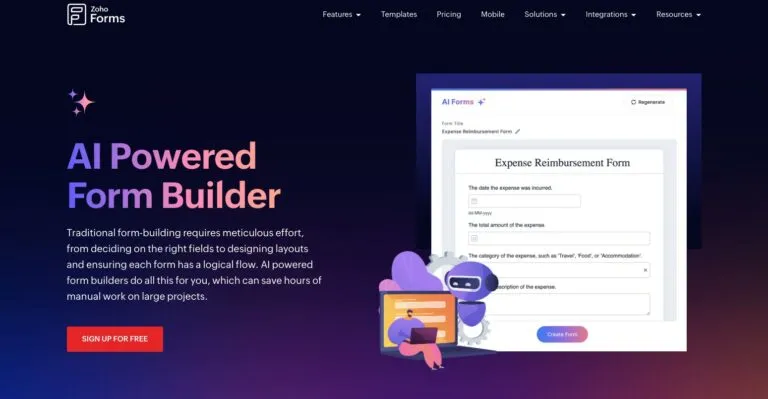
Zoho AI Form Generator integrates closely with Zoho’s business suite. AI helps create forms that connect directly to Zoho CRM and other applications.
The platform focuses on structured data collection and operational alignment rather than visual customization. It works best for businesses already using Zoho tools.
Zoho AI Form Generator pros
- Strong Zoho ecosystem integration
- AI-assisted setup
- Structured data handling
- Suitable for operational processes
Zoho AI Form Generator cons
- Limited design flexibility
- Most valuable within Zoho environment
- Interface may feel dated
Zoho AI Form Generator pricing
- Free plan available
- Basic: $10/month
- Standard: $25/month
- Professional: $50/month
- Premium: $90/month
Zoho AI Form Generator is best for
- Best for organizations operating within the Zoho ecosystem.
10. Formless by Typeform
Formless by Typeform is widely used in 2026 to transform forms into AI-driven conversations. Users interact with a guided chat-style interface instead of a traditional field layout.
This approach works well for short forms and lead qualification. It prioritizes engagement over data density. Longer or highly detailed forms may not fit this format as effectively.
Formless by Typeform pros
- Conversational AI experience
- Adaptive question flow
- Strong engagement
- Clean interface
Formless by Typeform cons
- Not ideal for complex or long forms
- Limited layout control
- Pricing increases with scale
Formless by Typeform pricing
- Free trial available
- Pro: Starts at $59/month
Formless by Typeform is best for
Best for marketing teams seeking interactive lead capture experiences.
How to Choose the Best AI Form Generator
When comparing AI form builders in 2026, consider:
- Level of logic and branching required
- Design and branding needs
- Integration with existing systems
- Workflow automation requirements
- Data security and compliance needs
- Scalability over time
For most businesses, a flexible AI form builder that supports automation and integrations will provide the strongest long-term value.
FAQs
What Is The Best AI Form Generator In 2026?
Jotform AI Form Generator offers the most balanced combination of AI creation, automation, and integrations.
Are AI Form Builders Suitable For Non-Technical Teams?
Yes. Most platforms are designed to simplify setup without coding.
Which AI Form Builder Is Best For Advanced Logic?
Feathery is well-suited for complex conditional workflows.
Can AI Form Generators Handle Payments?
Some platforms, such as Jotform and Paperform, include native payment support.